Apple showed off iOS 27, an updated Siri, and smart features powered by artificial intelligence. But for most iPhone owners, something else matters far more. Apple counted over 40 scenarios where the system became noticeably faster. Moreover, the company conducted some of its benchmarks on older models like the iPhone 11, so the speed boost will be felt not only by owners of the latest devices.
Apple claims it sped up everything it possibly could in the system
What Changed in iPhone Performance After Installing iOS 27
When announcing iOS 27, Apple emphasized that the system was rebuilt for speed and stability. Apps launch up to 30% faster, and this isn’t an abstract slogan but a specific list of over forty items.
Here are the main scenarios that Apple calls faster in iOS 27 and iPadOS 27:
- loading new photos in Photos — up to 70% faster
- opening full-screen mode from the Photos widget and rendering the Collections tab
- starting iCloud Photos uploads
- launching the camera in Low Power Mode
- adding recent photos in Messages
- loading the start page and running web apps in Safari, JavaScript processing
- loading emails in Mail
- connecting and updating smart home accessories (HomeKit)
- opening the Now Playing screen and starting playback in Apple Music
- updating data in Health and starting a workout in the Workout app
- launching apps — up to 30% faster
- connecting via AirPlay to Apple TV and HomePod
- file transfer via AirDrop — up to 80% faster, plus quicker recipient discovery
- text recognition in photos and documents, saving PDFs
- loading emoji keyboards and stickers
- faster and more reliable NFC reading
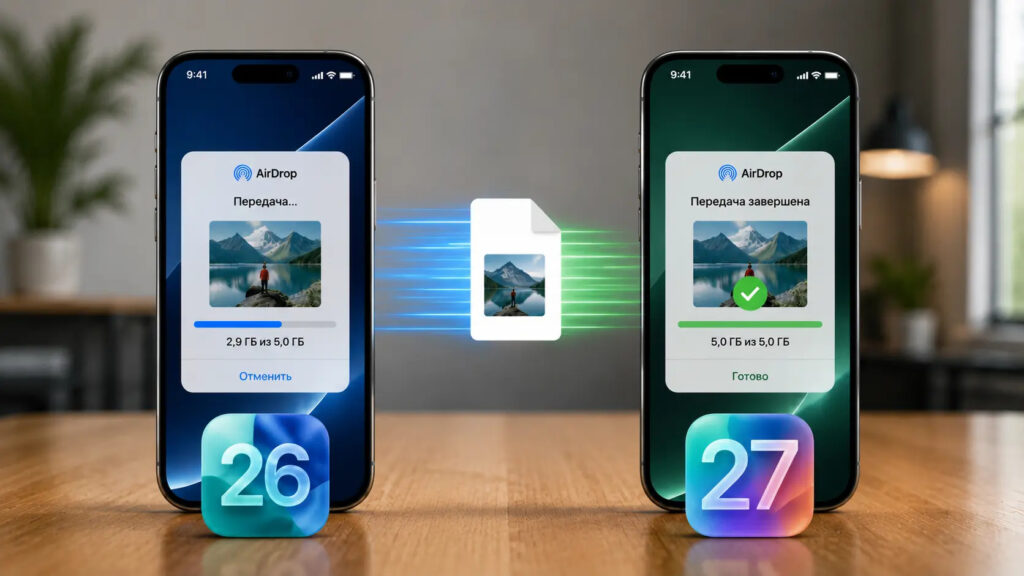
AirDrop in the new system is faster, and this has already been verified
The company also separately noted speedups for iPadOS (browsing and transferring files, switching and closing windows, accessing the menu bar), macOS (account creation), watchOS (media playback and launching extensions), and visionOS (system boot and Wi-Fi connection). The list turned out to be impressive and covers nearly all everyday device usage scenarios.
Which iOS 27 Speed Improvements Are Noticeable Every Day
Most of the items are small delays that repeat many times throughout the day. By themselves, fractions of a second go unnoticed, but it’s exactly these that create the feeling that the phone is lagging or, conversely, flying.
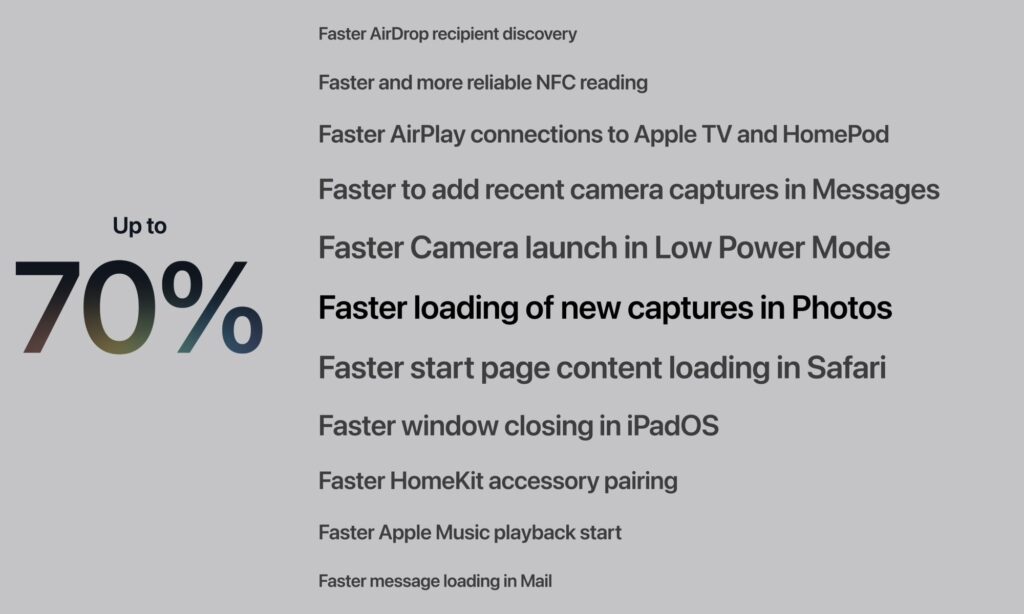
Apple named over 40 points where it sped up the OS
The most noticeable improvements are where Apple provided percentages. Photo loading up to 70% faster will benefit those who frequently take photos and immediately browse the gallery. AirDrop up to 80% faster is noticeable when transferring videos and large photo folders between iPhone, iPad, and Mac. And the 30% faster app launch speed you’ll notice literally every time you open a messenger, banking app, or camera.
The rest are pleasant little touches: Now Playing opens faster, music starts more quickly, emoji keyboards load instantly. Individually, no single item is a reason to update, but together they change the overall impression of the system. That’s exactly how speed perception works: the eye catches not gigabyte records but the fact that the interface stops stumbling on flat ground.
Does iOS 27 Speed Up Older iPhone Models
The most interesting part is what Apple used for its benchmarks. iOS 27 supports iPhone 11 and newer models, and the company collected some of its performance metrics specifically on these devices.
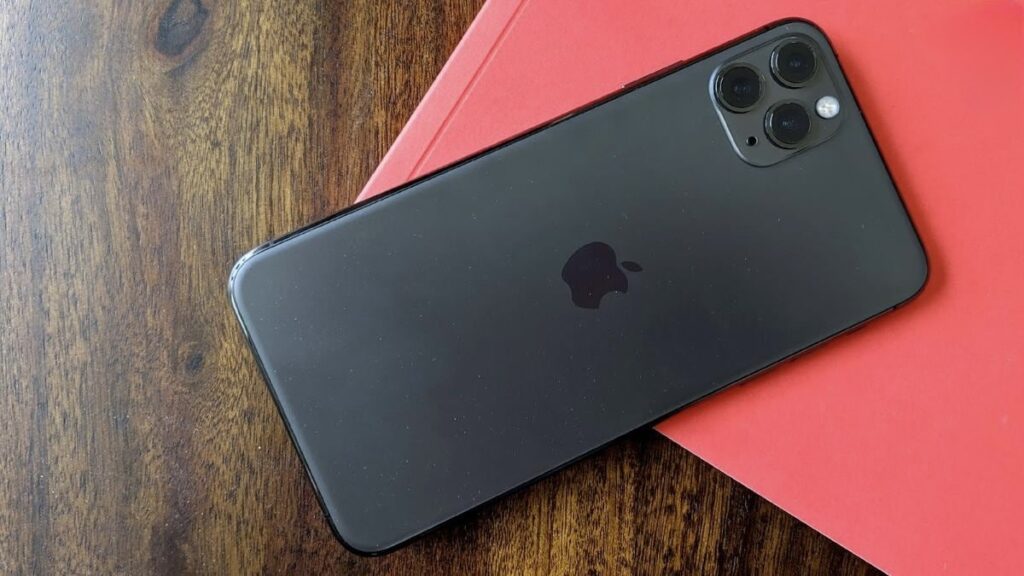
Some tests were conducted on iPhone 11 Pro Max
For example, the figure about apps launching 30% faster was derived by Apple from a test on iPhone 11 Pro Max: they compared speed on one device running iOS 26.4.2 and another running iOS 27. This is a rare case where an update doesn’t slow down an old phone but actually speeds it up. If you have an iPhone 11, 12, or 13 and have long been looking for a reason to update without risking slowdowns, here it is.
Before installing, it makes sense to check the full list of supported iPhones to make sure you don’t miss with the model. For very old devices, the boost will be more modest than Apple claims, but even a minimal speedup on a four-year-old phone is more pleasant than the usual slowdown after major updates.
iOS 27 Release Timeline: Beta, Public Beta, and Release

Remember that only the first beta has been released so far, and it may still be unstable
For now, iOS 27 is available only to developers as a beta. The public beta will arrive in July, and the final release for everyone will come in the fall. If you want to know when iOS 27 will be released in a stable version, we’ve gathered all the dates in a separate article.
There’s no need to rush with the beta: early builds are often unstable and drain the battery more heavily. All the claimed speed improvements are Apple’s words based on its own tests, not independent benchmarks, so treat the percentages as a guideline rather than a guarantee. We’ll see the real picture closer to the fall release, when millions of users will have tested the system on a wide variety of models.
Right now, it only makes sense to jump into the betas if you’re prepared to put up with bugs for early access. Everyone else would be wiser to wait a couple of months: the speed improvements aren’t going anywhere, and your phone will remain a reliable working tool without surprises.