Figuring out how iPhone holds its charge on iOS 26.5.2
iOS 26.5.2 has arrived on iPhone — Apple released another update and, unlike iOS 26.5.1, which was only available to iPhone 17 and iPhone Air owners, this build rolled out to the entire supported lineup. Don’t expect any major features, but the main question immediately arises: how has iOS 26.5.2 affected iPhone battery life, and does the battery drain faster after installation? The battery life test is already done — we’re comparing the fresh numbers with the May measurement on iOS 26.5 and figuring out who benefited from the update.
What’s New in iOS 26.5.2
Minor updates like iOS 26.5.2 rarely bring headline features, and this case is no exception — Apple focused on bug fixes and security patches, leaving the interface and feature set untouched. The company traditionally described the full list of changes sparingly.
What’s far more interesting is iPhone battery life after iOS 26.5.2, since even a minor patch can noticeably shift battery life in either direction. That’s exactly what the test checked, to put the eternally arguing iPhone owners at ease.
How iPhone Battery Life Changed on iOS 26.5.2
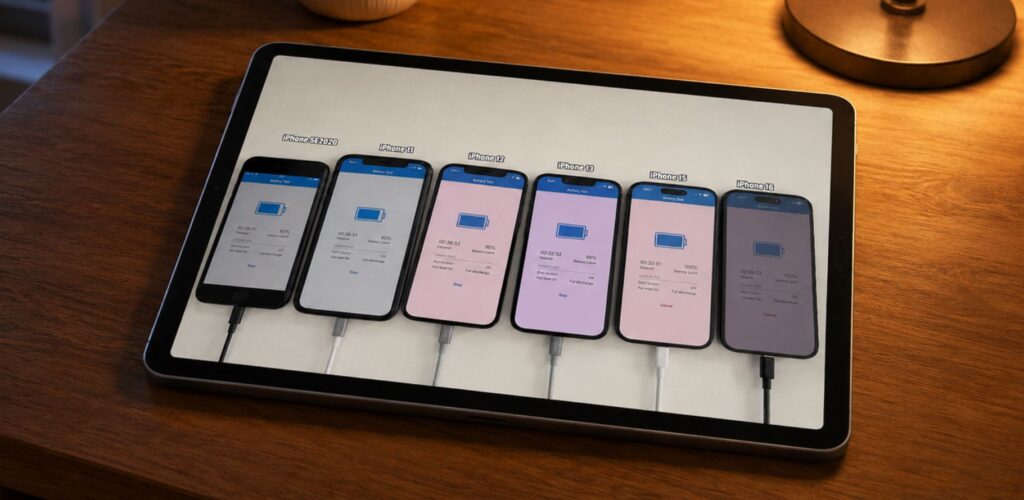
Battery life was measured as usual by blogger iAppleBytes: same methodology — identical screen brightness, identical workload scenario, and different but comparable battery health. At the moment, this is the most objective way to measure iPhone battery life after an update and observe changes over time.
Another battery life test — almost a celebration!
The test includes the same six models, from iPhone SE 2020 to iPhone 16. I compiled the results into a table and added three reference points: the May iOS 26.5, the release iOS 26, and last year’s iOS 18.5. The numbers turned out to be a mirror image of the previous measurement — the models seemed to have swapped roles.
| Model | iOS 26.5.2 | iOS 26.5 | iOS 26 | iOS 18.5 |
|---|---|---|---|---|
| iPhone SE | 3 hours 18 minutes | 3 hours 40 minutes | 3 hours 16 minutes | 3 hours 19 minutes |
| iPhone 11 | 4 hours 50 minutes | 4 hours 46 minutes | 5 hours 21 minutes | 5 hours 25 minutes |
| iPhone 12 | 5 hours 53 minutes | 5 hours 46 minutes | 5 hours 49 minutes | 5 hours 49 minutes |
| iPhone 13 | 6 hours 31 minutes | 7 hours 4 minutes | 5 hours 44 minutes | 6 hours 47 minutes |
| iPhone 15 | 9 hours 1 minute | 7 hours 57 minutes | 9 hours 51 minutes | 9 hours 4 minutes |
| iPhone 16 | 13 hours 57 minutes | 14 hours 48 minutes | 14 hours 34 minutes | 14 hours 20 minutes |
Obviously, there are a lot of numbers. Comparing them all on the fly won’t work. We analyzed everything and figured out whether iOS 26.5.2 kills iPhone battery. Below you’ll find a lot of interesting details.
iOS 26.5.2 — Battery Life Comparison with iOS 26.5 and iOS 18.5
iOS 26.5.2 once again split the lineup into two camps, only this time the winners and losers swapped places. In May, the biggest victim was the iPhone 15, while the record-holder was the iPhone 13. Now it’s exactly the opposite. Let’s break it down by model.
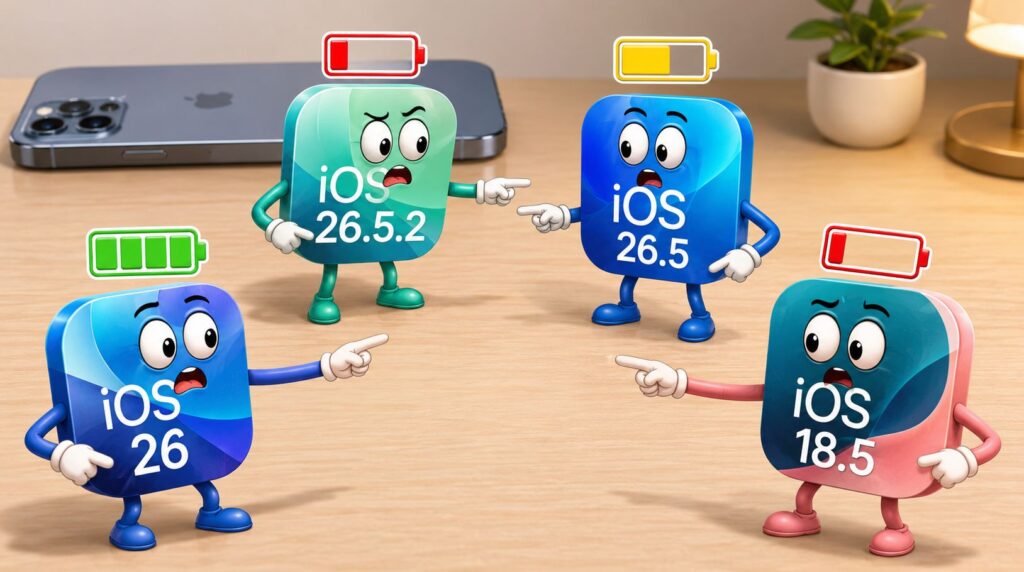
Comparing multiple versions helps understand what happened with battery life throughout the year
- iPhone SE — minus 22 minutes compared to iOS 26.5 and a return to the usual 3 hours 18 minutes. The old device delivered the same result a year ago and on the iOS 26 release, so there’s no reason to panic: this is its normal level, and the May spike was more of a lucky exception.
- iPhone 11 — plus 4 minutes compared to iOS 26.5, which is within the margin of error. However, compared to last year’s iOS 18.5, the picture is gloomier — minus 35 minutes. The device with the A13 Bionic is objectively struggling, and an active user can no longer get by without a power bank.
- iPhone 12 — the epitome of composure. 5 hours 53 minutes nearly matches all four builds in the table, with a spread of less than 15 minutes. iPhone 12 owners can install the update without hesitation.
- iPhone 13 — the May record-holder that has stepped down from the podium. Minus 33 minutes compared to iOS 26.5, but 6 hours 31 minutes is still noticeably higher than the release iOS 26, where it was only 5 hours 44 minutes. So it’s not a regression, but a return to normal after an anomalous peak.
- iPhone 15 — the hero of this update. After its poor showing on iOS 26.5, where it managed a mere 7 hours 57 minutes, the model gained over an hour and returned to 9 hours 1 minute. This is on par with iOS 18.5 and nearly matches the iOS 26 release — Apple seems to have heard the complaints and fixed what it broke in May.
- iPhone 16 — and now it’s in the victim’s role. Minus 51 minutes compared to iOS 26.5, and the result even dropped below iOS 18.5. The flagship still lasts the longest in the test, but the trend on this build is negative for it.
How iOS 26.5.2 Affected iPhone Battery Life — Conclusions
An important disclaimer: iPhone battery life tests are always synthetic, and your specific device will show different numbers. Real-world battery life is affected by many factors, from battery health to network signal strength. That’s why we also asked real subscribers: over 700 people participated in our poll, which can be considered a success. Here’s what they say.
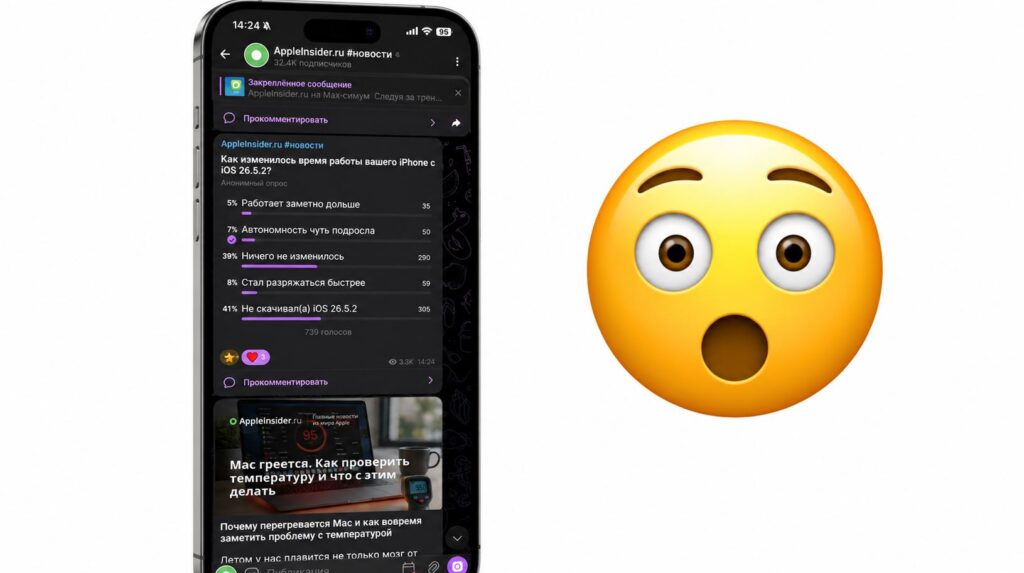
For the most part, our readers don’t notice any changes
- 8% noticed decreased battery life with iOS 26.5.2.
- 39% didn’t see any difference.
- 5% believe that iPhone battery life noticeably improved after the update.
- 7% believe that iPhone battery life slightly degraded.


