The fix for losing time to Reels may not be deleting apps but removing the small reasons you pick up your phone in the first place. That is the argument of a first-person piece published by AppleInsider.ru. Its author says he would unlock his iPhone just to check the time and then find himself 20 minutes deep in a Reels feed, several times a day. He did not want to delete social media or switch to a basic phone, because he needs the iPhone for work. Instead, he identified three everyday triggers (checking the time, reading and jotting down notes) and replaced each with a simple non-smartphone tool. This is one person’s account rather than a controlled study, but the method is easy to try.
What you need to know
- The author targeted three triggers for unlocking his iPhone: checking the time, reading books and writing down notes or plans.
- He swapped them for a quartz wristwatch, an E Ink e-reader and a paper planner, without deleting Telegram or YouTube.
- He argues that an Apple Watch does not solve the problem because it still vibrates for every message.
- His suggested first step is to start with a watch, then use Settings > Screen Time to see how often you pick up your iPhone.
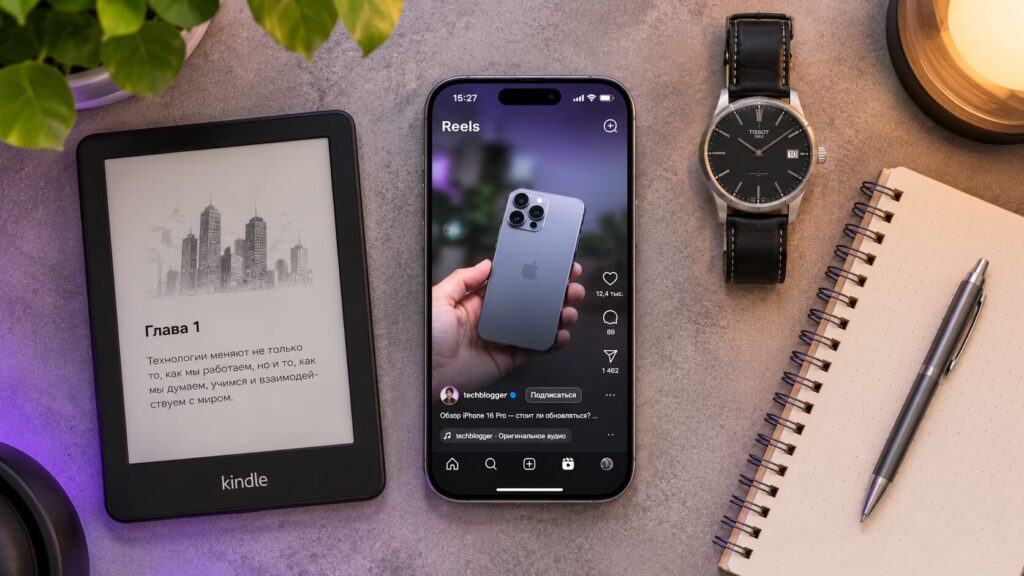
An e-reader, an iPhone showing Reels, a wristwatch and a notebook with a pen on a table
The idea: remove the trigger, not the app
The author’s central claim is that this approach works better than willpower because you no longer have to talk yourself out of scrolling each time. If you remove the reason to take the phone out of your pocket, he argues, you also remove the open door to the feed. Each small task, such as checking the time, opening a book or capturing a passing thought, used to lead him into roughly half an hour of scrolling.
He is explicit about what he did not do. He did not delete Telegram, give up YouTube or lock his iPhone in a drawer. The phone stayed with him all day. It simply had fewer chances to grab his attention.
Trigger 1: Checking the time
According to the author, his most common reason for unlocking the iPhone was simply to see the time. The screen would light up with a handful of Telegram notifications, which were hard to ignore, and he would end up reading a chat about something that was not urgent.
He argues that an Apple Watch moves the problem to the wrist rather than solving it, because the watch vibrates for every message. A minimalist watch face can make a smartwatch look like a regular watch, he notes, but the notifications still arrive.
His solution was an ordinary quartz watch. He points out that it shows the time and date, does not need charging every evening, and runs for a couple of years on one battery. A glance at the wrist takes a second while the phone stays in a pocket. In his view, an expensive mechanical watch is unnecessary for this purpose. An inexpensive model with a readable dial and luminous hands, so the time is visible in the dark, is enough.
As examples, the source lists budget watches including:
- POEDAGAR 936: a stainless steel bracelet, silver case, blue-green dial and a day-and-date window. The author describes it as a classic look that works with a suit or jeans.
- CURREN 8329: a chronograph on a leather strap with large numerals and three subdials. The author says it looks sporty and is easy to read on the move.
- POEDAGAR 879: a white-dial chronograph with a tachymeter on a black bezel and luminous hands.
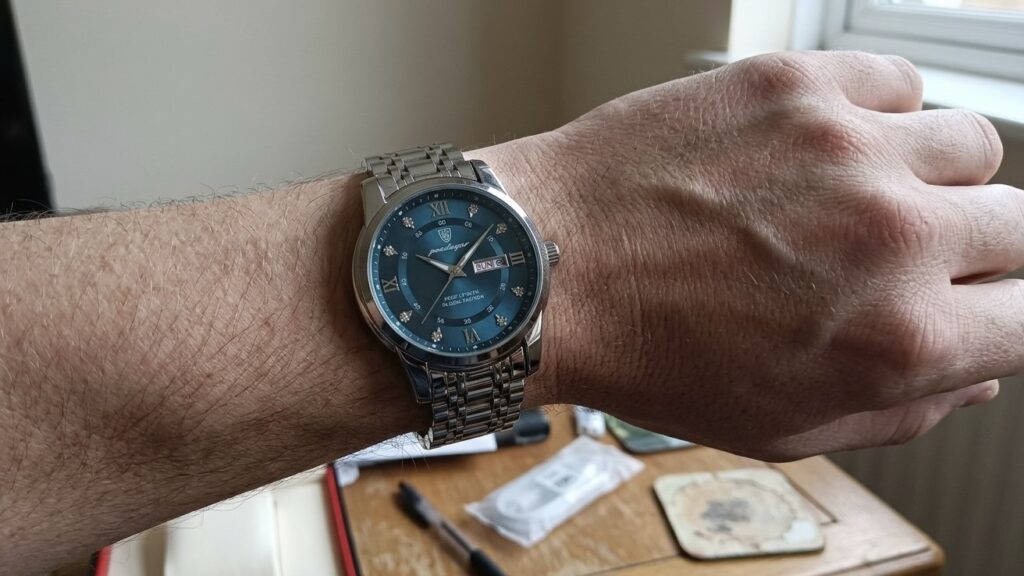
A POEDAGAR 936 watch with a blue-green dial and a steel bracelet on a wrist
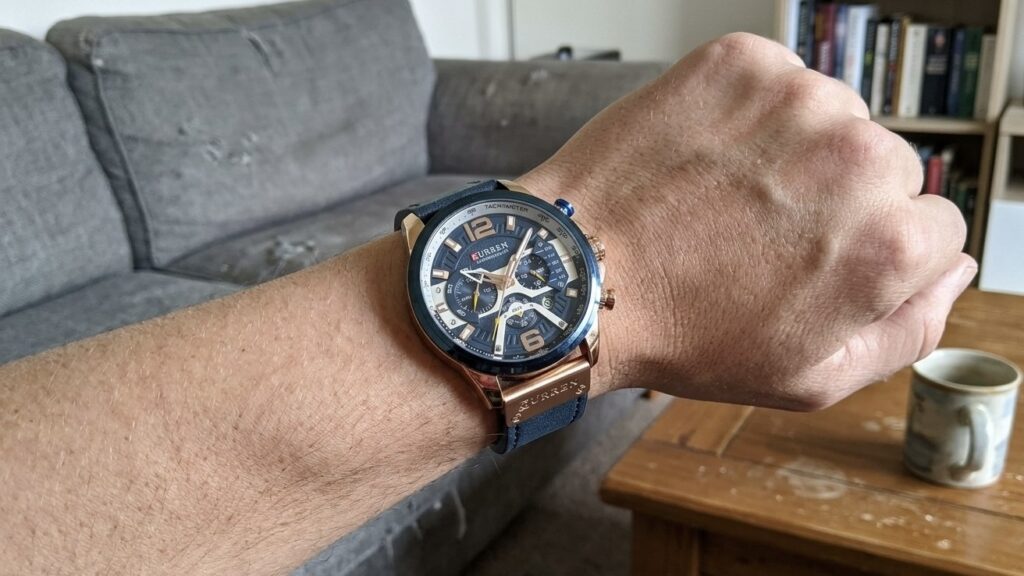
A CURREN 8329 chronograph on a blue leather strap on a wrist
Trigger 2: Reading on the phone
The second trap, the author writes, was reading. Reading on an iPhone works only until the first message arrives. He describes opening a book on the metro, finishing a page, switching to a chat and then not returning to the book for a week.
He moved his reading to an e-reader. He says the E Ink screen does not dazzle and does not tire the eyes by evening, but the bigger benefit is that there is nowhere to escape to. An e-reader has no messengers, no feed and no red notification badges, only text. According to the author, within a couple of evenings he noticed he was reading noticeably more without making any special effort. A compact model can go in a jacket pocket and come out in the same moments when he used to reach for his phone: in queues, on public transport or while waiting for an order.
He advises checking which book formats an e-reader supports, and how files are transferred to it, before buying.
The source mentions these examples, along with their caveats:
- XTEINK X4 Classic: a tiny e-reader that is smaller than an iPhone and fits in any pocket. It comes with a magnetic ring, a screen protector, a charging adapter and a memory card. The listing the author cited specified Simplified Chinese, so he recommends checking with the seller about firmware language support.
- Bigme B7: a 7-inch device running Android 14 with Google Play, 4 GB of RAM and 64 GB of storage, plus a case. It can run any book service, but the author warns that it is almost a tablet and offers more temptations. In his view, the E Ink screen helps because watching video on it is unpleasant.
- Kindle (8th generation): the example cited was a used unit with a 6-inch screen and no built-in light, so you need a lamp to read in the dark. The author calls it a proven classic and notes that books can be loaded as files from a computer.
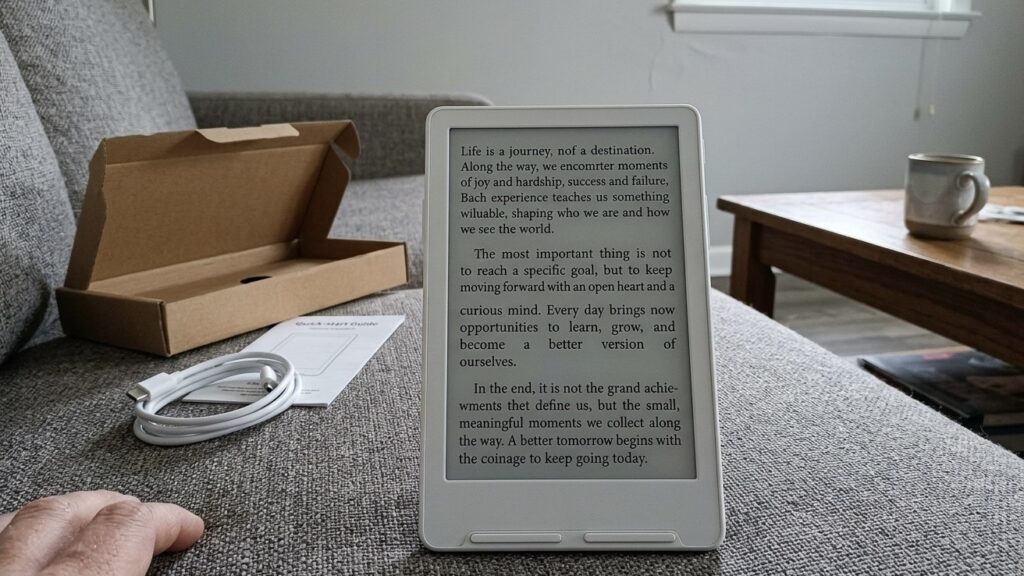
An XTEINK X4 Classic e-reader standing on a sofa next to its box and a USB-C cable
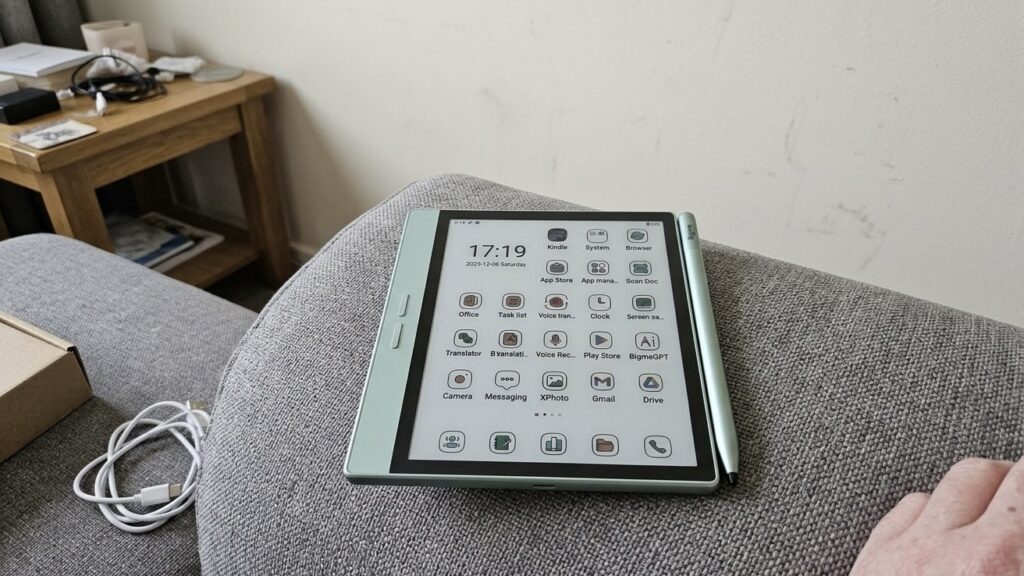
A Bigme B7 showing an Android home screen, with a stylus, resting on the arm of a sofa
Trigger 3: Notes and plans
The third trigger was the least obvious, according to the author. A thought would come to mind, he would open the Notes app, and on the way he would get caught by a Mail banner or a news widget. Planning and anti-procrastination apps might seem to help, he notes, but they all live on the same phone he was trying to use less.
So he moved his notes and weekly plans into a paper planner. Writing by hand is slower, and he argues that this is the point. While you write out a sentence, you have time to finish the thought instead of dumping a stream of consciousness into a note. He also finds a paper to-do list more honest: an unfinished task cannot be quietly swiped to tomorrow and has to be rewritten. His one warning is that after years of typing, your handwriting may come as an unpleasant surprise.
The planner examples in the source are:
- Undated A5 52-week planner: you fill in the dates yourself, so you can start on any Monday rather than waiting for January. It has thick paper, spiral binding, a PVC cover and more than a dozen color options.
- 2027 dated planner: a hard cover, a pre-printed date layout and illustrations of cats and dogs on the pages. The author suggests it would also make a good gift.
- Transparent A5 ring-bound planner: pages can be removed and rearranged, which the author says suits people who keep several lists at once.
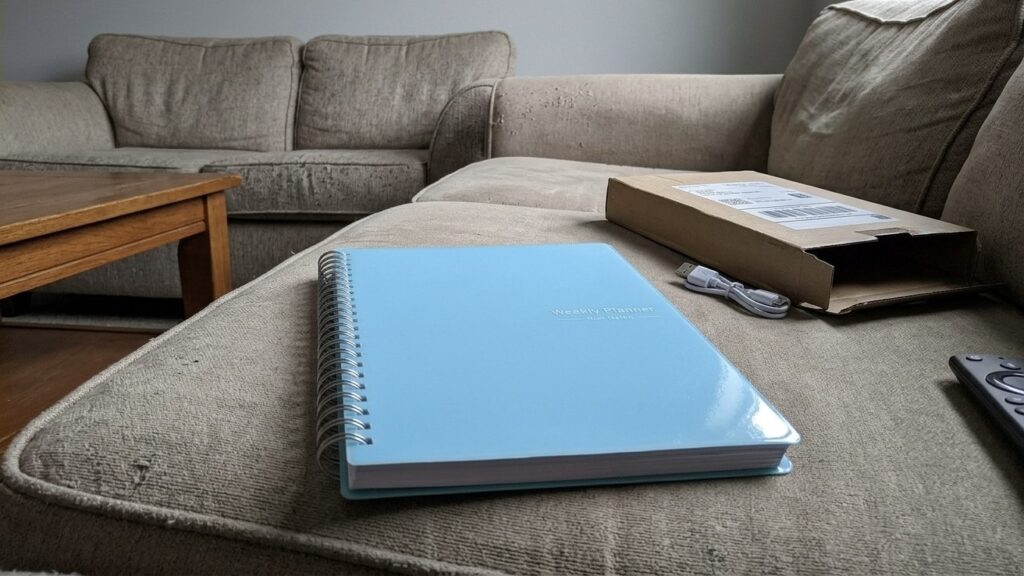
A light blue undated spiral-bound A5 planner on a sofa next to its box
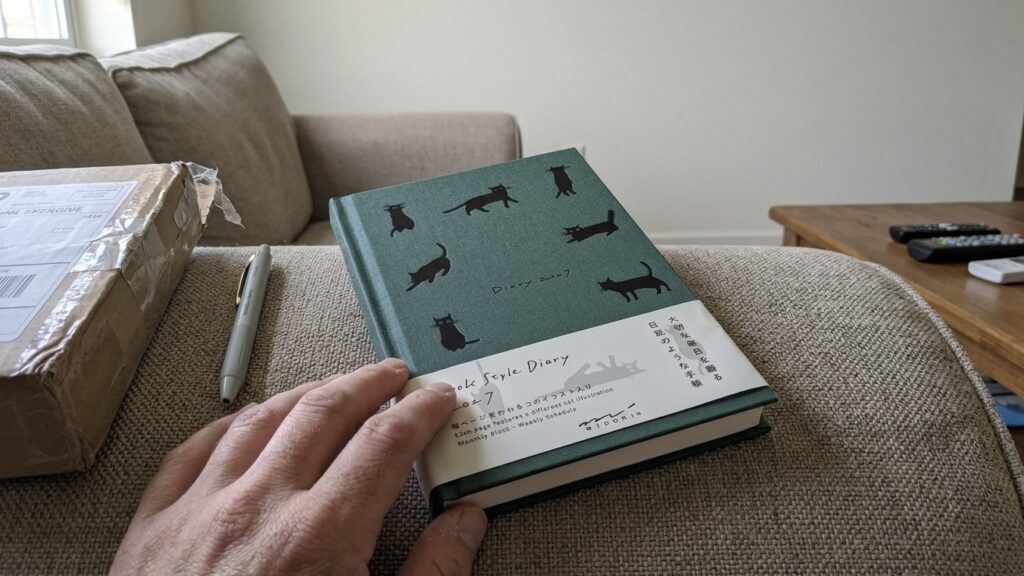
A hand holding a 2027 planner with black cats on a green cover
How to apply the approach
The author recommends starting with a watch, which he calls the cheapest substitute for the most frequent reason to unlock the screen. Next, he suggests opening Settings > Screen Time on the iPhone and checking how many times a day you pick up the phone. In his view, whichever scenario comes up most often should be the next candidate for an offline replacement.
Limitations
This is a single person’s account of what worked for him. The source does not provide Screen Time figures from before or after the changes, and it does not cite research. Results will depend on your own habits and on which triggers actually lead you to your phone.
Note: The original article contained advertising for AliExpress product listings. Hi-News has removed the shopping links and does not endorse the specific products mentioned. They are included only as examples of the types of tools the author described.