Switching from iPhone to Android has always been a hassle: some data simply wouldn’t transfer, you had to install extra apps, find a cable, and reconfigure half the phone. In Android 17, this process has been overhauled — and notably, it was done in collaboration with Apple. The new transfer works wirelessly and pulls over things that previously stayed on the old iPhone. Let’s break down what’s changed and how everything works now.
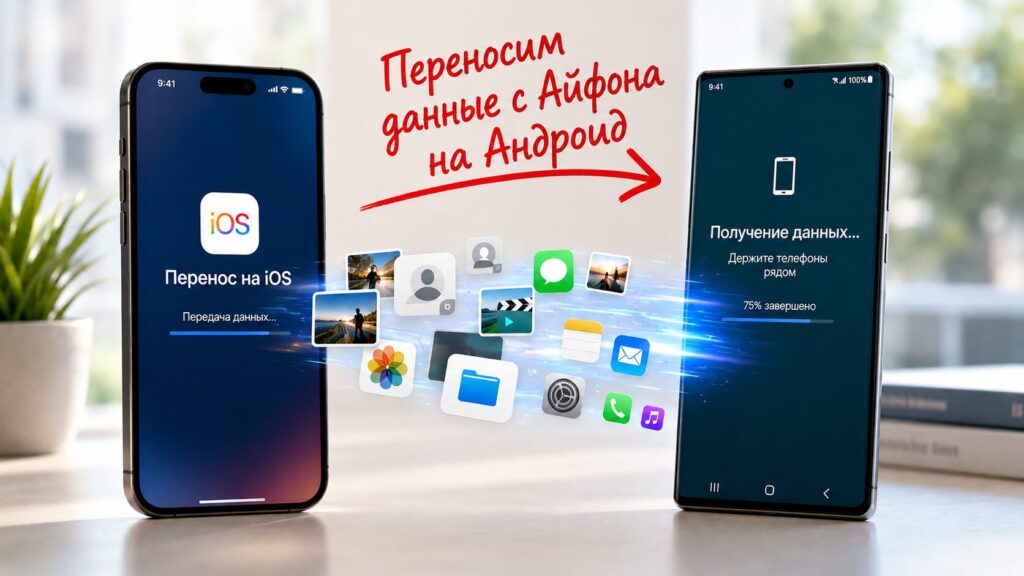
Transferring data from iPhone to Android has become easier
Switching from iPhone to Android Without Apps, Cables, or Adapters
The main change — you no longer need to install separate apps and grant complex permissions. The new Android Switch is built right into the system on both Android and iOS, making the initial setup much clearer for first-time switchers.
The second important point — the transfer is now wireless by default. Previously, transferring many key types of data, such as messages and device settings, required a cable.
Wireless transfer is more convenient and also eliminates the risk of the phone dying while the cable port is occupied. The wired method is still available — it’s just no longer mandatory.
What Data Can Be Transferred from iPhone to Android
The most noticeable thing for regular users is the list of what finally gets transferred. Android Switch now transfers not only contacts from iPhone to Android, but also passwords, passkeys (an alternative to passwords for passwordless sign-in), Wi-Fi data, and alarms. None of this transferred at all when switching from iPhone before.
Another major improvement — your wallpapers, icon placement, and widgets on the home screen are now transferred, though Google vaguely promises to do this “in a few taps.” The system also promises to transfer key accessibility settings — which is important for those who genuinely need them every day.
Additionally, the following are now supported:
- files and folders;
- calendar attachments;
- call history;
- encrypted RCS messages;
- attachments and labels from Apple Notes.
Data types that transferred before have also been improved. SMS, MMS, RCS, and iMessage conversations now migrate with reactions, stickers, and message threads, not just plain text. It’s also worth noting that your Google account transfers from the old iPhone automatically, so you won’t need to re-enter passwords.
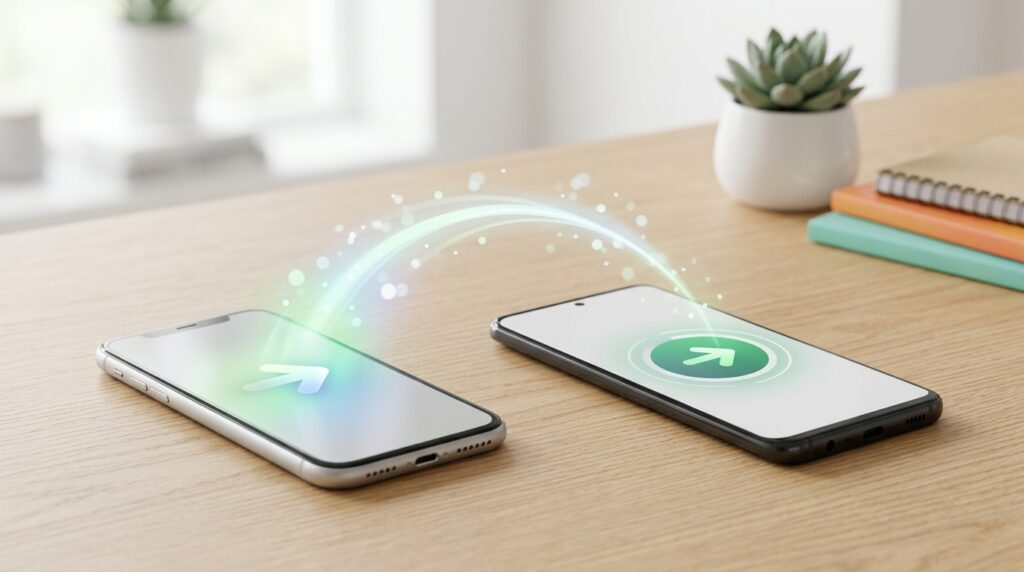
Android 17 makes switching from iPhone to Android easier than ever — here’s how it works
As for eSIM — the virtual SIM card — it also transfers right during initial setup. The main thing is to find out whether your smartphone supports eSIM. But there’s a caveat: Google says it’s still expanding carrier support, so if your carrier isn’t on the list yet, you’ll have to set up eSIM manually the old way.
App Data Transfer in Android 17
This is arguably the most interesting point. Google and Apple have jointly created new developer tools that allow transferring not just the apps themselves, but also the data within them. If a developer enables this capability, the app will move to Android along with your settings and state.
Currently, everything works differently: apps simply get reinstalled from scratch, and after the move, you have to sign back into accounts and reconfigure everything. So this is a significant step forward — but with an important caveat: data transfer will only work in apps whose developers choose to support it. There’s no guarantee yet that your favorite app will move over “as it was.”
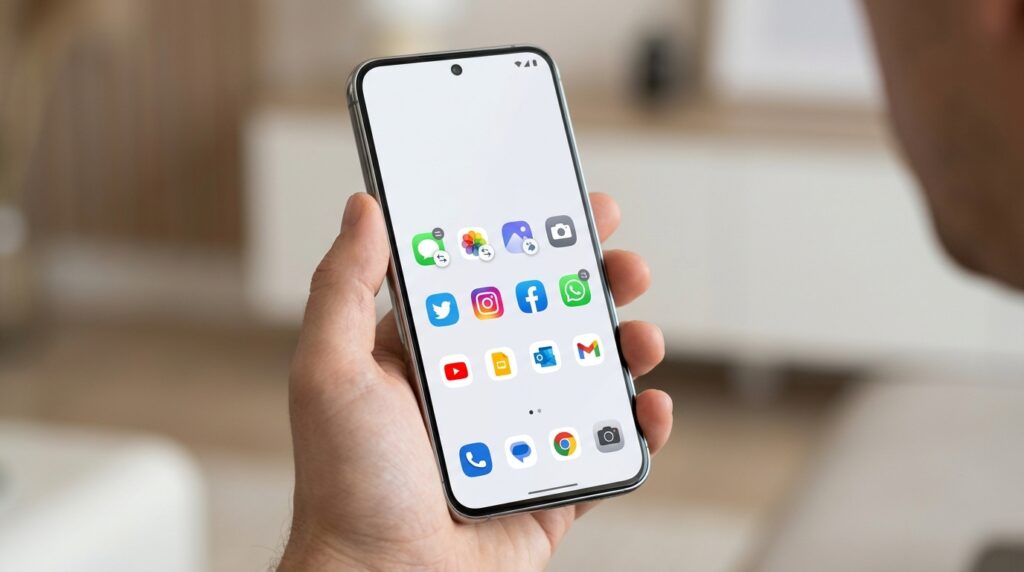
Apps will be able to move along with their data — but only if the developer enables it
When Will the Android 17 Update Roll Out
The rollout has already begun, but so far only on a small number of devices running Android 17. It will expand over the coming weeks and months — meaning the feature won’t appear for everyone instantly. The stable Android 17 is currently available on Pixel 6 and newer models.
A separate question is whether this same transfer experience will reach other brands’ skins, such as Samsung or Xiaomi. There is no official information on that yet. There are also no exact iOS version requirements, but since the feature is launching now, it’s logical to assume it works on the current stable iOS rather than beta builds of a future version.
Who Benefits from the New iPhone-to-Android Transfer and Is It Worth Waiting for Android 17
If you’ve been eyeing a switch from iPhone for a while but were put off by the hassle of data transfer — this update is right for you. Passwords, wallpapers, icon layouts, and conversations now migrate on their own instead of getting lost along the way. Those already on Android with no plans to change can safely skip this news.
The sober conclusion is this: on paper, this is the best iOS-to-Android migration option ever, but it will need to be tested in practice. Some of Google’s wording is still vague, app data transfer depends on developers, and the feature itself is rolling out gradually. For now, it’s worth waiting until the update reaches your phone and then judging it based on real-world results.