Google Messages has received a substantial update bringing scam detection, chat customization, a deleted-messages bin, and several other features to Android’s default messaging app. Because Google Messages is the standard SMS and RCS client on most Android phones — and is replacing Samsung Messages on Samsung devices in the United States — these changes affect a very large user base. Some features are already available in the stable release, while others are still in beta testing.
What you need to know
- Stable features now rolling out include Gemini-powered scam detection, a deleted-messages bin, real-time location sharing, @mentions in group RCS chats, and the ability to delete a sent message for all participants.
- A new “Chat style” customization option lets users change message-bubble colors (nine options) and set chat wallpapers from Google’s collections or their own images.
- A “Tap to draft” option for Smart Reply prevents accidental sends by placing the suggested reply into the text field for editing before sending.
- Cross-platform RCS improvements — including threaded replies and emoji reactions to photos between Android and iPhone — are in beta and tied to the expected release of iOS 27.
Features already available in the stable release
The following features have been rolled out to the stable version of Google Messages, meaning most users should receive them without joining a beta program:
- Gemini-based scam detection. The app flags suspicious messages that attempt to deceive users or extract personal data.
- Spam-link identification and unsubscribe. Dangerous links are marked, and users can unsubscribe from unwanted SMS and RCS mailings directly within the app.
- Deleted-messages bin. Deleted conversations now go to a separate folder from which they can be recovered.
- Real-time location sharing. Users can share their live location and movement with a conversation partner.
- @mentions in group RCS chats. This lets users direct a message to a specific person in a busy group conversation.
- Delete for everyone. A sent message can be removed for all participants, not just the sender.
Additionally, the stable release includes sensitive-content warnings, encryption key verification (Key Verifier), an updated photo viewer, and a refreshed Material 3 Expressive design.
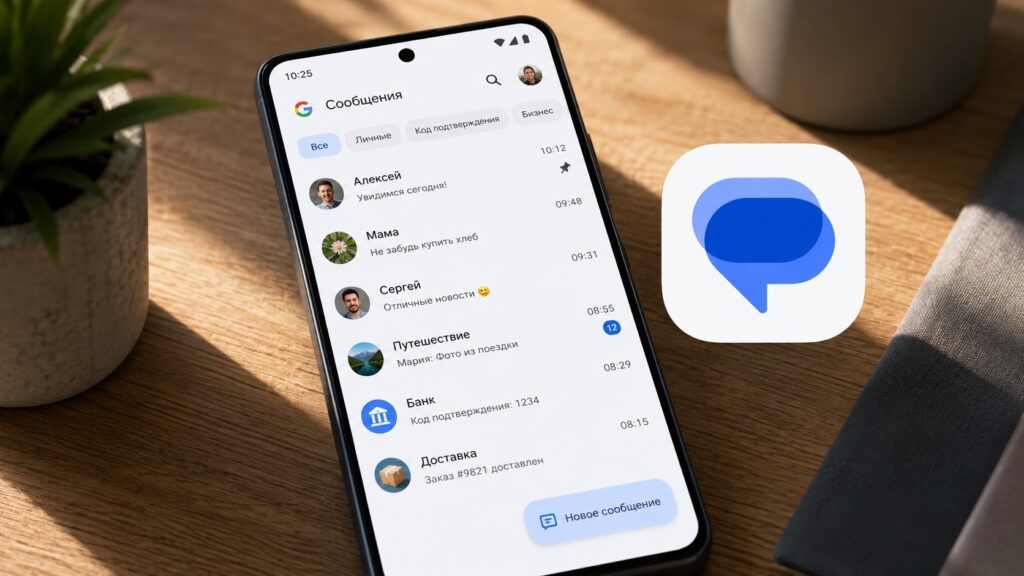
An overview of what’s new in Google Messages
Samsung Messages being replaced in the US
In the United States, Samsung is transitioning users from its own Samsung Messages app to Google Messages. On devices running Android 14 or newer, the Google Messages app is automatically moved to the home-screen quick-access dock after the switch. This signals a broader trend of Google Messages becoming the unified messaging client across the Android ecosystem.
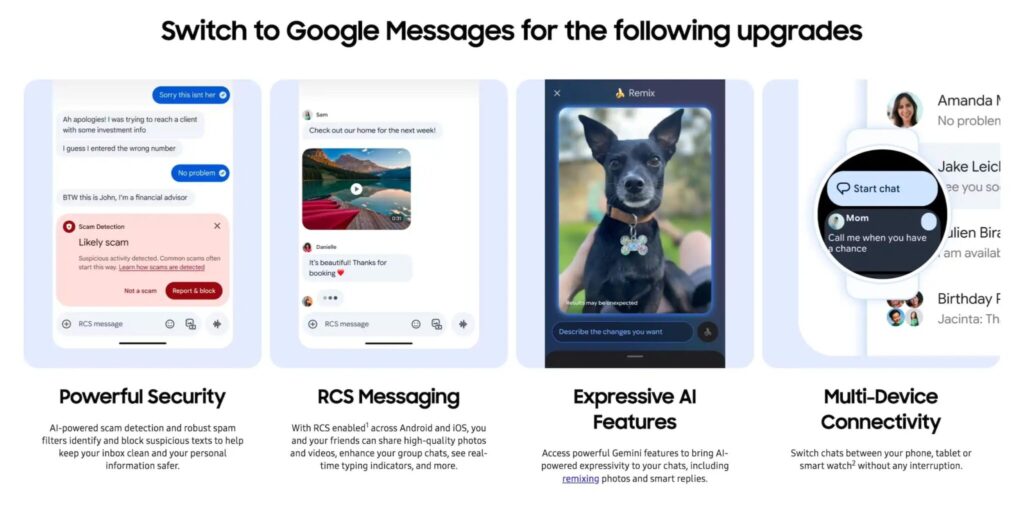
Samsung announced the retirement of its own messaging app
Chat customization: themes, wallpapers, and colors
One of the most visually noticeable additions is an expanded “Chat style” customization feature, replacing the older “Change colors” option from 2024. It is accessible from the three-dot menu inside a chat. When the feature reaches a user’s device, a red badge appears next to the menu item.
- Message-bubble colors. Nine options are available. The first is Dynamic Color, which adapts to the chat background; the remaining eight are static presets.
- Chat wallpapers. Users can set their own image or choose from Google’s curated collections: animals, architecture, black-and-white, cityscapes, landscapes, macro, space, sunsets, and textures.
This is a purely cosmetic feature — it does not affect message delivery speed or reliability — but it can help users visually distinguish different conversations.
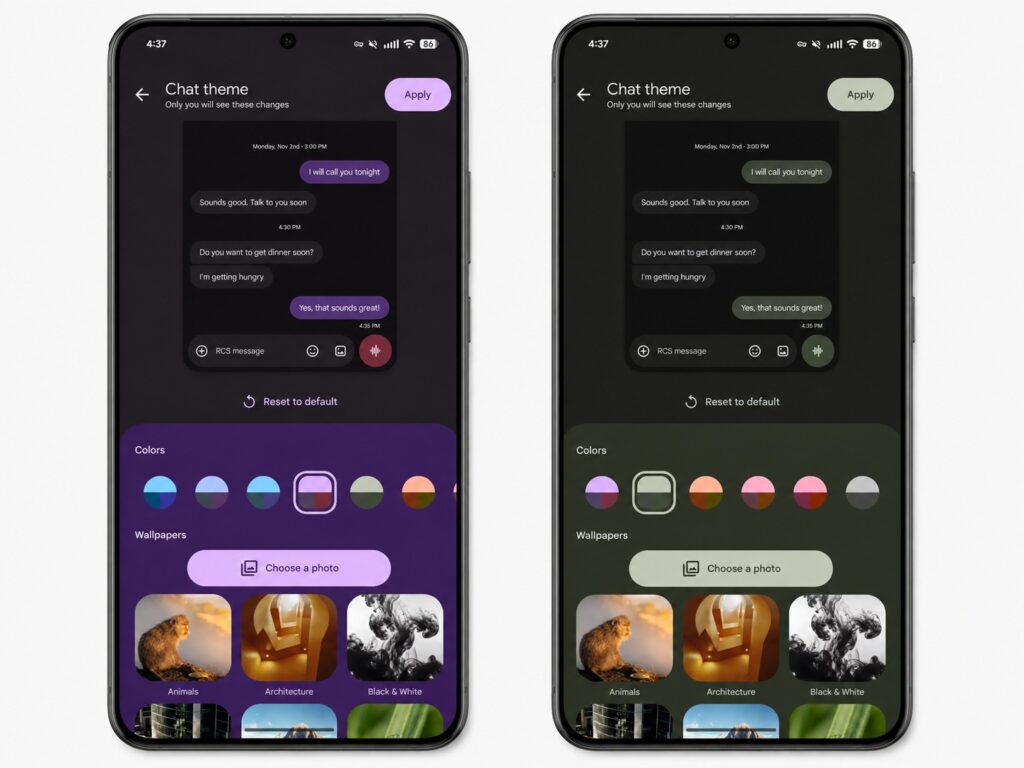
Google Messages now lets users customize chat appearance

Fewer accidental sends with “Tap to draft”
A practical everyday improvement is the new “Tap to draft” option. It reduces the risk of accidentally sending a Smart Reply — those suggested quick responses that appear above the keyboard. The setting can be enabled under Suggestions and actions, then Recommendations.
With “Tap to draft” enabled, tapping a Smart Reply inserts it into the text field so the user can edit it before manually sending. The previous behavior — where tapping a suggestion sends it immediately — remains available and is still the default. Additionally, the voice-message recording button has been made more prominent with a more saturated color, making it easier to spot.
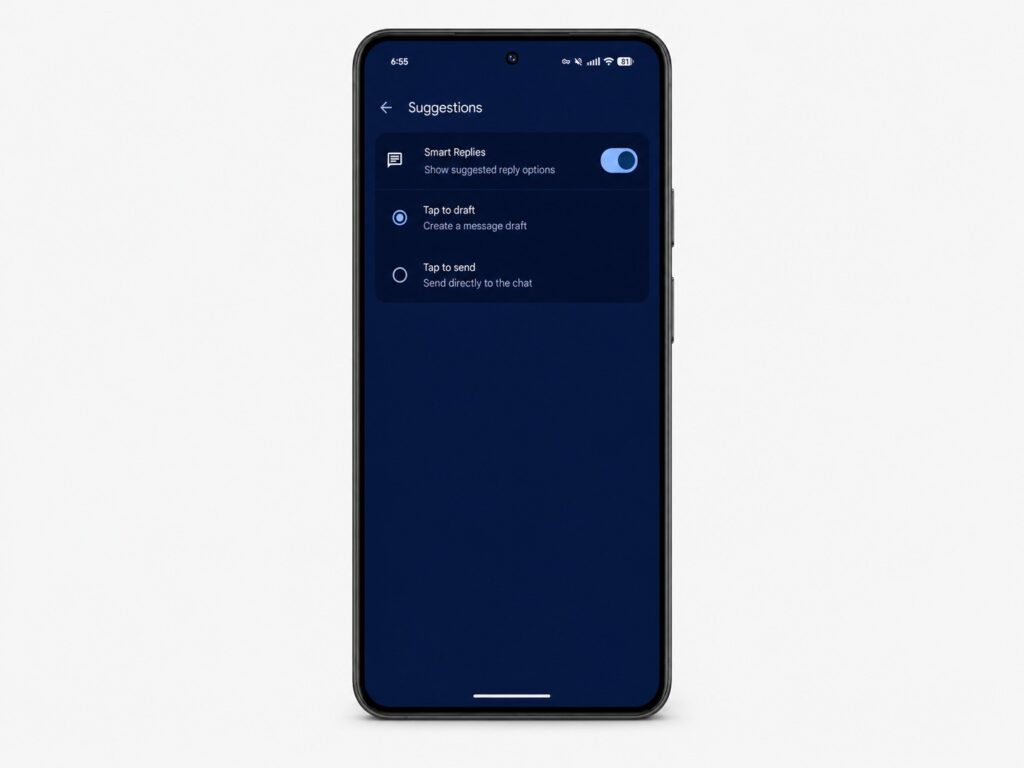
With this feature enabled, tapping a suggestion creates a draft instead of sending immediately
Features still in beta testing
The following features have been spotted in beta builds or announced by Google but are not yet widely available. They may change before reaching the stable release:
- Customizable attachment grid. The file-attachment panel will reportedly be configurable to suit individual preferences.
- Redesigned long-press menu. Instead of a top toolbar, a floating menu with a blurred background appears, along with the ability to copy only a portion of a message rather than the entire text.
- Reworked read receipts. Google is experimenting with the placement of checkmarks, timestamps, and the encryption icon. Timestamp and encryption details would be accessible via a left swipe, while a right swipe would trigger a quick reply.
- Dropping QR codes for Messages for web. Signing in to the web client may eventually require a Google account login instead of scanning a QR code.
Upcoming improvements for Android-to-iPhone messaging
Cross-platform RCS messaging between Android and iPhone is expected to gain support for threaded replies with quoting after the release of iOS 27, which is anticipated in the fall. Emoji reactions to photos — replacing the current text-based descriptions like “liked an image” — are also reportedly coming. These features are currently in beta testing. End-to-end encryption for RCS between Android and iPhone was already introduced with iOS 26.5.
What users can do now
Most features arrive automatically through app updates via Google Play. However, a few optional steps may be useful:
- Update Google Messages through Google Play to receive new features sooner.
- If accidental Smart Reply sends are a problem, enable “Tap to draft” under the Suggestions and actions settings.
- Check the three-dot menu inside a chat — if a red badge appears next to the styling option, the new chat customization feature is already available on your device.
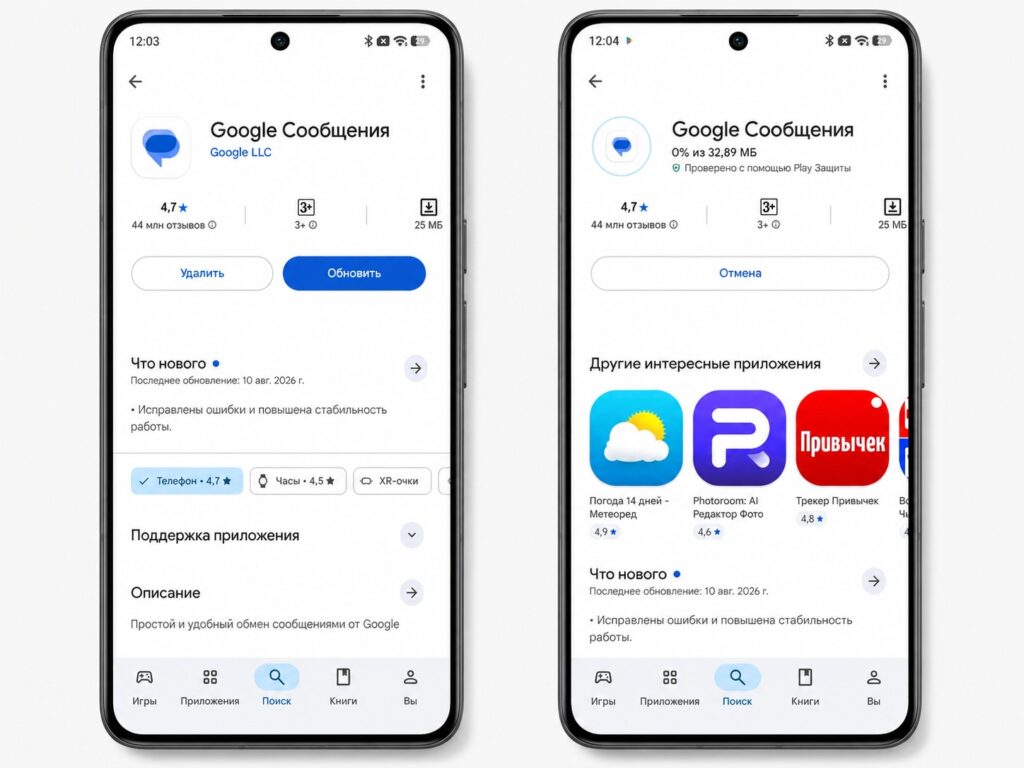
Install the update if it is available on your device
If a particular feature has not appeared on your device yet, it is not a bug. Google rolls out changes in waves, and the update may reach your phone later than others.


