Android Auto ships with several features that are easy to overlook but, according to the source author, make a meaningful difference once adopted. After months of driving with both Android Automotive OS (built into the car’s head unit) and Android Auto running from a phone, the source author reports that the phone-based system wins on everyday convenience — not because of headline features, but because of small habits that reduce distractions while driving.
What you need to know
- Wireless Android Auto can connect automatically when the car is unlocked — no cable or screen tap required, once the “Start Android Auto automatically” setting is enabled.
- Split-screen mode shows navigation and music controls simultaneously, but works best on larger in-car displays (the source author found it cramped on 5–6-inch screens).
- The notification read-aloud feature reads only a short preview of incoming messages; the full text is read only if the driver confirms by voice.
- Voice replies to messages work in some apps (the source author confirms WhatsApp works reliably) but not in all messengers.
Automatic wireless connection: no cable, no taps
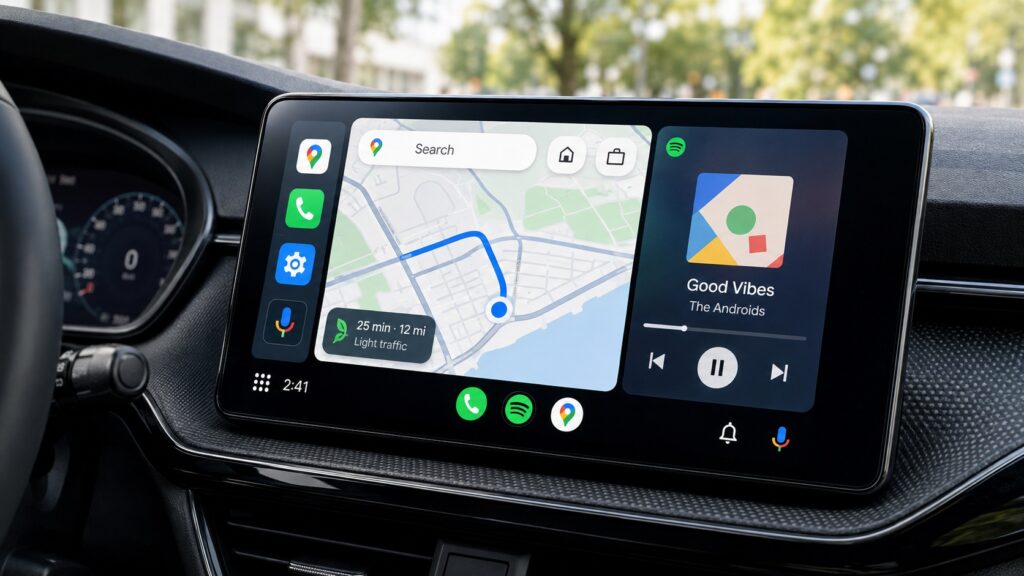
An overview of the most useful Android Auto features
The source author previously used a wired Android Auto setup, which required plugging the phone into USB — and sometimes tapping the Android Auto icon on the car’s screen — every time. After switching to a car that supports wireless Android Auto, the experience changed significantly.
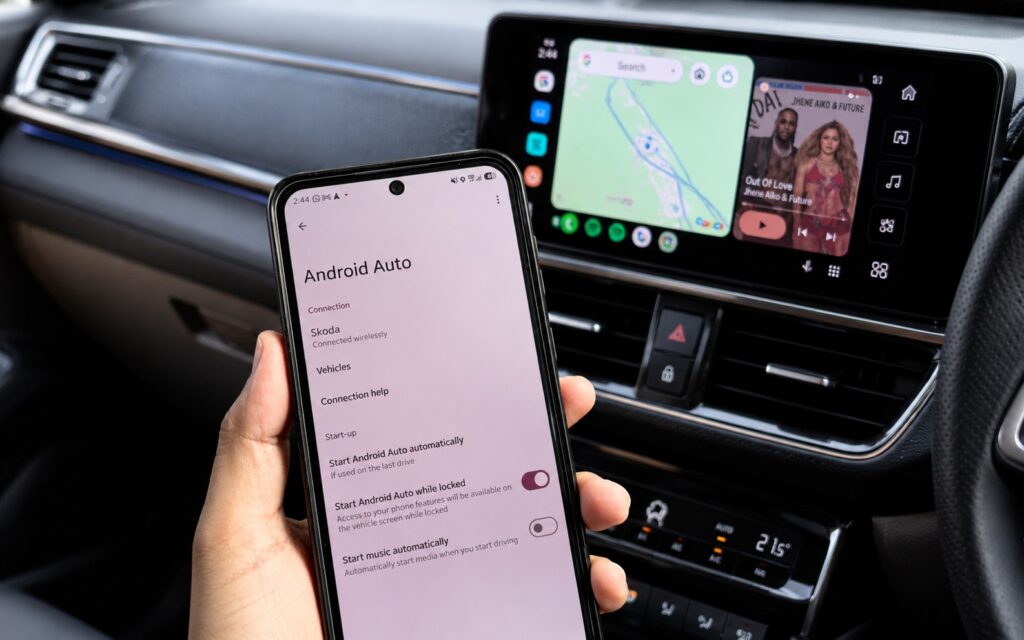
Android Auto allows you to enable automatic launch
By enabling the “Start Android Auto automatically” setting once, the phone connects as soon as the car is unlocked and the driver’s door opens — no interaction needed. The source author also enabled automatic music playback, so audio starts without any additional steps. If you are the primary driver of your vehicle, this single setting can simplify your morning departure noticeably.
Voice control: hands on the wheel, eyes on the road
The source author notes that voice assistants feel unnecessary at home when the phone is already in hand, but behind the wheel the situation is reversed. Touching a phone while driving is dangerous and illegal in most countries.
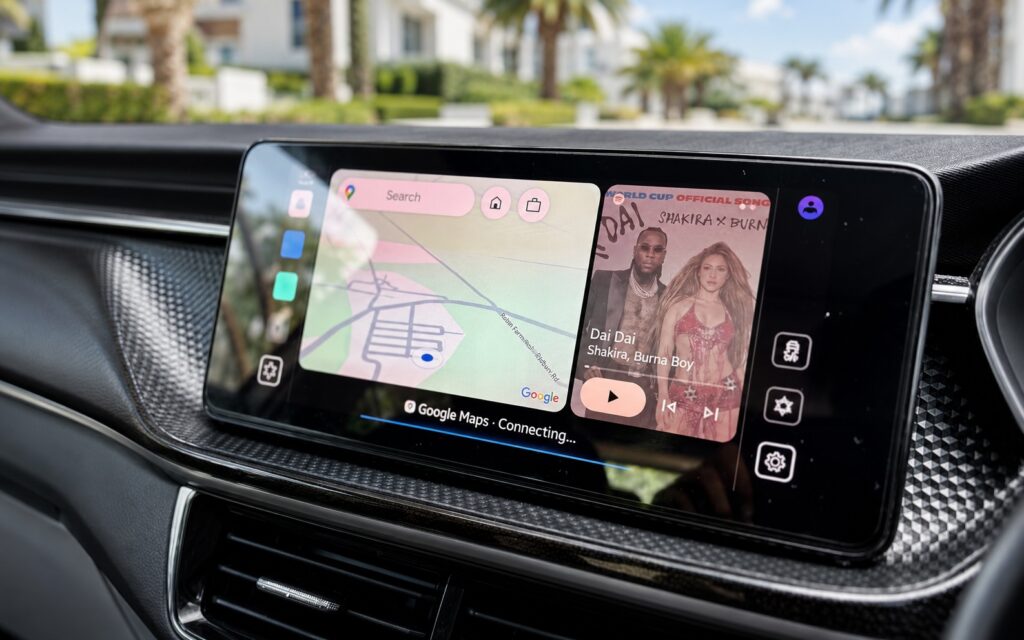
One of Android Auto’s key features
By pressing the voice-control button on the steering wheel, the source author uses Gemini to add waypoints in Google Maps or change music — all without taking hands off the wheel. For frequent drivers, adopting voice commands is described as a genuine safety improvement rather than a mere convenience.

Split screen: navigation and music at a glance
Android Auto’s split-screen mode has been available for some time, but the source author initially dismissed it. On a small 5–6-inch head-unit display, both panels felt cramped, and switching between the map and the music player seemed easier. On a larger in-car screen, however, the feature proved its worth.
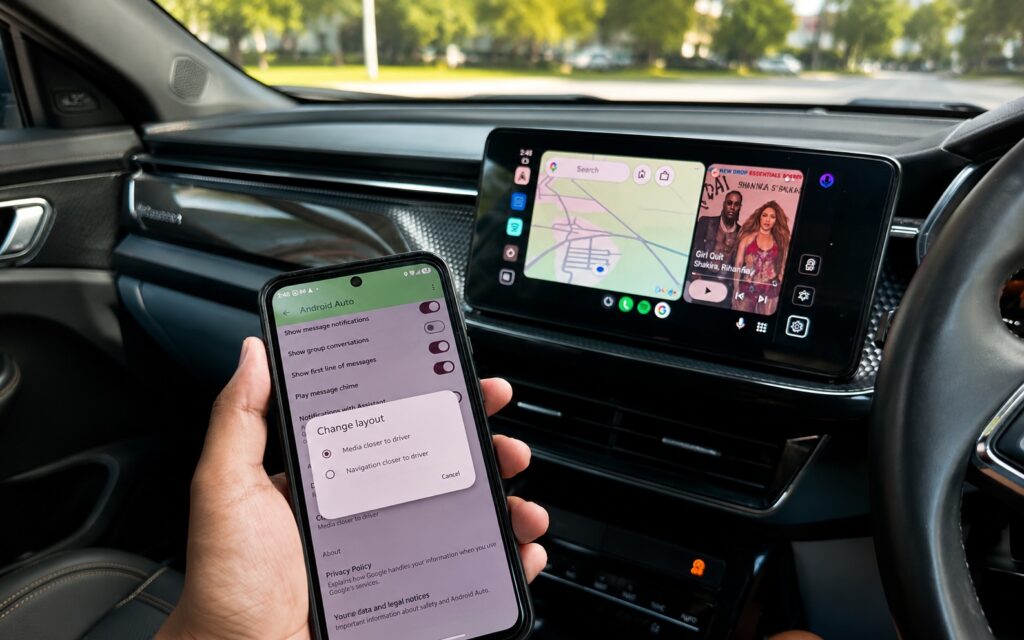
Split-screen mode keeps navigation and music visible simultaneously
The source author now keeps Android Auto on the split home screen at all times: navigation on one side, music controls on the other. In the phone’s settings, the layout can be rearranged so that music controls sit closer to the driver’s side. The source author advises against touching the screen while driving, but notes that if it is unavoidable, having the buttons within easier reach helps.
Notification read-aloud: hear what matters without looking at the screen
Before using this feature, incoming messages while driving meant a choice: ignore them until parking or risk glancing at the phone. Android Auto’s “Notifications with Assistant” feature resolves this by reading aloud only a short preview of each message. The full text is read only if the driver explicitly confirms.
The source author describes the experience: the system announces something like “New message from [contact name] in WhatsApp. Read it?” If the driver says yes, the full text is read aloud. If not, the notification disappears after a few seconds.
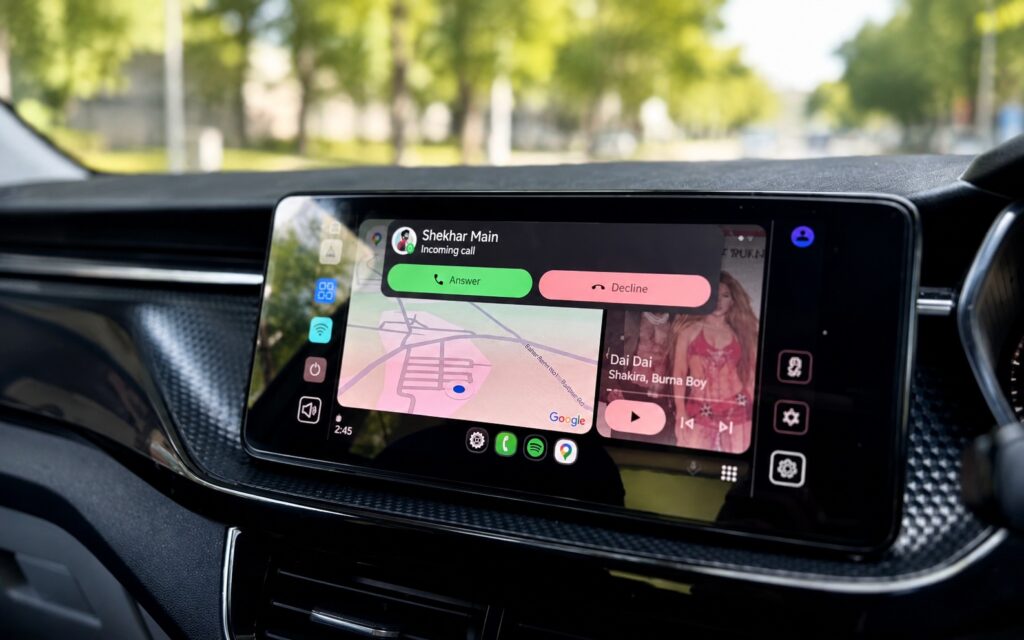
Another feature that helps reduce distractions while driving
Voice replies work — but not everywhere
Beyond reading messages, Android Auto also allows voice replies. The source author reports that this works reliably in WhatsApp, though not every messaging app supports the feature. Compatibility may vary depending on the app and its version.
The overall benefit, as the source author frames it, is not about replying faster — it is about staying connected without losing concentration on the road.


