The built-in camera on a laptop is almost always terrible and, as a result, useless. The image is blurry, colors are washed out, and in low light your face turns into a mess of pixels. For work calls, it’s tolerable (especially if you don’t turn it on at all), but if you want to look decent in meetings and streams, you need a separate good webcam for your computer. I got the new UGREEN CM831 with 4K resolution and dual microphones and tested it for a week in video calls and recording — here’s what came of it.
UGREEN Webcam: Is It Worth Buying in 2026?
Design and Mounting of the UGREEN Webcam
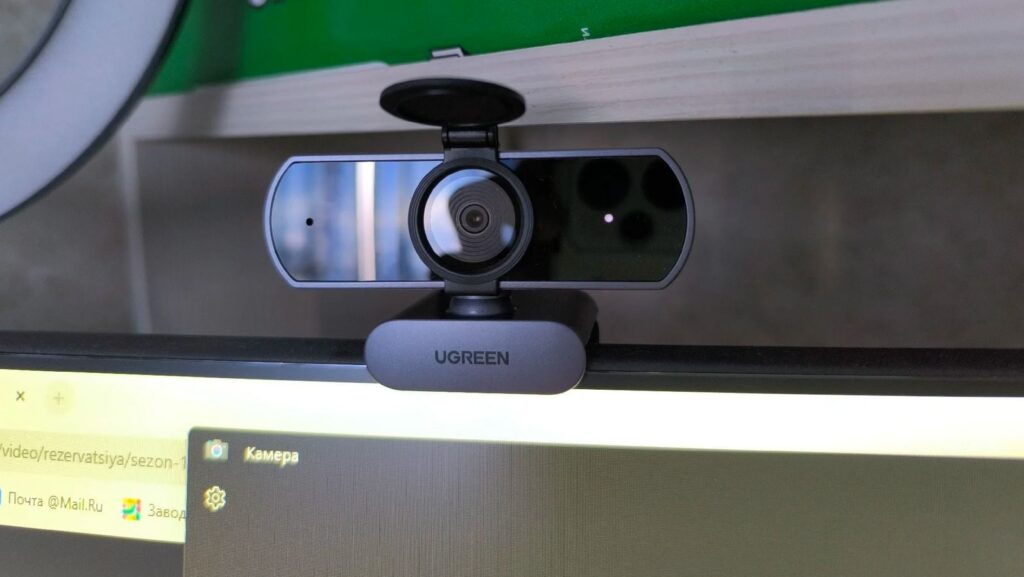
The UGREEN camera looks solid and will look great with either a laptop or a desktop PC. It’s a compact webcam in a high-quality dark gray plastic body — nothing unnecessary. The main thing is that you can attach it anywhere: the universal clip mount securely fits on a monitor, laptop, or TV, and there’s a threaded hole on the bottom, making it a webcam with tripod mount. For bloggers and streamers this is important — the camera can easily be positioned at the right angle, not just clipped onto a laptop lid.
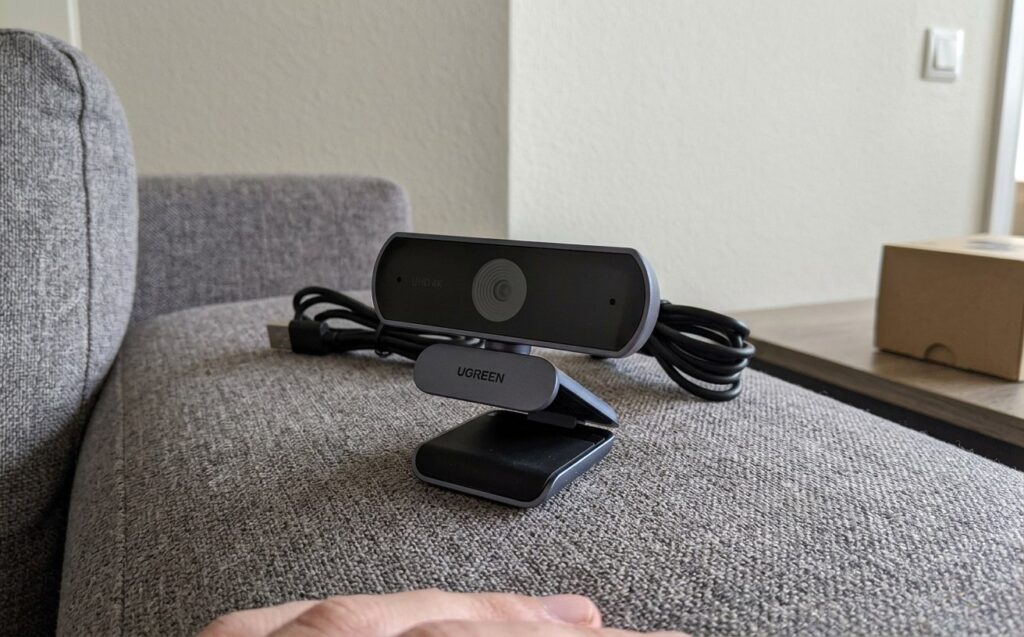
The camera has a reliable mount that doesn’t damage the monitor
The UGREEN CM831 camera connects via USB-A, but the box includes a USB-C adapter, so you can pair it with a modern laptop, a Mac, or even an Android tablet. The cable doesn’t have braiding, but it’s sturdy and practical for everyday use.
Webcam with Automatic Focus
Inside there’s an 8-megapixel sensor that outputs images at 3840×2160 pixels — that’s 4K — at 30 frames per second. A full-fledged 4K webcam in this price range is not common. If you switch to Full HD, the camera shoots at super-smooth 60 frames per second, which is noticeable with active movement in the frame. In practice, the difference from a typical laptop camera is enormous: the image is sharp, detailed, the face doesn’t blur, and there are no distortions. Although again, it’s only 8 MP!
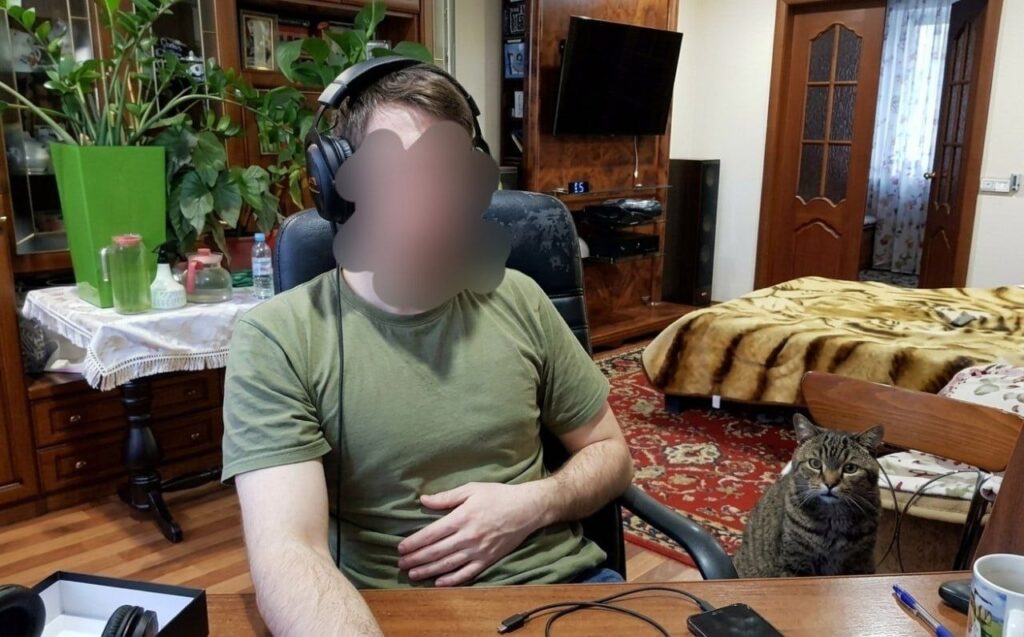
The camera shoots very high quality — built-in laptop cameras can’t hold a candle to it
The fast autofocus was a separate pleasant surprise. It instantly locks onto your face, even if you’re actively gesturing or moving, and holds focus without jerks. The camera automatically adjusts exposure and white balance, pulling out a decent image even at dusk — in the evening without a desk lamp, I still looked fine. The 70-degree field of view captures only what’s needed without stretching your face or the background.
PC Camera with a Good Microphone
The main feature of the new UGREEN model is right in the name — it’s a webcam with a microphone, and there are actually two of them, with intelligent noise cancellation. They work honestly: voice sounds clean, air conditioner hum and street noise are cut off, and the person on the other end can understand what you’re saying the first time without asking you to repeat. Overall, if you stream or frequently make video calls from your PC, this is a big plus.
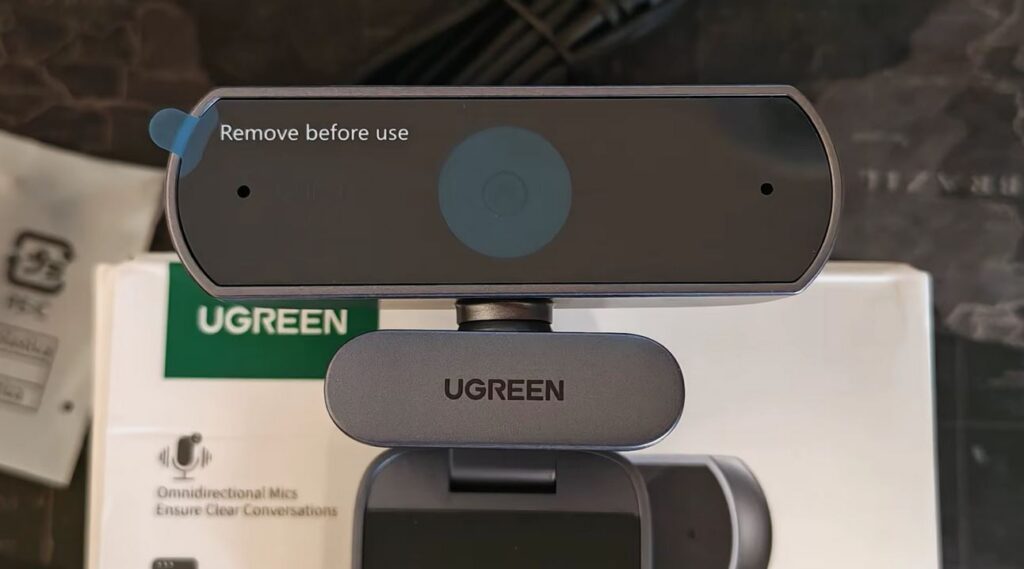
The two microphones capture sound excellently
Again, I found the sound quality to be good, but obviously it’s not the same as external microphones. That’s normal for a camera of this class — the main thing is understanding what it’s for.
Webcam with Privacy Shutter
Another nice bonus — this is a webcam with a privacy shutter. The package includes a physical hatch-shaped cover that fits over the lens and blocks it when the camera isn’t in use. This is far more reliable than software-based disabling: even if some application gains access to the camera, all it will see is the cover. My colleague, Kirill Pirozhenko, appreciated this feature, noting that it’s even more important than image quality.
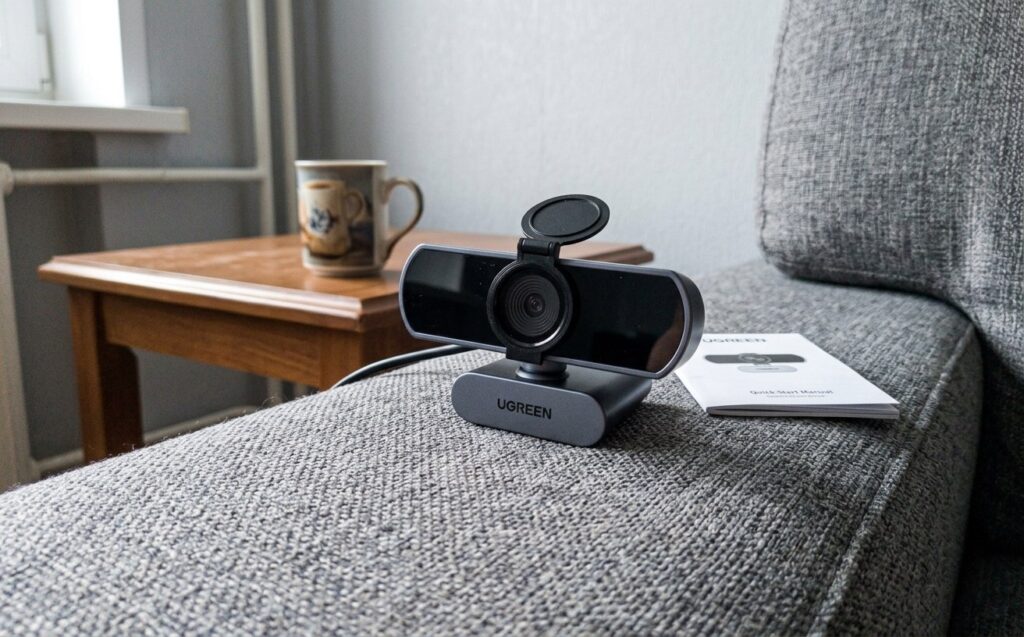
There’s a shutter for those who worry about privacy
For those who work from home and keep the camera constantly connected, this is genuinely reassuring — no paranoia about being watched. It’s a small thing, but it’s exactly these details that distinguish a well-thought-out gadget from generic junk.
Is the UGREEN Webcam Worth Buying?
The main advantage of the UGREEN webcam is that it works on a “plug in once and forget” principle. No drivers or utilities to install: plug it in via USB, launch video in Telegram or anything else, and the camera is immediately ready. The only thing is you can change the quality in settings if you don’t need 4K.
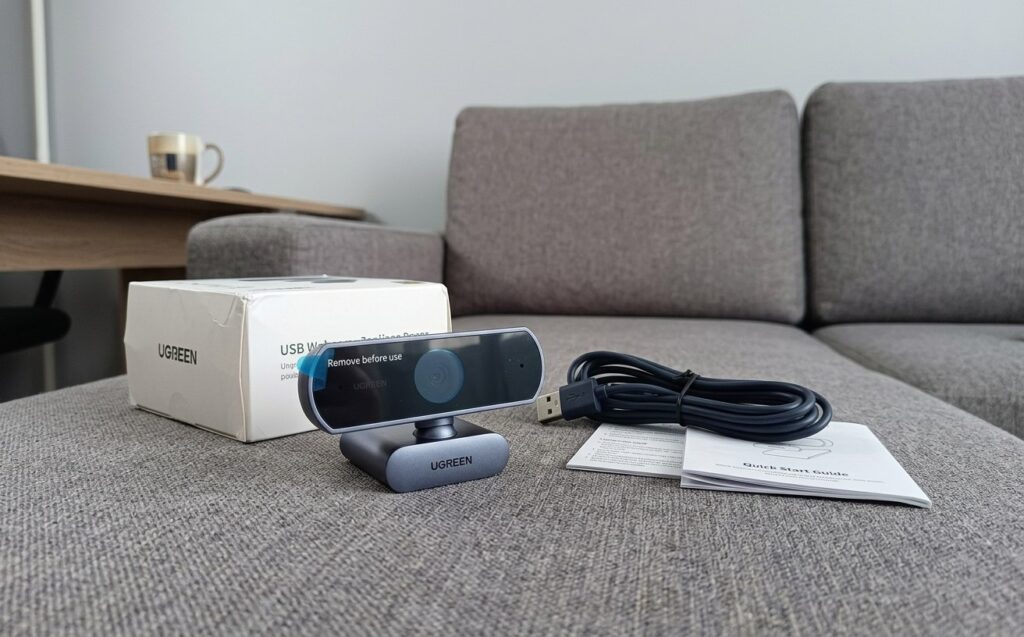
I highly recommend this camera. It’s darn good, even though it’s affordable
For roughly 2,200 rubles, the UGREEN CM831 webcam is an excellent affordable webcam for remote work. You get great image quality, decent sound from dual microphones, a privacy shutter, and a flexible mount. In short, everything that’s so lacking.