Apple is testing macOS 27 Golden Gate ahead of its expected fall release, and much of the buzz centers on the overhauled Siri AI. But not every Mac owner should rush to update. The source author, who uses a base-model MacBook Air M2 with 8 GB of RAM and 256 GB of storage, explains why that particular machine will stay on its current macOS version — at least for now. The reasoning boils down to limited hardware headroom, a recent bad experience with a minor update, and the fact that the headline AI features may not run fully on older Apple Silicon chips.
What you need to know
- macOS 27 Golden Gate is expected this fall; beyond the new Siri AI, changes are largely cosmetic — refined Liquid Glass design, a transparency slider, updated sidebar icons, smart Mail suggestions, and Safari tab auto-grouping.
- Some Siri features, such as improved dictation and natural voice selection, reportedly require an M3 chip or newer, meaning M2 users would get a reduced feature set.
- The source author reports that even a minor macOS Tahoe (26.5) update caused significant lag on the same MacBook Air M2, including delayed text input and jerky window animations, resolved only after multiple reboots.
- Apple Intelligence models, local Siri processing caches, and new system assets are expected to consume additional storage — a concern for the base 256 GB configuration.
Beyond Siri AI, the changes are mostly cosmetic
Strip away the artificial-intelligence story and macOS 27 offers relatively modest improvements, according to the source. Apple has continued to refine the Liquid Glass design language, adding a transparency slider, slightly redesigned sidebar icons, and improved readability. Other additions include smart suggestions in Mail, automatic tab grouping in Safari, and on-screen object recognition via Visual Intelligence.
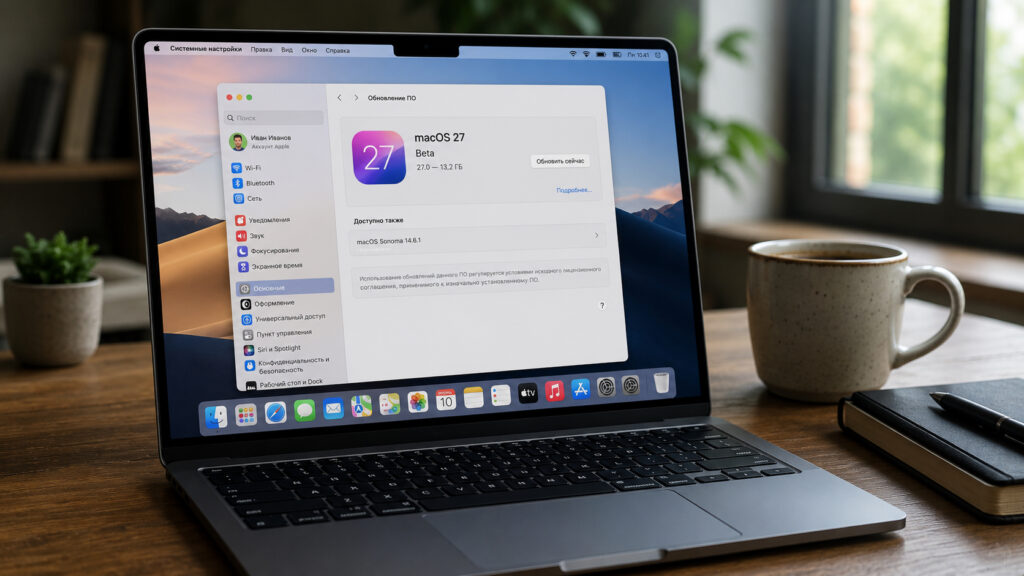
The source author says they will most likely skip macOS Golden Gate on their MacBook Air M2.
The source author reports that none of these features solve problems their current setup cannot already handle. They also note that Siri AI will not be available in all languages at launch, further reducing the incentive to upgrade immediately.
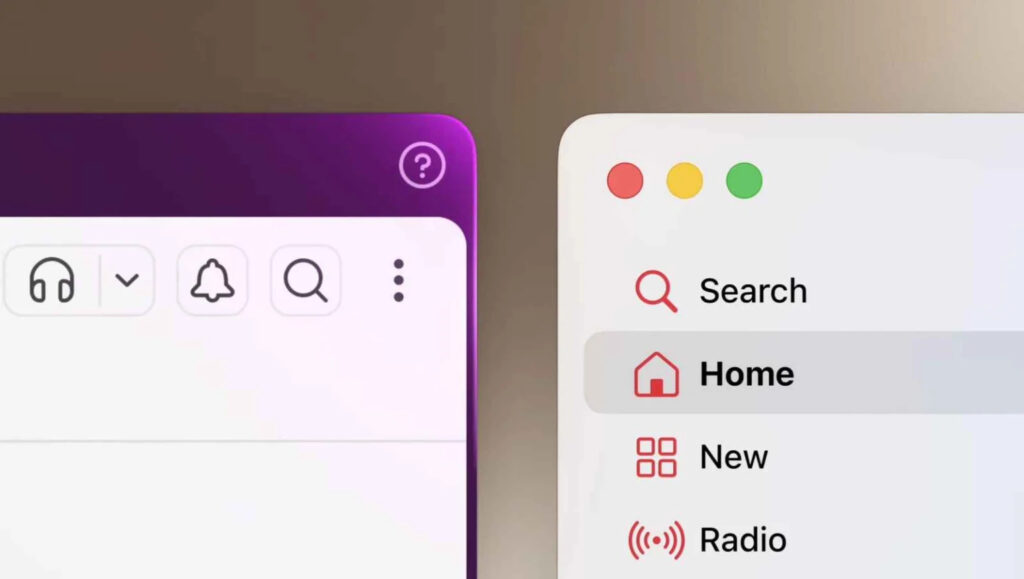
Without Siri, the macOS 27 changes are largely cosmetic.
A recent minor update already caused problems
The source author describes a difficult experience after installing a mid-cycle macOS Tahoe update in May. Their MacBook Air M2, which had been running smoothly, suddenly exhibited noticeable lag: text input was delayed by roughly half a second, windows stuttered when dragged, and Safari tabs switched sluggishly. The issue was only resolved after three consecutive reboots.
That was a minor point release within the same macOS version. A full major-version upgrade — one that overhauls system components and introduces an entirely new AI subsystem — carries a higher risk of similar or worse disruptions, the author argues. For a machine used as a primary work tool, that risk is hard to justify on day one.
Storage pressure on a 256 GB drive
Major macOS releases have historically increased the amount of disk space consumed by the operating system. macOS 27 is expected to add new Apple Intelligence models, local Siri processing caches, fresh wallpapers, and other system assets. On a MacBook Air with only 256 GB of storage, that is a significant concern.
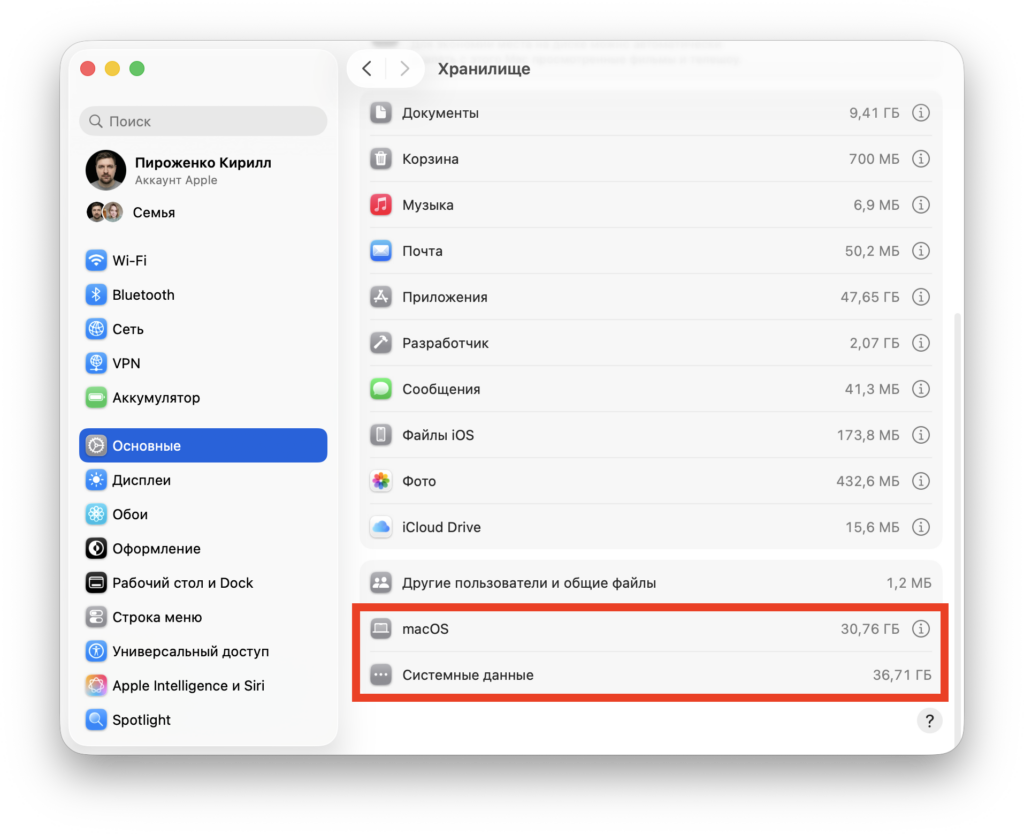
Storage is already tight on the 256 GB MacBook Air M2, and the new system is expected to consume even more space.
The source author reports having roughly 40 GB free after regularly offloading photos to the cloud and clearing caches. AI features will almost certainly require space for on-device models, and on a machine with only 8 GB of RAM, some of those tasks may also rely on SSD swap — further stressing the limited drive.
Why waiting for version 27.1 or 27.2 makes sense
Initial “.0” releases of macOS have a long history of compatibility issues. Third-party app support can lag behind, printer and peripheral drivers may break, and unexpected bugs tend to surface — especially when the update introduces a fundamentally rebuilt component like the new Siri AI engine.
If you want to update, it is worth waiting rather than installing immediately after release.
The source author plans to wait for at least macOS 27.2, by which point the most critical bugs should be patched, developers will have updated their apps, and real-world user feedback will have replaced marketing promises. Everything needed for daily work runs fine on the current version, so there is no urgency.
Will 8 GB of RAM be enough for macOS 27?
The MacBook Air M2 is formally compatible with macOS 27 — Apple Intelligence supports all Apple Silicon Macs from M1 onward. However, formal compatibility and comfortable performance are not the same thing, the source author cautions. Some Siri capabilities, including improved dictation and natural voice selection, reportedly require an M3 chip or later, so M2 users would receive a reduced feature set regardless.
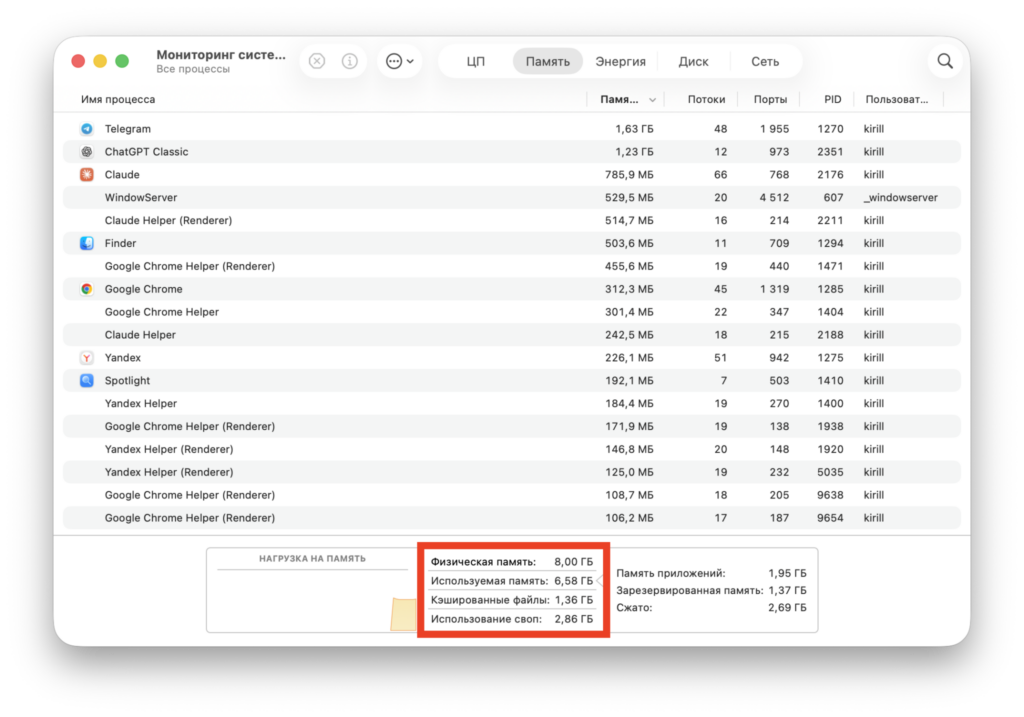
8 GB of RAM is already feeling insufficient on the MacBook Air M2.
The author reports that even now, with a dozen browser tabs and a couple of messaging apps open, the system periodically resorts to swap. Layering a local Siri neural network and the updated Liquid Glass animations on top of that workload could push the 8 GB machine into persistent memory pressure, potentially turning a light, responsive laptop into a sluggish one.
Who should consider updating — and who should wait
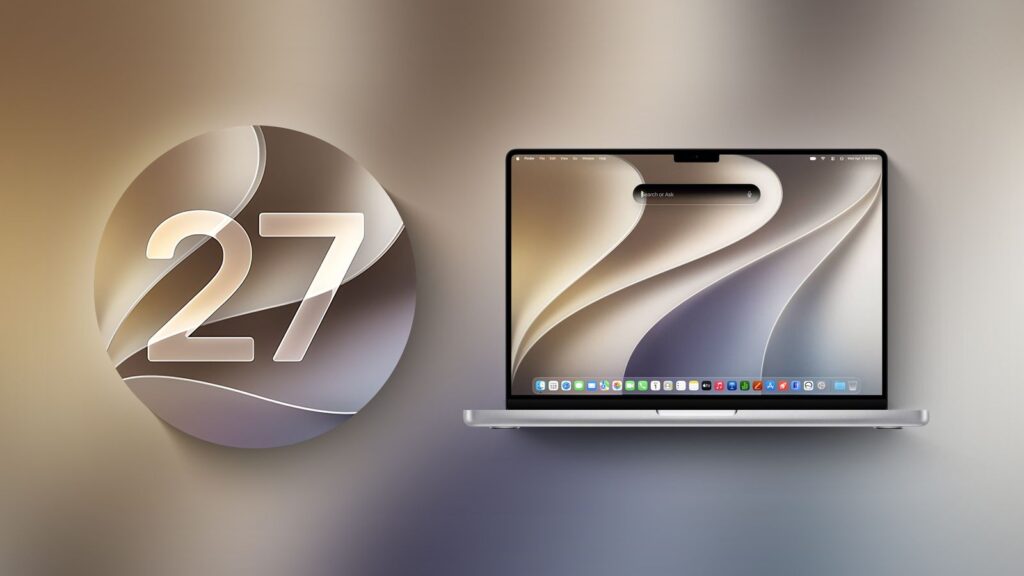
Newer Macs or models with 16 GB of RAM are better candidates for the macOS 27 update.
The source author suggests that owners of newer MacBooks with M3, M4, or M5 chips, 16 GB of RAM, and ample SSD space are in a much better position to benefit from macOS 27 and its Siri AI features. Even an M2 machine with more memory and storage would be a reasonable candidate.
But for a base-model MacBook Air M2 — 8 GB of RAM, 256 GB of storage — the calculus is different. The headline AI feature set is partially unavailable on M2 hardware, disk space is already tight, and a recent minor update demonstrated that even small changes can temporarily cripple performance. The author’s plan: wait for a stable macOS 27.2 release, read real-world reports, and only then decide whether the upgrade is worthwhile. Sometimes, they conclude, the best update is simply to wait.


