The iOS 27 public beta is out — now anyone can install it, not just developers. The main new feature of the system is Siri with artificial intelligence, but not everyone will be able to try it right away.
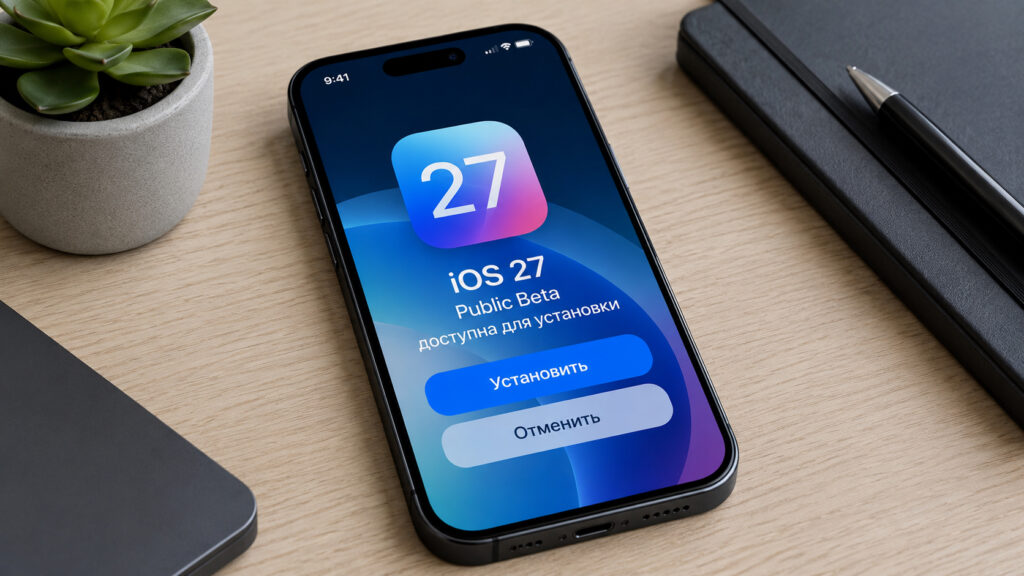
The iOS 27 public beta is now available
What We Know About the iOS 27 Public Beta
The iOS 27 public beta is available for download through Apple’s free beta testing program. This is the first version for regular users, and it differs only slightly from the developer builds.
Now betas can be installed
The difference between the versions is simple. The developer beta comes out earlier and is designed for those who test apps and prepare them for the system’s release. The public beta is the same system, but it’s opened to everyone. It’s usually a bit more stable than early builds, but still contains bugs and issues that will only be fixed by the final release in the fall.
Siri with AI: The Main Feature of iOS 27
The key innovation of iOS 27 is the updated Siri with artificial intelligence. This is the long-promised overhaul of the voice assistant that Apple had delayed several times. Now the assistant better understands context, handles complex requests, and works with data directly inside apps rather than just searching for answers on the internet.
Siri in iOS 27 has truly become smarter
An important caveat: the feature isn’t available to everyone. It only works on iPhone 15 Pro and newer models. If you have a regular iPhone 15, iPhone 14, or anything older, you won’t get the new Siri even after installing the beta — the hardware simply can’t handle on-device neural network computations.
There’s also a second limitation. To try the smart Siri, you need to sign up for a waitlist — access won’t be granted immediately or to everyone at once. Apple already used this approach with previous AI features to avoid overloading servers during the initial rush.
Who Should Install the Beta and Who Should Wait
A beta version is always a compromise between novelty and stability. You get fresh features before everyone else, but in return you risk encountering problems at the worst possible moment.
Installing the iOS 27 public beta makes sense if you:
- love testing new things and aren’t afraid of system bugs
- own an iPhone 15 Pro or newer and want to try Siri with AI early
- are prepared for possible rapid battery drain and app crashes
It’s better to wait for the stable version if your iPhone is your primary device for work, banking, and communication. On the beta, some apps work unstably, and certain services sometimes refuse to launch until the official release. This is especially true for banking apps and work messengers that are critical every day.
If you have an iPhone 15 Pro or newer and you’re interested in Siri with AI, it makes sense to sign up for the waitlist right away and prepare a backup. Everyone else can take their time: the stable version of iOS 27 will come out in the fall and bring the same features without risking your daily tasks.

iOS 27 is great, but installing the beta on your main device is not recommended
The decision is ultimately yours, and we’re just showing the pros and cons of each path.
How to Safely Install the iOS 27 Public Beta
Since the beta is already available, do everything carefully and step by step to avoid losing data.
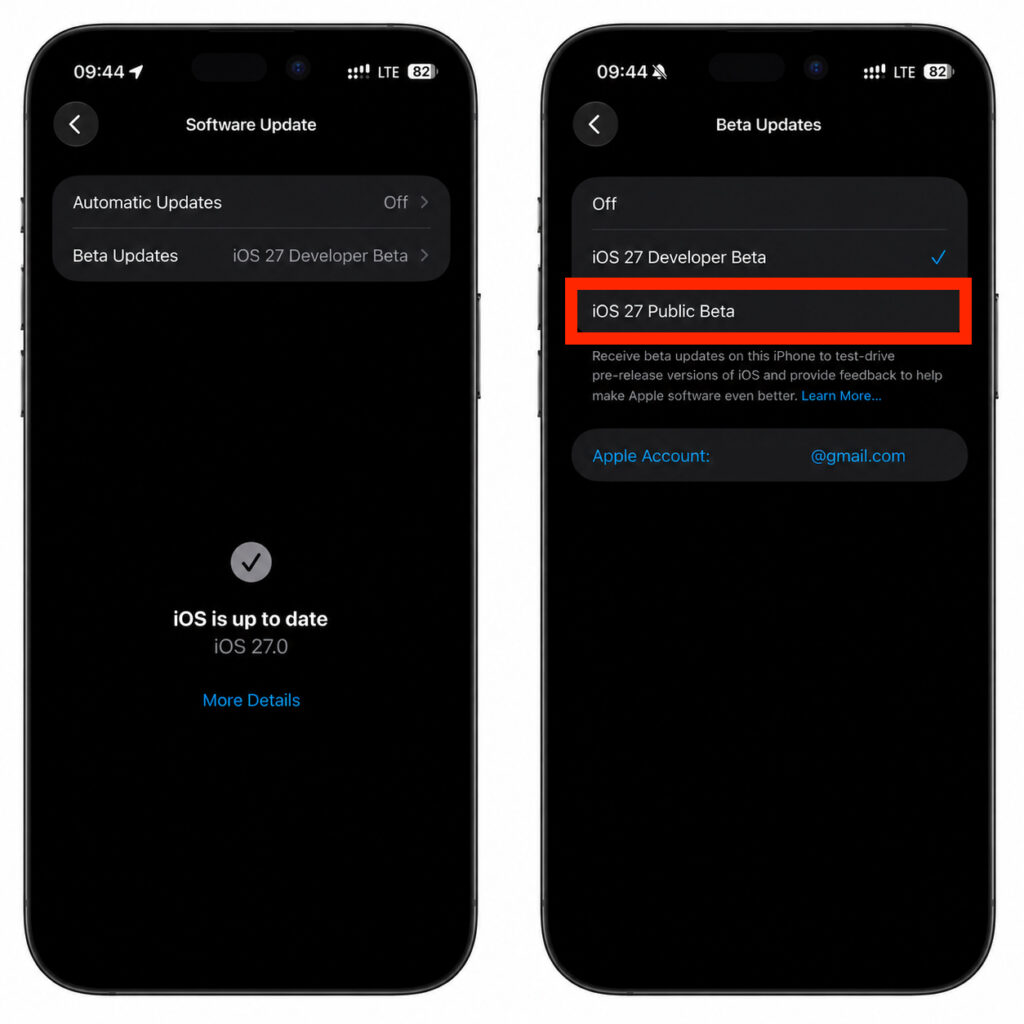
Switch to this option
- Make a backup of your iPhone to iCloud or a computer — this will protect your data if something goes wrong
- Register for Apple’s free beta testing program with your Apple ID
- Open Settings, go to the software update section, and select the beta version under the beta updates option
- Wait for iOS 27 to appear in the list and install the update the standard way
It’s important to remember: rolling back from a beta without a full reinstall is impossible, so a backup is mandatory. We wouldn’t recommend installing the beta on your only work iPhone — it’s better to keep the system on a secondary device if you have one handy.


