When I was reviewing the most dangerous apps on Android, I noticed a clear pattern: most malicious programs get onto phones through third-party sources. But does this mean that any APK not from Google Play is a threat? No. Let me break it down honestly — where the real danger lies, and where it’s just a scary warning icon.
Exploring the dangers of APK files on Android
Why Android Allows Installation from Outside Google Play
Unlike iPhone, Android is an open system. Google deliberately left the ability to install apps from unknown sources. This is a fundamental platform principle, not an oversight.
Sources considered unknown from Google Play’s perspective include:
- RuStore (the official Russian app store, an alternative to Google Play for those who want a supported domestic store);
- Manufacturer stores (Xiaomi GetApps, Samsung Galaxy Store, HUAWEI AppGallery, OPPO Software Centre — official sources from brands);
- Official APKs from developer websites (for example, Telegram, MAX, and browsers publish direct download links);
- Corporate apps (companies often distribute internal apps without publishing them on Google Play).
Installing an APK on Android from a reliable source is a normal practice, not a risky adventure. The only question is what counts as a reliable source.
What Happens When You Install an APK on Android
When you download an APK to your phone and launch it, Android doesn’t just silently install the app. Several checks take place. First, the system asks for permission to install from that particular app installation source. This permission is for the specific installer app (browser, file manager).
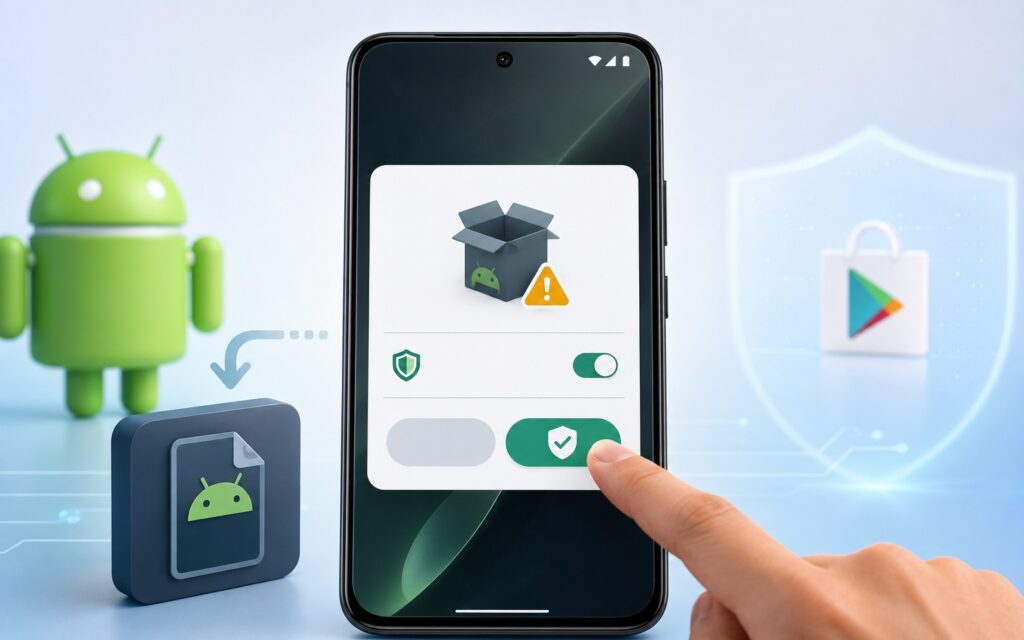
The smartphone requests permission to install from unknown sources
Second, Play Protect scans the APK before installation even if the file didn’t come from Google Play. This is Google’s antivirus engine that runs in the background and checks all installed apps against a database of known threats. Third, Android displays the list of permissions the app requests. This is the last line of defense: if a flashlight app asks for access to contacts and SMS — that’s a red flag regardless of the source.
The Danger of Installing APK Files on Your Phone
Dangerous apps from third-party sources carry three real risks:
- Modified APK. Attackers take a popular app, add malicious code to it, and distribute it as a “cracked version with free Premium” or an “ad-free app.” On the outside — it looks the same, on the inside — a spy or adware module. This is exactly why knowing how to distinguish a real app from a fake one is an important question: clones of popular apps are a common scheme.
- No automatic updates. An app not from Google Play doesn’t update automatically. Developers regularly patch vulnerabilities in updates — if the app is outdated, you’re vulnerable to known attacks that other users were protected from long ago.
- Old vulnerable version. Some websites store old APKs and don’t update them. You download a two-year-old version with unpatched security holes.
Where to download safely: official developer websites, RuStore, APKMirror — a resource with verified APK signatures, Aptoide with verified developers.
How to Safely Install an App Not from Google Play
A few basic rules for safe installation
Step-by-step instructions for those installing an APK for the first time:
- Download the APK only from the developer’s official website or a verified source — RuStore, APKMirror, manufacturer’s store.
- Before installing, check the file size and version (they should match what’s listed on the official website).
- Open the downloaded file (Android will ask for permission to install from that source).
- Tap “Settings” in the dialog that appears and enable allow apps from unknown sources for the specific downloader app.
- Go back and tap “Install.”
- Wait for the installation and Play Protect check to complete.
- After installation, go to “Settings — Apps — [your browser/manager] — Install unknown apps” and disable the permission back.
The last step is important: leaving the permission enabled means any APK file on your phone can install without additional confirmation. Apps on your phone from reliable sources are a normal practice. Just don’t forget to close the door behind you.


