VKontakte remains one of the most popular social networks in Russia, and the official VK client for Android is regularly updated. Below, we’ll cover where to get a working version, how to install the app from an APK file, what to do with VK on a computer, and whether it’s worth installing third-party clients at all. And if you’ve already downloaded everything, head over to this article — it explains in detail how to log into VK from a computer and phone.
Surprisingly, not everyone knows how to install the VK app on Android
Where to Download the Latest Version of VK for Android
The simplest and safest way is to install the VKontakte app from the store that’s already on your smartphone. On most phones, that’s Google Play; on Huawei devices, it’s AppGallery; and on Samsung, Galaxy Store is also available. In all these stores, the official VKontakte client is available without restrictions, and updates arrive automatically:
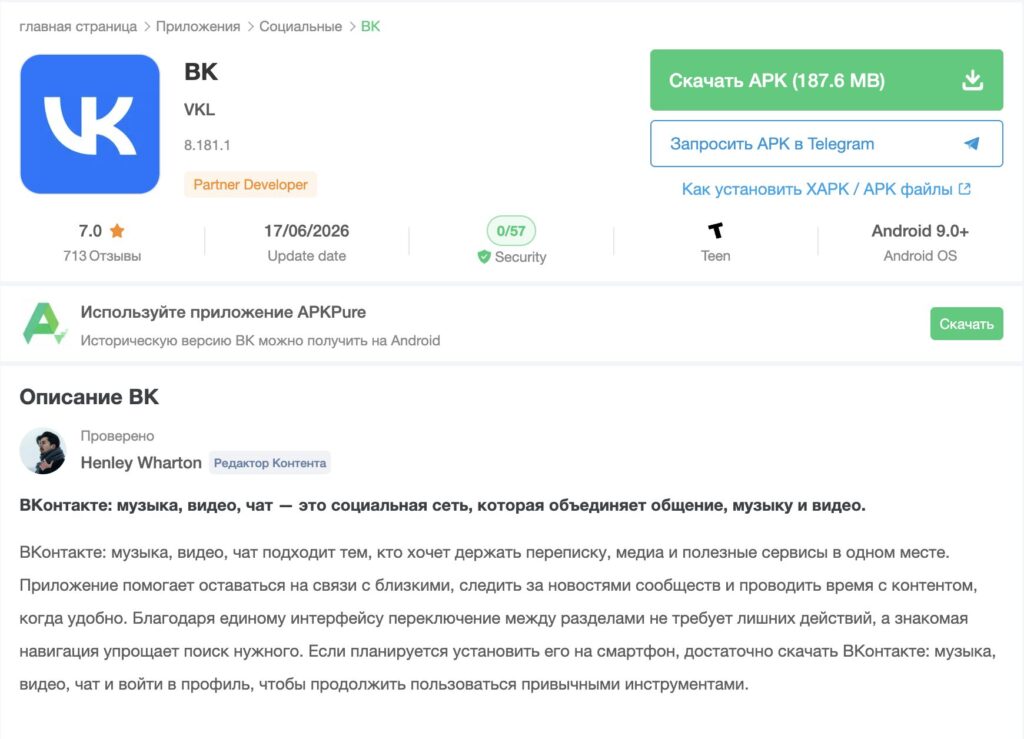
If for some reason the store is unavailable or the needed version hasn’t arrived, the app can be downloaded as an APK file from trusted platforms. For example, platforms like APKPure have the latest version available, which is compatible with Android 9.0 and above, as well as an archive of older builds — this is convenient when the current build makes VK lag on an older phone and you want to roll back.
An APK is an installation file for an Android app that can be installed manually, bypassing the store. The main rule is simple: only download such files from well-known and trusted sites, otherwise you risk installing a fake loaded with ads or malicious code.
How to Install VKontakte from an APK File on Your Phone
Downloading APKs from unknown sources can be unsafe
Installing an app from a file on modern versions of Android takes just a couple of minutes. The system will ask once for permission to install programs from this source — this is normal and necessary for security.
- Download the VKontakte APK file from a trusted site to your phone’s storage.
- Open the file through your downloads or any file manager.
- When the system prompts you to allow installation from this source, agree — the permission is granted specifically to the app from which you opened the file.
- Tap “Install” and wait for it to finish.
- Open VK and log into your account using your phone number.
The process here is exactly the same as with other apps outside the store. If you want to practice on something else, we have a detailed guide on installing an app in 2026 using Wildberries as an example — the file installation logic is completely identical.
How to Use VK on a Computer
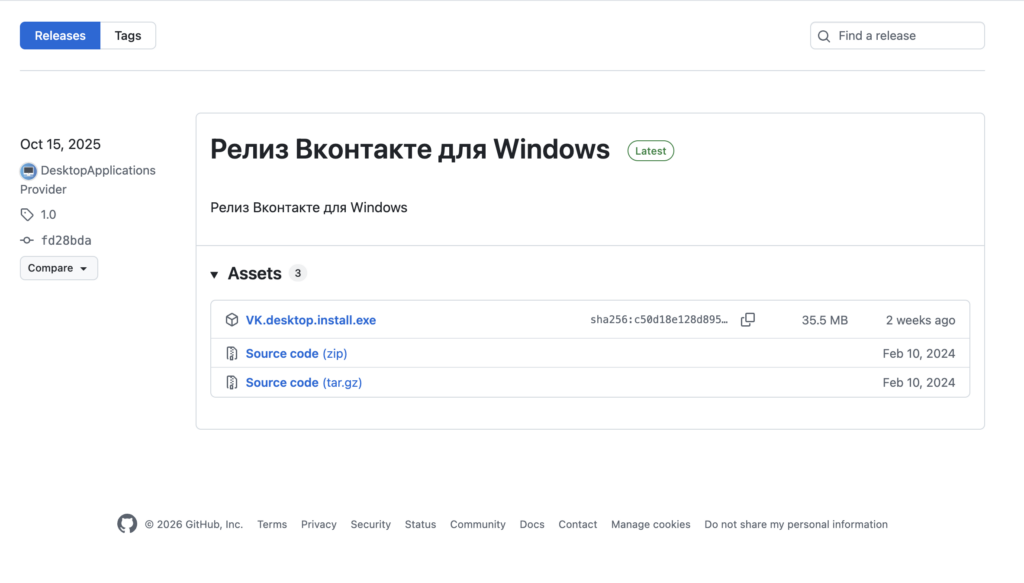
A VK version for both Windows and Mac is available on GitHub
On PC, VKontakte has two working options, and for most people, the first one will suffice. The web version at vk.com opens in any browser, requires no installation, and supports almost all features: the feed, messages, music, video, and communities.
The second option is a standalone VK app for Windows and macOS, which works as a full-fledged program with notifications and calls in a separate window. It doesn’t offer fundamentally new features compared to the website, so it’s mainly worth installing for those who prefer to keep their messenger and calls outside the browser.
How to Watch and Save Videos from VK
VK Video is the social network’s built-in video service, available both in the app and on the website, which can serve as a YouTube replacement. Within the app, videos can be watched for free, clips can be added to bookmarks, and you can continue watching on another device under the same account.
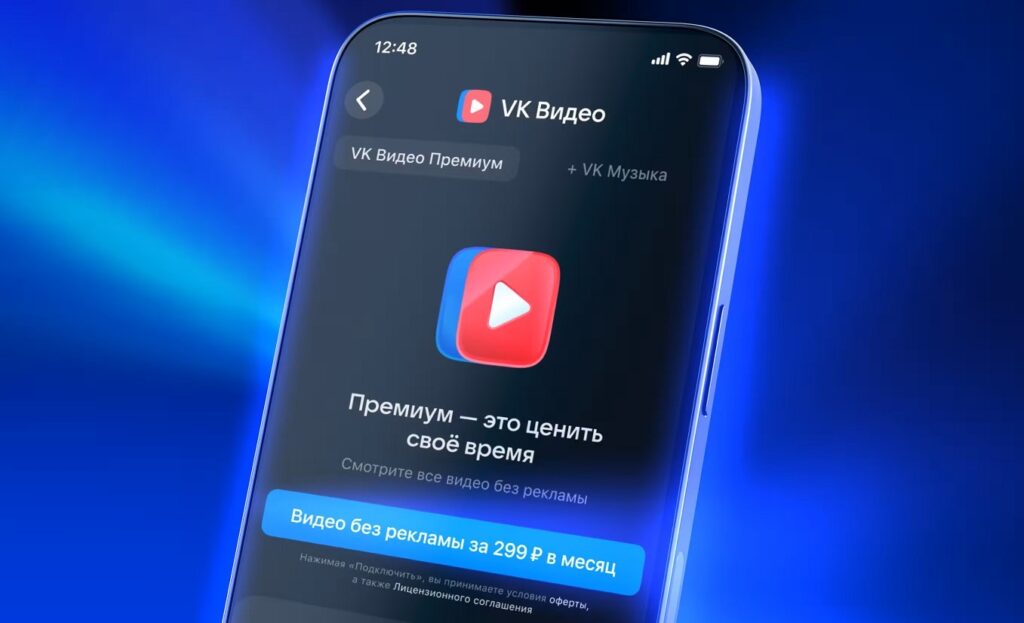
VK Video can be watched for free, but a subscription removes ads
There is no separate official “download video to gallery” button in the app — this is a limitation of the service itself, not your phone. Saving videos offline can be done through bookmarks or playlists, but this isn’t an actual file export to storage — it’s access to the clip within the service. Third-party downloader sites technically violate the service’s terms and are often overloaded with ads, so they should be approached with caution.
Surprisingly, even a VK Video Premium subscription doesn’t add the ability to download videos from VK Video to storage — it simply removes ads.
How to Listen to VK Music Offline
The app has a built-in VK Music service with access to licensed music, of which VK has more than Yandex. You can listen to tracks right in the feed and in the music section, but downloading songs for offline use and ad-free listening are part of the paid subscription.
The subscription allows you to save tracks to your device, listen to them without internet, and removes ad breaks between songs. If music is secondary for you, you can get by with the free mode, albeit with limitations. Most modern messengers and services work on a similar model — for example, in our guide on how to download and install WhatsApp in 2026, you can see that basic features are free while some capabilities are offered separately.
Is It Worth Installing Alternative VKontakte Clients?
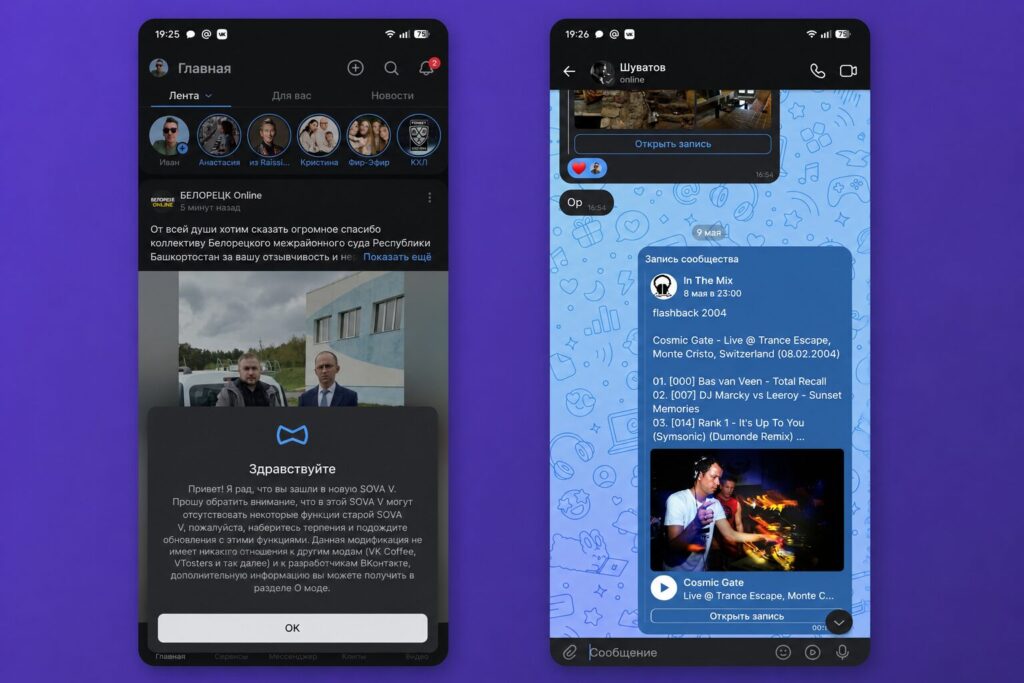
Third-party apps like Kate Mobile or Sova V Re have long existed around VK. Their main advantage is a lighter interface, less advertising, and sometimes additional features not found in the official client.