Apple has been purging Russian banks and services from the App Store for years, but they stubbornly keep coming back — just under different names. Recently, iPhone users in the country experienced an App Store outage, when the store flatly refused to download or update apps. As soon as the situation stabilized, a fresh list of apps that can actually be installed right now leaked online. While the App Store in Russia is still working, there’s no point in delaying.
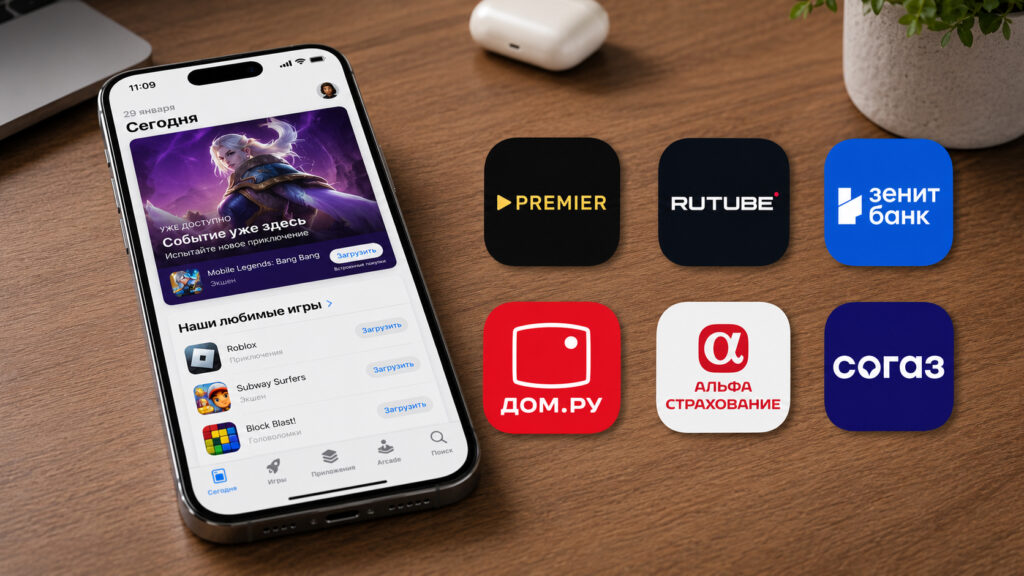
These apps can still be downloaded from the App Store
Why Banking Apps Disappear from the App Store
The scheme is simple. Apple removes sanctioned banks’ apps from the store due to sanctions, and developers re-release them under new covers and names — disguised as a game, music player, or fitness tracker. You download something called PianoWave, and inside you find the Premier online cinema. This is how banks bypass the blocks, and Apple keeps catching these clones time and again.
The “Region” tag next to a name means the app is only visible in a specific App Store region, most often Russia. To install it, you’ll need to switch your account’s country. Meanwhile, RUbles from UBRiR works the opposite way — everywhere except Russia. Such is the irony with these disguises.
Apple’s attitude toward the Russian market isn’t warming up overall. The company either raises prices on its services for various countries or purges another bank app from the store. That’s why every working list of links is a small window of opportunity that can slam shut at any moment. Today the app is in the App Store, and tomorrow it’s gone.
Direct Links to Apps in the App Store
These apps install directly from the store via link, without any TestFlight. On the left is the disguised name, on the right is the real service:
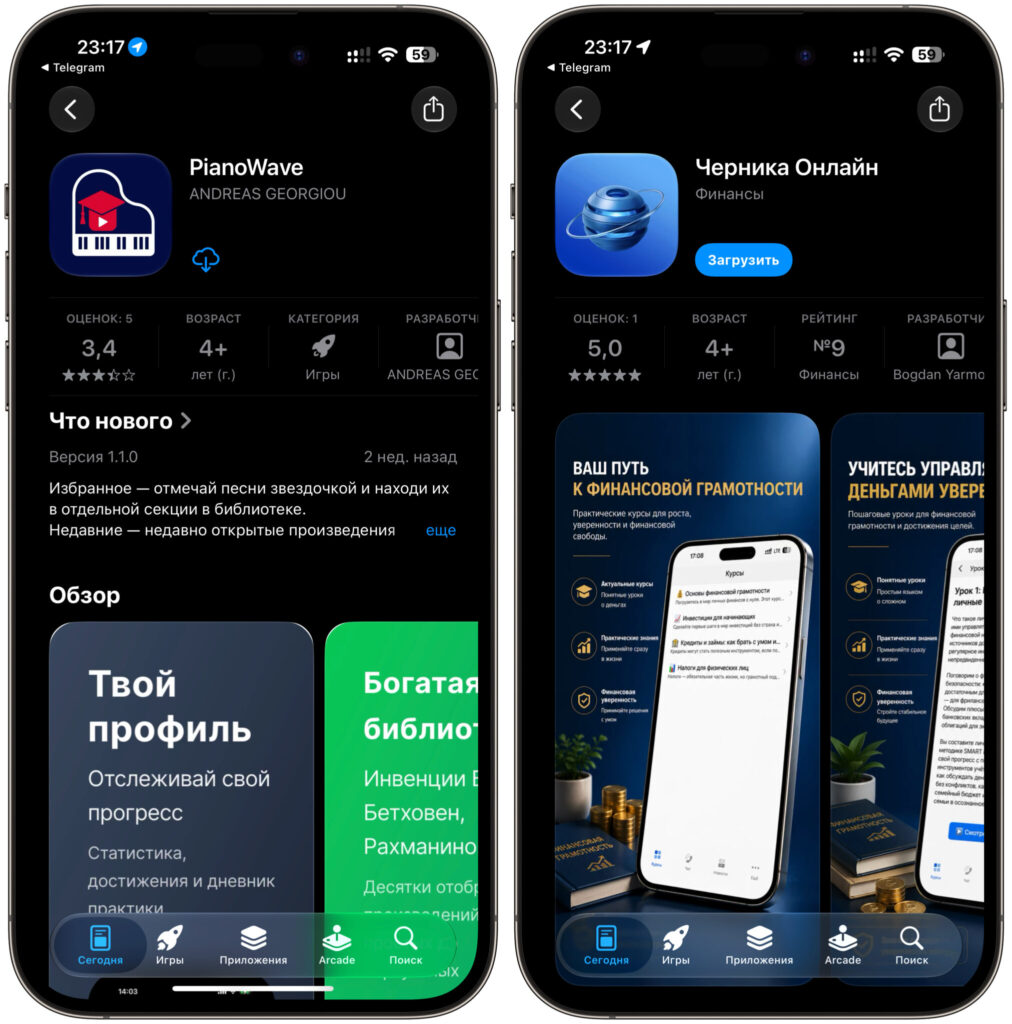
The list is impressive, and Apple hasn’t noticed it yet
- Chernika Online — SurgutNefteGazBank
- PianoWave — Premier (Russia region only)
- SlicingDices — Rutube (Russia region only)
- LunarCode — Novikombank
- Bak+Bonus — Gazpromneft (Russia region only)
- BillFO — Gazprom Investments (Russia region only)
- MySaveSpot — Zenit Bank
- GetQuot — VTB Investments
- Tractor Club — RSHB Business
- SilentFund — T-Investments
- Startship Battle — RuTube (Russia region only)
- ProSpeed — Dom.RU (Russia region only)
- HealthFlow — A-Insurance
- How to Live — T-Textbook
- Health and Insurance — SOGAZ (Russia region only)
The list is substantial, and if you’ve been putting off installing a banking client or investment app — there won’t be a better moment. From experience I can say: keeping a couple of such links in reserve is useful, because these clones disappear fast.
Which Apps Are Available via TestFlight
TestFlight is an official Apple service for beta testers. Banks use it to distribute their apps bypassing the main store, but the method has its caveats. The number of spots in the beta is limited, and when the limit is filled, the link stops working. Plus, such a build can suddenly stop opening if the developer closes the testing.
Four apps are currently available through TestFlight:
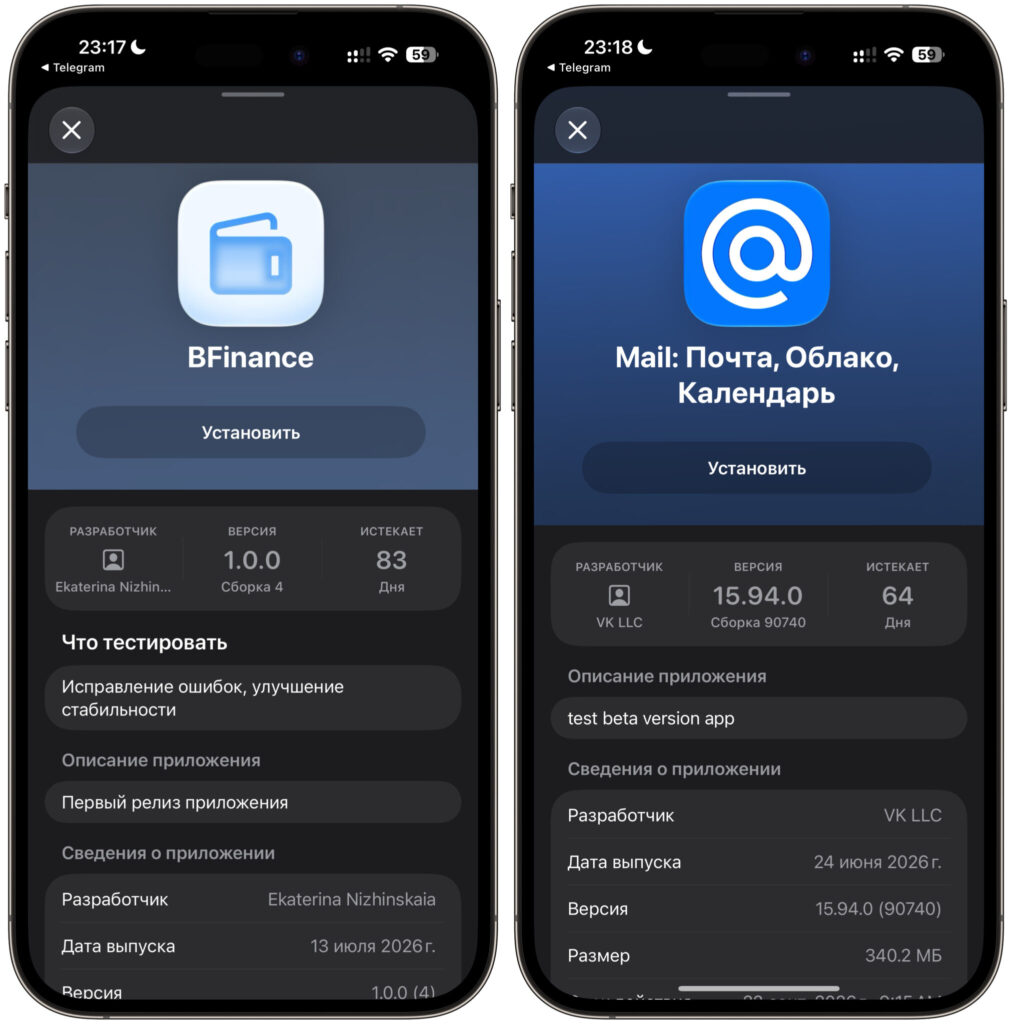
Several apps are also available on TestFlight
- BFinance — BCS Bank
- Pochta Mail.ru
- Digital Analytics — Khlynov Bank
- Fora Walk — Fora Bank
The advice is the same as with direct links: install immediately, don’t delay. Beta spots can fill up literally within a couple of hours after a post is published, and then you’ll have to wait for the next wave. If you already have a needed bank’s client installed via TestFlight, I wouldn’t recommend deleting it without an urgent reason — there may be nothing to reinstall it with later.
Which Apps You Should Install on Your iPhone in Advance
The cat-and-mouse game between Apple and Russian services doesn’t stop for a single day. The company deletes clones, developers release new ones, and so it goes in circles. A separate question is whether Apple will be banned in Russia altogether amid this whole story with app stores and mandatory pre-installation of domestic software. Forecasts vary for now, but it’s precisely because of this uncertainty that you shouldn’t delay installation.
My personal approach is this: as soon as I see a fresh working list, I install what I need that same evening. Spending five minutes is no big deal, but then you’re not running around in a panic when yet another banking client disappears from search results again. The App Store in Russia is still functioning for now, the links are alive, and this is a case where it’s better to play it safe.


