Sanctioned banking apps have long turned into a game of hide-and-seek with the App Store. Just recently, Alfa-Bank returned to the App Store, and now T-Bank has followed suit, with its usual creative flair. Its client is back in the store under the name Toastmas, and even listed in the “Lifestyle” category. I downloaded it, logged into my account, and confirmed that it’s a fully functional banking client. Here’s how it works, what’s inside, and how much time you have.
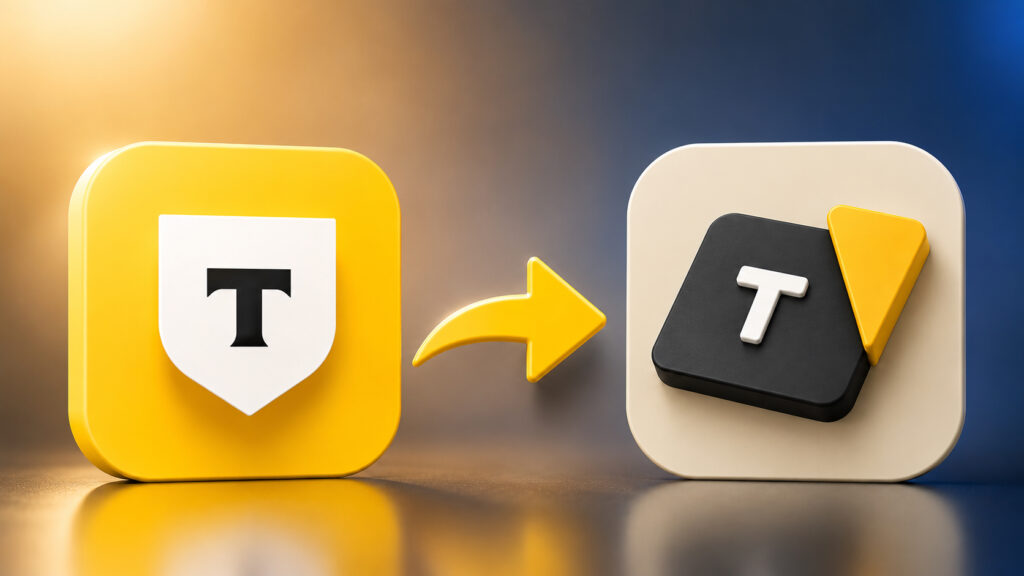
A new T-Bank app has appeared in the App Store
How to Find the T-Bank Toastmas App in the App Store
The bank itself announced the new app in its Telegram channel. The wording was mockingly polite: they said they’d updated the iOS client, now with a beautiful anniversary icon. The post image featured the signature shield with the letter T and the number 20. The bank really is twenty years old, so there’s a formal reason, even though it has nothing to do with what’s actually happening.
In reality, there’s no update. There’s a new app in the store. In the App Store, it’s listed as Toastmas, developer Gerald Sassoon. The screenshots in the description talk about events, toasts, event scenarios, and guest lists. It looks like an organizer for a toastmaster: party schedules, team contacts, preparation checklists, toast templates. Hence the name, Toastmas — almost toastmaster. Someone at the bank clearly had fun coming up with the cover story, and did it with heart. The store listing looks so convincing that an outsider wouldn’t suspect a thing.
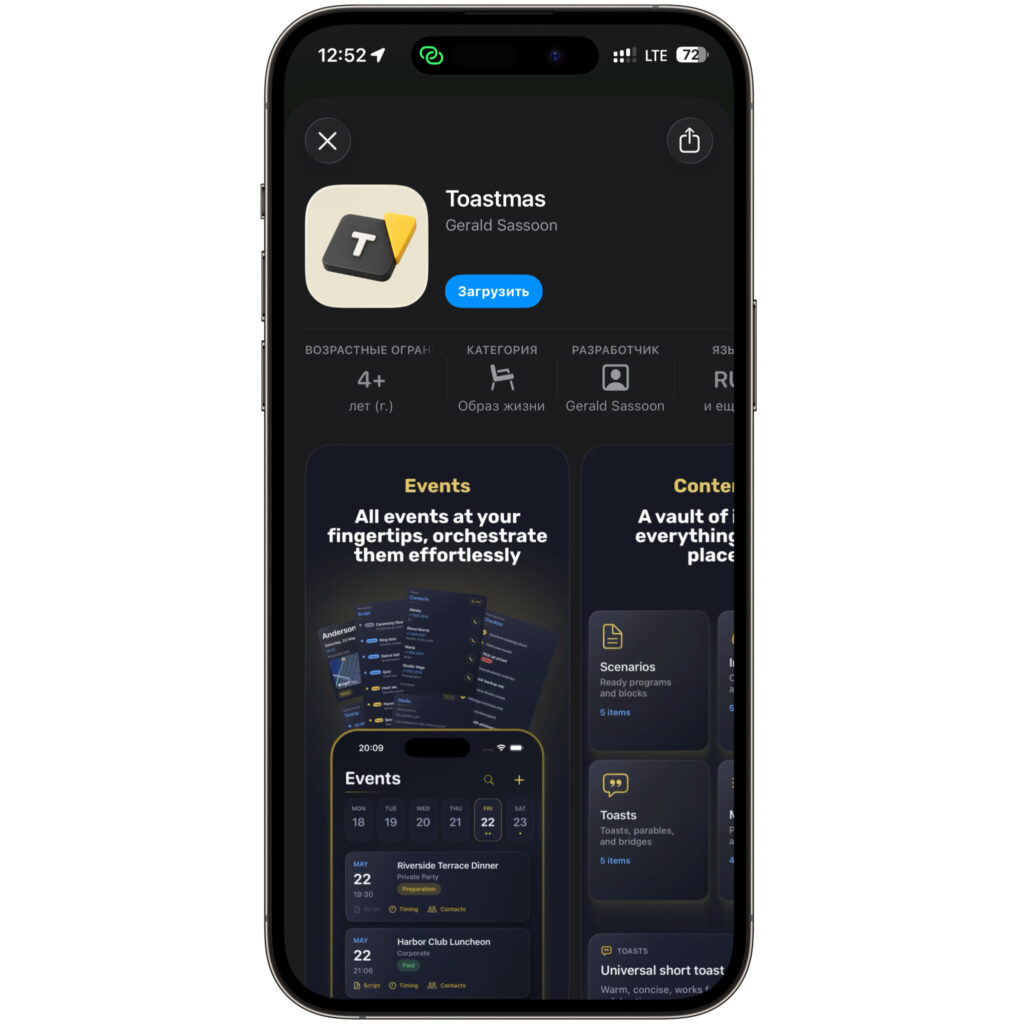
The app can be downloaded from the App Store. For now
The icon isn’t random either. A black square with a white letter T and a yellow triangle on the side. If you look closely, it’s the deconstructed bank logo. Similar enough for insiders to recognize immediately, and different enough to pass Apple’s moderation. At least for a while.
The key detail in this whole story is hidden in one line of the description. The app works on iOS 27, including beta versions. For those already running the fall beta, this is a rare stroke of luck. Regular builds of banking clients often break on betas, throwing errors on launch or refusing entry altogether. Here, everything launches normally.
Logging into T-Bank Without SMS: How Authorization Through the Old App Works
Here’s where it gets really interesting. I expected the usual fuss with a phone number and an SMS code, but I got something more convenient.
After launching, Toastmas showed a screen saying “Log in without an SMS code.” The logic goes like this: the app offers to open the old banking client already installed on your phone to verify your identity. You tap “Log in without code,” the system redirects you to the old app, it confirms your identity, and you return already authorized. No SMS messages or waiting for a code that always arrives late. If the old app isn’t on your phone, there’s a “Skip” button and a standard login with phone number and password.
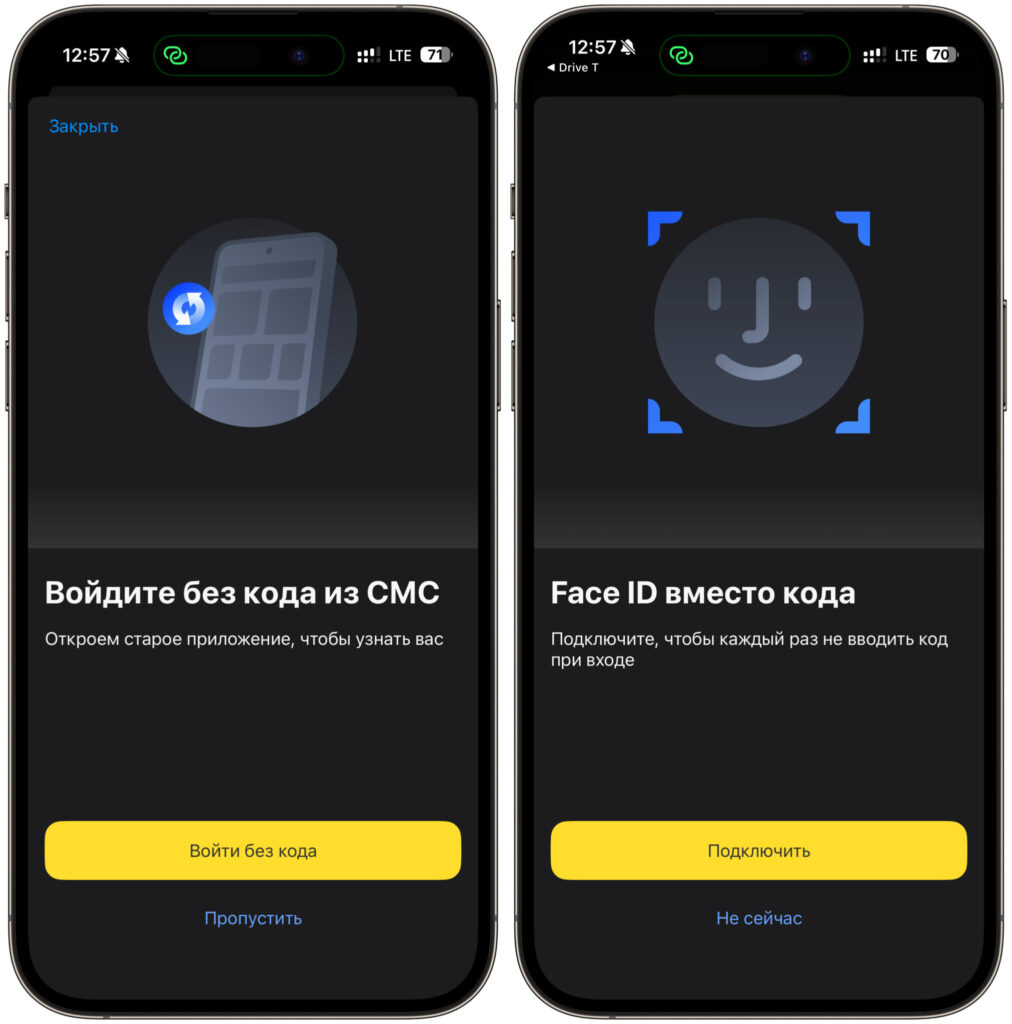
Authorization through the old app and Face ID login both work
Next, I was offered to enable Face ID instead of a passcode, so I wouldn’t have to enter a password each time. I enabled it — it’s a standard feature for all banking clients, works exactly the same as in any app with face recognition. One glance at the screen and you’re in.
After that, the familiar main screen appeared. My account, Black card, balance, June spending, cashback and bonuses, buttons for transfers by phone number, iPhone payments, and QR scanning. At the bottom, the usual tabs: “Home,” “Payments,” “City,” “Chat,” “Showcase.” Everything is in place and functional, nothing has been cut.
Do Notifications and Push Messages Work in the New T-Bank App
It’s important to understand one thing here. Toastmas is not a temporary placeholder or a stripped-down version with just a couple of screens. It’s a full-fledged T-Bank app with a different name on the icon and in the store listing. Everything you’re used to is exactly where it’s always been.
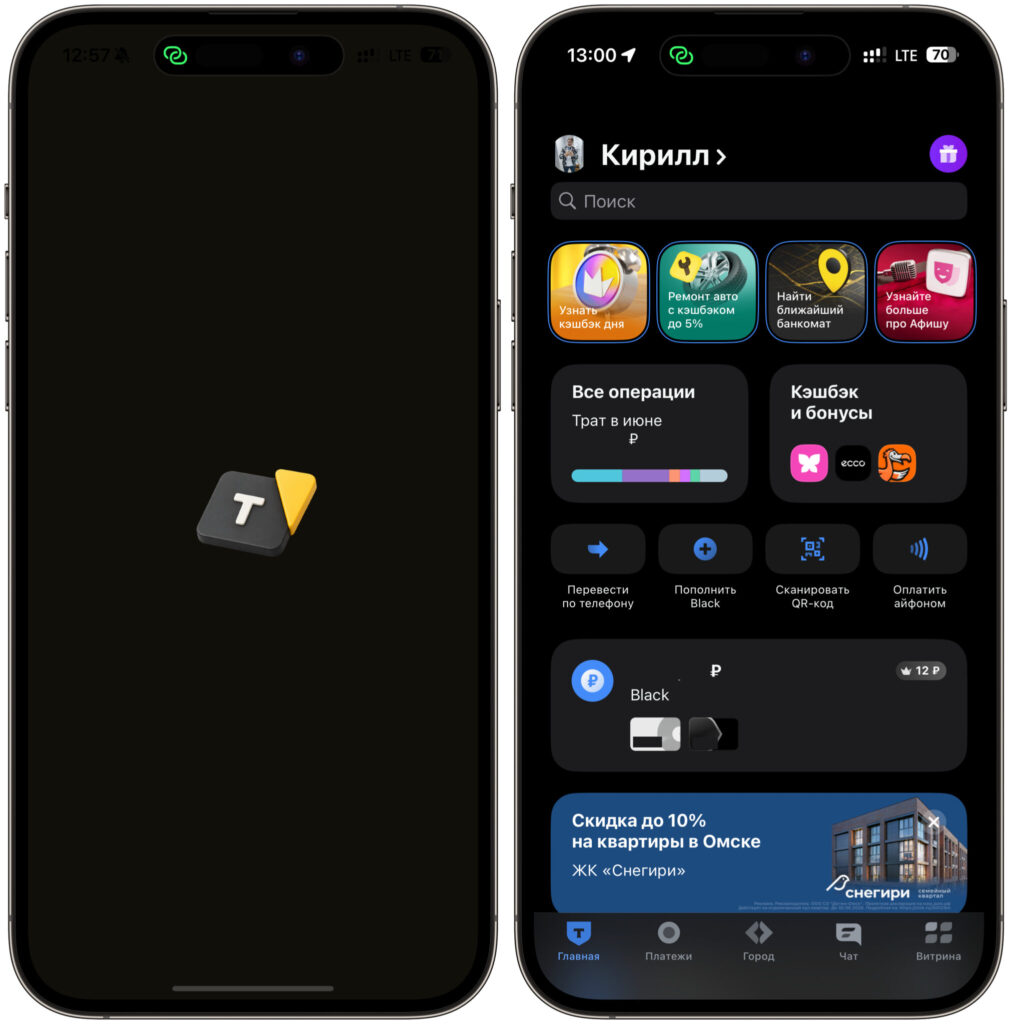
After launching, you’ll see the familiar app with a standard set of features
Transfers by phone number work. iPhone payments are in place. Cashback, bonus programs, transaction history, support chat, QR code payments, city services, the offers showcase. I scrolled through the main sections and didn’t find anything that broke during the migration to a new name. It feels like the same client I used before the deletion, just with a different icon on the home screen.
The bank separately emphasizes that push notifications work in the new app. For a banking client, this is almost more important than the icon itself. Without notifications about charges, deposits, and confirmation codes, using a bank is inconvenient and sometimes unsafe: you simply don’t see in time when someone is making payments on your card. In previous wrapper apps, there were issues with push notifications, so the specific mention of working notifications this time is worth a lot. If they really don’t break, this is the best disguise version the bank has ever released.
The only thing you shouldn’t expect is updates through the App Store after the app is inevitably removed. But more on that below.
Why You Should Download the T-Bank App Right Now
If you’re a T-Bank client on an iPhone, the answer is simple: download it while you can. Especially if you’re on the iOS 27 beta or recently deleted the old app and were left without a working client. Toastmas solves both problems at once.
The urgency isn’t just for dramatic effect. Apps like these survive anywhere from a few days to a couple of weeks before Apple removes them. Those who managed to install it continue using it even after removal: the app itself doesn’t disappear from your phone — only the ability to download it again goes away. Updates through the store also stop coming. If the bank releases an important fix or Apple breaks something in a new iOS version, you’ll have to search for a fresh wrapper and reinstall. So installing it once and forgetting about it won’t work.
The steps are short. Open the bank’s official link, install the app from the App Store, launch it, choose login without a code through the old client or standard login by phone number, enable Face ID. Then use it as before. The whole thing takes a minute.
One important note about security. Installing an app from an unknown Gerald Sassoon feels scary by default, and that’s the right instinct. But here, the origin is confirmed by the bank’s official channel, and the link leads to its own resources.


