If your iPhone gets wet, skip the bowl of rice. According to the source article, the folk remedy does not work and can actively damage the phone, because rice grains and dust can lodge in the USB-C port. Modern iPhones are built to survive contact with small amounts of liquid on their own, and the one rule that really matters is simple: do not charge a wet iPhone over a cable, and let the connector dry out by itself. Below is why rice is a bad idea, which iPhone models are water-resistant, what the liquid-detection alert means, and the step-by-step drying routine the source recommends.
What you need to know
- Rice does not dry an iPhone; grains and residue can clog the USB-C port and damage its contacts.
- Water resistance first arrived with the iPhone 7; from the iPhone 12 onward, the source says the phones are rated for up to 30 minutes at roughly 6 meters, though that rating is a lab figure and degrades with age and drops.
- When the liquid-detection alert appears, unplug the cable and wait; a full dry-out can take up to 24 hours, and Apple advises waiting at least 30 minutes.
- Wireless charging (including MagSafe) is safe to use while the port dries; hair dryers, compressed air, and cotton swabs are not.
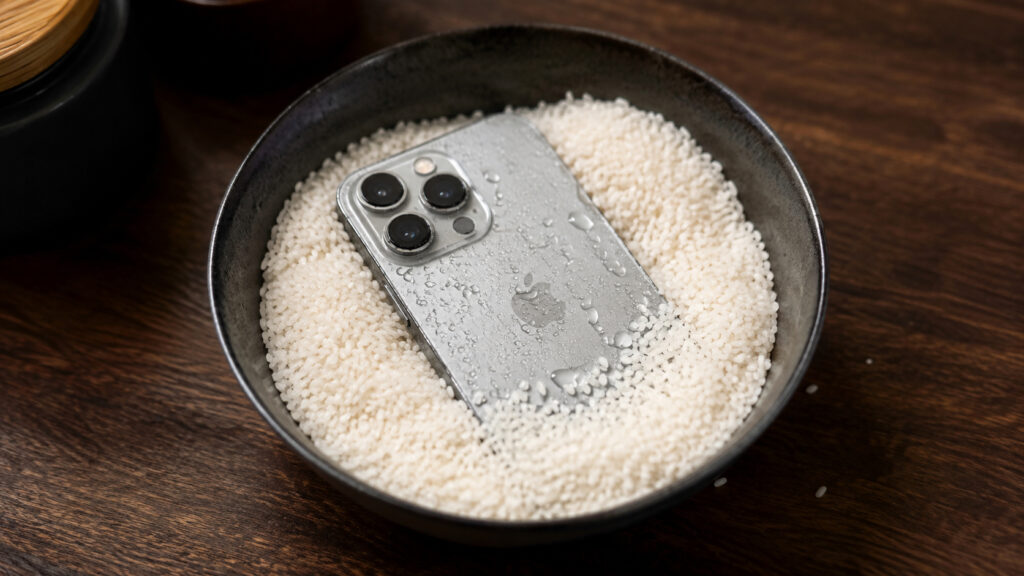
Have you ever tried drying a smartphone this way?
Why rice won’t save a wet iPhone, and can hurt it
The advice to bury a soaked phone in dry rice has circulated online for years. The logic seems intuitive: rice absorbs moisture, so it should pull moisture out of the phone. In practice, the source argues, the method is more harmful than helpful.
Small grains and dust from the rice easily work their way into the USB-C connector and get stuck between the contacts. Rice that has absorbed water also leaves a sticky residue that further fouls the port. Instead of a rescue, you risk ending up with a clogged and damaged connector that then needs to be cleaned separately.
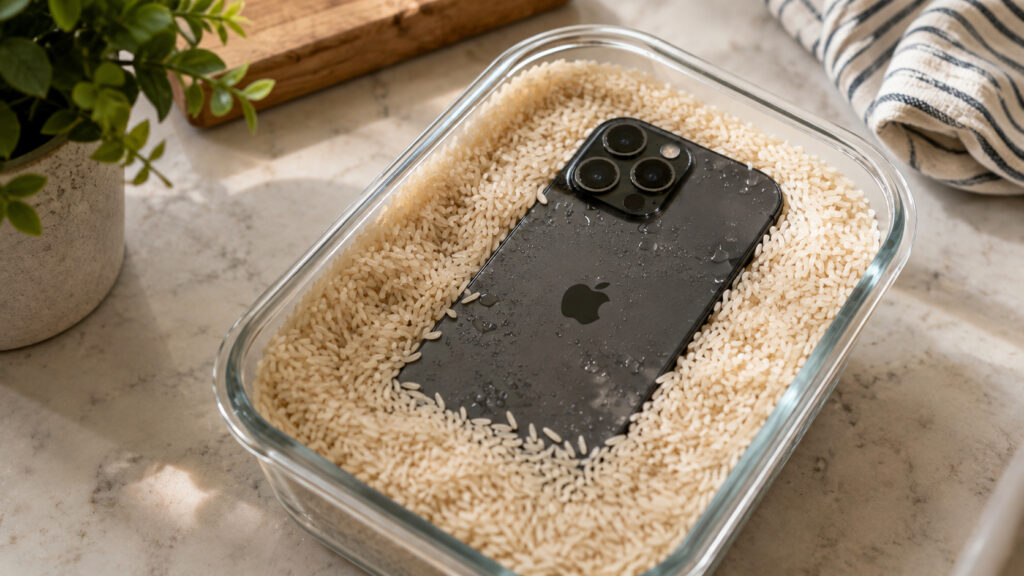
Doing this is definitely not a good idea
The key point is that the connector is the only part that genuinely deserves concern. The body of a modern iPhone is designed to cope with a small amount of liquid, and the days when a dip in the pool almost certainly meant a dead phone are long gone.
Which iPhone models are water-resistant
Water resistance first appeared with the iPhone 7. Starting with the iPhone 12, the source states that Apple’s phones can withstand up to half an hour under water at a depth of roughly 6 meters. Rain, splashes, or a brief submersion should not be a threat to such a device.
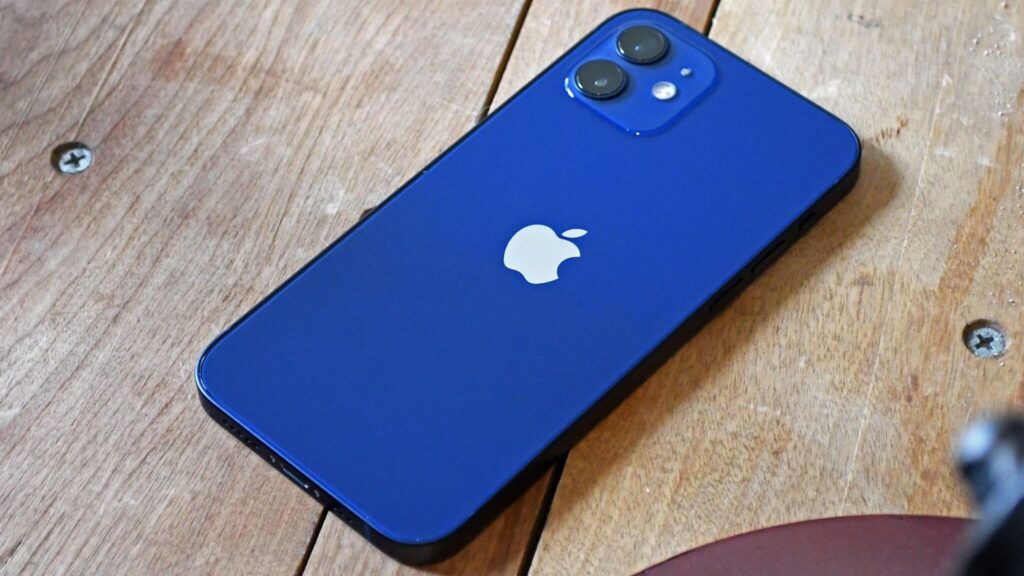
Starting with the iPhone 12, Apple’s phones can spend more time in water, but they still should not go into rice
That protection has limits worth remembering:
- Water resistance declines over time. Natural wear, aging seals, and small internal damage from drops all take their toll.
- Salt water and chlorinated water are far more dangerous than fresh water. If the phone has been in the sea or a pool, salt and chlorine are especially harmful to the contacts.
- The published ratings were obtained in a laboratory, not a real-world puddle. Deliberately testing an iPhone’s water resistance is not a good idea.
In short: there is no need to panic over a few drops or a quick dunk, but there is also no reason to bathe the phone on purpose. Sensible caution beats heroics.
What the liquid-detection alert means
The message about liquid detected in the USB-C connector means exactly one thing: the phone needs time to dry. It appears when you connect a cable or accessory and the iPhone senses moisture inside the port.
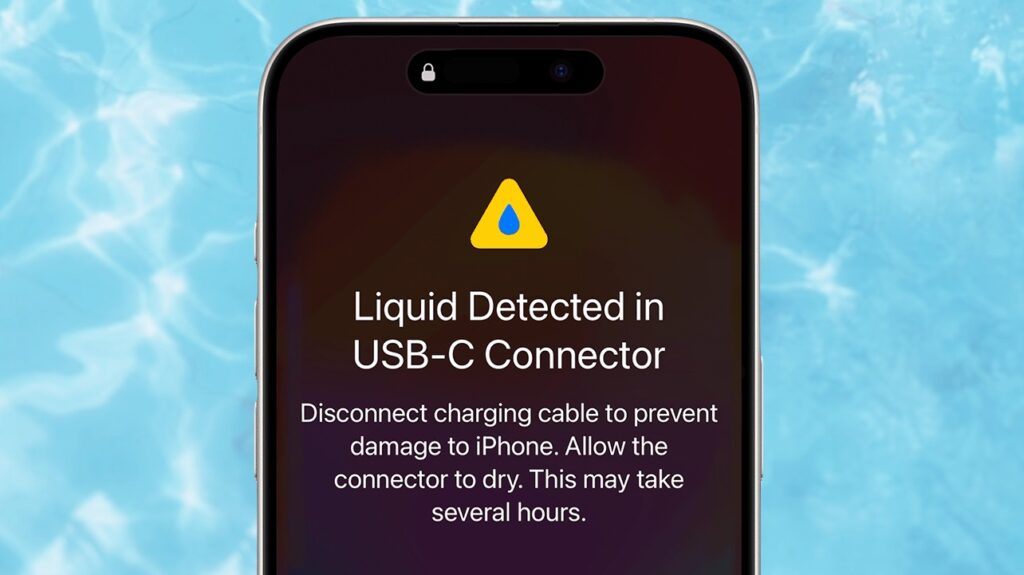
If the system detects liquid in the connector, you will see a warning like this
What to do when you see this warning:
- While the alert is showing, the iPhone will not charge. Disconnect the cable right away.
- Do not reconnect the phone while it is still damp.
- Let the connector dry completely before plugging anything back in.
Charging a phone with moisture in the port is the worst option. According to the source, Apple explicitly warns that connecting a cable to a wet port can cause the contacts to corrode and become damaged. The source notes the warning can be overridden in a genuine emergency, but advises against relying on that.
Wireless charging, by contrast, is safe. While the USB-C port dries, you can place the phone on a MagSafe or other wireless charger. The rule stays the same: put nothing into the port itself while it is wet. This is a convenient way out when you need power right now but cannot use a cable.
How to dry an iPhone properly
The most important thing when drying a wet iPhone is patience. The right method takes time, but it will not harm the phone.
Step by step:
- Wipe the iPhone with a dry cloth and remove all visible moisture.
- Gently tap the phone against your palm with the USB-C connector and speakers facing down so excess liquid can shake out.
- Leave the phone in a dry place with some air movement so the moisture can evaporate.
- Let the connector dry completely before connecting anything. This can take up to 24 hours.
Even if you are in a hurry, the source says Apple advises waiting at least 30 minutes. If the liquid-detection warning appears again, not enough time has passed. If the phone behaves oddly after a serious soaking, it is worth keeping an eye on it.
Rice appears nowhere in this list, and that is no accident. Several other shortcuts also seem quick and convenient but do harm:
- Do not dry the iPhone with a hair dryer or any other heat source. Overheating is more dangerous to the internals than the water itself.
- Do not blow compressed air into the connector. It can push moisture deeper or damage the contacts.
- Do not insert a cotton swab or tissue into the port. It is easy to damage the contacts and leave fibers behind.
The short version
If your phone has been dunked or splashed, do not panic and do not reach for the rice. Keep the iPhone disconnected from any cable, let it dry naturally, and give it time. If you need a charge urgently, use MagSafe. If you are unsure what to do next, consult Apple’s official support document on the liquid-detection alert.
In this situation, rice is one of your enemies
Serious damage is rare, the source notes: in most cases a wet iPhone simply dries out and keeps working as if nothing happened. Save the rice for dinner.


