On Sunday evening, May 24, users in Russia encountered an unpleasant surprise — the popular Chinese neural network DeepSeek suddenly stopped opening. Neither the website nor the app worked without changing the IP address. Naturally, dozens of theories immediately appeared online: from targeted blocking to a technical failure on the servers. Here’s what exactly happened, why DeepSeek suddenly became unavailable, and what to do if you still can’t access the neural network.
DeepSeek was down for almost an entire day in Russia
DeepSeek Outage in Russia: When the Access Problems Started
The first complaints began appearing during the night of May 23–24. Users reported that when trying to visit chat.deepseek.com, the connection simply dropped — the page wouldn’t load, and requests wouldn’t go through. According to monitoring services detector404.ru and “Sboi.rf”, over the course of a day, more than 24,000 people reported problems. The most complaints came from Moscow and Saint Petersburg, but the outage was recorded across the entire country.
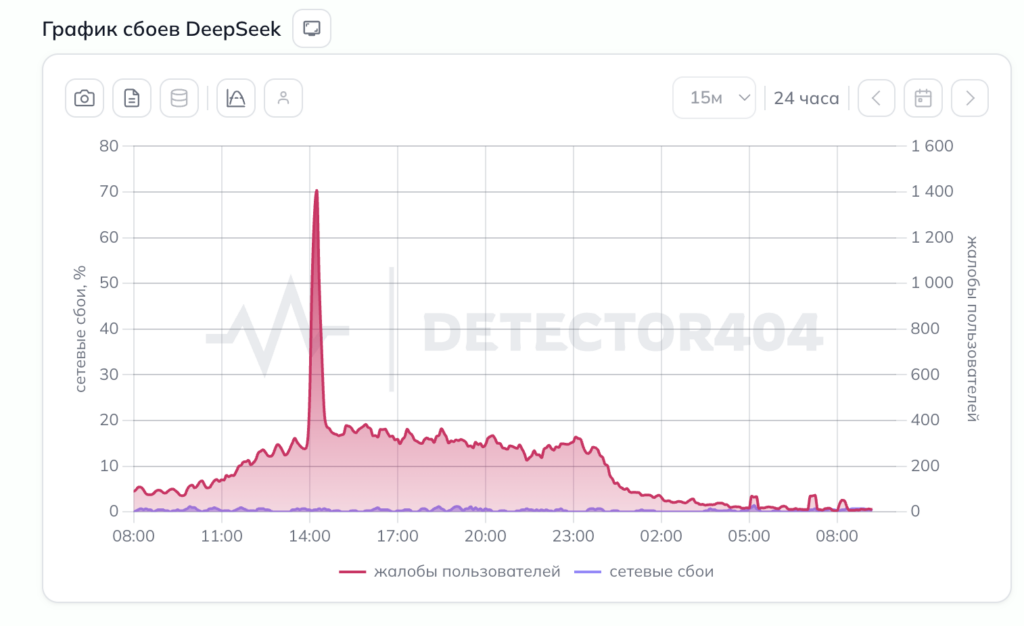
There were plenty of complaints
The peak of reports occurred between 4:00 PM and 7:00 PM Moscow time. People tried accessing it through both the browser and the mobile app — with the same result. Meanwhile, from IP addresses in other countries, the service worked perfectly fine. This is an important detail, because it’s exactly what raised the main question: was DeepSeek blocked in Russia?
Was DeepSeek Blocked in Russia?
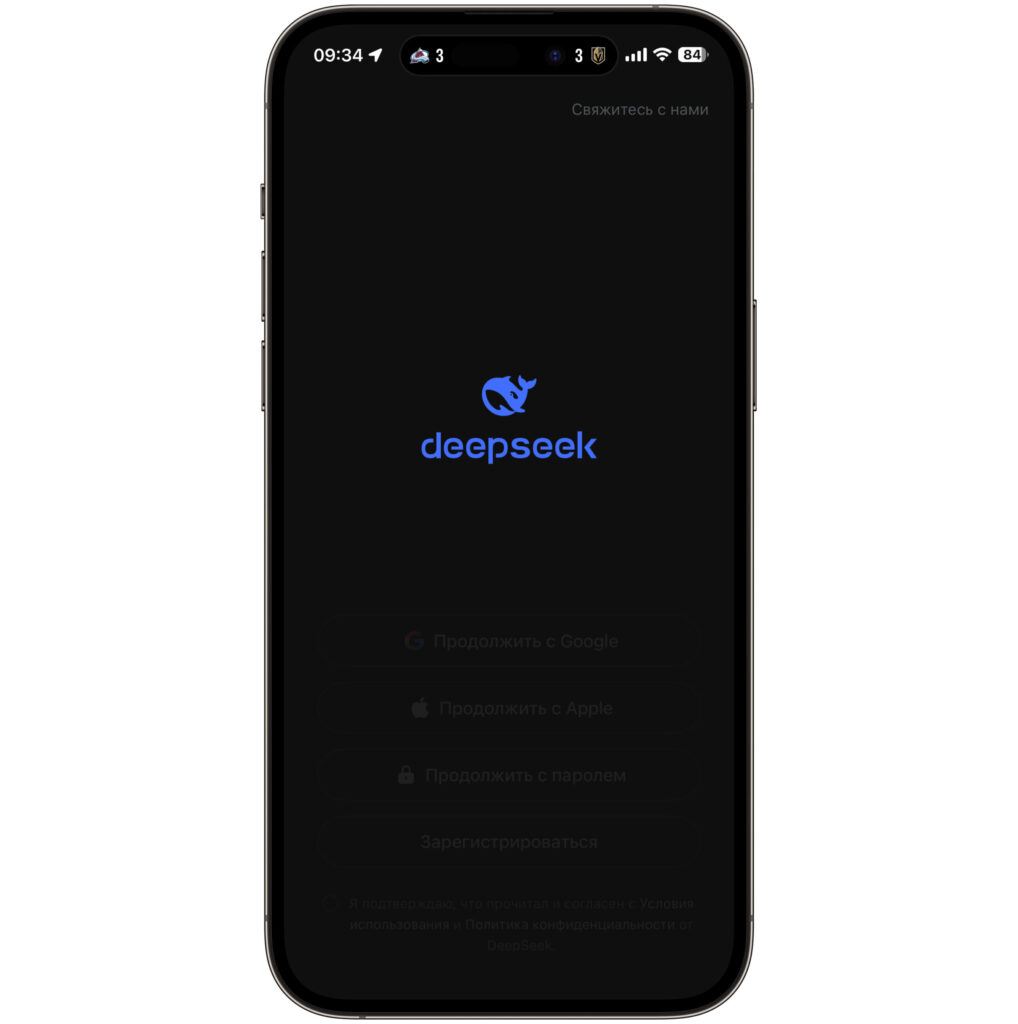
When opening the app, a splash screen appeared with a loading spinner
When attempting to load the DeepSeek neural network in Russia, the connection dropped at the TLS stage. This behavior is indeed characteristic of websites blocked by Roskomnadzor through TSPU — technical means of countering threats. This is exactly how access to various resources was previously restricted in Russia.
However, an important caveat: a TLS connection drop alone is not 100% proof of a block. Such problems can theoretically arise for other reasons — for example, due to traffic routing peculiarities or issues on the provider’s side.
Nevertheless, that same evening, Roskomnadzor did comment on the situation. The agency officially stated that it had not imposed any restrictions on DeepSeek. This was reported by several news agencies — TASS, Interfax, and others — citing the press service. So it turns out that Roskomnadzor completely denies any involvement in the outage.
DeepSeek itself also did not issue any official comments. So the specific reason why the service became unavailable specifically from Russia currently remains unknown.
Did DeepSeek Start Working Again After the Outage?
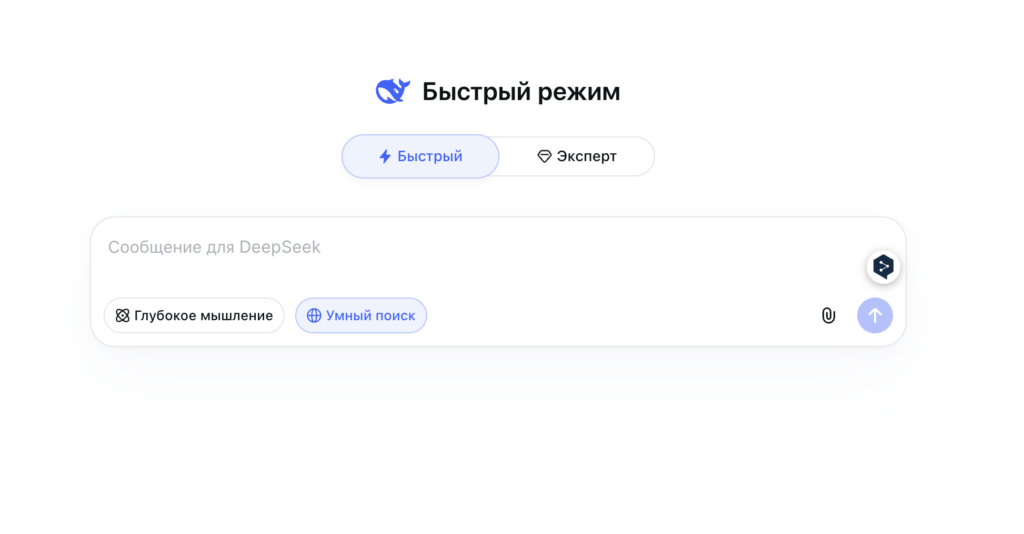
The neural network is currently working normally in Russia, as before
Good news: as of Monday morning, May 25, the neural network is once again accessible from Russia. The website opens, the chat functions, and requests are being processed. What exactly changed overnight is unclear, but the fact remains: the outage lasted approximately 24 hours and resolved on its own.
By the way, this is far from the first such incident. In early May 2026, users had already complained about a global DeepSeek outage — at that time, problems were observed not only in Russia but also in the US, UK, and other countries. And in January 2025, shortly after the high-profile launch of the DeepSeek-R1 model, the service also experienced serious technical difficulties due to a flood of users.
How to Fix DeepSeek Connection Error on iPhone and Computer
Although the mass outage has already been resolved, some users may still experience access problems. This is usually related to cached data, stuck DNS records, or the specifics of a particular provider. Here are a few simple steps worth trying before panicking.
- Restart your router. Simply unplug it from the outlet, wait 30 seconds, and plug it back in.
- Restart your iPhone or computer. Basic, but it works. A restart clears temporary network settings and forces the device to re-establish a connection with DeepSeek’s servers.
- Toggle airplane mode on and off. This method is especially relevant for iPhone. Swipe down from the top-right corner, tap the airplane icon, wait 10 seconds, and turn it off again. Essentially, this is a quick restart of the network module — the device will reconnect to the cellular network and receive fresh DNS settings.
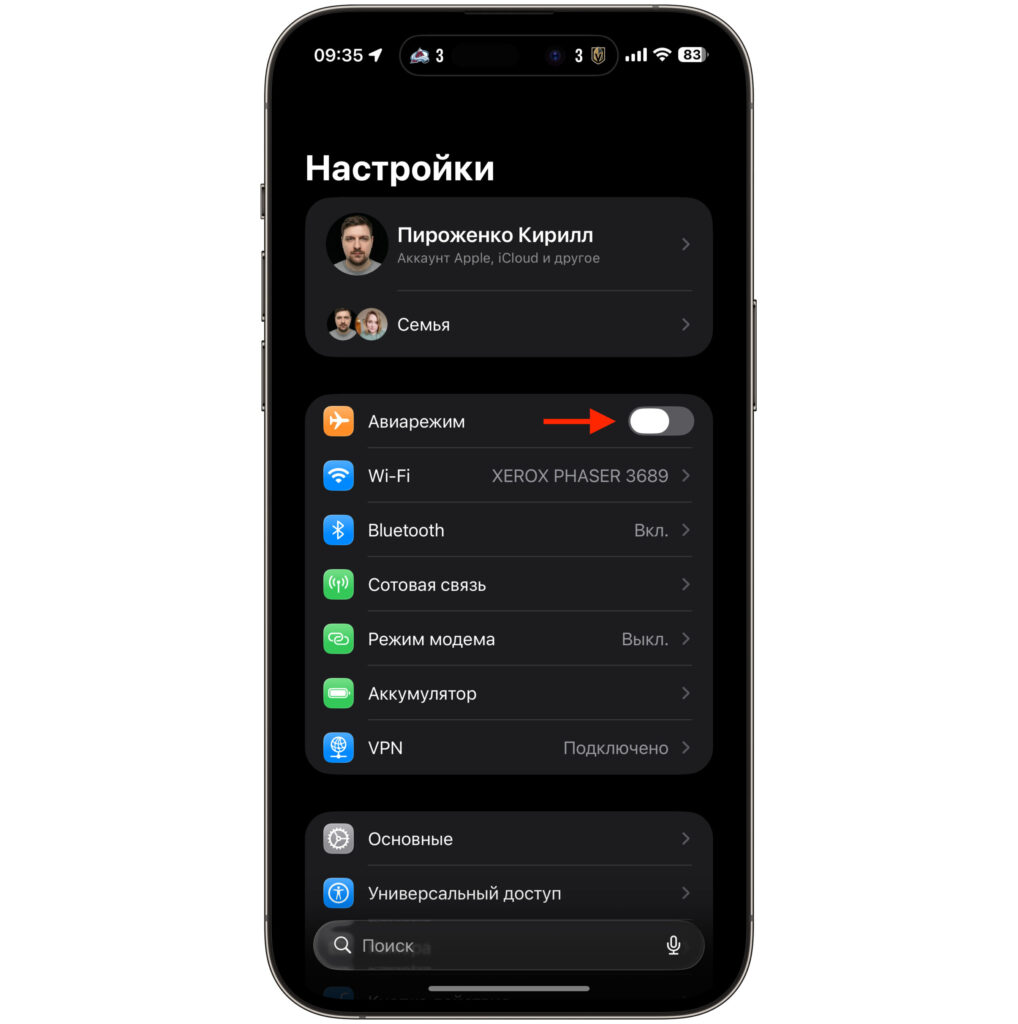
Toggle airplane mode. The key is not to turn it off immediately — wait a bit
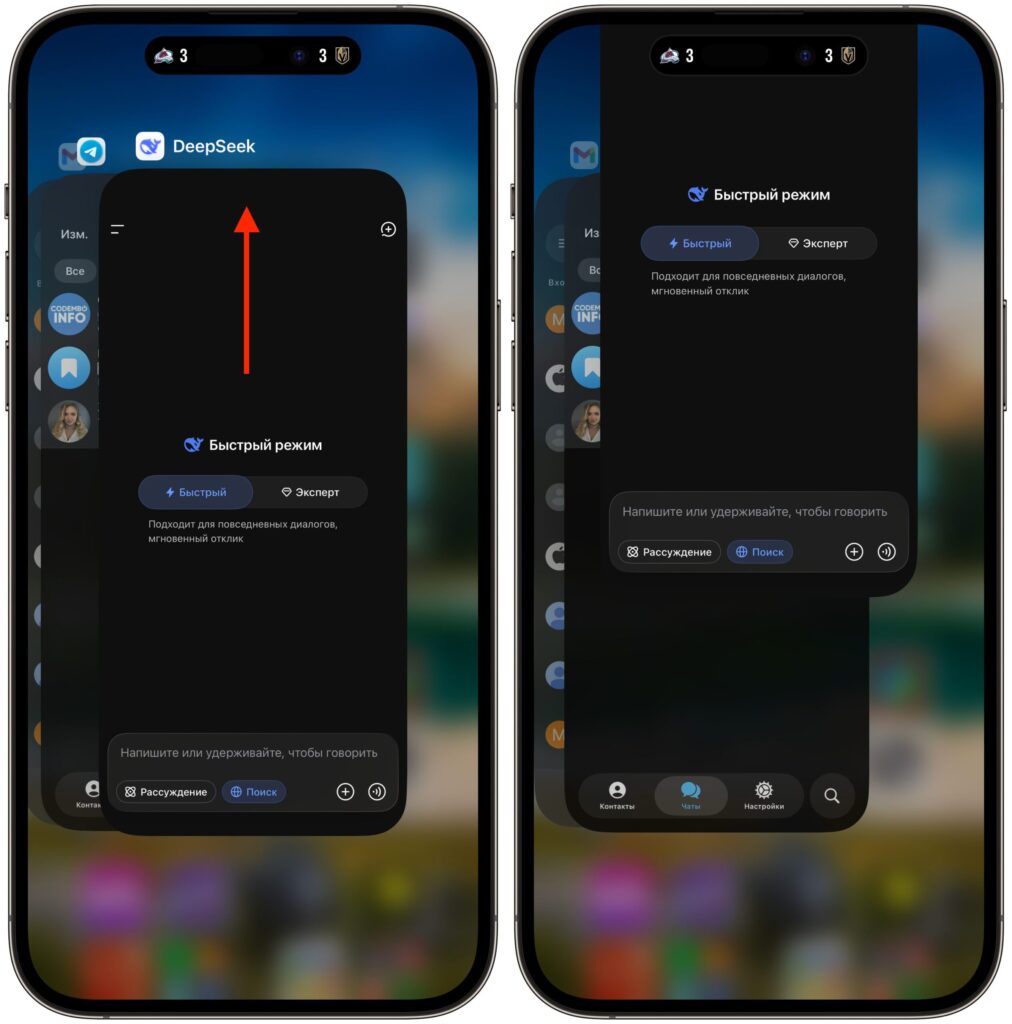
Swipe the app up