Deleted a conversation in MAX and realized you were too hasty? It’s a familiar feeling when your finger works faster than your brain. I’ll answer honestly right away so as not to drag it out: there’s no magic “undo” button in the messenger, and you need to accept that. But there are some workarounds, and in certain cases, you can actually save your conversations. The key thing to understand is that deleting a single message in MAX isn’t as scary as wiping the entire app. Now, let’s get down to business.
What to do if you deleted a message in MAX
Can You Recover Deleted Messages in MAX
Let’s start with the main point. There is no dedicated feature to recover deleted messages in MAX — the messenger simply doesn’t have one. There’s no trash bin like in email, and there’s no automatic rollback from the cloud. If you were hoping that a deleted conversation in MAX is sitting somewhere waiting for a single button press, then unfortunately not.
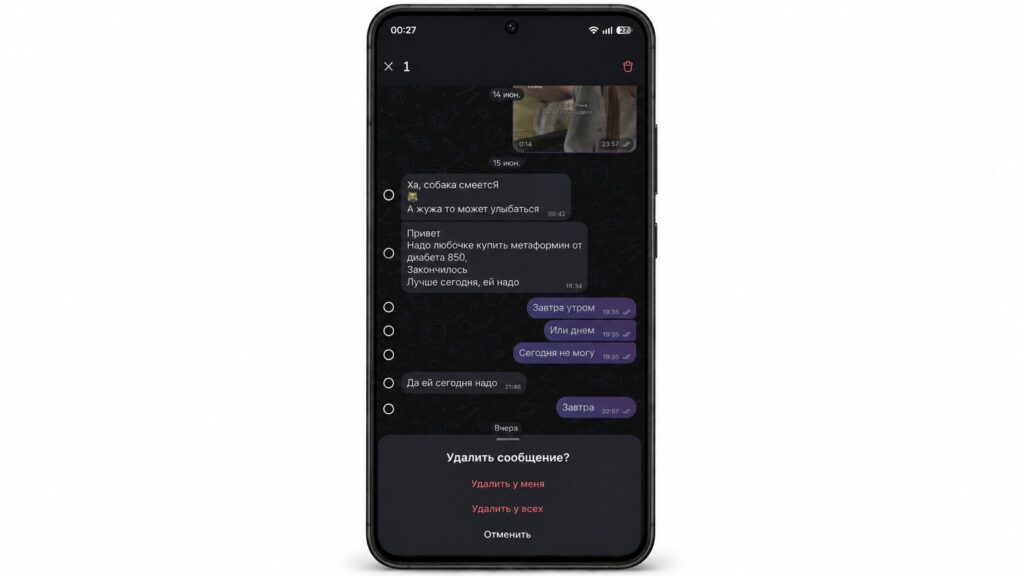
Unfortunately, MAX doesn’t have an undo button for message deletion
That said, the messages themselves are physically stored on servers, so at the moment you click delete, they don’t vanish without a trace. The problem is that the interface doesn’t give you access to them after deletion. So you won’t be able to recover a conversation in MAX directly through the app, and you’ll have to look for workarounds. But keep in mind: complete deletion of data from MAX servers can take up to 90 days.
What Happens When You Delete a Message in MAX
When you confirm the deletion, the message disappears immediately, and there’s no built-in undo for this action in the messenger. That is, you can delete a message in MAX with a single tap, but the system won’t offer a “restore” button at all. So the only way to recover a message in MAX at this stage is to not delete it impulsively and to double-check what exactly you’re erasing.
If we’re talking about a major cleanup, it’s important to understand the consequences in advance.
How to Recover Conversations if You Deleted MAX from Your Phone
Now here’s where it gets really useful. If you deleted only the MAX app but didn’t touch your account and didn’t clear your history, then your conversations haven’t gone anywhere. Simply reinstall the messenger and log in with the same phone number, and your MAX conversation history will be pulled from the server automatically.
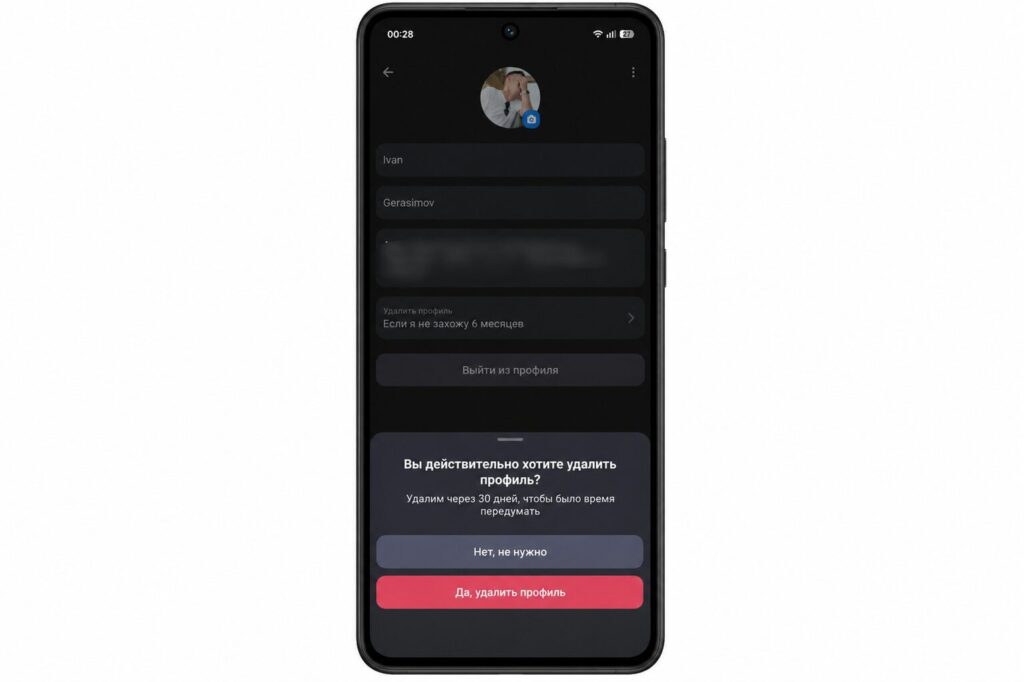
Your profile isn’t deleted immediately. You can restore it — and your conversations will come back
However, if you deleted your entire profile, everything is wiped permanently, and you won’t be able to recover a chat in MAX even with a new registration.
Can You Recover Conversations in MAX from a Backup
If you’re used to other messengers, forget their instructions. There’s no classic backup in MAX in the form of a file that you can export and store separately. Synchronization works on the server side, not through a local backup on your phone. So advice like “pull the archive from your device’s memory” is useless here, and the usual MAX conversation backup simply can’t be done that way.
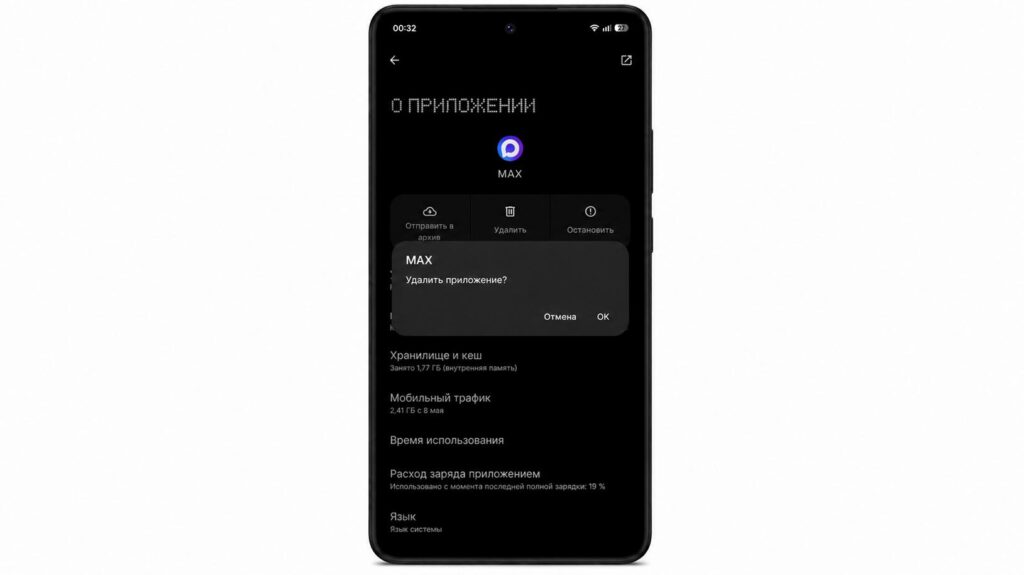
When you delete MAX from your phone, conversations don’t disappear
What to Do if Your MAX Conversations Disappeared
Let’s say your messages are deleted and there was no backup. Don’t panic — there are two working options left. The first and simplest: ask your contact to forward the messages in MAX, since they most likely still have the conversation. The second: submit an official request to MAX support, although there are no guarantees here.
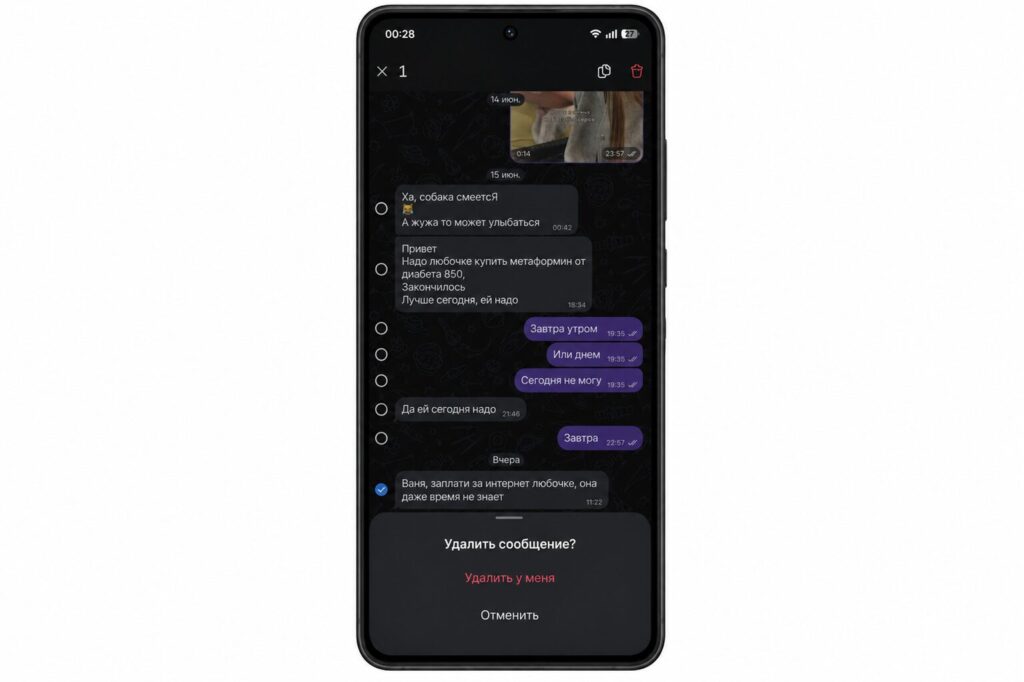
If you deleted it on your end, you can ask the other person to forward your message
As another option: log into MAX on your PC. It may not have synced yet, and the chat might still be there. There are essentially no other legitimate ways to recover a chat in MAX without a copy.
How to Save Important Messages in MAX
The best recovery is prevention. To avoid racking your brain later about how to save conversations in MAX, keep the app installed and don’t delete your account unless absolutely necessary. It’s easier to forward important messages to yourself in Favorites right away or take a screenshot — then your MAX message history definitely won’t be lost.
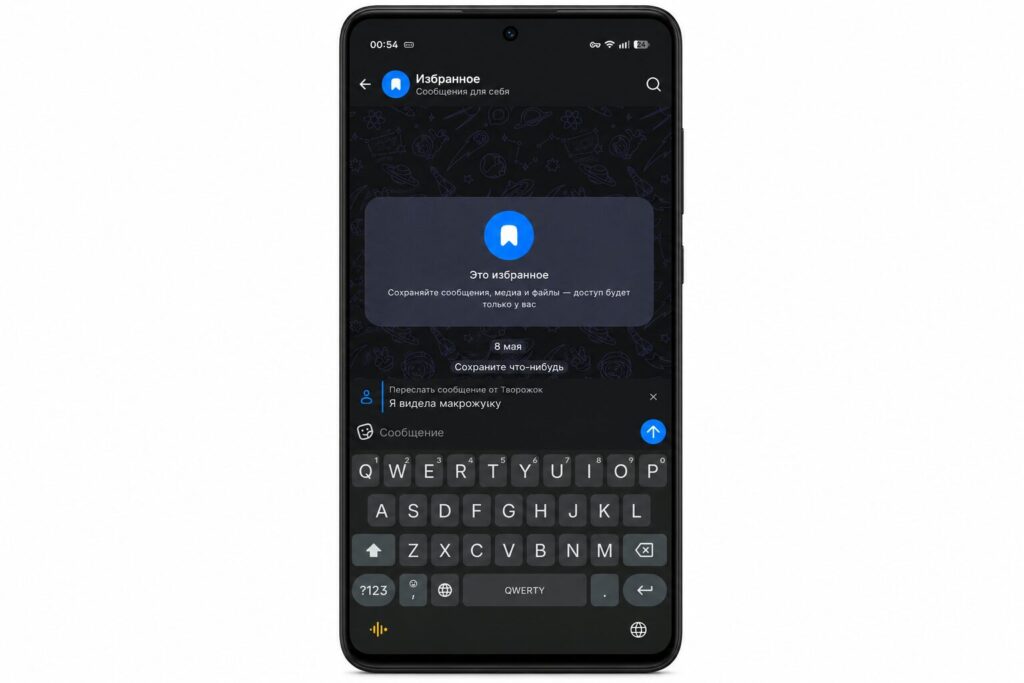
To avoid losing conversations, simply save messages to Favorites
This advice is especially relevant for those helping older relatives learn the messenger. Take care of your important conversations, and the question of recovery simply won’t concern you.