You can charge an iPhone from another iPhone, but it won’t work with all models. This feature is called reverse charging, where one smartphone gives energy to another. Below we’ll cover which iPhones can transfer charge, how it works in practice, at what speed, and what else can be powered this way.
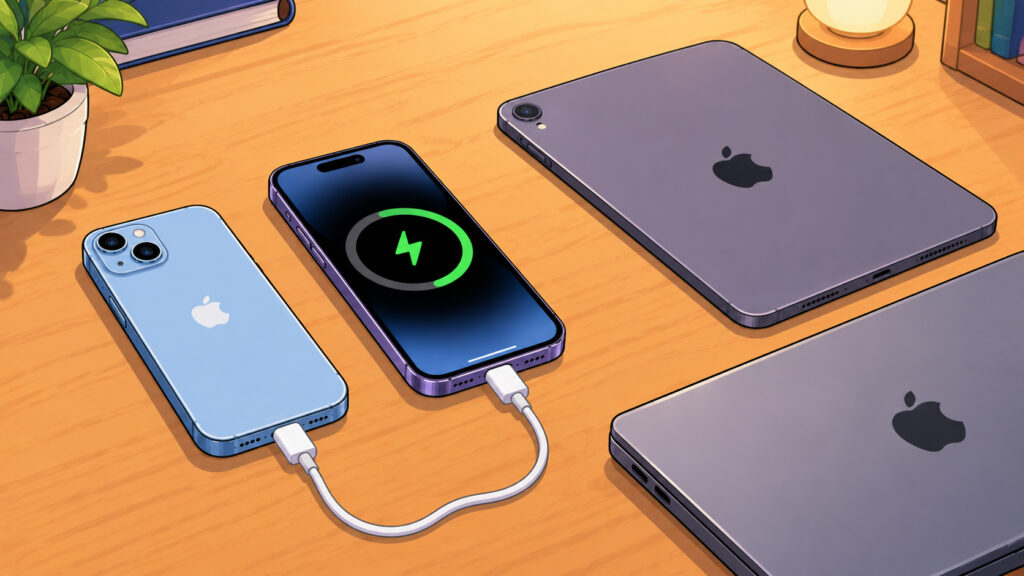
You can charge an iPhone from almost any Apple device. It’s important to know the nuances
iPhone Reverse Charging: How It Works
You can charge an iPhone from another iPhone, but only on models with a USB-C port. Apple introduced this capability with the switch to the new port, meaning starting with iPhone 15. Older models with a Lightning port can’t do this: through a Lightning cable, energy only flows in one direction — to the phone itself.
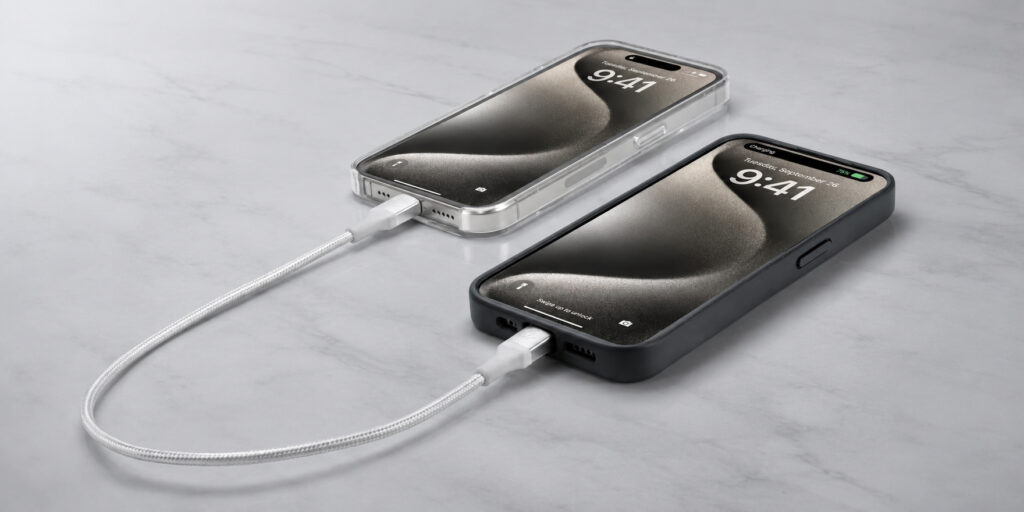
Explained in a minute: can you charge an iPhone from another iPhone
On Android smartphones, reverse charging has been available for a long time, and Apple joined this technology later. But now all you need is one cable to share charge with a friend or top up your own second device on the go.
List of iPhones with Reverse Charging
All iPhones with a USB-C port can share energy via cable. Here is the complete list of models that support reverse charging:
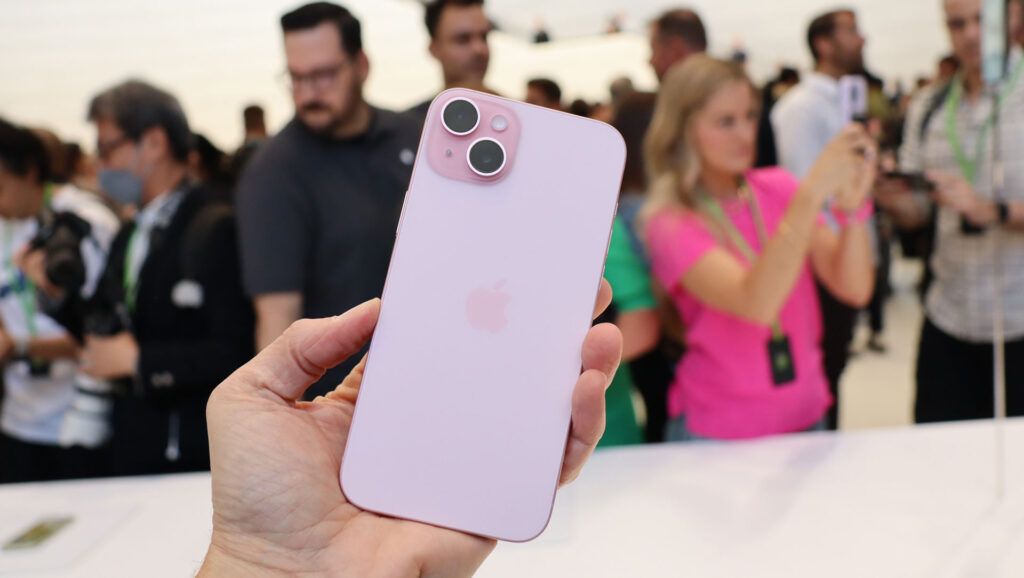
You need at least an iPhone 15. That’s where USB-C was introduced
- iPhone 15, iPhone 15 Plus, iPhone 15 Pro, iPhone 15 Pro Max;
- iPhone 16e, iPhone 16, iPhone 16 Plus, iPhone 16 Pro, iPhone 16 Pro Max;
- iPhone 17e, iPhone 17, iPhone Air, iPhone 17 Pro, iPhone 17 Pro Max;
- newer models with a USB-C port released after these lineups.
If you have an iPhone 14 or an older model with a Lightning port, sharing charge with another phone won’t work. The only option for such devices is an external battery pack or a wall outlet.
How to Charge an iPhone from Another iPhone: Step by Step
No settings or switches to look for — everything works automatically. Just connect the two smartphones with the right cable.
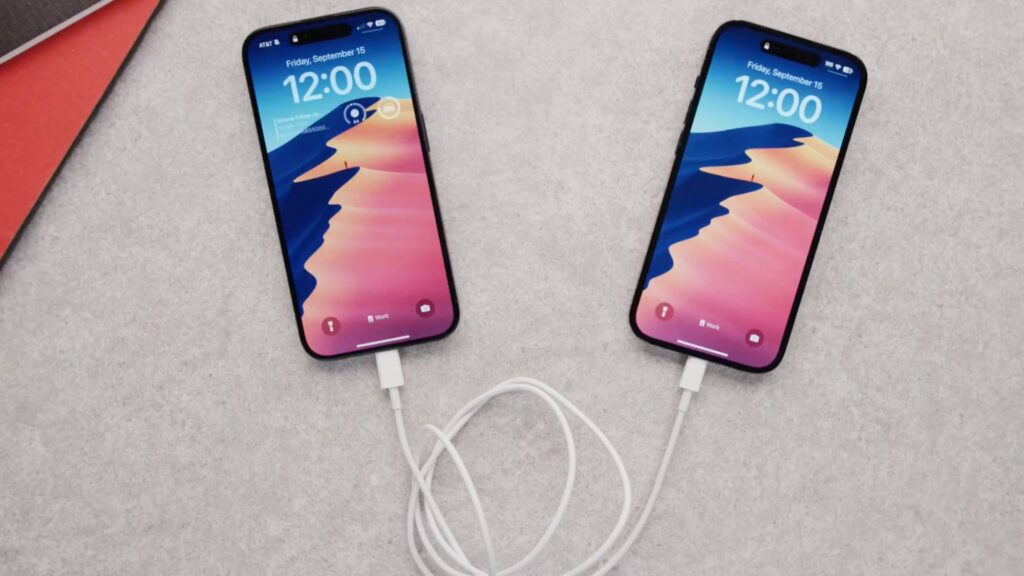
Connect the smartphones to each other and charging will begin
- Take a cable with USB-C connectors on both ends.
- Plug one end into the first iPhone and the other end into the second iPhone.
- Wait a couple of seconds: the devices will automatically determine which one has a lower charge.
- The smartphone with the more depleted battery will start charging.
The iPhones decide on their own which one becomes the donor and which becomes the recipient. There’s nothing to set manually — all the logic is already built into the system.
iPhone-to-iPhone Charging Speed
There’s an important caveat here. Reverse charging on iPhone is limited to 4.5 W, which is very modest: from a regular wall adapter, the phone charges several times faster.
This is more of a battery first aid: a way to add a couple of percent to last until you reach an outlet, make an important call, or hail a taxi. You won’t be able to fully charge a smartphone this way — the process will take a very long time, and the donor will noticeably drain in the process.
If you need fast and reliable power on the go, it’s wiser to carry a compact power bank or adapter with you.
Charging an iPhone from an iPad
Yes, an iPad with a USB-C port also works as a donor. The tablet’s battery is significantly larger than a phone’s, so it shares charge more willingly and for longer than a second iPhone. Simply connect the devices with a USB-C cable, and the iPhone will start replenishing.
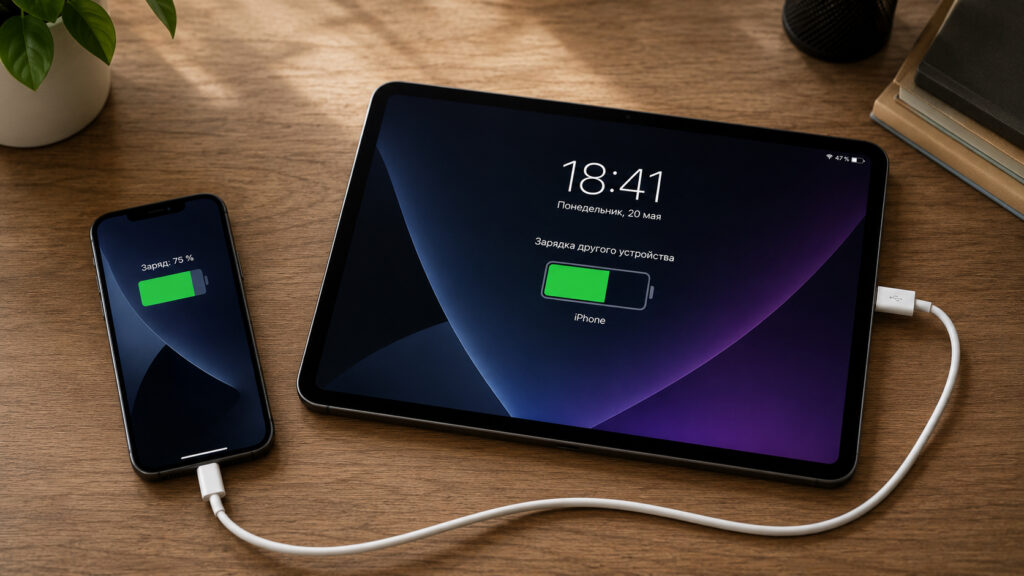
You can charge an iPhone from an iPad
Moreover, you can even charge an older iPhone with a Lightning port from an iPad: take a cable with USB-C and Lightning connectors, where the USB-C side goes into the tablet and the Lightning side into the phone. Tablets with the old connector lack this capability — they can only receive charge.
Charging an iPhone via Mac: Key Features
Yes, and this is perhaps the most convenient method of all. Any Mac with a USB-C port can charge your iPhone simply by connecting them with a cable.


