Brawl Stars and Clash Royale have disappeared from the Russian App Store, but you can install them on your iPhone without jailbreaking or third-party stores. All you need to do is change your Apple ID region or create a new account — everything is done through standard settings. Below is a step-by-step guide, update nuances, and an honest breakdown of potential pitfalls.
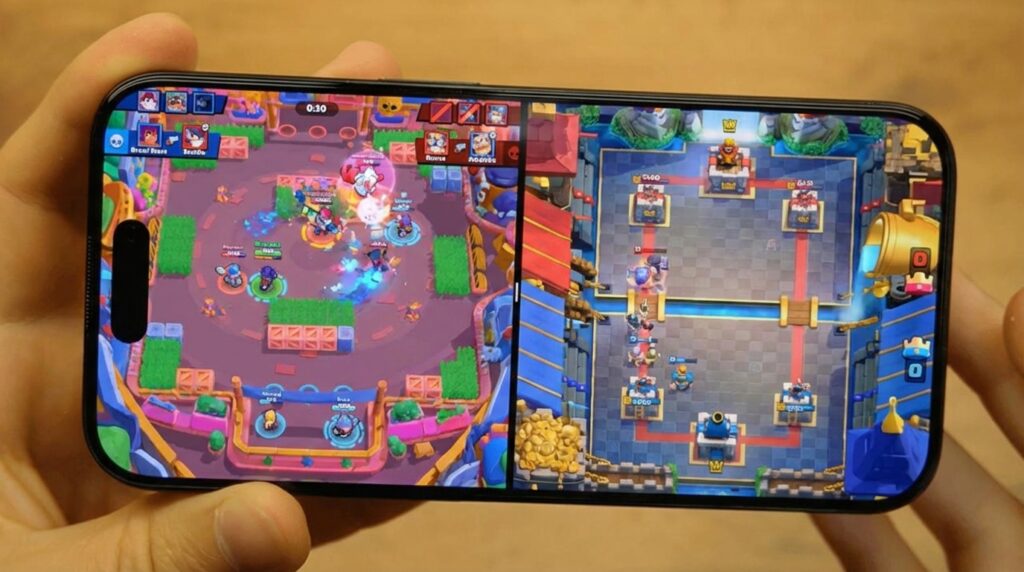
How to download Brawl Stars and Clash Royale on iPhone in Russia in 2026
Why Brawl Stars and Clash Royale Are Unavailable in the Russian App Store
App availability in the App Store depends on the region linked to your Apple ID. If your account is set to Russia, some games simply don’t appear in search — as if they don’t exist.
The situation with Supercell games is a separate matter. The company officially removed its projects from stores in Russia and Belarus, citing restrictions and sanctions. Later, updates were released that further blocked access for players from these countries. As a result, Brawl Stars, Clash Royale, and other Supercell games can neither be downloaded nor updated through the Russian App Store.
Therefore, the only legitimate way is to use an Apple ID with a different country’s region, such as the United States. This does not violate Apple’s rules, although it does require a few additional steps.
Download Brawl Stars and Clash Royale by Changing Your Apple ID Region
The simplest option is to switch the region on your current Apple ID. But there’s an important condition: Apple won’t let you change the country if there’s money left on your balance or you have active Apple ID subscriptions. You first need to spend the remaining balance and cancel all subscriptions.
If your balance is clear, follow these steps:
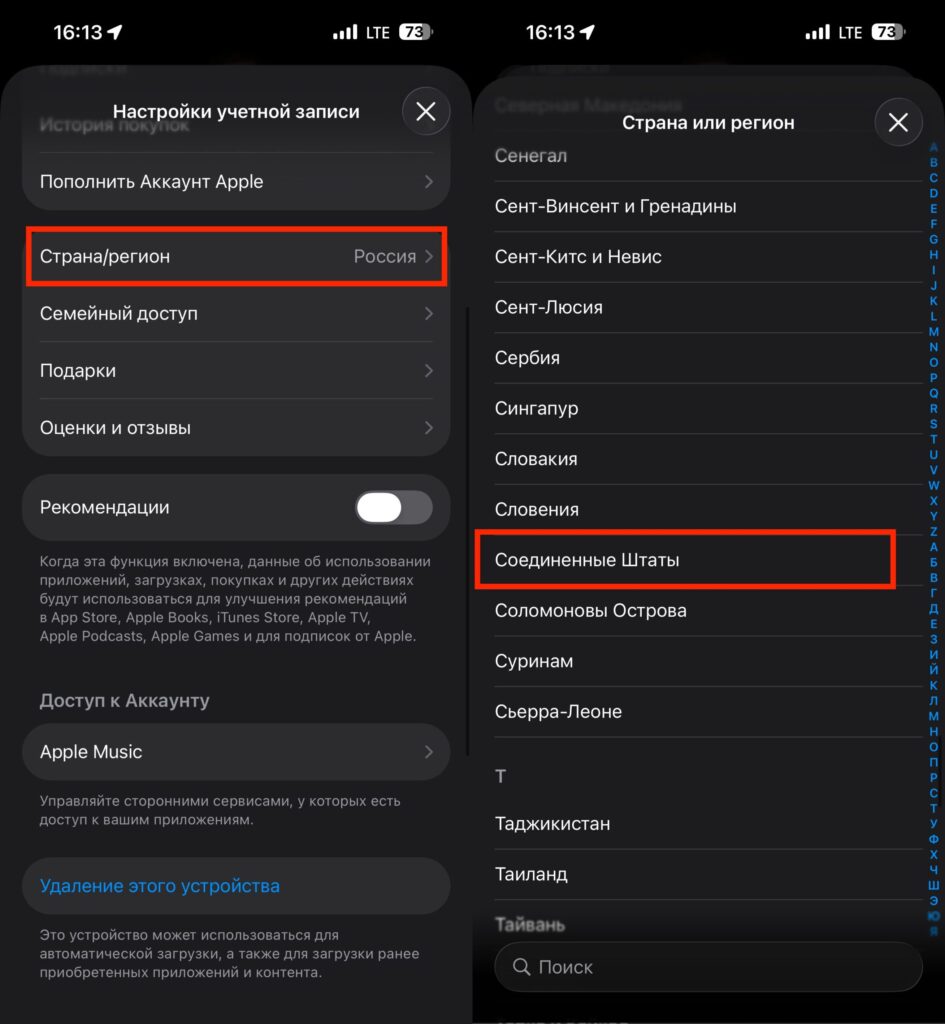
Simply change your Apple ID region, and the games will become available to you again
- Open the App Store and tap on the profile icon in the upper right corner.
- Tap on your name and sign in to your account.
- Open the “Country or Region” section.
- Select United States.
- Accept the terms of use — you won’t be able to proceed without this.
- At the payment step, select “None” if you don’t plan to link an American card.
A separate point — sales tax. In the US, the final purchase price may be higher than listed due to tax, which varies by state. To avoid the surcharge, when filling in the address, choose a state without sales tax: Delaware, Oregon, Montana, New Hampshire, or Alaska.
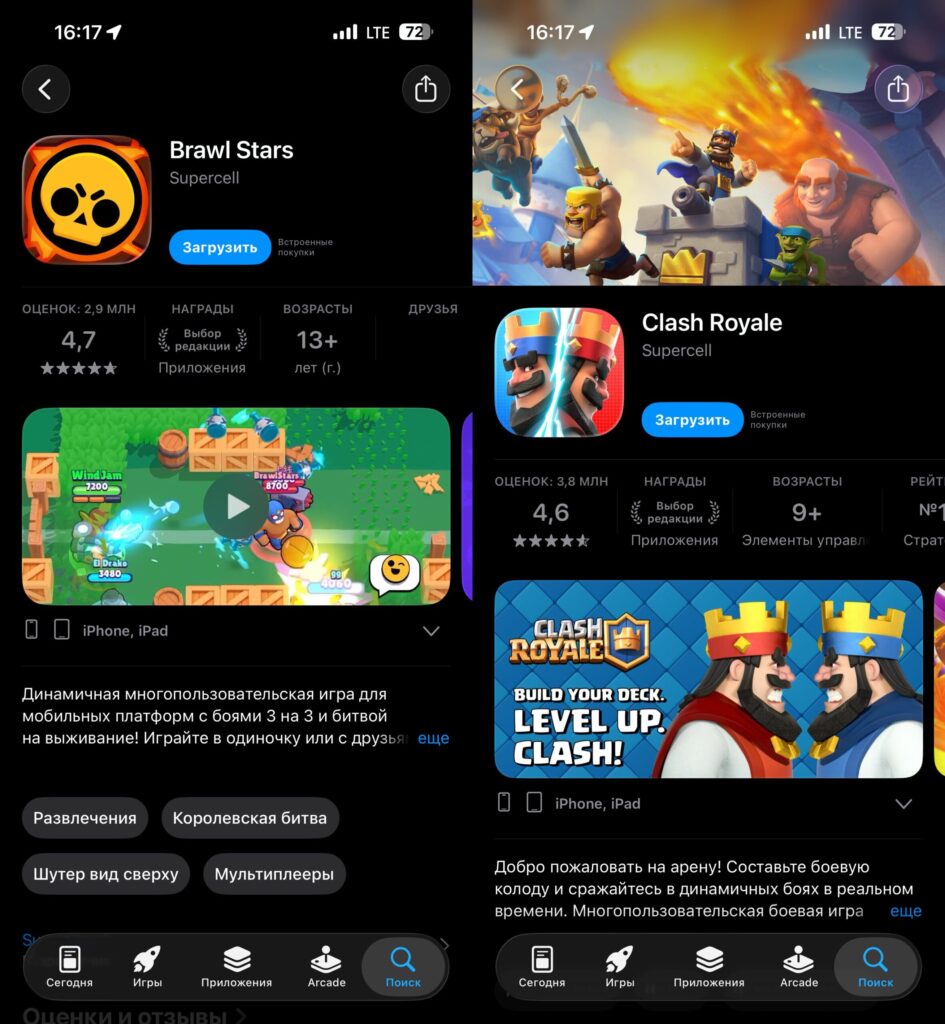
Right after that, you can download games just like before
After changing the region, open the App Store, find Brawl Stars or Clash Royale — and download as usual.
Create a Foreign Apple ID to Download Brawl Stars and Clash Royale
If changing the region didn’t work — for example, you can’t zero out the balance or cancel a subscription — there’s a second way. You can create a separate Apple ID with a US region.
To do this:
- Sign out of your current Apple ID in the App Store (you don’t need to sign out of iCloud — just sign out in the store itself).
- Create a new Apple ID on the Apple website or directly from your iPhone, specifying United States as the region.
- During registration, select “None” as the payment method and enter any American address in a tax-free state.
- Sign in to the App Store with your new account and download the games you need.
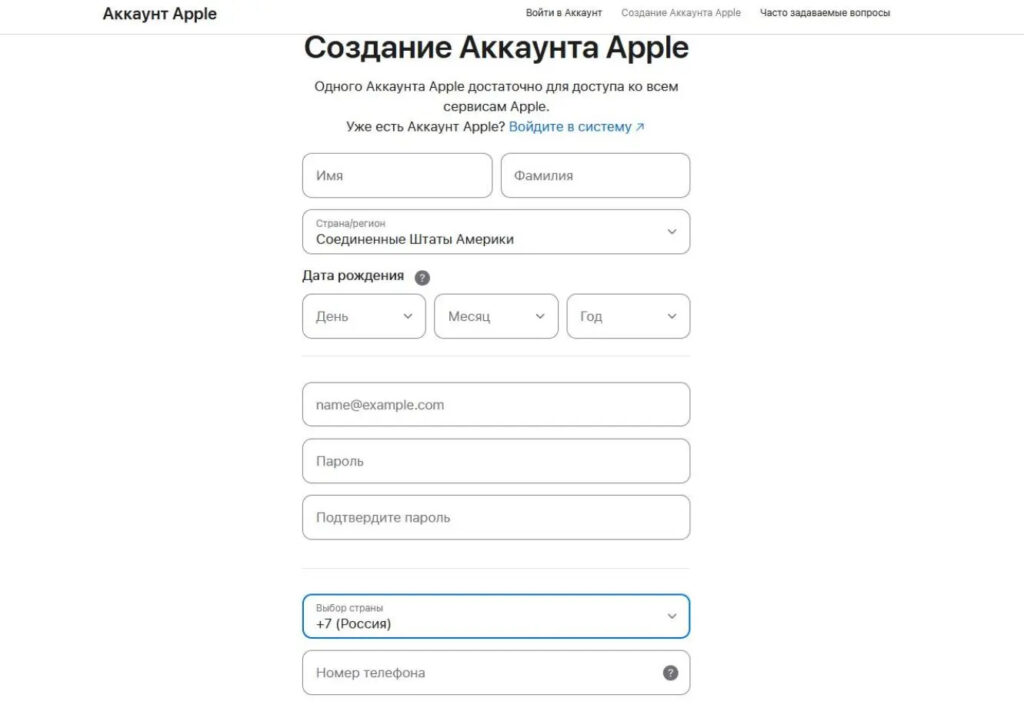
Creating an Apple ID through the website is a bit easier
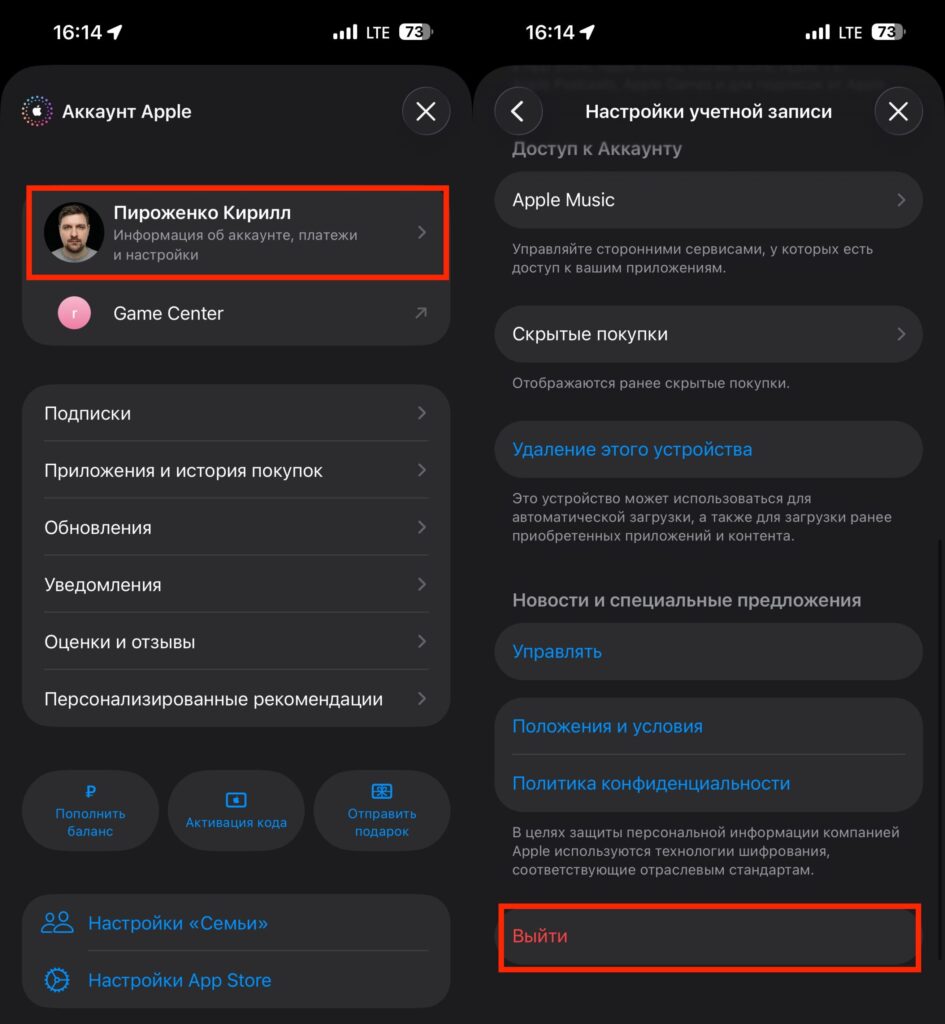
Sign out of your old account
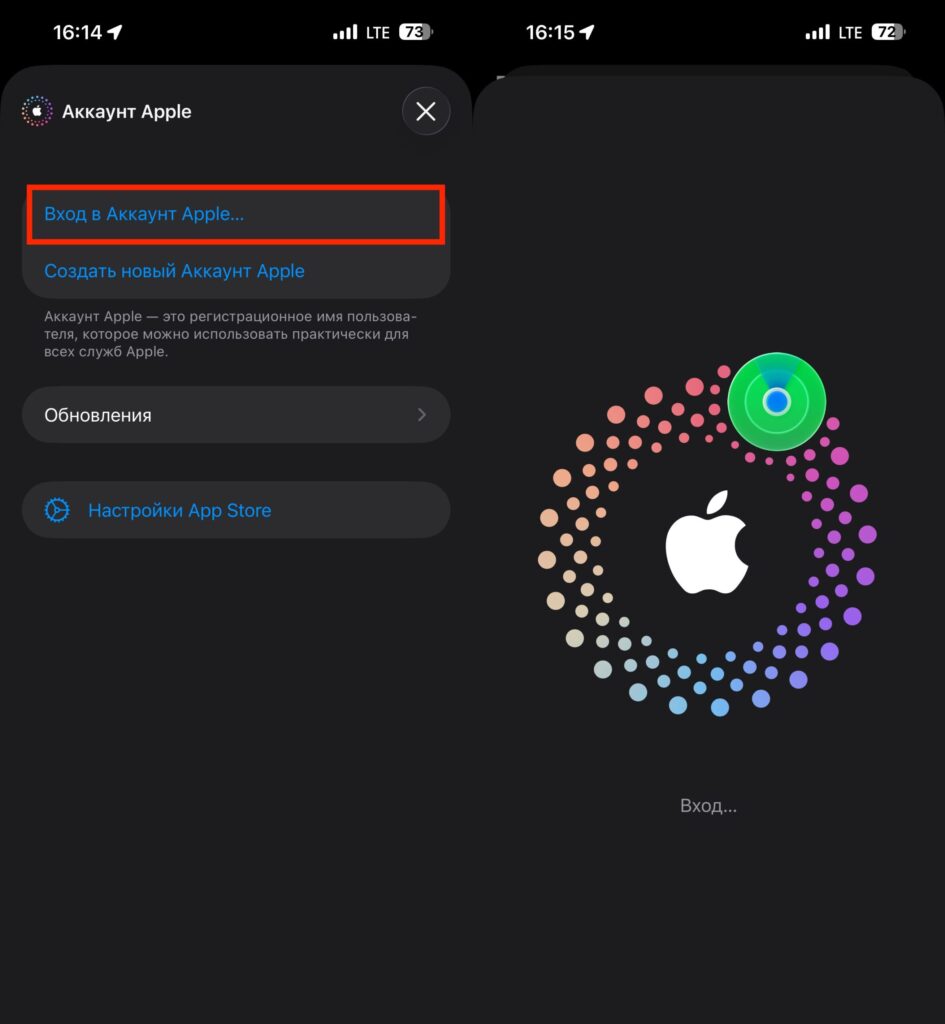
Sign in to your new account, and the games will be available to you
Important: the second Apple ID is used only for the App Store. Your main iCloud account with photos, contacts, and other data can be left untouched — they work independently.
How to Update Brawl Stars and Clash Royale on iPhone After Installation
Games downloaded through a foreign Apple ID are tied specifically to that account. This means that to update them, you need to be signed in to the App Store under the same Apple ID you used to download them.
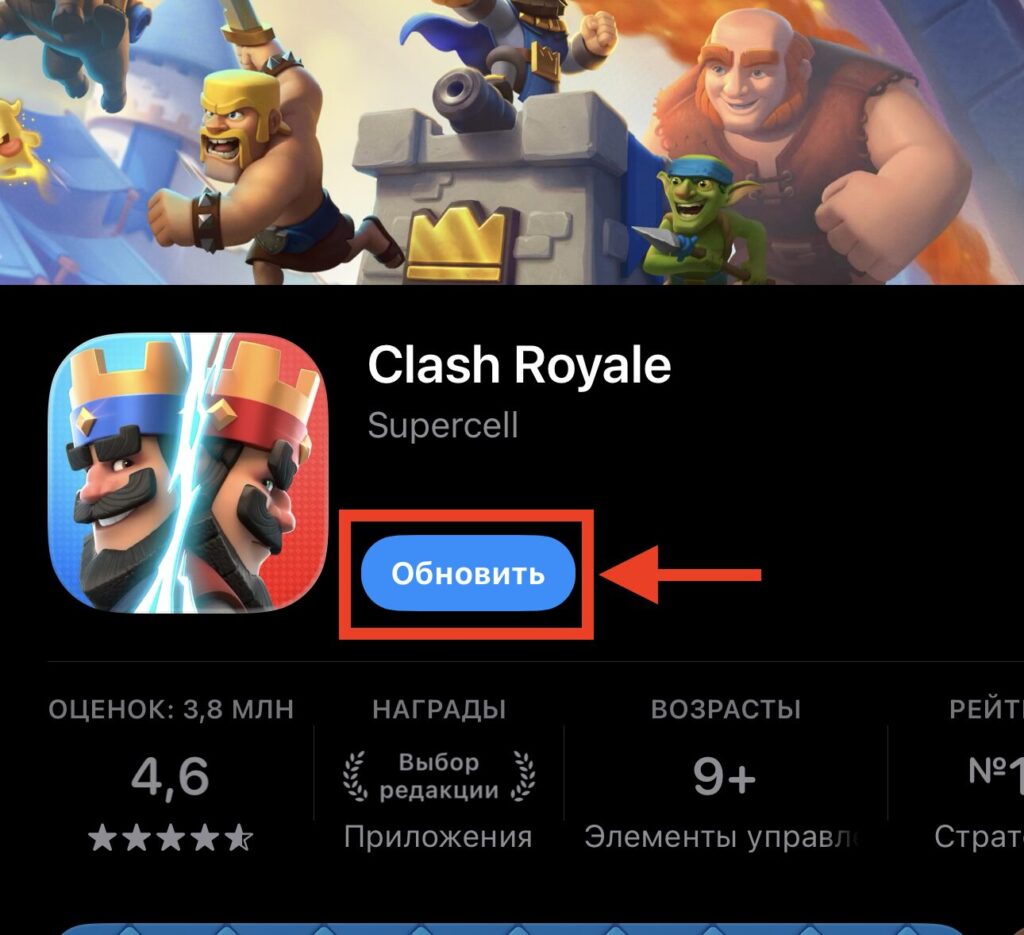
Games will update as before, through the App Store
If you changed the region of your main account — there’s no problem, updates will arrive automatically. If you created a separate American Apple ID — you need to switch to it in the App Store before updating. This is done in a couple of taps: tap the profile icon → sign out → sign in with the other account.
In practice, this isn’t as tedious as it sounds. Major Brawl Stars and Clash Royale updates come out once every few weeks, and minor patches — even less frequently. Switching takes about thirty seconds.
How to Make In-App Purchases in Brawl Stars and Clash Royale from a Russian iPhone
Russian bank cards don’t work in the App Store with a foreign region. But in-game purchases — Brawl Pass, gems, chests — can be paid for using Apple Gift Cards in US dollars.