My old power bank lived a long life and honestly died of old age. Same 10,000 mAh, but the size of a brick and with a swollen case by the end. I even felt a little sorry to throw it away. As a replacement, I got the Baseus PicoGo AM52 Slim Qi2.2 and have spent almost two weeks with it, pushing it to the limit every day. Spoiler: this is the kind of purchase after which you can’t understand how you ever lived with that old brick.
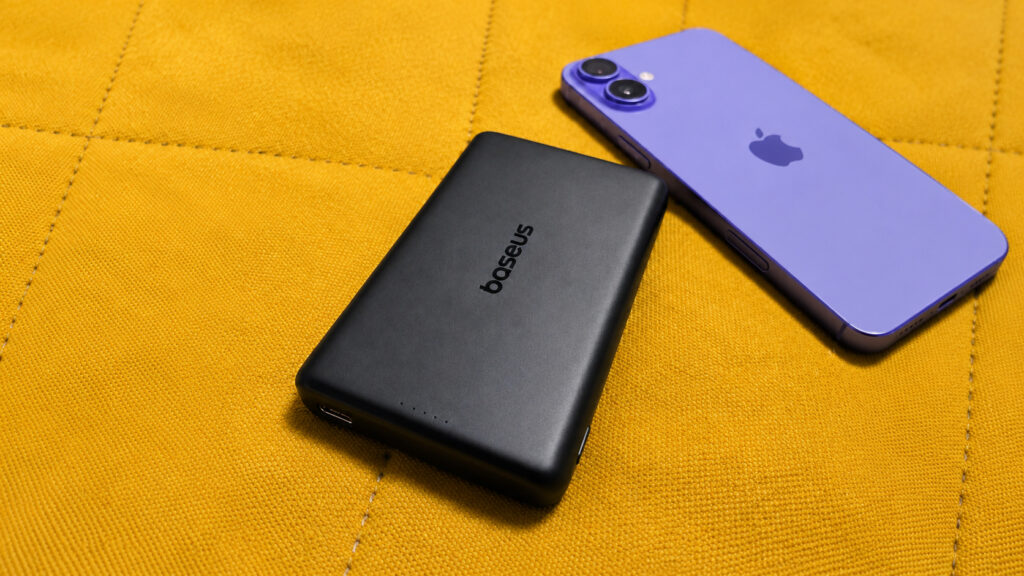
Got myself this power bank
Starting today, the Baseus PicoGo AM52 is available on Ozon for 4,820 rubles. It has a 10,000 mAh capacity, support for the new Qi2.2 standard, wired charging up to 45W, and MagSafe magnetic attachment. On paper, it looks like a solid mid-ranger. In practice, it turned out to be more interesting.
Which 10,000 mAh Power Bank Easily Fits in Your Pocket
The first thing that catches your eye is the size. PicoGo with the same 10,000 mAh is noticeably smaller than my previous battery pack. Not just slightly, but enough that the difference is immediately visible. It fits comfortably in jeans pockets, and in a jacket pocket you completely forget about it.
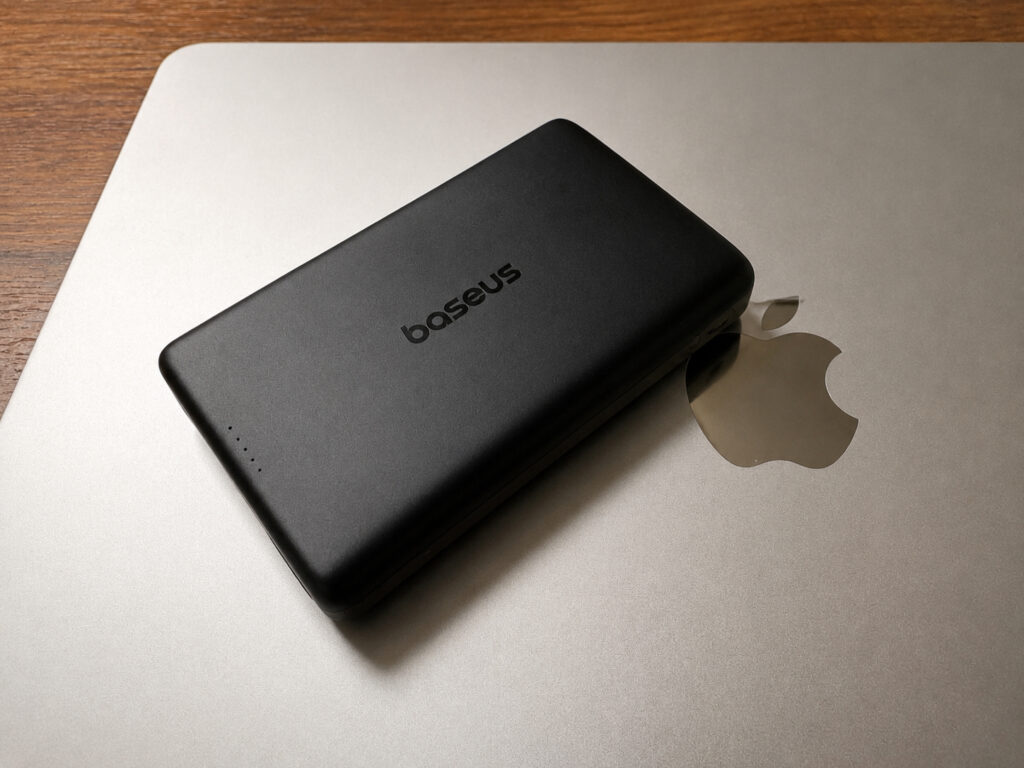
The Baseus PicoGo AM52 is smaller than other 10,000 mAh batteries in terms of dimensions
As for weight, the difference is nearly zero. It’s roughly the same as the old one. The logic here is clear: the battery has the same capacity, you can’t cheat physics. But Baseus engineers removed all the unnecessary bulk, and the device feels much nicer in hand.
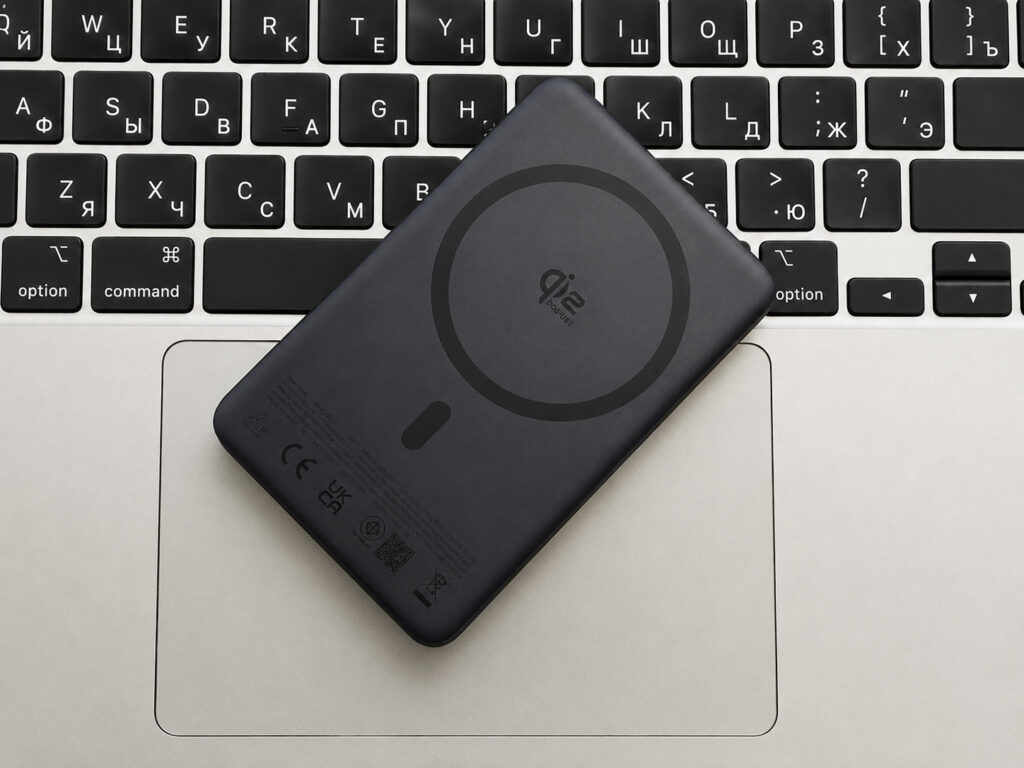
The soft-touch interior makes you want to keep stroking it endlessly
I want to separately mention the materials. The case is made of quality plastic, with no creaks or wobbles. And the MagSafe side is covered in soft-touch, and this coating makes you want to keep touching it endlessly. It sounds like a small thing, but it’s exactly these small things that create the feeling that you’re holding a proper product, not a cheap blank from a marketplace.
Buy Baseus PicoGo AM52 on Ozon
How MagSafe Works Through an iPhone Case
The magnetic attachment here works exactly as it should. You place the battery on the back of the iPhone, and it snaps on rock-solid. To remove it, you need to apply a little force — it definitely won’t fall off on its own. You can walk around freely, hold the smartphone in your hand, pull it out of your pocket — the power bank stays in place.
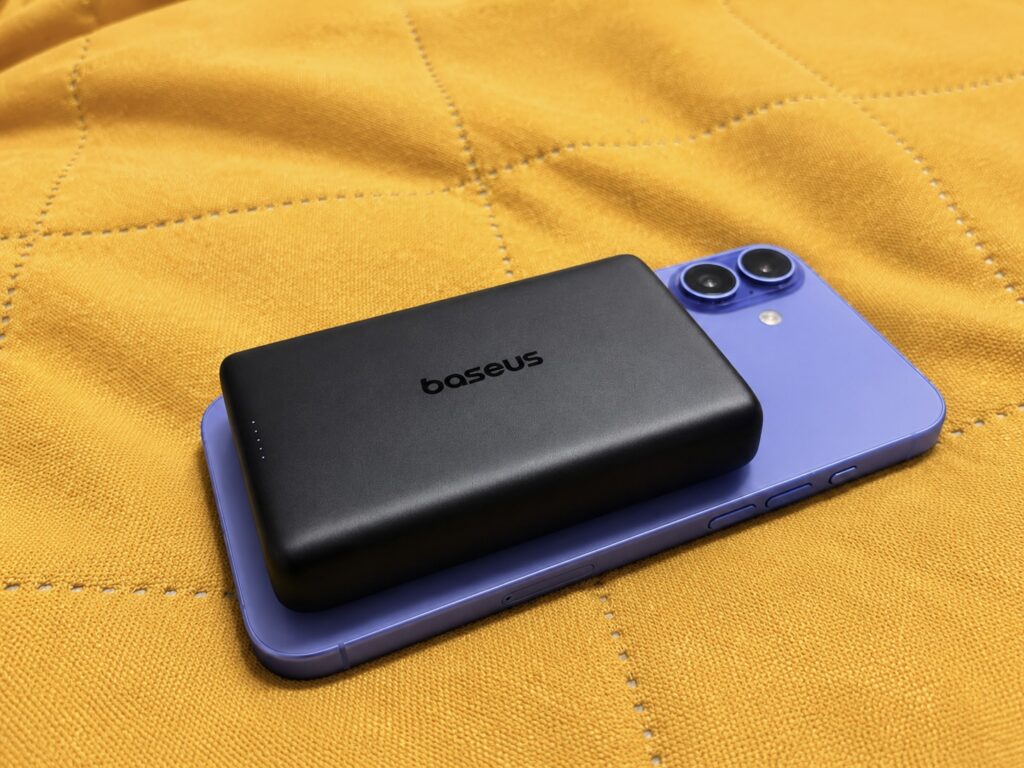
The device snaps onto the smartphone rock-solid
Now for a nuance. On a bare iPhone back it sticks perfectly, but through a case it holds not as tightly. It all comes down to the quality of the magnets in the case itself and in the smartphone. If the magnetic ring in the case is weak, the grip will be weaker too. This isn’t a complaint about Baseus — it’s a feature of the entire MagSafe ecosystem: an accessory works only as well as the magnet on the phone or case side.
A bit of historical context for understanding. The magnetic attachment technology came from MagSafe, which Apple shared with the wireless charging consortium. First there was Qi2 at 15W, and now Qi2.2 has arrived with support for up to 25W. PicoGo is from this new wave of devices, and the magnets here are genuinely grippy.
How Many Times Can You Charge an iPhone from a 10,000 mAh Battery
Monitoring the remaining charge is convenient. On the side, there are four LED indicators. Four lit LEDs mean a full 100 percent, one LED means 25 percent or below. No percentages on a screen, no unnecessary bells and whistles — everything is readable at a single glance.
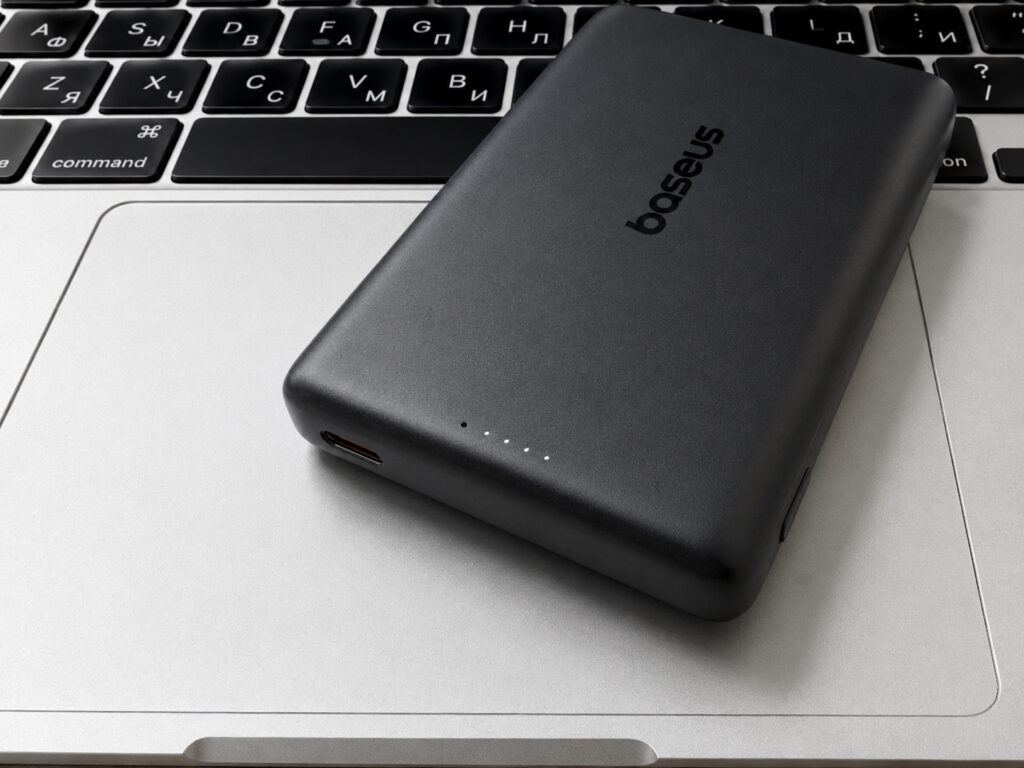
You can determine the remaining charge by the LEDs. Thank goodness there are no screens
I was charging an iPhone 16 Plus, which isn’t the smallest device in terms of battery. My typical scenario is: I charge the phone to about 95 percent and drain it to 25-30 percent. In this mode, the PicoGo charges the iPhone 16 Plus two times, after which it asks for a wall outlet itself. For a battery of this size, this is an honest and predictable result. More than enough for a day of active use, and it’ll also last for a weekend out of town.
The charging activation button is placed on the side, and that’s the right decision. But honestly, over two weeks I didn’t touch it once. As soon as you snap the battery onto the iPhone, charging starts automatically. The signature MagSafe animation pops up on screen — the same one that appears when using Apple’s original charger. A small touch, but a pleasant one — you immediately understand that everything connected properly.
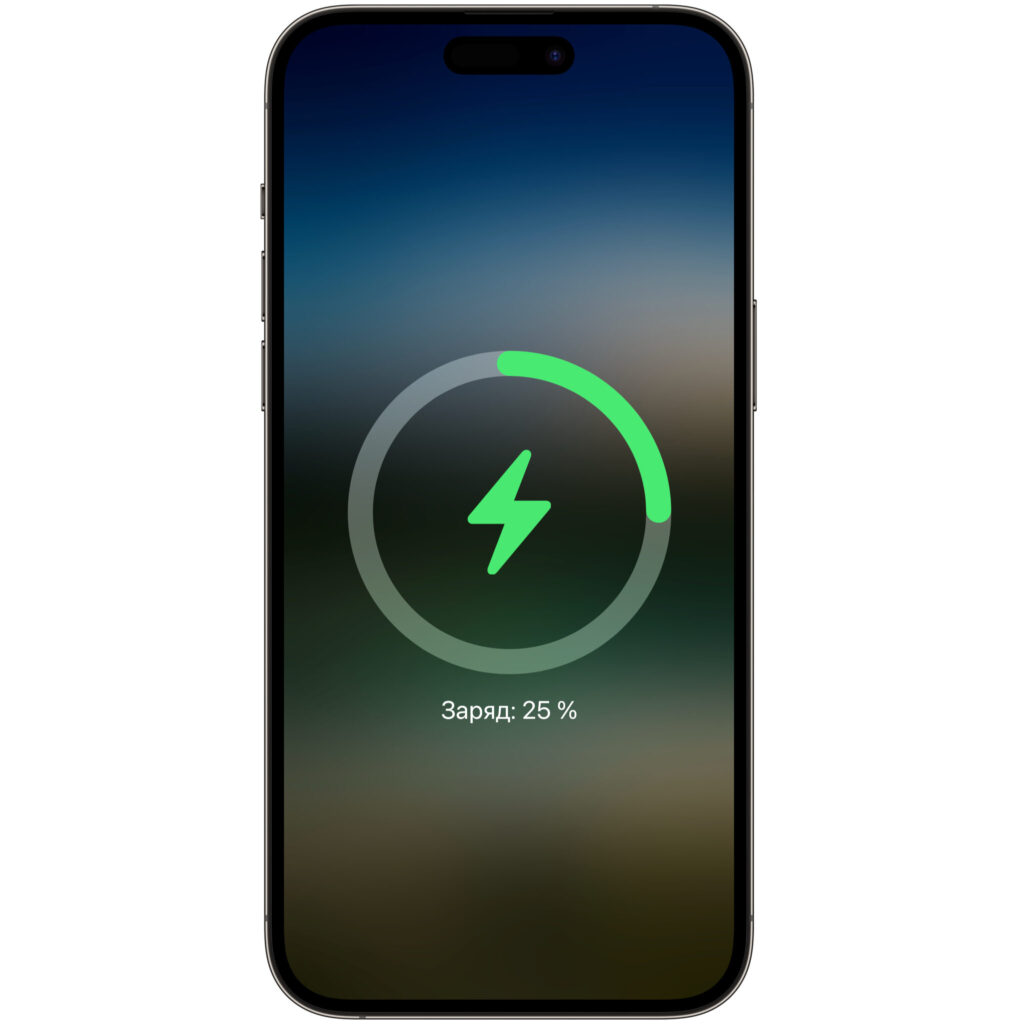
The signature MagSafe animation is present
How long the power bank itself takes to charge, I didn’t time. I put it on charge at night and took it off fully charged in the morning. There’s one important point here that’s worth discussing separately.
Buy Baseus PicoGo AM52 on Ozon
Which iPhone Charging Is Faster: MagSafe or Cable
This discovery really got me. Usually we’re used to the idea that a cable is always faster than wireless charging. With the PicoGo, it turned out to be the opposite.


