According to Mark Gurman from Bloomberg, Apple is going to refine the macOS 27 design to fix the shortcomings of macOS 26 Tahoe. Now details about visual adjustments have emerged. In the same newsletter, Apple’s top insider also mentions a new Safari feature with automatic tab grouping and the state of affairs with Vision Pro and visionOS.
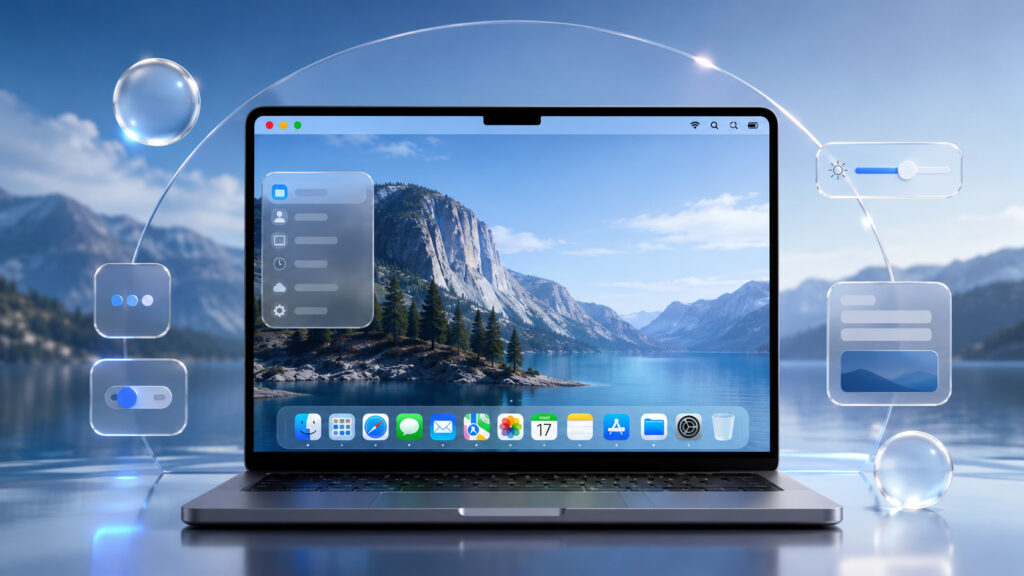
The glass interface of macOS will be refined and polished
What Will Change in macOS 27 Design
Gurman writes that Apple plans to make design adjustments to macOS 27 this year to remove a number of quirks that appeared in macOS 26 Tahoe. Unfortunately, a specific list of changes is not provided. Fortunately, we won’t have to wait long for the presentation of the new operating system. In less than a month, Apple will show it with all the changes at WWDC 26.
It’s important to understand the context: macOS 26 Tahoe is the first version of the system with the new Liquid Glass design language, which Apple showed at WWDC 2025. It’s logical that after a year of real-world use, some decisions need to be adjusted.
What macOS Tahoe Interface Problems Apple May Fix
Gurman directly calls these “quirks” — meaning oddities and rough edges in the interface, not serious bugs. This is about design, not system stability. The very fact that Apple is returning to make adjustments after a year indicates that Liquid Glass wasn’t entirely successful everywhere in terms of daily use.
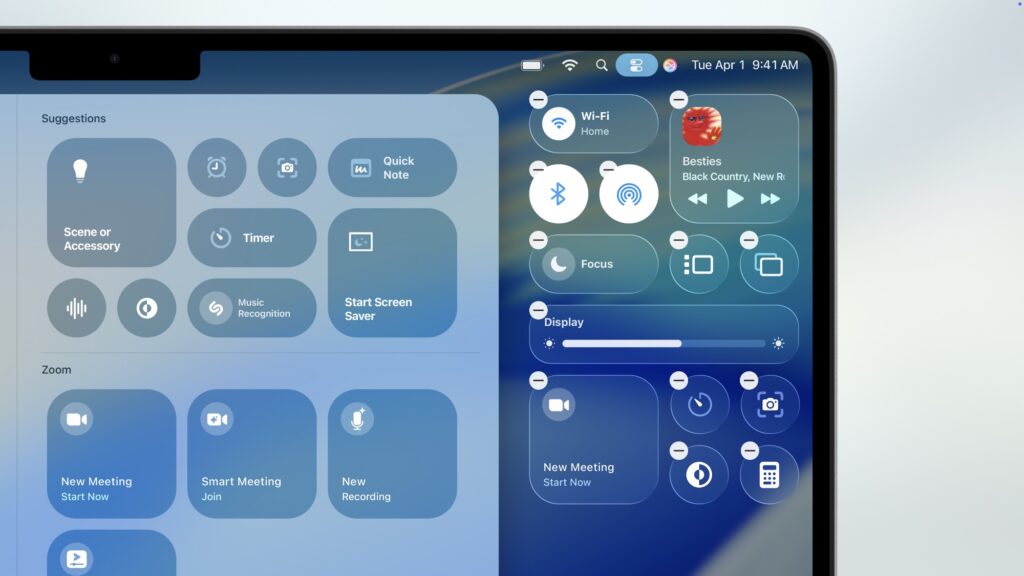
All glass effects will lose their problematic shimmer. The interface will become much more readable
This isn’t the first time a major visual macOS update has required tweaking in the next version — a similar story happened with transparency in OS X Yosemite and with the Big Sur redesign. The “roll out — collect feedback — fix” scenario is familiar for Apple.
Automatic Tab Grouping in Safari
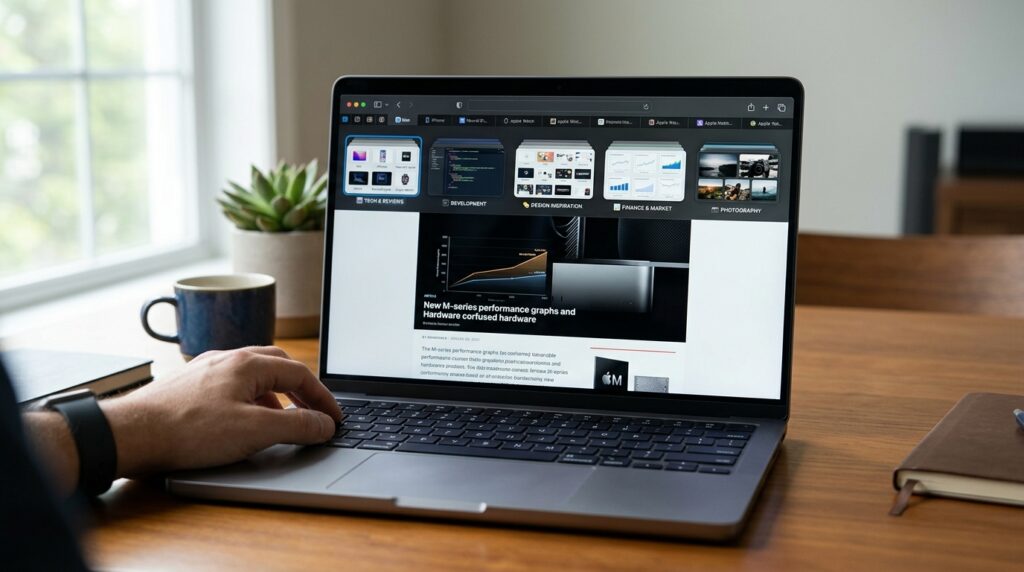
Multiple tabs in Safari — what Apple wants to automatically organize into groups
The second item from the newsletter — Apple is testing automatic tab grouping in Safari. There are no details on how exactly the algorithm works or which system the feature will appear in first.
In short about the benefit for regular users: Safari tabs pile up by the dozens for many people, and manually sorting them into groups is a niche activity. Automatic grouping should theoretically organize tabs by topic on its own — for example, work separately, shopping separately, travel separately. But it only makes sense to evaluate the feature after the WWDC presentation and beta testing — for now this is a brief teaser, not a finished feature.
macOS 27 Release Date
Apple traditionally unveils new versions of its systems at WWDC in June. Last year’s hint at a major visual update was embedded in the WWDC 2025 logo. In 2026, it’s logical to expect that macOS 27 will be presented at WWDC 26 — the Power On newsletter is partly dedicated to preparations for this conference.
We’ll learn about all the changes in June at WWDC 2026
The key practical takeaway: design adjustments are an evolution, not a new revolution. If you’ve already gotten used to Tahoe, the transition to macOS 27 shouldn’t require changing your habits. Rather the opposite — you’ll appreciate the minor refinements and notice pleasant changes in the appearance of the new OS.
If you use a Mac on macOS 26 Tahoe and certain interface elements annoy you — there’s a chance they’ll be fixed in macOS 27. There’s no point in updating now or changing your habits: the release is still at least several months away, and specific changes have not been officially revealed.
For those who didn’t upgrade to Tahoe because of visual rough edges, this news gives a reason to wait until fall and evaluate the already-fixed version. Also, keep in mind that Apple is ending support for Intel Macs, so owners of older computers should factor this into their planning. For everyone else — this is a signal for the future, not a reason to do anything right now.


