Dubai has long become something like a giant electronics store for Russians. You fly on vacation — and pick up Apple tech along the way, thanks to low prices and a huge selection. With the iPhone, everything is more or less clear: buy it, bring it home, use it. I recently decided that it was time to switch to Apple Watch from third-party smartwatches and decided to figure out what restrictions Apple Watch from Dubai have and whether they’re worth buying.
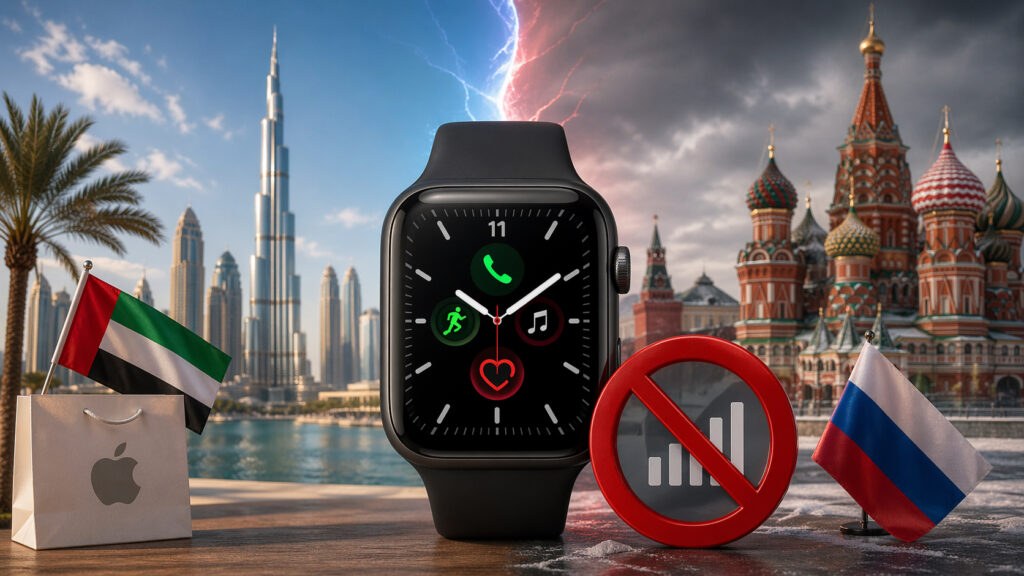
We’re used to iPhones from Dubai, but what about Apple Watch
Differences Between Apple Watch from Dubai and Other Versions
Let’s start with the good news. Structurally, Apple Watch from the UAE is no different from European or American versions. The same case, the same screen, the same sensors. There are no “special components for the Middle East” — the watches are assembled in the same factories as all the others.
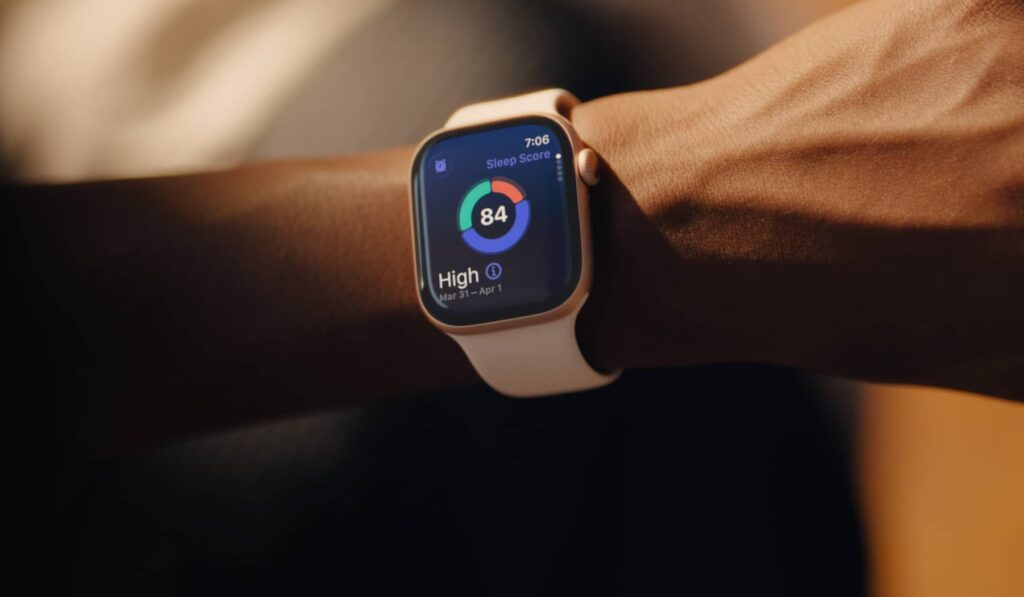
The watches are structurally identical to versions from other countries
An important point: Apple Watch has long stopped coming with a power adapter — only a magnetic charging cable with a USB-C connector. Apple removed the charging block from the box for environmental reasons. So the problem with different plug types (the UAE uses the British Type G) won’t affect you at all — the cable is universal, and you use your own adapter.
What you should definitely avoid, however, are models for China and Indonesia. Watches with the CH/B marking in the serial number don’t support fast charging due to local wireless power transfer (WPT) restrictions. In Dubai, such models can be found in unofficial stores, so be careful.
Walkie-Talkie on Apple Watch from the UAE
This is where things get interesting. Many people know that iPhones from the UAE were historically sold without FaceTime. The reason is legislative restrictions on VoIP services in the Emirates. Only licensed carriers Etisalat and Du have the right to make voice and video calls over the internet. All other VoIP applications are blocked in the country.
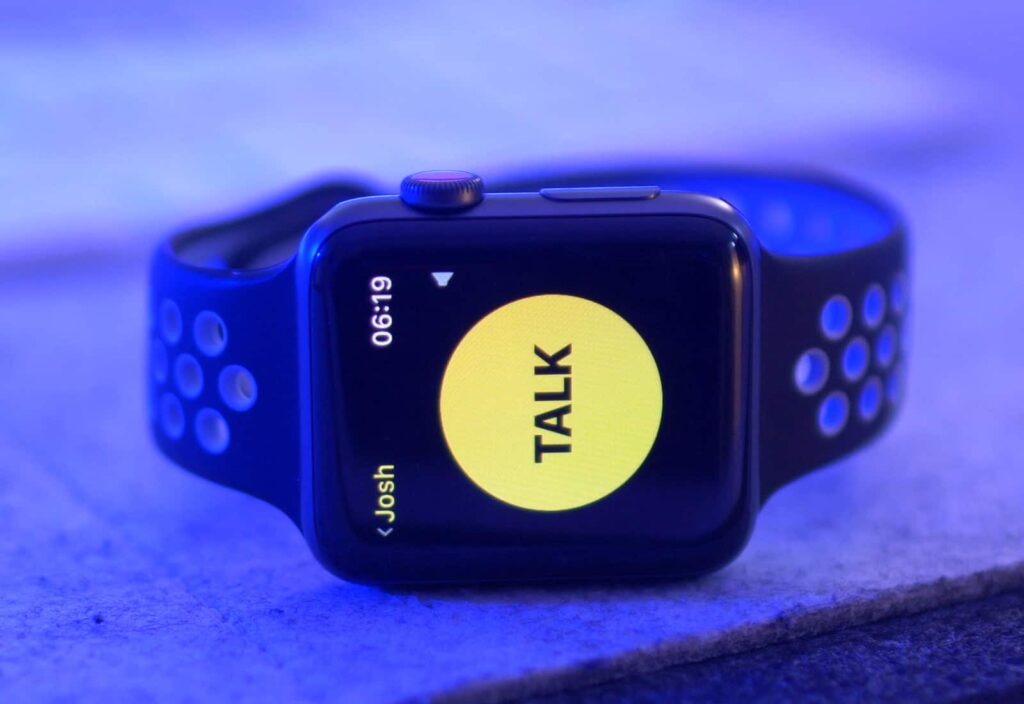
The walkie-talkie may not work. But are you seriously upset about this?
This also applies to Apple Watch. The Walkie-Talkie function on the watch works via FaceTime Audio. If FaceTime is blocked — the walkie-talkie won’t work either. On watches purchased and activated in the UAE, this feature may be unavailable.
But there’s an important nuance. If you bring the watch to Russia and pair it with an iPhone using a Russian Apple ID, FaceTime and Walkie-Talkie will most likely start working. The restrictions in most cases are tied to the region of use, not to the hardware. Many users confirm: after activation outside the UAE, the walkie-talkie starts working normally.
However, there’s no hundred-percent guarantee. Some watch units retain their regional UAE lock even after activation in another country, and this can create complications. Fortunately, remote iPhone camera control will work on watches from any region.
ECG on Apple Watch from Dubai
This used to be a sore point. Before 2020, the ECG function on Apple Watch was blocked in the Emirates — the local Ministry of Health simply didn’t grant permission. People would buy expensive Apple Watch Series 4 and 5, but the electrocardiogram sensor didn’t work on them.
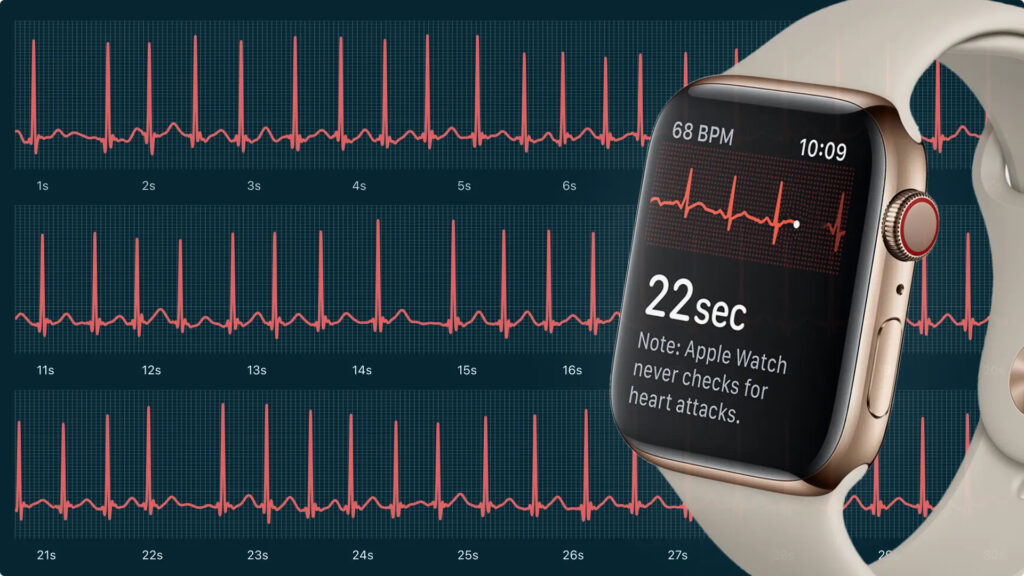
ECG will also record without issues
The situation has changed now. ECG was officially approved in the UAE back in 2020 and works on Apple Watch Series 4 and newer. Moreover, at the end of 2025, Apple launched hypertension notifications in the Emirates — one of the newest watchOS 26 features. So the medical capabilities of watches from Dubai are perfectly fine.
Is It Worth Buying Apple Watch with a SIM Card
This is where we come to the most serious limitation. If you’re thinking of buying an Apple Watch with cellular support (GPS + Cellular) — think again carefully. The thing is, Apple Watch doesn’t have a single global model supporting all cellular frequencies. The watches are divided into three regional versions: for North and South America, for China, and for the rest of the world (Europe, Asia, Middle East).
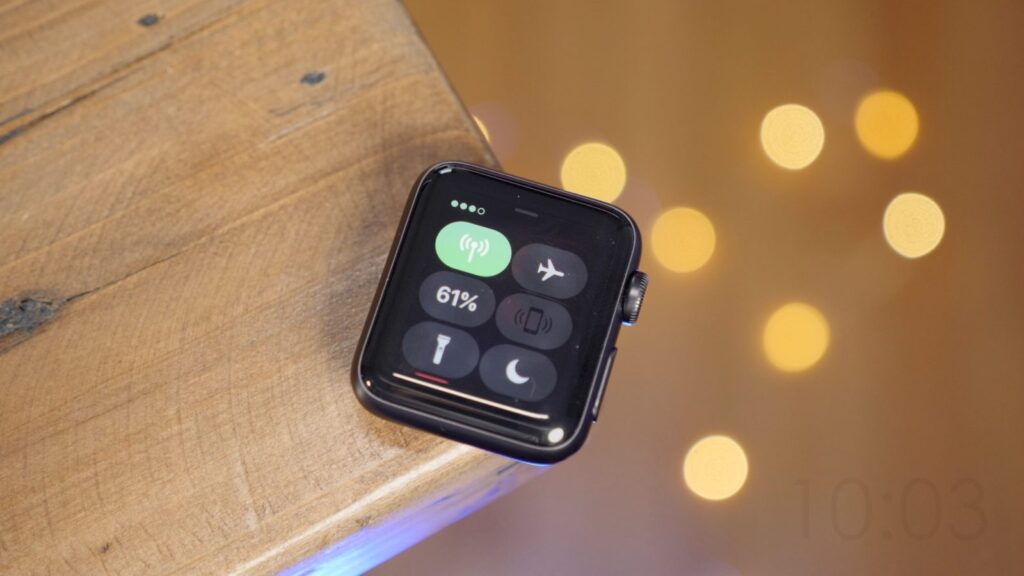
There’s no point in buying a SIM card version for use in Russia
The UAE and Russia fall into the same group — Europe/Asia Pacific. This means that in terms of LTE frequencies, watches from Dubai are theoretically compatible with Russian carriers. However, there are two caveats.
First, eSIM on Apple Watch doesn’t work in Russia. Russian legislation prohibits cloning a SIM card with one number to two devices, and no carrier offers plans for Apple Watch. Second, even if the frequencies match, the carrier must support Apple Watch connectivity — and in Russia, this simply doesn’t exist.
Therefore, there’s no point in overpaying for the Cellular version. In Russia, such watches will function as a regular GPS model — connected to the iPhone via Bluetooth and Wi-Fi.
Apple Watch Features That Don’t Work in Russia
Regardless of where you buy your Apple Watch, a number of features are unavailable in Russia. This isn’t related to the region of purchase — Apple simply hasn’t launched or has disabled these services in the country.
Here’s what doesn’t work on any Apple Watch in Russia:
- Apple Pay — contactless payment has been disabled since 2022, although Wallet still stores loyalty cards.
- Sleep apnea detection — the feature is only available in a limited list of countries.
- Hypertension notifications — a new watchOS 26 feature, not yet certified in Russia.
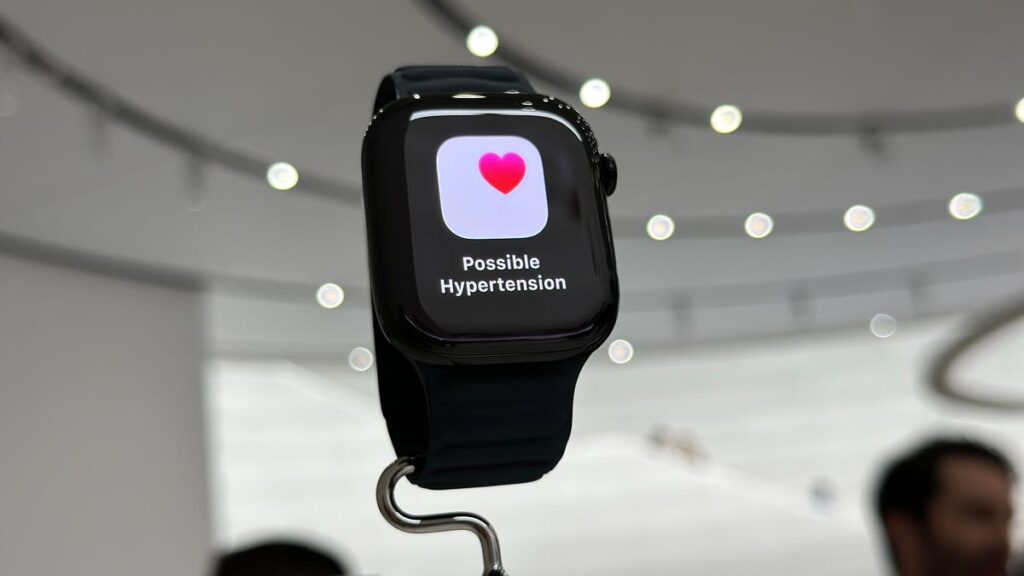
Unfortunately, this feature is unavailable for Russia