Apple has released macOS Tahoe 26.5.2 — a minor update for Mac without new features or noticeable interface changes. The main purpose of this release is to patch vulnerabilities, some of which previously appeared in the macOS 26.6 beta. Now it’s time for Mac — and this update is best not to postpone.
Apple also released the macOS 26.5.2 update
What’s New in macOS Tahoe 26.5.2
In the update description, Apple doesn’t promise any new features, settings, or design changes. The new macOS 26.5.2 contains security fixes that the company first added to the macOS Tahoe 26.6 test build and then decided to release as a separate stable patch.
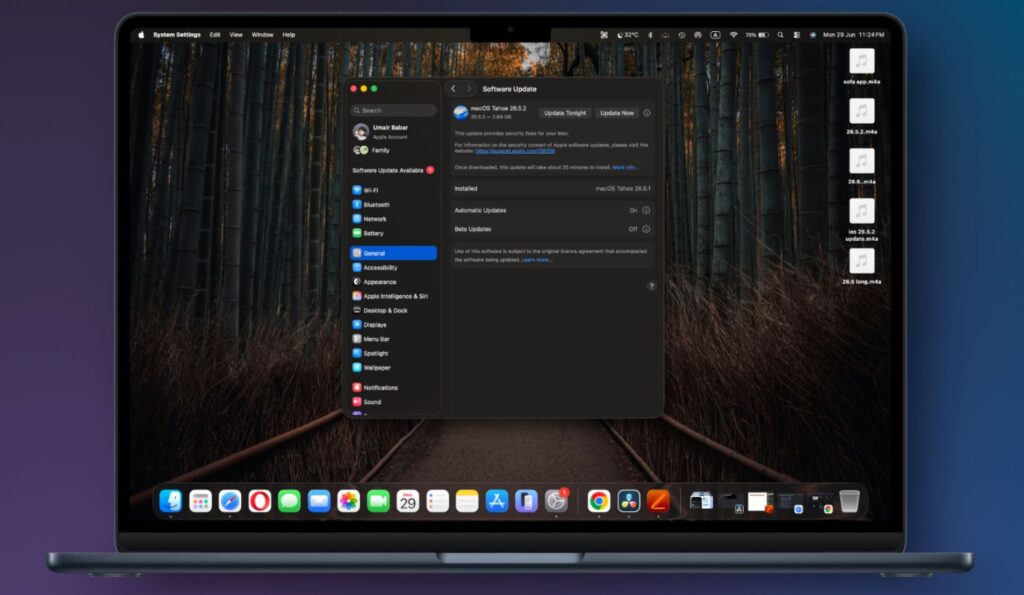
Nothing will change in the appearance after the update. All the features are hidden inside
This is an important point. Apple doesn’t usually pull interim fixes from beta into a separate release without a reason. This means the company considered the discovered vulnerabilities serious enough not to wait for the macOS 26.6 release for all users.
After installation, the system will look the same externally. Finder, Dock, System Settings, and Apple apps won’t change. But the update affects components responsible for the macOS kernel, graphics, and web content. So this time, the macOS update is needed not for new features, but to protect the computer itself.
What Vulnerabilities macOS 26.5.2 Fixed
Apple has already published details on the Security Releases page. macOS Tahoe 26.5.2 fixes issues in IOGPUFamily, the system kernel, WebKit, WebRTC, Web Extensions, and the libxslt library.
The update is dedicated to bug fixes
- Several vulnerabilities are related to the macOS kernel. In theory, a malicious application could cause the Mac to crash, write data to kernel memory, corrupt it, or gain access to confidential system information.
- A separate bug in the IOGPUFamily graphics component also allowed an application to unexpectedly terminate the system.
- The largest block of fixes concerns WebKit — the Safari engine and other components that process web content. Apple closed vulnerabilities where a malicious website could cause Safari to crash, reveal data from process memory, obtain information from another website, or bypass some sandbox restrictions.
- A problem in WebKit Storage was also fixed: a malicious website could silently intercept clipboard contents. This isn’t just a theoretical threat for developers — it concerns things that could affect an ordinary user when clicking a link from email, a messenger, or an ad.
As you can see, the list of fixes is substantial. If you haven’t installed macOS 27, then downloading macOS 26.5.2 is definitely worth doing right now.
Does macOS 26.5.2 Really Fix Mac Freezes?
Apple officially mentions only security fixes in macOS 26.5.2. The release notes contain no mentions of problems with external monitors, Bluetooth, Wi-Fi, mouse, sound, or specific programs.
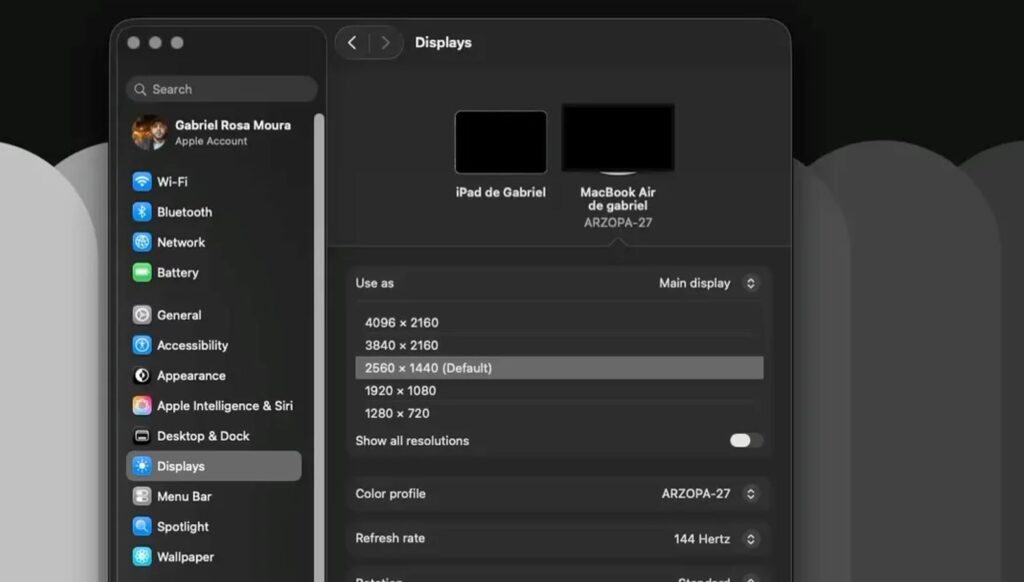
Users reported macOS freezing when working with peripherals. Whether it’s fixed — we honestly don’t know
At the same time, users of macOS Tahoe after previous system versions complained about unstable operation of some peripheral devices, docking stations, and displays. However, it cannot be stated that macOS Tahoe 26.5.2 fixes peripheral issues: Apple hasn’t confirmed this.
If after previous updates your Mac started having trouble detecting an external monitor, working unstably with accessories, or freezing in the browser, installing the new patch still makes sense. Just don’t expect a guaranteed fix for a specific problem that isn’t on the official list of changes.
Which Macs Can Be Updated to macOS 26.5.2
macOS 26.5.2 is available for all computers that support Tahoe. The list is as follows.
- MacBook Air with Apple Silicon, released in 2020 and later;
- MacBook Pro with Apple Silicon, released in 2020 and later;
- MacBook Pro 13″ 2020 with four Thunderbolt 3 ports;
- MacBook Pro 16″ 2019;
- MacBook Neo 13″ with A18 Pro chip;
- iMac 24″ 2021 and newer;
- iMac Retina 5K 27″ 2020;
- Mac mini 2020 and newer;
- Mac Studio all generations;
- Mac Pro 2019 and newer.
At the same time, Tahoe remains a transitional system before the next major release. This fall, Apple will release macOS 27 Golden Gate, and it differs significantly from the current version.
How to Install macOS 26.5.2 on Mac
Before installing macOS 26.5.2, it’s better to connect your MacBook to a charger and make a backup via Time Machine, especially if the computer stores important work files. For a small patch, this isn’t a mandatory requirement, but it’s a good habit before any system update.
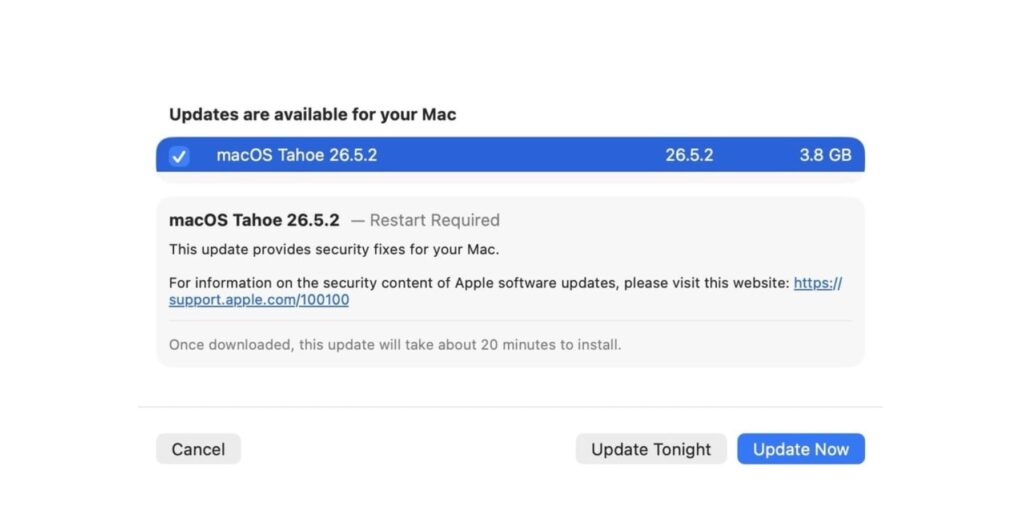
The update is already available in macOS settings
To install macOS Tahoe 26.5.2, follow a few simple steps:
- Click the Apple icon in the upper left corner of the screen.
- Open “System Settings.”
- Go to the “General” section.
- Select “Software Update.”
- Wait for your Mac to check for a new system version.
- Click “Update Now” when macOS Tahoe 26.5.2 appears.
If macOS 26.5.2 doesn’t appear right away, restart your Mac and check again later.
This time, installing macOS 26.5.2 is worth it for all owners of compatible Macs — especially those who regularly work in a browser, open links from emails, and store personal or work data on their computer.


