Today, June 30, Apple released iOS 26.6 Public Beta 3 and iPadOS 26.6 Public Beta 3. It arrived the day after the stable iOS 26.5.2: regular users are downloading an important security patch, while public beta testers are already trying out the next build. No major features were introduced here, but a couple of interesting details were still found. Let’s break down what’s new in iOS 26.6 Public Beta 3, when to expect the release, and who this beta is actually useful for.
The new public beta of iOS 26.6 is out. What changed?
What’s New in iOS 26.6 Public Beta 3
Let’s be honest right away: there’s nothing outstanding here. Apple is polishing iOS 26 and shifting focus to iOS 27, so the third public beta is primarily about bug fixes and stability improvements. But enthusiasts dug up a couple of nice little details in the builds.
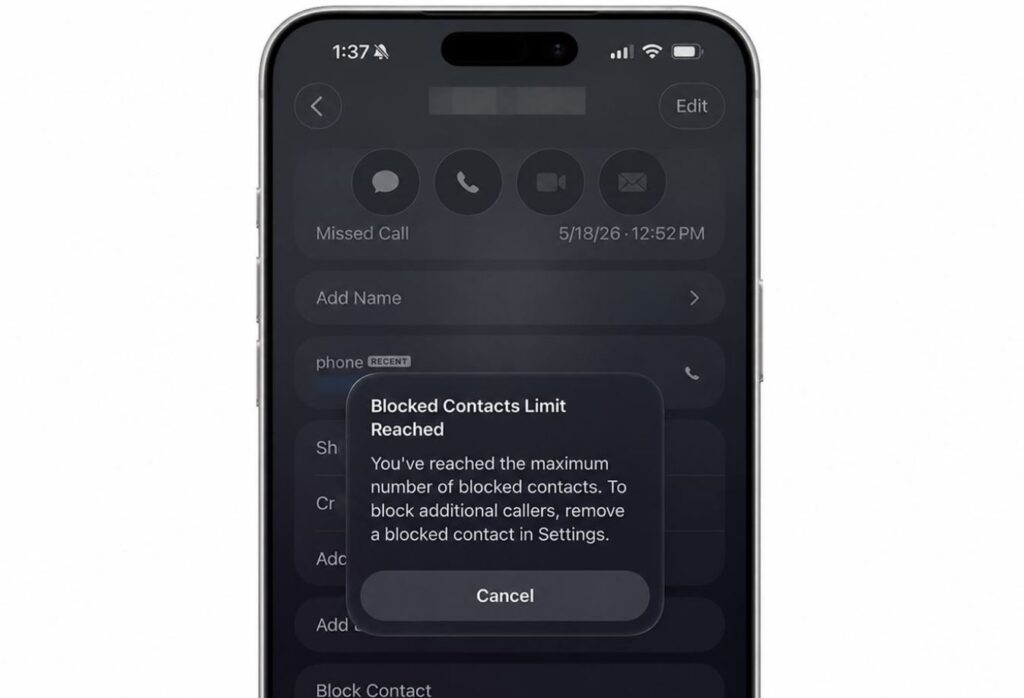
The public beta is an exact replica of the iOS 26.6 developer features
- First: the system now honestly warns you when you’ve hit the blocked contacts limit and notifies you that the block list is full. Previously, you had to figure this out on your own.
- Second: a new theft protection feature appeared in the code. If an iPhone is snatched from your hands, it instantly locks, preventing the thief from accessing your data. The feature is still raw, but the concept is excellent.
- As for new icons, redesigned menus, and major features — don’t bother looking for them here.
Also, according to the update release notes, several bugs were fixed in iOS 26.6.
- Writing Tools would freeze if you pressed the “+” button while they were running.
- Stickers could fail to be created or disappear when sticker data was corrupted, and the bug would carry over to other devices via iCloud sync.
How iOS 26.6 Public Beta 3 Handles Battery Life
iPhone battery life remains the main pain point of all of iOS 26. On any beta, battery life usually takes a hit: the system isn’t yet optimized, and background processes live their own life. But since this is the final branch of iOS 26, by release iPhone battery drain will surely improve, and it’s possible that iOS 26.6 will be more power-efficient than iOS 26.5.
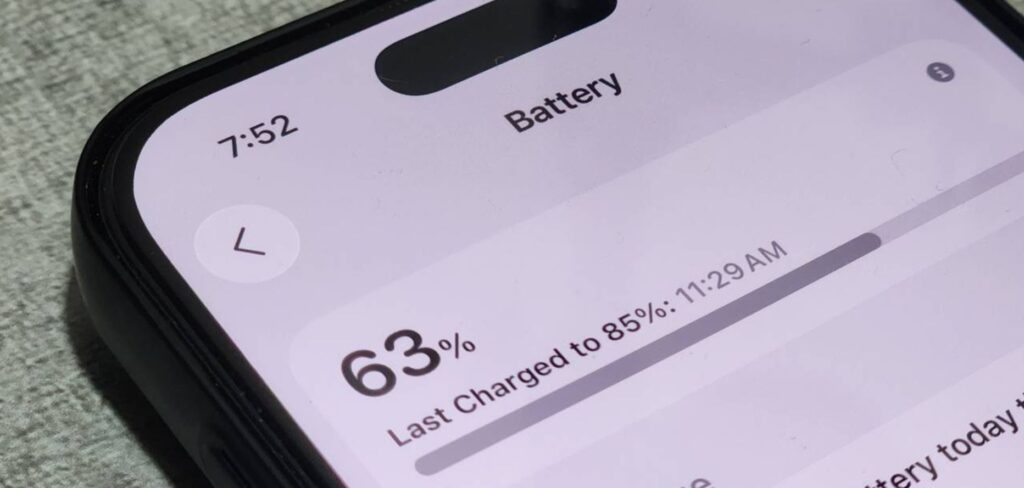
Obviously, by the end of the iOS 26 cycle, battery life will improve
On the fresh public build, I wouldn’t expect stable iPhone battery life, but after the final update the picture should become more pleasant.
How to Install iOS 26.6 Public Beta 3
The public beta is available to all owners of compatible iPhones, and registration in the program is free. You can download the build directly on your device. Here’s how to download iOS 26.6 before everyone else.
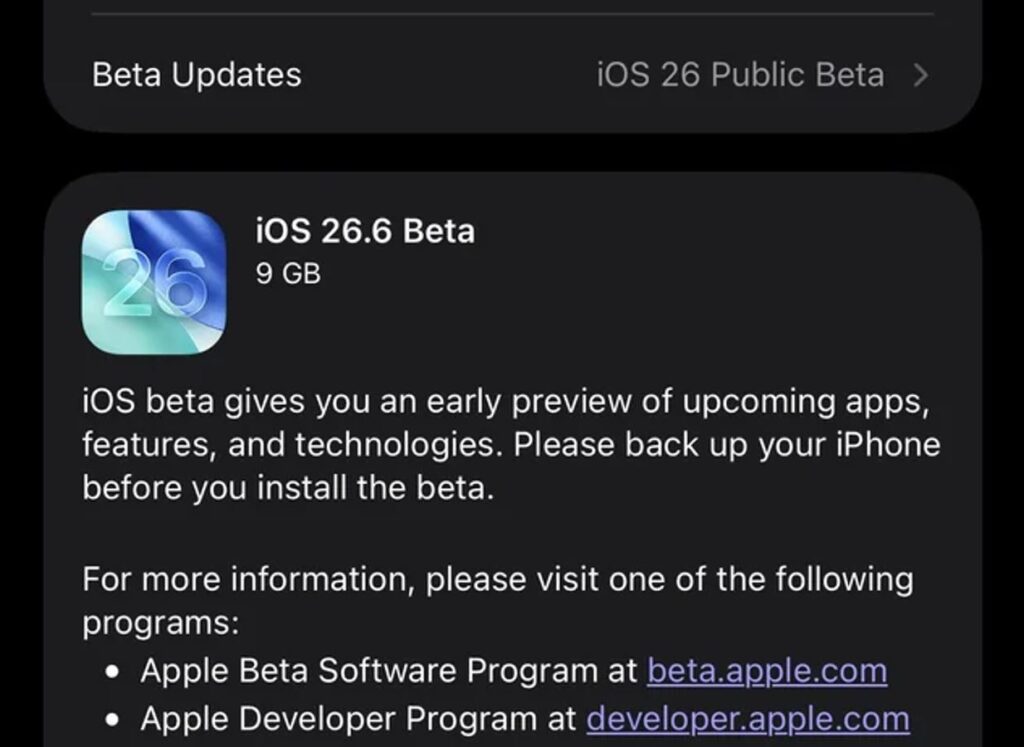
The new beta is already waiting for you in your iPhone settings
- Register for Apple’s public beta testing program with your Apple ID;
- On your iPhone, open “Settings” — “General,” and select “Software Update”;
- Go to the “Beta Updates” section and select iOS 26.6 Public Beta;
- Wait for the build to appear and install it like a regular update.
Before starting, make sure your charge is above 50% and you have enough free space on your device. And be sure to make a backup. Just in case.
When Will iOS 26.6 Be Released
The third beta arrived two weeks after the second, so Apple is maintaining its usual two-week testing cadence. Based on past years’ schedules, the final iOS 26.6 should come out closer to the end of July, and this appears to be the last notable update in the iOS 26 lineup.
After that, the entire stage shifts to iOS 27: we expect its release in September alongside the new iPhones.
Should You Install iOS 26.6 Public Beta 3
There’s no rush to install — wait for the release
You shouldn’t download this beta on your main iPhone. There are no major features in 26.6, and the release isn’t far off. It only makes sense if you’ve been using test builds for iPhone for a long time — for example, after the second public beta of iOS 26.6. You’ll get fewer bugs and more stable system performance. Better to wait for the release!
Everyone else is better off waiting calmly for the public release: it will arrive on its own without any hassle with profiles.


