In 2026, Russian iOS developers faced new difficulties renewing Apple Developer. Russian bank cards and phone-based payments in Apple services no longer go through, and workarounds that previously helped bypass restrictions have gradually stopped working. The problem affects not only new users. Teams with already published apps also depend on annual license renewal. In this article, we’ll look at what restrictions currently apply to Russian developers and what Apple Developer Program payment options still remain. We’ll also examine how the available methods differ, where overpayments may occur, and what risks to consider before paying.
You can pay for an Apple developer account even from Russia. But there’s a catch
Why You Need an Apple Developer Account
Apple Developer Program allows you to officially publish apps in the App Store. After obtaining a license, the developer gains access to Apple’s core tools:
- App publishing. Through the account, you can submit apps for review, list them in the App Store, and release new versions.
- TestFlight. The service helps test the app before release: invite testers, collect feedback, and find bugs on real devices.
- iOS beta versions. Early access to updates allows you to check in advance how your product will work after new system versions are released.
- Product analytics. The dashboard provides information on installs, sales, user activity, and other metrics.
- Apple technical support. Program members can seek help with development, publishing, and app functionality questions.
Essentially, paying for the Apple Developer Program is needed not just for publishing an app. It provides access to Apple’s entire working infrastructure, without which it’s difficult to develop a product in the App Store, sell it to users worldwide, and regularly release updates.
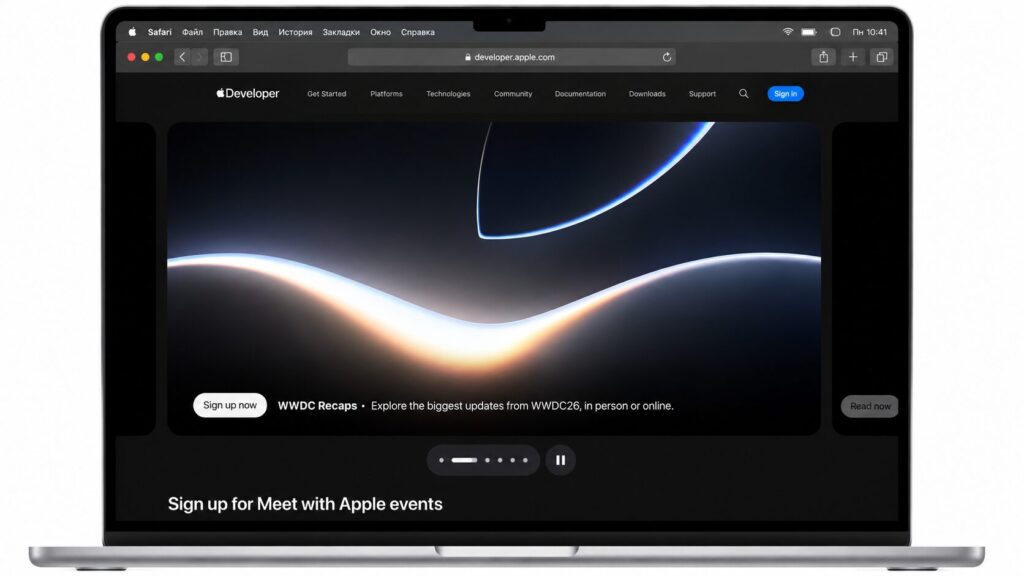
A developer account provides many advantages
What Types of Apple Developer Accounts Are Available
Apple offers two participation options. The cost is the same — $99 per year, but the format conditions differ:
- Individual is suitable for independent authors, freelancers, and small indie teams. The App Store will display the account owner’s name next to the app. This format is chosen when the product is released on behalf of a specific person, not a company.
- Organization is chosen by companies and sole proprietors. The app listing displays the legal name of the organization, and within the account, roles can be distributed among team members: administrators, developers, marketers, and other specialists.
To set up an Organization account, you’ll need a D-U-N-S Number. This is an international company identifier in the Dun & Bradstreet database that Apple uses to verify the legal entity.
Why Previous Payment Methods Stopped Working
The main reason is restrictions on international payments. Apple does not accept cards from Russian banks, so standard payment for users from Russia is no longer available.
Some developers used a workaround for a while: they topped up their Apple ID through mobile account balances with Russian carriers, such as MTS or Beeline, and then paid for the subscription from the account balance. But in April 2026, this method also became unavailable: carriers were instructed to disable such top-ups.
After that, some developers switched to Apple Gift Cards. But gift cards quickly became an expensive and inconvenient solution. On marketplaces, they are often sold with a significant markup. Additionally, there’s a risk of buying an already-used code or a card that doesn’t match the account’s region.
How You Can Currently Pay for Apple Developer
Currently, Russian developers have two main options: use an intermediary or use their own foreign bank card.
Spoiler: the easiest and most reliable way is to get a foreign card
Payment Through an Intermediary
An intermediary pays for Apple Developer with their foreign card, and the developer transfers the money to them. This method can help with urgent renewal when the license is about to expire and there’s no foreign card available.
But this option has several drawbacks:
- High commission. The official Apple Developer price is $99. With the intermediary’s commission, the total amount can rise to $150–200.
- Risk of losing money. Usually, payment is transferred in advance. If the intermediary turns out to be dishonest, getting the money back will be difficult.
- Account concerns. If one card is used to pay for many different Apple IDs, such activity may look suspicious to Apple’s anti-fraud systems. This doesn’t mean automatic blocking, but it may trigger additional verification.
An intermediary works as a one-time solution, but for regular work with the App Store, you’ll have to find a new one every year, clarify terms, and accept the risks.
Payment with a Foreign Card
A more reliable option is a personal VISA or MasterCard issued by a bank outside Russia. For Apple payments, developers typically use cards from countries where international payments go through without Russian restrictions, such as Kyrgyzstan, Armenia, and other jurisdictions.
A foreign card allows you to pay Apple directly. There’s no need to transfer money to third parties, wait for confirmation from an external service, or overpay for the transaction itself.
This method is suitable for the first Apple Developer payment, annual license renewal, App Store purchases, and other Apple subscriptions. Additionally, the card can be used for foreign work services, AI tools, design platforms, and other international products.
Getting a card doesn’t always require traveling abroad. In some cases, a card can be obtained remotely through specialized services that help prepare documents and pass the bank verification process.
What to Check Before Payment
Even if you already have a foreign card, the payment may not go through due to Apple ID settings. Before paying, it’s worth checking a few things:
- Account region. The Apple ID country should match the card’s country of issue. For example, if the card was issued by a bank in Kyrgyzstan or Armenia, the corresponding region should be selected in the account.
- Billing address. The address in the settings should belong to the same country as the card. A mismatch between the region and address can lead to payment rejection.
- Balance with a margin. It’s better to keep a balance slightly higher than needed on the card, around $110–120. This helps avoid rejection due to exchange rates, bank fees, or temporary verification holds.
- Card expiration date. If the card is about to expire, automatic renewal may fail. This is especially important for teams that don’t want to lose account access during an app release or update.
How to Pay for the License with a Foreign Card
- First, you need to check your Apple ID region. To do this, open iPhone Settings, tap on the owner’s name, go to “Media & Purchases,” open account view, and select “Country/Region.”
- After changing the region, add the card in the “Payment & Shipping” section. You need to enter the card number, expiration date, CVV code, and billing address. Apple may temporarily hold a small amount to verify the payment method. The money is usually returned after verification.
- Once the card is added, open the Apple Developer website.


