Apple has released a firmware update for the Beats Studio Buds — and this is not a routine update with vague sound improvements or stability enhancements. Firmware 1B211 patches a serious microphone vulnerability through which a stranger within Bluetooth range could gain access to audio. Let’s break down what exactly was found and who this primarily affects.
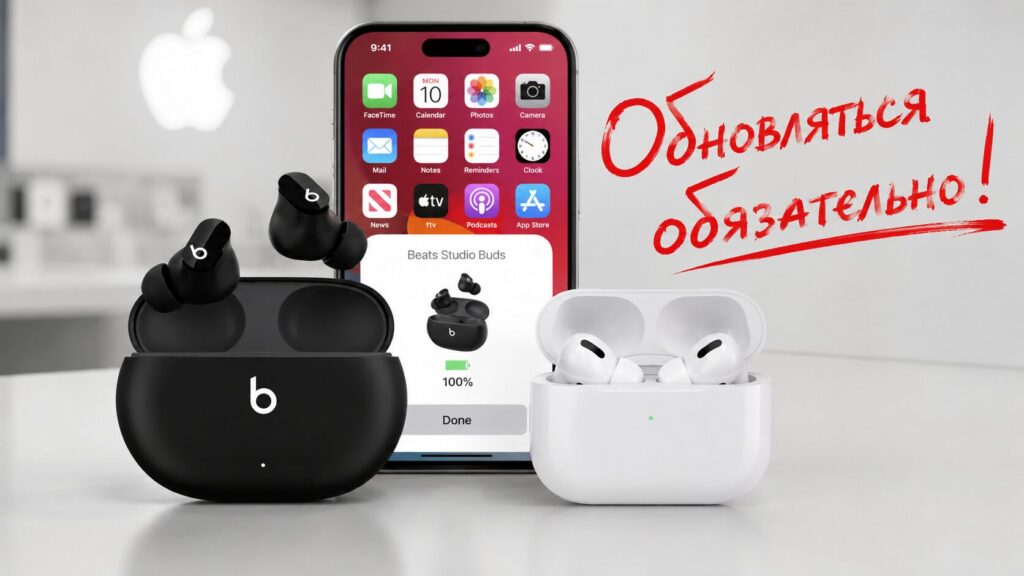
Updating your earbuds is important not just for improved sound quality
What Vulnerability Was Found in Beats Studio Buds
Apple rolled out firmware update 1B211 for Beats Studio Buds alongside updates for several AirPods models. But unlike the AirPods updates, this one isn’t cosmetic — it addresses a specific security issue.
In the official description, the company states that an attacker within Bluetooth range could listen to audio through the device’s microphone while the device was not yet connected to a phone and was actively searching for a pairing partner. The vulnerability was triggered when the earbuds were in pairing mode, waiting for a connection.
The flaw was assigned the number CVE-2025-20701. According to Apple’s description, the issue lies in a third-party component that is also used in the company’s software. In other words, the code isn’t Apple’s own, but Apple still had to fix it.
Can Someone Eavesdrop on a Conversation Through Earbuds
Without fearmongering: this is not a story about mass surveillance. The attack is only possible when someone is physically near you — within Bluetooth range, meaning literally a few meters away — and only at the moment when the earbuds are actively searching for a connection.
But you should still update. The microphone in your earbuds hears everything happening around you, so any unauthorized access to it is a serious matter. The good news is that you barely need to do anything: the firmware installs automatically.
The attack worked within a few meters and only in pairing mode. Photo: appleinsider.ru
Which AirPods and Beats Models Received New Firmware
On the same day, Apple also released updates for AirPods. Here’s the full list of what was released:
- Beats Studio Buds — version 1B211, patches the microphone vulnerability;
- AirPods Pro 3 — version 8.1.41 (8B41);
- AirPods Pro 2, including the USB-C variant — version 8.1.41 (8B41).
The release notes for the AirPods firmware mention only “bug fixes and other improvements” — with no mention of vulnerabilities. Apple explicitly named the reason for the update only for Beats Studio Buds and linked it to security.
How to Update Beats Studio Buds Firmware
The key thing to know is that you can’t manually trigger the update — there’s simply no “update now” button. The firmware installs in the background when the right conditions are met. Here’s what you need to do to make sure it happens:
- Make sure your iPhone, iPad, or Mac is running the latest system version and is connected to Wi-Fi.
- Turn on Bluetooth and make sure the earbuds are connected to your device.
- Fully charge the earbuds or leave the case on the charger.
- Place both earbuds in the case and close the lid.
- Keep the earbuds within Bluetooth range near your phone or computer and wait at least 30 minutes.
- Reconnect the earbuds and check the firmware version.
There’s also good news for those who use Beats with an Android smartphone: you can update without Apple hardware. The company has step-by-step instructions for this scenario, so non-Apple phone owners are not left unprotected.
How to Check Beats Studio Buds Firmware Version
The version you need is 1B211. You can see it in the Bluetooth settings on the device the earbuds are connected to: the current firmware version is displayed right next to the earbuds’ name.
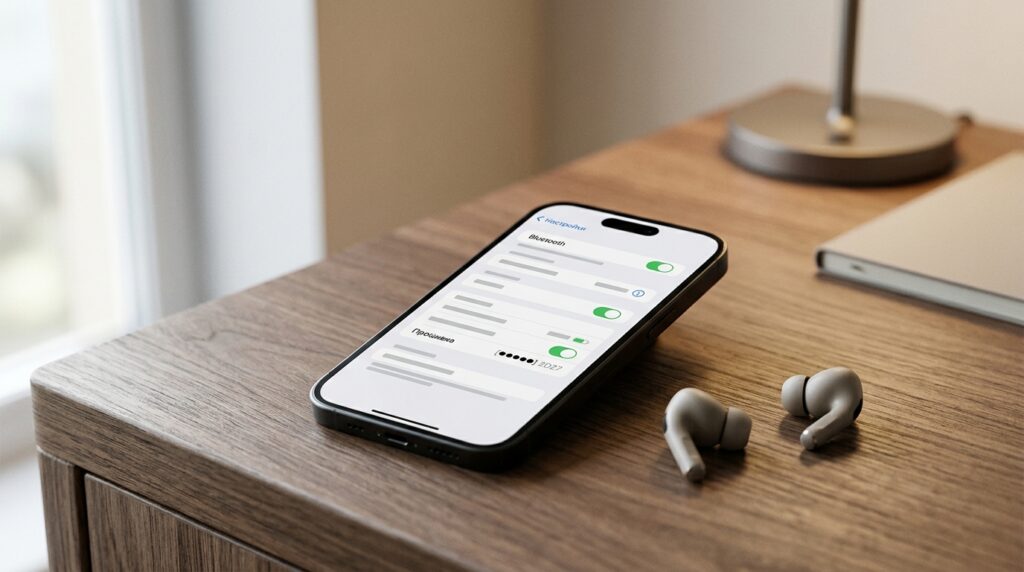
The firmware version is visible in the Bluetooth settings of the connected device. Photo: appleinsider.ru
If the version is outdated and the update isn’t arriving, a simple action usually helps: leave the earbuds in the charging case near your phone for 30 minutes to an hour and don’t touch them. When even that doesn’t work, Apple recommends resetting the earbuds and trying again. There’s no forced update button, so only patience works here.
Should You Update Your Earbuds’ Firmware
If you have Beats Studio Buds — make sure they’re updated to 1B211. This is a rare case where an earbud update patches a specific vulnerability with microphone access, rather than just “improving stability.” AirPods owners won’t hurt from the latest firmware either, although Apple hasn’t labeled it as mandatory for security reasons.
For those who don’t own these earbuds, this story serves as a useful reminder. It’s worth keeping your earbuds’ firmware up to date — a microphone that’s constantly hanging in your ears is not the device you want to leave with an open door.


