On June 25, everything happened at once. All VK apps disappeared from the Russian App Store. A bit earlier, in early June, the MAX messenger quietly vanished as well. If you have an iPhone, you’ve probably already noticed: the familiar icons are gone from search, and downloading anything again doesn’t work. What’s already installed on your phone hasn’t gone anywhere and continues to work. The problem is different. These apps can no longer be updated, some of them risk being silently offloaded and never coming back, and push notifications have already stopped working. We’ve already done a detailed breakdown of the situation separately, and here we’ll focus on practical steps.
What VK owners should do after the removal
List of VK Apps Unavailable in the App Store
The list is impressive. Almost the entire holding’s ecosystem was removed from the iPhone and iPad store at once:
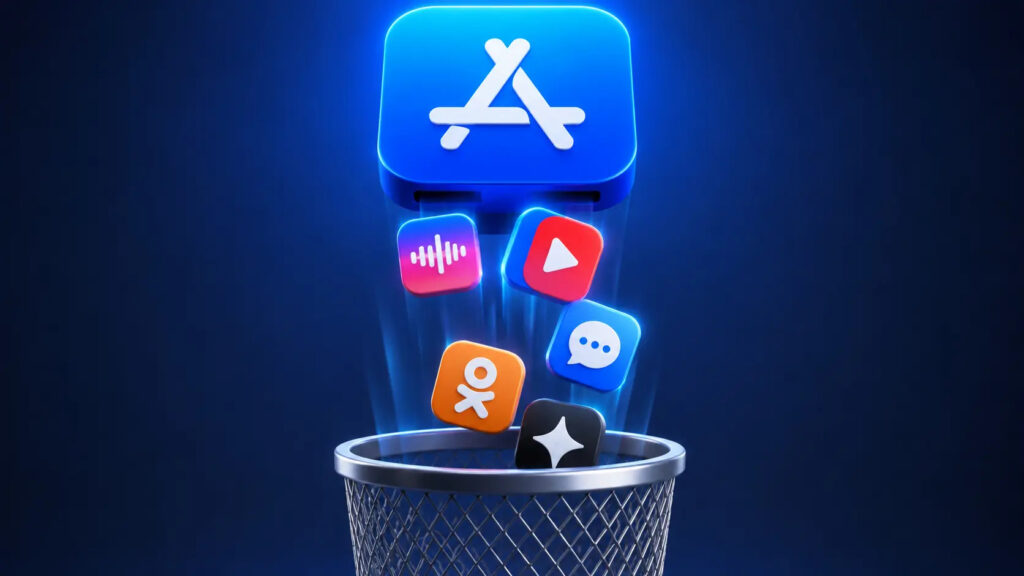
All VK apps were removed from the store at once
- VKontakte
- Odnoklassniki
- VK Messenger
- VK Music
- VK Video
- Mail.ru Email
- Mail.ru Cloud
- Dzen
- VK Dating
- Skillbox
- MAX (removed on June 3)
Apple itself explained everything by compliance with sanctions rules. VK disagrees with the reasoning and points out that the company is not under sanctions. It’s not for us to decide who’s right.
What matters is something else. If the app is already installed, it launches and messages come through. But reinstalling it after a reset or buying a new iPhone is no longer possible. So deleting icons from your screen right now is definitely not a good idea.
How to Prevent iPhone from Deleting VK Apps
Here lies an unpleasant trap. iOS has a feature that automatically removes rarely used apps to save storage. The icon stays, but the program gets erased. With regular apps, this isn’t a problem: you tap it and the system downloads everything back from the App Store.
With VK apps, this won’t work anymore. If the system offloads VKontakte or MAX, there will be nowhere to restore them from. So it’s better to turn this feature off right now:
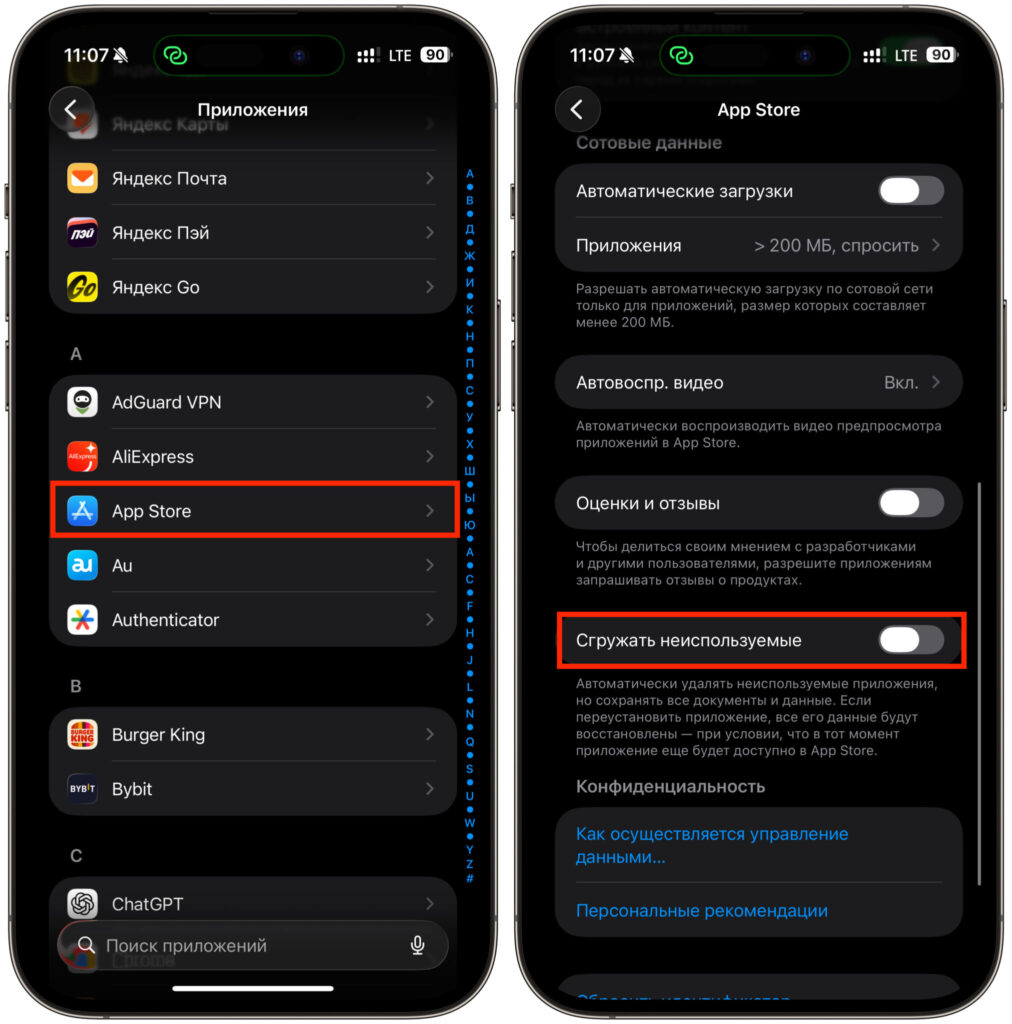
It’s important to turn off this toggle
- Open Settings and scroll down to the App Store section.
- Find the “Offload Unused Apps” toggle at the very bottom.
- Switch it to the off position.
Done. Now iOS won’t touch the apps, even if you don’t open them for months. If you’re worried about storage, clear messenger caches manually or delete a couple of heavy games.
How to Use VK on iPhone Without the App
The simplest workaround has been known for a long time. All VK services have full-featured websites, and in the browser they work no worse than apps. VKontakte lives at vk.com, Odnoklassniki at ok.ru, email at mail.ru, Dzen at dzen.ru. Log into your account and use it as usual.
To avoid opening the site through the address bar every time, add it directly to your home screen. The icon will sit alongside the rest, and visually you’ll barely notice the difference. It doesn’t matter which browser you use, Safari or Chrome:
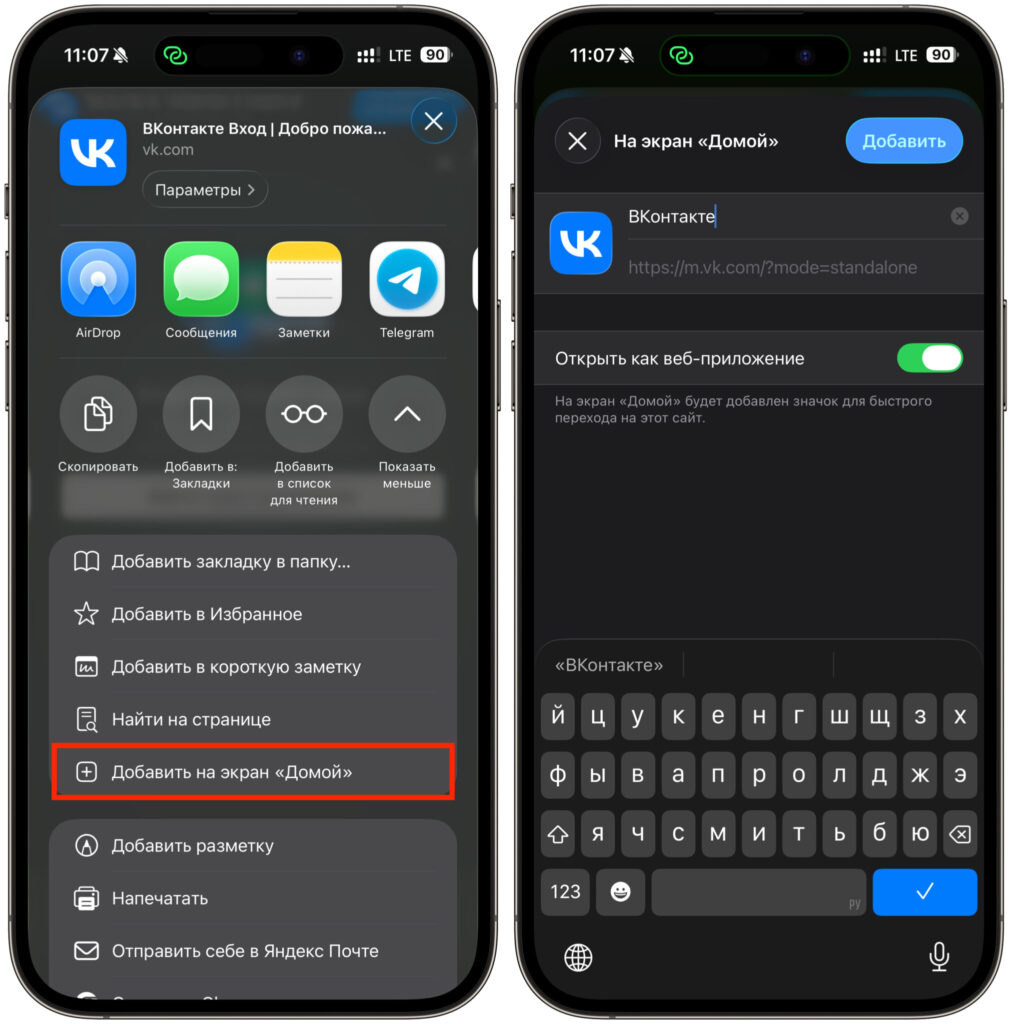
You can add a web app in just a couple of taps
- Open the desired site in a browser and wait for it to fully load.
- Tap the “Share” button (at the bottom in Safari, in the three-dot menu in Chrome).
- Select “Add to Home Screen”.
- Set a name for the shortcut and confirm the addition.
There’s one downside to this method. Push notifications through the website work poorly or don’t come at all. So if you need instant notifications, keep a phone with the app handy or consider a backup device.
Is It Worth Switching from iPhone to Android Because of VK
Now let’s be honest. Everything described above is a workaround. On Android, none of this is necessary. VK apps are fully available there, with updates and push notifications: in RuStore, Google Play, Huawei AppGallery, Samsung Store, and Xiaomi Store. Download and use.
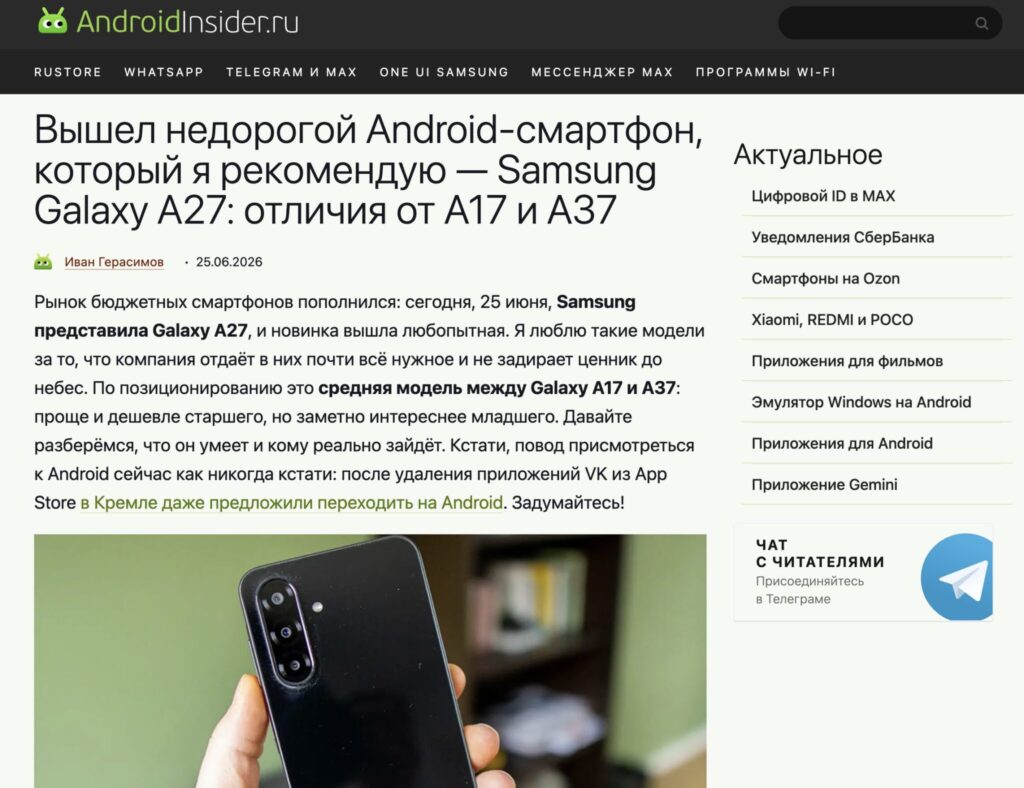
AndroidInsider.ru will help you pick the best smartphone to replace your iPhone
And this is a good reason to remind you of a simple thing. Android has long stopped being a budget alternative to the iPhone. Modern flagships shoot just as well, run smoothly, hold a charge for two days, and get along perfectly with Russian services. Those who switch from iPhone are often surprised they waited so long.
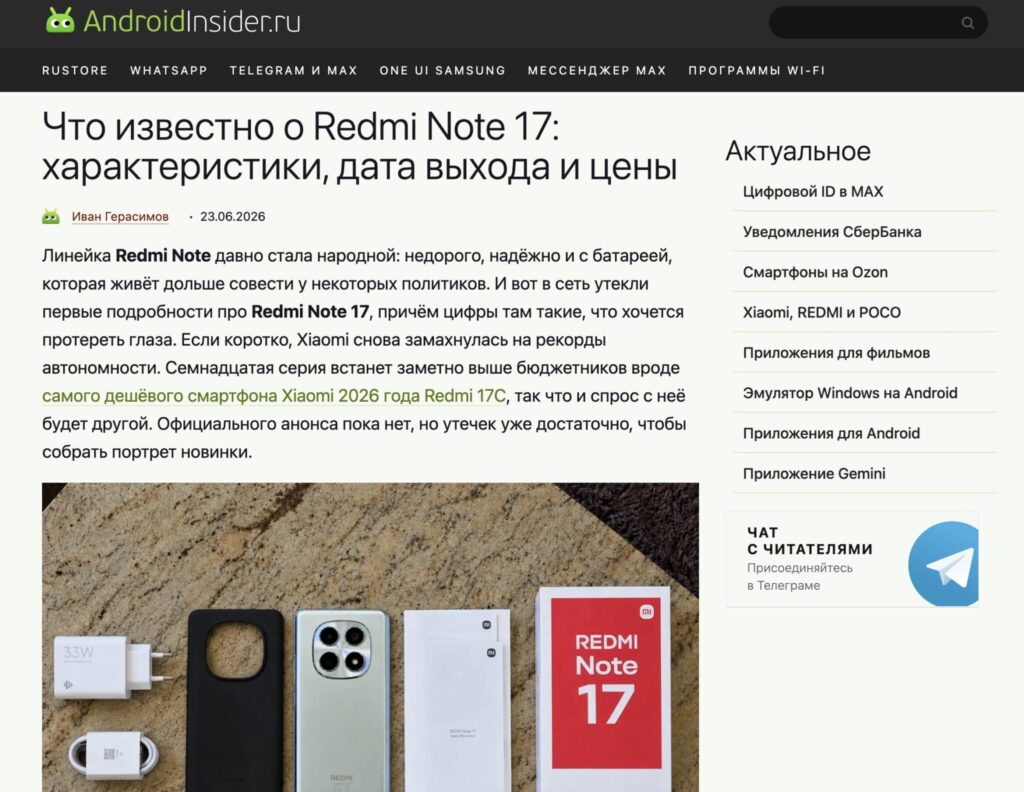
Here you’ll find all the leaks and instructions you need


