Apple has released the second beta of iOS 27 — it’s still a developer version, but it contains an unexpectedly large number of changes. New features and improvements to existing ones have appeared: from a convenient button for writing with Siri to a spending analysis section in Wallet. Apple plans to release the public beta in July, and the final version in September alongside the new iPhones. In total, the system promises to add several dozen new capabilities, and below we break down what has actually changed and who will benefit from it.
The second beta is already available for installation
Where Is the Write with Siri Button Located
The most convenient change for everyday text work. A “Write with Siri” button has appeared above the keyboard — it’s available in Notes, Mail, Messages, and other apps. Previously, in the first beta, you could only invoke writing with Siri after selecting text, which was not intuitive.
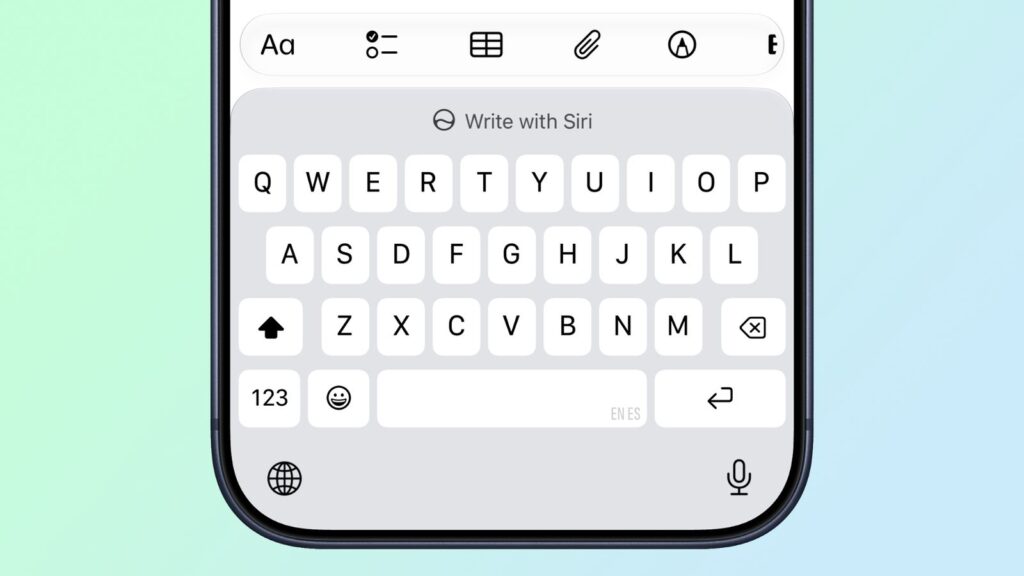
The button for working with text is located above the keyboard
Now the feature is always at hand: you can ask the assistant to rewrite a paragraph, continue a thought, or compose a reply right away, without manually selecting text. The button saves a couple of steps every time you write an email or a long note.
Spending Analysis in Apple Wallet: How It Works
A new Insights section has appeared in the Wallet app — it opens through the three-dot icon in the upper right corner. The feature shows an analysis of your spending, and it’s the most noticeable addition in the second beta.
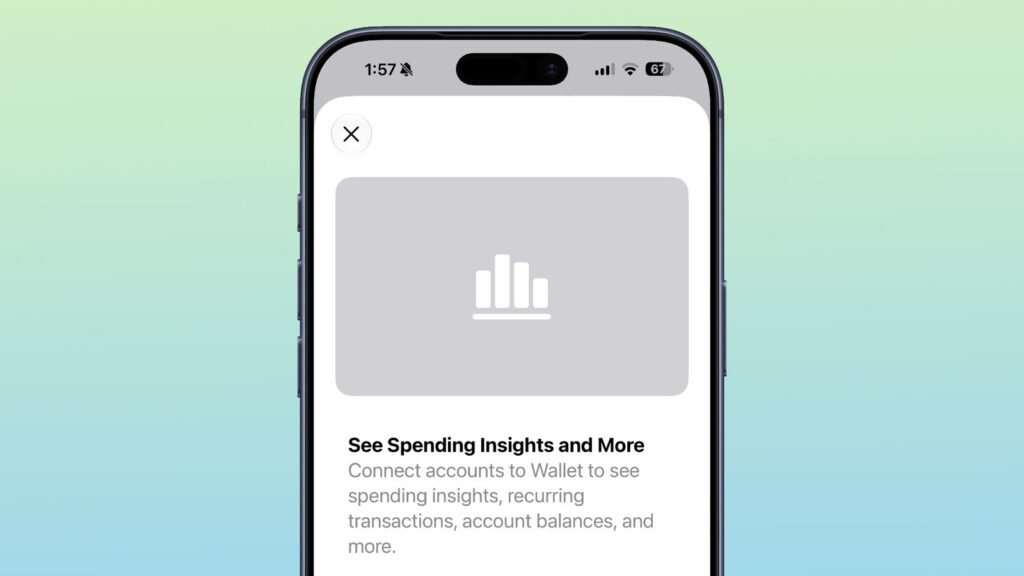
Spending analysis is possible right in Wallet
The section is not fully implemented yet, but the splash screen promises bank account linking to Wallet: users will see spending, recurring payments (subscriptions and regular charges), and account balances. Apple promises that account information will stay up to date.
There’s one limitation: bank linking doesn’t work in all countries, and for Russian users, such Apple features have historically been unavailable. So for Russia, this is more of a reason to look at the idea itself rather than a practical money-tracking tool.
How to Update Apple TV from iPhone Remotely
A useful small feature for those who own a set-top box. The Home app now has the ability to update Apple TV remotely — the set-top box now appears in the updates section within the Home app settings.
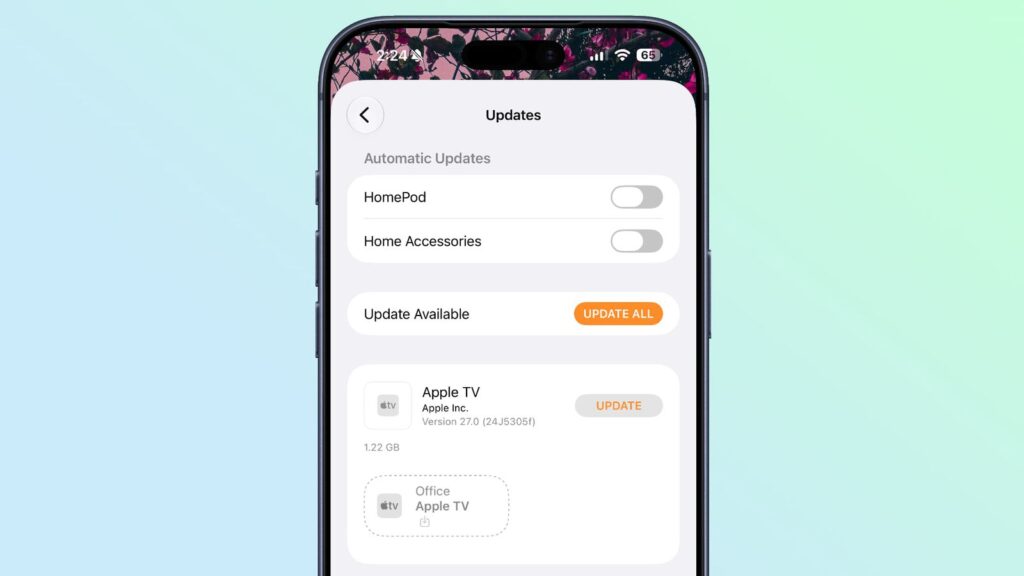
Apple TV can now be updated remotely
The main advantage: the update installs without turning on the Apple TV. There’s no need to find the remote, turn on the TV, and manually navigate to the set-top box settings — everything installs from the iPhone in the background.
New RCS Features on iPhone
Apple continues to refine RCS support — this is a modern messaging standard that replaces regular SMS when texting with Android owners. You can now reply to a specific message in such a chat: just long-press a message and choose “Reply,” just like it has long worked in iMessage.
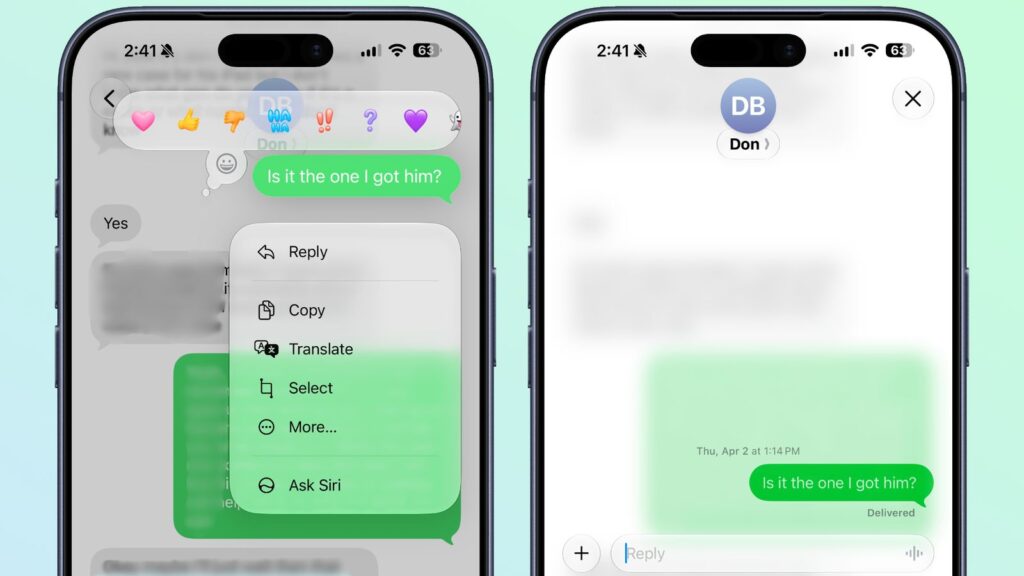
Some RCS features were added, but they’re not relevant in Russia
The second improvement concerns reactions. Reactions now display correctly on photos and videos in chats with Android. In iOS 26, instead of an emoji, a text caption like “liked an image” was shown, but now the reaction appears directly on the photo — just like in regular conversations between iPhones.
Why iCloud Backup Isn’t Being Created
In the iOS 27 code, a hint was found that Apple will start warning about problems with iCloud backup. If a backup fails to create, the system will show a notification that due to a server issue, backup or restoration may not be working at the moment, and will suggest trying again later.
For those who rely on automatic backup, this is a serious safety net. Previously, you could go months without knowing that backups weren’t being created, and only discover it when losing or replacing your phone.
What Minor Features Appeared in iOS 27 Beta 2
In addition to major new features, the second beta has many small tweaks:
- Siri voice settings on iPhone 17 Pro and iPhone Air now include “Pace” and “Expressiveness” options marked as “Coming Soon” — previously they didn’t work
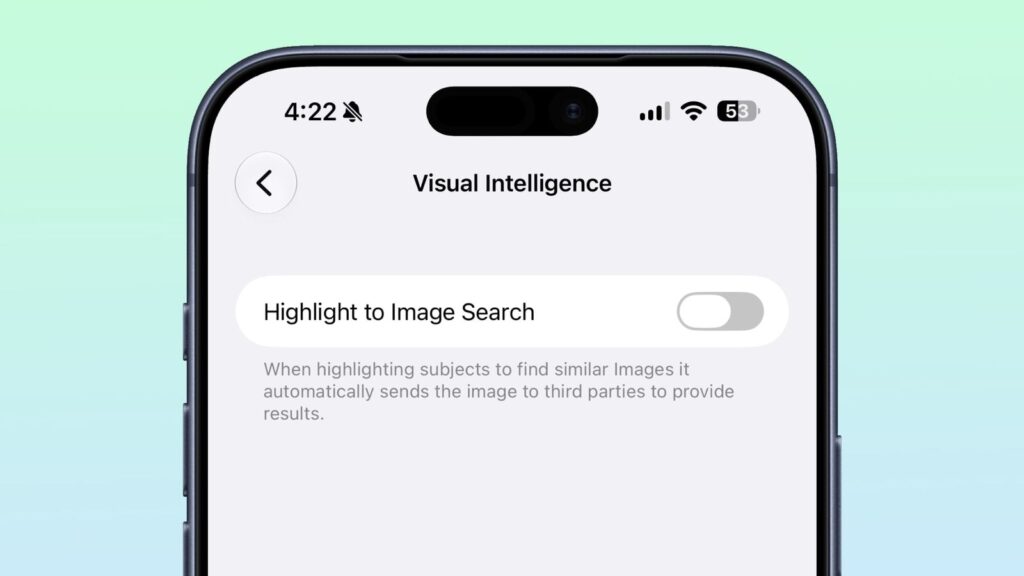
- In the Siri section of Settings, a Visual Intelligence option has appeared; image search via selection is disabled by default, and when enabled, images will be sent to third-party services
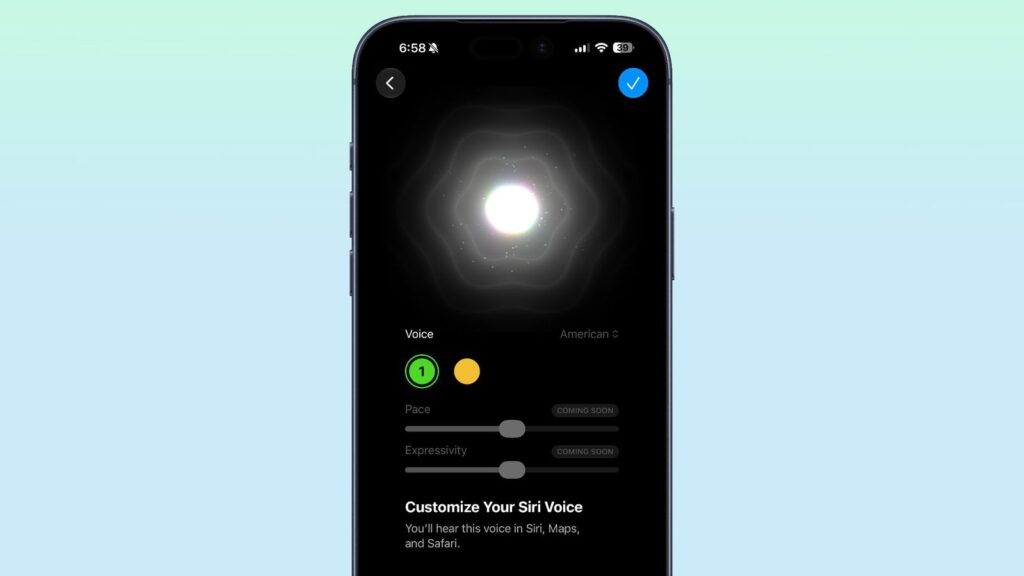
New voice settings for Siri