When Apple showed off the MacBook Neo in March, I immediately realized — this is the case where a MacBook stops being a device “only for those who can afford it.” The company’s cheapest laptop in history, with a processor from the iPhone, in four colors, and with a price tag starting at $599 in the US. In Russia, of course, things are a bit more complicated — officially in M.Video and Eldorado, the base version goes for 80 thousand rubles. It would seem there are so many downsides to the MacBook, but people are buying it and loving it — so what’s the catch?
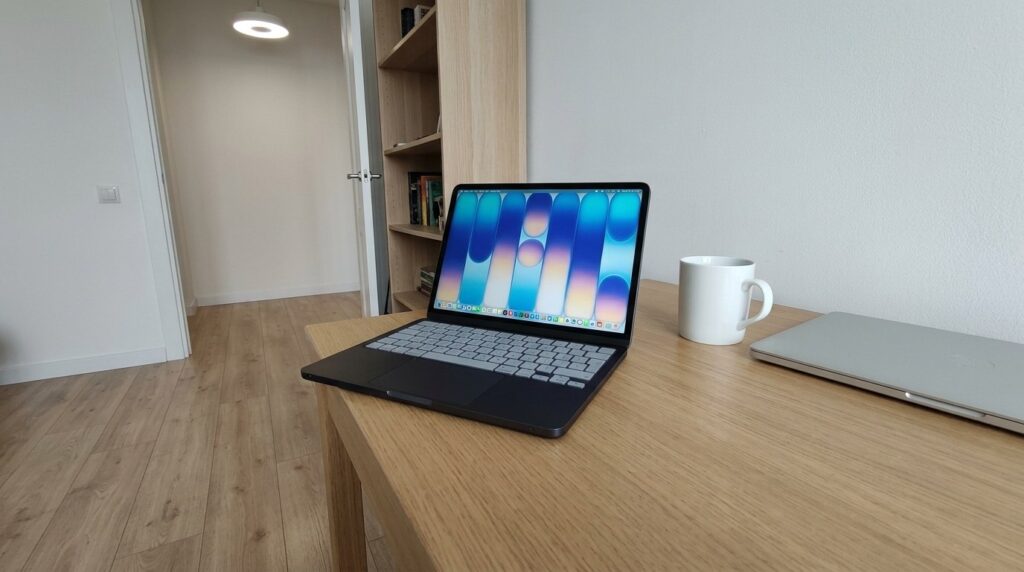
MacBook Neo — a genuinely affordable and quality entry into the world of Mac
Over the past month, five people I know bought a MacBook Neo. Some brought it back from a trip, others ordered it on Ozon with international delivery. Let me tell you how it all went for them — because the stories turned out quite different.
MacBook Neo — Apple’s Cheapest Computer
Previously, entering the Apple ecosystem through a laptop cost a pretty penny. Even the most modest MacBook Air on M1 originally started at 80–90 thousand, and the new Airs on M-chips currently officially go for 80–90 thousand rubles for the base model. For many, this was a deal-breaker: nobody was ready to pay nearly a hundred thousand for a laptop “just to see what macOS is like.”

My friends weren’t even embarrassed to get the yellow version
With the Neo, everything is different. On marketplaces and through delivery services like CDEK.Shopping, the 256 GB version goes for as low as 58 thousand rubles without customs duty. If you look hard enough with resellers, you can find it even cheaper. There’s no magic here — Apple made this MacBook cheap honestly: they put the A18 Pro chip inside instead of the M-series, left 8 GB of RAM with no upgrade option, removed the keyboard backlight and the Thunderbolt port. But the body is aluminum, the screen is a 13-inch Liquid Retina, and the battery lasts up to 16 hours.
MacBook Neo Price in Russia
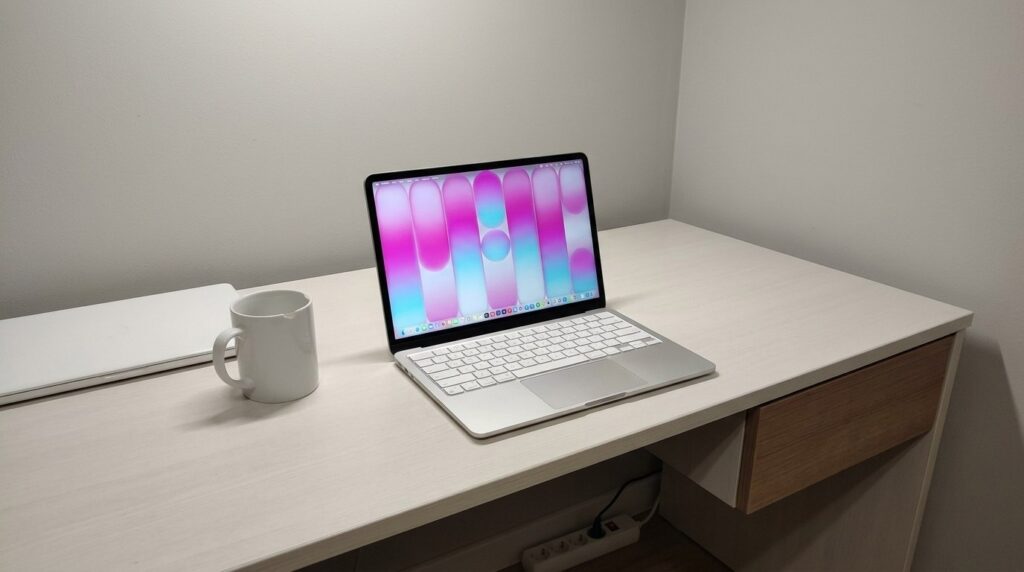
The only downside of the purchase — the keyboard without Russian letters
Two of my friends managed to get the Neo through Ozon — the base version in silver cost about 58 thousand rubles. They waited about two weeks. Another friend flew to Dubai and brought back the 512 GB version with Touch ID from there. Yes, you can add travel expenses to the price, but he was planning to go anyway.
The fourth ordered through a friend who brought him the computer from Hong Kong in the Indigo color (dark blue, very beautiful in person). And the fifth, the most cautious one, placed a pre-order at M.Video at the old price before the increase and got the 256 GB version for 65 thousand. That price is no longer available there, but at the very beginning it was real.
What Is MacBook Neo Good For
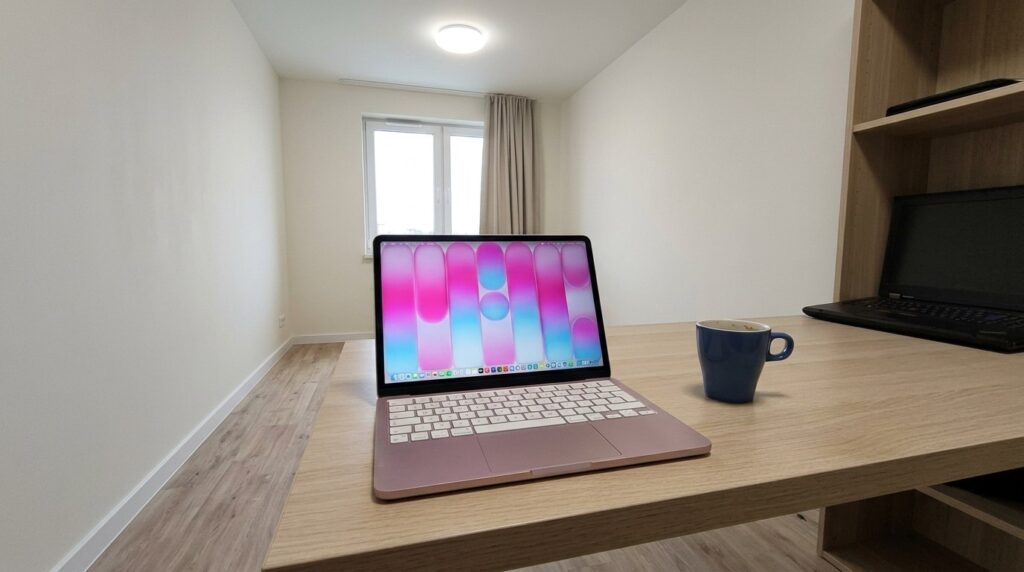
Everyone bought the Neo for different tasks, but agreed that the computer is fire
Out of five people, four are still happy with their purchase. Here’s what they do on it:
- The first — a copywriter, works in Google Docs and ChatGPT, keeps messengers and 5–7 Safari tabs open at the same time. The Neo handles it without a single issue.
- The second — a freelance video editor, cuts short clips in CapCut and iMovie for social media. Sure, it’s not a heavy 40-minute 4K project, but basic tasks fly.
- The third — a typical economist, uses Excel, PowerPoint, Zoom for calls, and Yandex Music in the background. The battery lasts through the workday without any problems.
- The fourth — my wife, a mom on maternity leave, watches TV series on it, runs a blog on Telegram, and edits photos in Lightroom. She says that after her old Huawei laptop on Windows, it’s night and day.
All four have the same argument: macOS runs smoothly, the laptop doesn’t get hot, doesn’t make noise (the cooling here is passive, no fans), and holds a charge almost all day. Getting a real MacBook with a signature trackpad and screen for this price — for them it was an incredible upgrade.
MacBook Neo or MacBook Pro: What to Choose
And now — the story that explains everything. My fifth acquaintance, an IT professional, bought the Neo and sold it a few weeks later. The problem turned out to be not the processor and not the screen, but that very RAM.
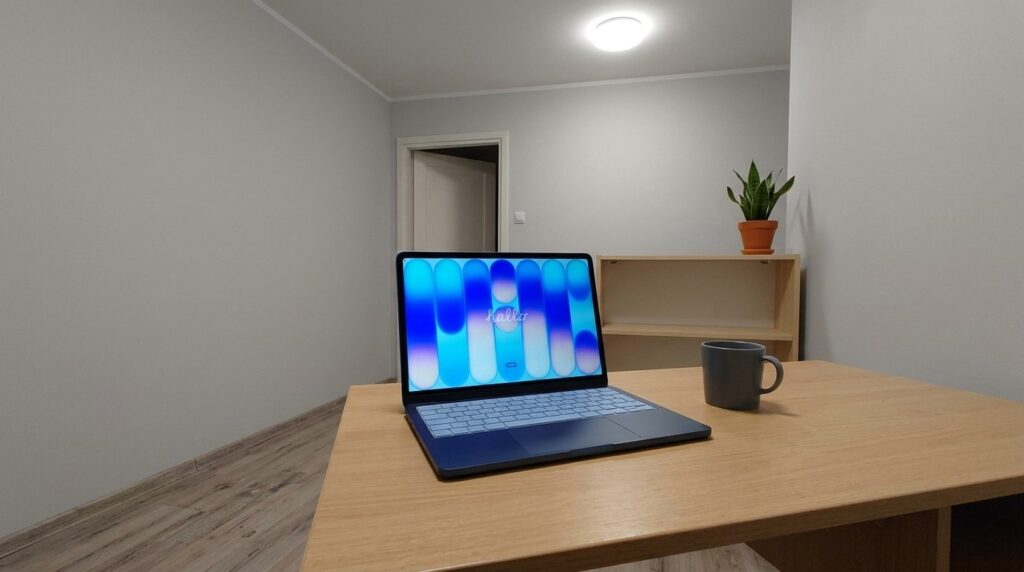
However, the Neo isn’t for everything
He was used to working with 50 tabs open in Chrome plus Slack, Figma, VS Code, and a couple of virtual machines in the background. With that scenario, the 8 GB of unified memory ran out instantly. macOS knows how to offload data to the SSD via swap, but when you’re constantly switching between heavy tabs, they start reloading — you scroll back and the page re-renders from scratch. On top of that, the stock SSD in the Neo is quite slow for 2026 standards, so offloading from RAM is felt more noticeably than on the Air or Pro.
In the end, he sold the Neo to a friend for 52 thousand and paid the difference for a MacBook Pro on M5. But here’s what’s interesting: he didn’t even think about going back to Windows. During his time with the Neo, he had a chance to appreciate macOS — the universal clipboard with iPhone, AirDrop, the absence of endless updates in the middle of work, a proper trackpad, gestures. He says that even with 8 GB, the Neo felt more pleasant than his former Windows laptop with 16 GB. It’s just that for his tasks he needed more memory — and on the Pro with 16 GB he solved that problem.
Is It Worth Buying MacBook Neo in 2026
In short — it depends on what you plan to do on it. The Neo works great for those who live in the browser with 10–15 tabs, work with documents, watch TV series, chat in messengers, and occasionally edit photos or cut short videos. For studying, office work, home use — this is the best option to enter the world of Mac for a reasonable price.
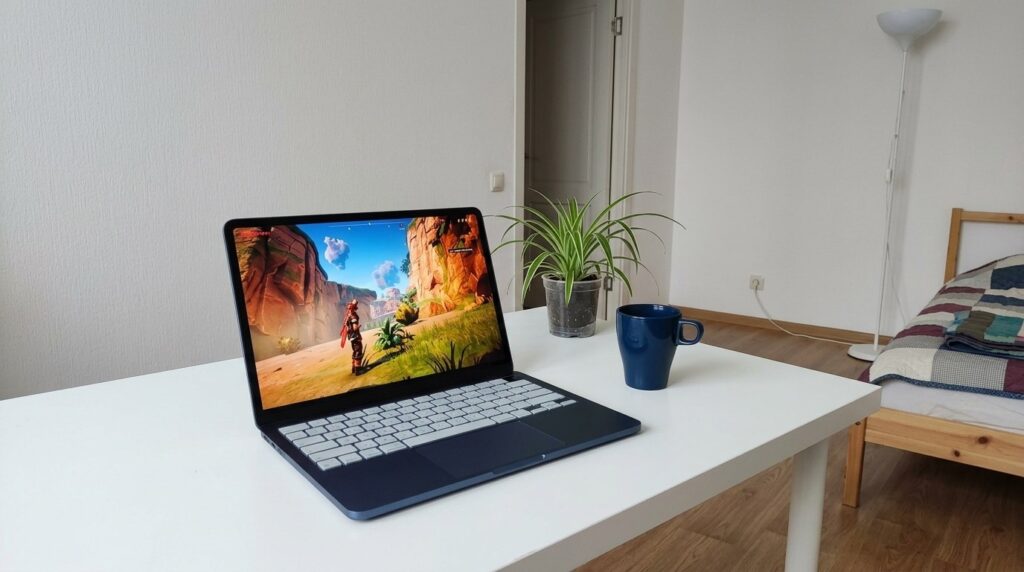
Some people even manage to game on the MacBook Neo
But if you’re a developer with virtual machines, a designer with heavy PSD files with hundreds of layers, or someone who likes to keep 40 tabs open in Chrome — 8 GB of RAM will do you in. Be honest with yourself about how much you usually have open at the same time. If it’s a lot — save up for the Air M5 or Pro, which start at 85–90 thousand and come with a minimum of 16 GB right away. If you’re not sure which one to choose, check out our comparison of MacBook Pro M5 and Air M5.