Earlier this year, we published a ranking of smartphone manufacturers in Russia. As it turned out, aside from the Korean company Samsung and American Apple, all leading positions are occupied by Chinese brands. Many people today have forgotten about manufacturers like Motorola. But they still exist, and the proprietary Hello UI shell is one of the most well-thought-out on Android. Below are five Motorola features that simplify everyday phone use and are worth knowing about, even if you’ve never considered buying devices from this brand.
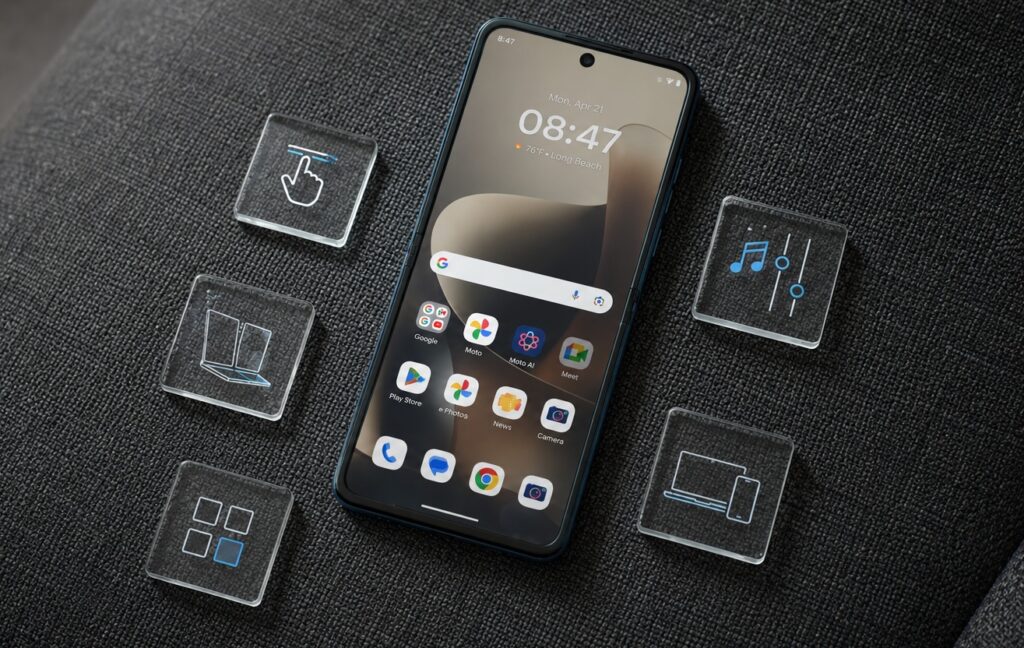
A review of unique Motorola smartphone features
Quick Gestures on Motorola Smartphones
Proprietary gestures first appeared on the original Moto X and have since become the brand’s signature feature. Two quick wrist twists open the camera — the phone can even be locked at the time. And to turn on the flashlight on Android, all you need is a double chopping motion with your hand, as if you’re waving it up and down.
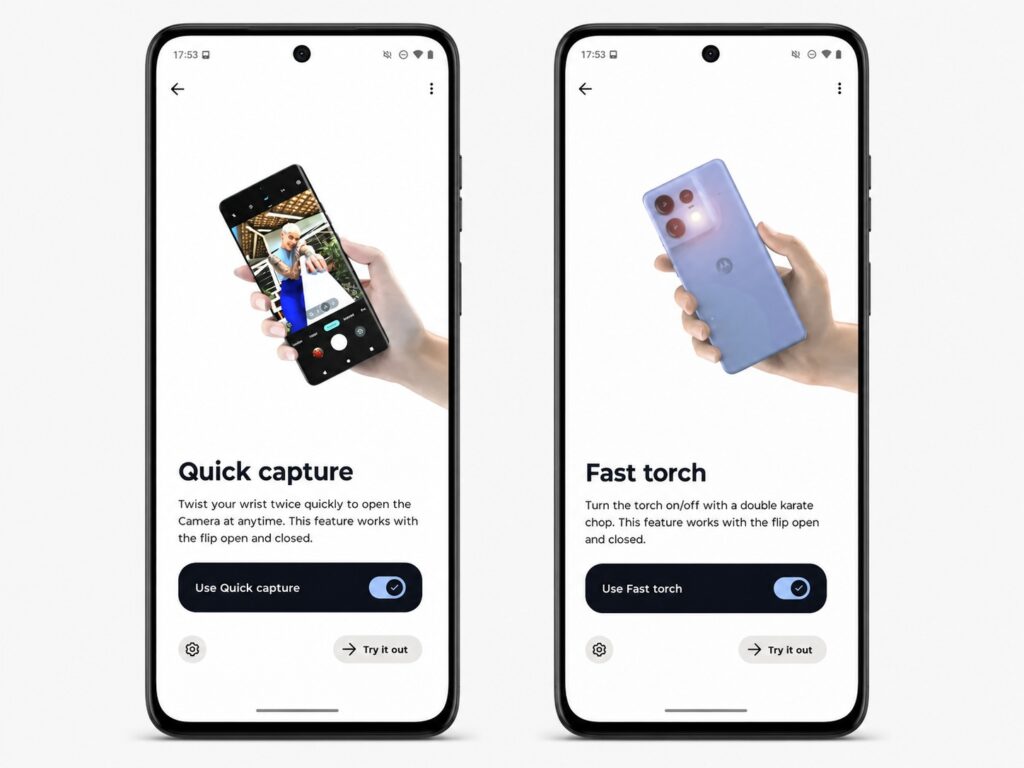
A very convenient way to interact with your smartphone
It sounds like a small thing, but in practice it’s noticeably more convenient than double-pressing the power button to launch the camera. The author of this article admits that after switching to a different smartphone, they spent the first few days waving it in the air out of habit, trying to turn on the flashlight. This is exactly the kind of case where a simple idea sticks permanently.
Desk Display Mode on Foldable Smartphones
If you have a Motorola with a folding screen, the desk display mode shows useful information without requiring you to wake the phone or pick it up. You can display large clocks on screen or make them smaller, adding a calendar and weather widget alongside.
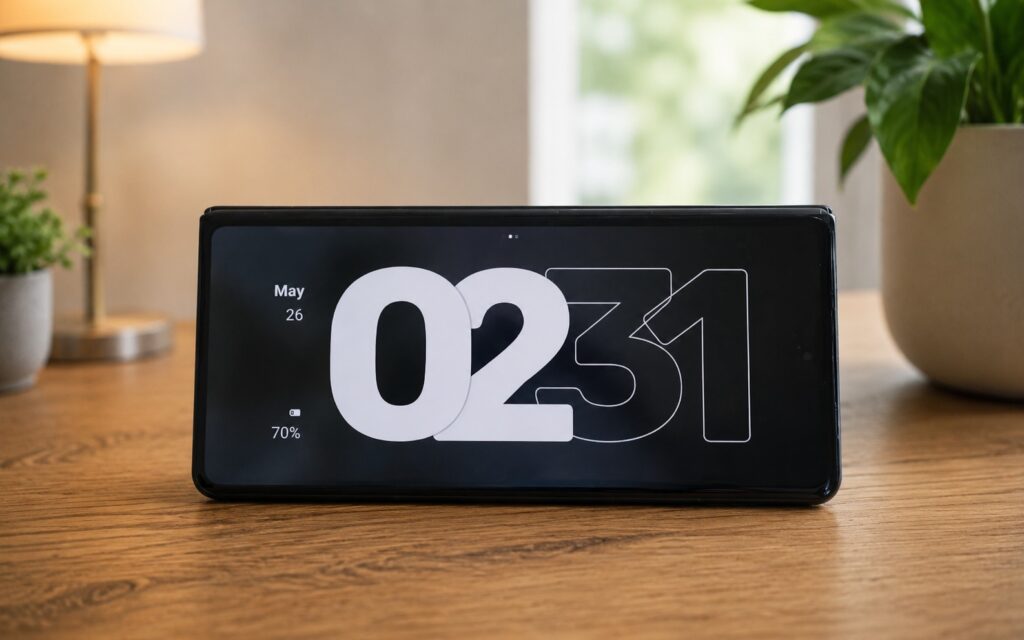
An exclusive feature of Motorola foldable smartphones
Notifications are displayed in large font, readable from a distance, and when music is playing, playback controls appear. During the day, such a phone sits on the desk as an information panel; at night, it works as a bedside alarm clock. Samsung has a similar daily board feature, but it’s only available on tablets, not on smartphones or flip phones. So for foldable Motorolas, this is a notable advantage.
Home Screen Icon Customization on Android
Material You is a theming system that matches system and app colors to your wallpaper. Many people love this feature, but on most phones the choices are limited: a few wallpaper-derived shades plus a couple of presets. Motorola goes further and gives you full control over color.
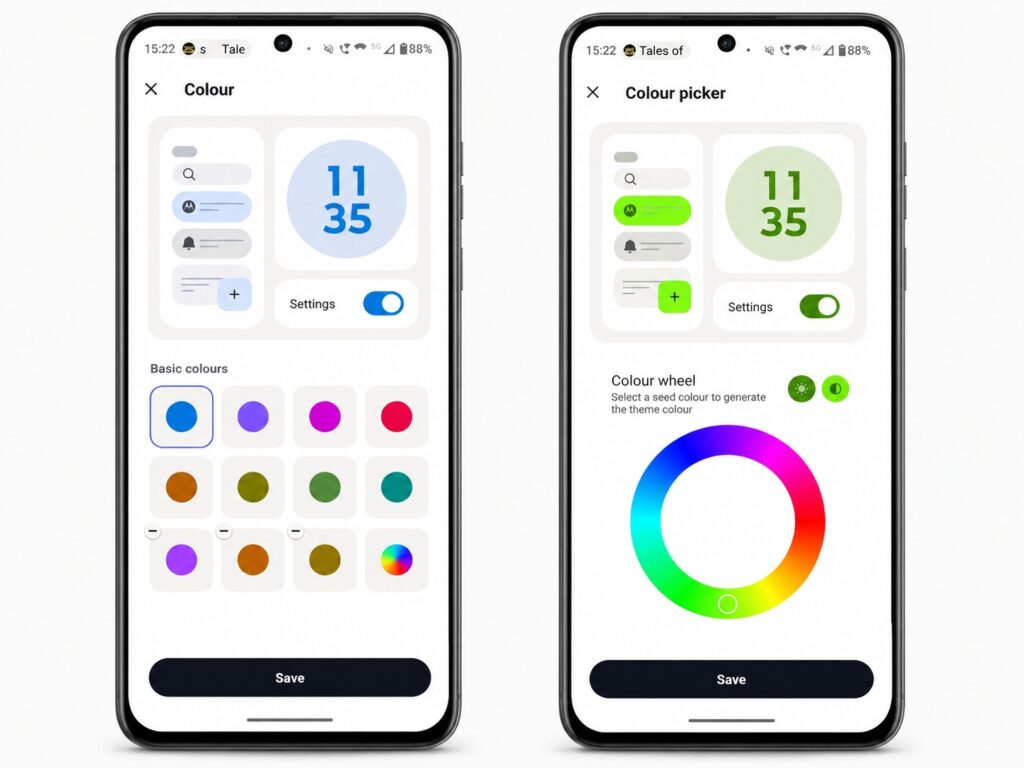
Even Google Pixel doesn’t have this level of customization
If none of the ready-made options work for you, there’s a color wheel for choosing any shade and an eyedropper that picks a color from any image stored on the phone. It’s a small feature, but it lets you customize the system’s appearance exactly the way you want, rather than within the boundaries set by the manufacturer.
Music Control on Android’s Lock Screen
This is one of those Android features you’ll appreciate when listening to music before bed. Usually, to repeat or skip a track, you have to open your eyes, pick up the phone, turn on the screen, and find the right button. With Motorola, you don’t have to do any of that.
In the settings, under the sound and vibration section, you can enable media controls. After that, holding the volume button switches tracks with the screen off: up for the next song, down for the previous one. A quick way to control music without looking at the screen that other manufacturers don’t offer.
How to Connect Your Smartphone to a PC — A Unique Motorola Feature
Smart Connect is a pre-installed Motorola app responsible for linking devices together. It can be installed on any Android device or Windows computer, as well as on some iPhones and iPads.
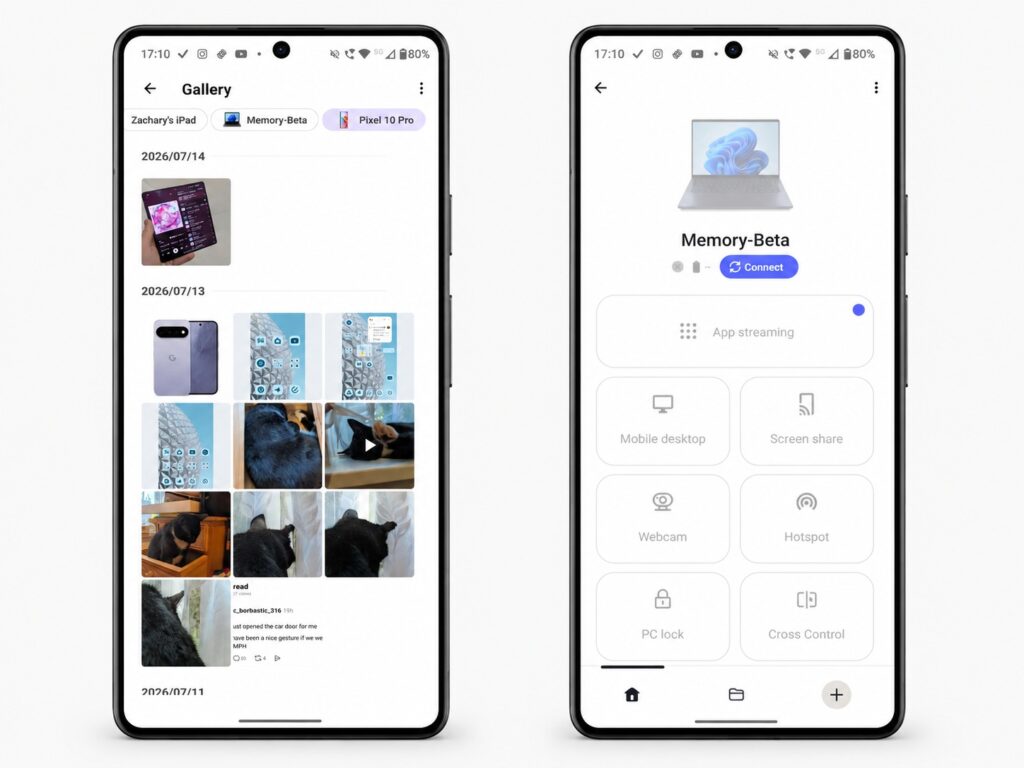
Smart Connect significantly simplifies interaction with your PC
With a Windows computer, the possibilities are especially extensive:
- use the phone as a wireless webcam;
- stream phone apps to the PC screen;
- mirror the smartphone screen;
- use the phone as a second monitor.
There’s also an analog of a desktop experience similar to Samsung DeX — a full-fledged desktop mode over a wireless connection. Separately, Moto AI works as a voice assistant that understands commands like “show my screen on the TV” or “open messages on the PC” and launches the appropriate function through Smart Connect.
When connected to other Android smartphones, you can sync the clipboard, share mobile internet via an instant hotspot, or browse the gallery of the second phone. With iPhone and iPad, the capabilities are more modest — just file sharing, which has become less relevant now that some Android smartphones support AirDrop.


