watchOS 27 was presented as a calm, stabilizing update, and that’s the whole point: Apple tweaked minor things while leaving the major watch issues in place. A fresh design, a couple of new gestures, the promised Siri with AI — sounds exciting, but the longstanding Apple Watch problems remain unresolved. Here’s an honest breakdown of the main watchOS 27 problems: five things that the new system still hasn’t fixed. Not a horror story, but it leaves a bad taste.
The update still hasn’t fixed 5 old Apple Watch problems
Has the Fast Battery Drain Been Fixed in watchOS 27?
The main pain point remains untouched. Apple Watch problems with battery life aren’t solved by watchOS 27 — they’re just masked: the system now suggests disabling gestures, “Raise for Siri,” and workout reminders just to make it through the evening. So why Apple Watch drains quickly is clear, but the only remedy is to cut features.
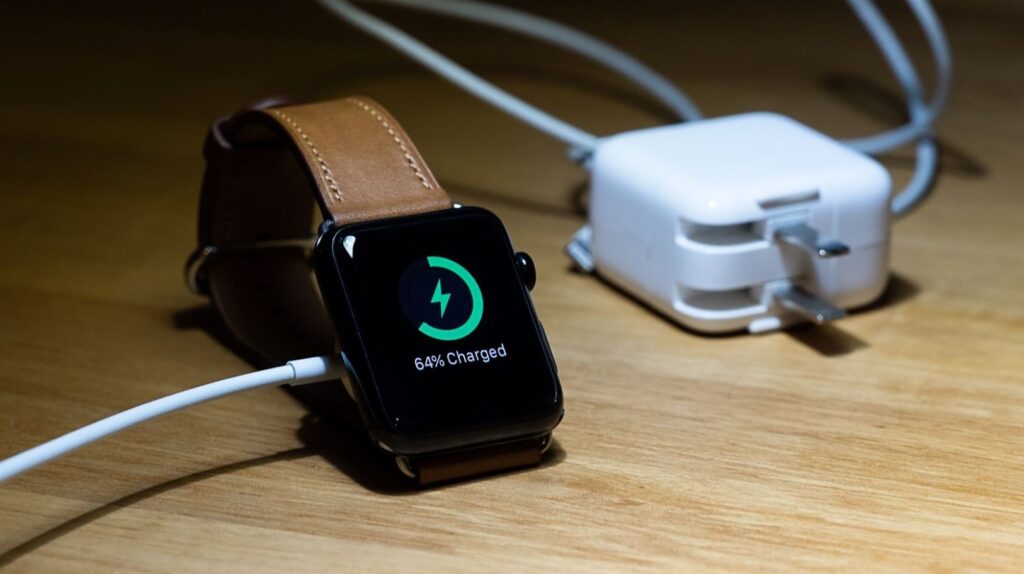
Battery drain is still an Apple Watch staple
Regular models still need the charger every day, just as before. For many, this is the key item on the list of Apple Watch drawbacks.
Can You Install Custom Watch Faces on Apple Watch?
A dedicated store for third-party watch faces remains a dream, and this is one of the longest-standing watchOS 27 problems. Want to set a truly unique watch face instead of choosing from what Apple designed? There’s officially no way to do it.
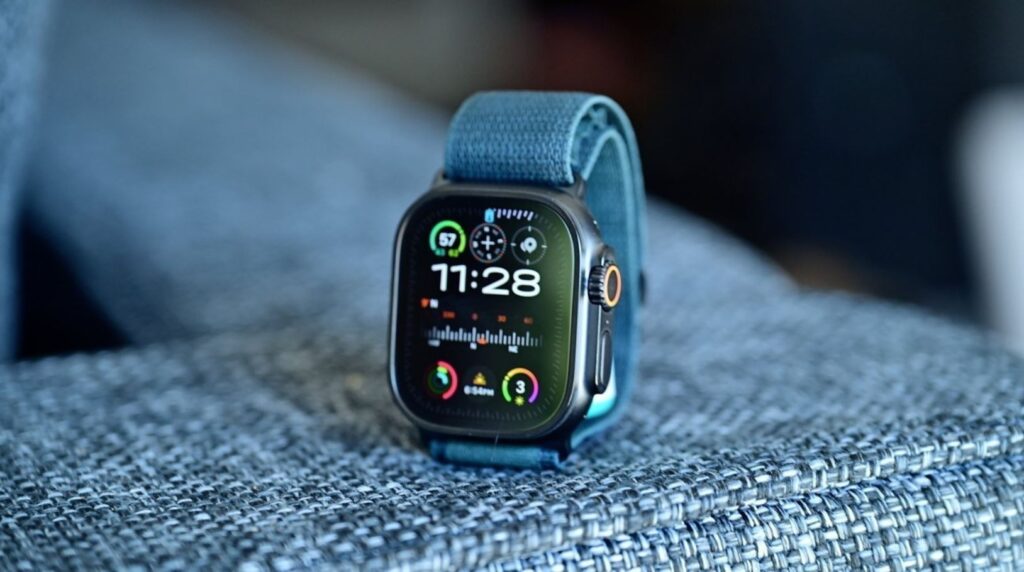
Watch faces are still rationed out by Apple itself
Enthusiasts have been asking for years to open up the platform, but the company keeps the design locked down — presumably for control and copyright reasons. As a result, customization is limited to a set of presets and a couple of widgets. For those who bought the watch for individuality, this is a notable item on the list of watchOS 27 downsides: the interface got refreshed, but freedom was never granted.
Does the New Siri Work on Apple Watch?
This one is doubly frustrating. Apple holds about 90% of the smartwatch market where AI runs directly on the device, but the new Siri on the wrist remains the same basic assistant. The neural network doesn’t run on the watch — it runs on the iPhone, only in English, and will arrive later in the fall. The Neural Engine locally detects arrhythmia and falls, but having a proper conversation with the watch is still impossible.
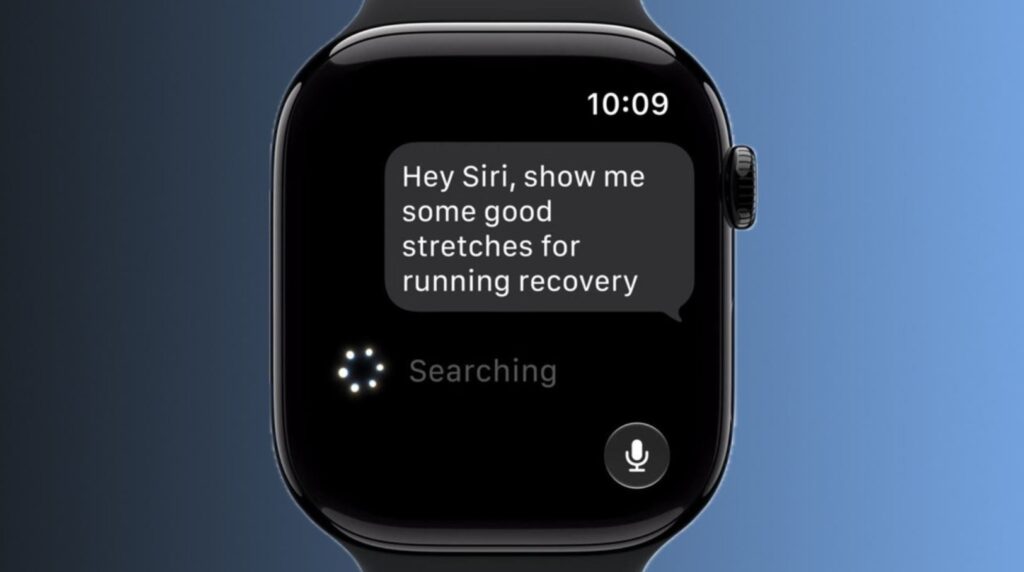
For now, Siri AI on the watch is largely useless
So if you’re getting the update for the AI, think hard about whether it’s worth downloading watchOS 27 right now. You need to weigh everything carefully and not rush into it.
Can You Use Apple Watch Without an iPhone?
Apple Watch still can’t function without a phone. You can’t set them up without an iPhone — they require a paired iPhone running iOS 27, and don’t even think about Android. Workout Buddy is now supposedly standalone, but it still requires an iPhone with Apple Intelligence plus headphones. As a result, Apple Watch without an iPhone remains a beautiful but incomplete gadget, and watchOS 27 hasn’t loosened this dependency one bit.
It’s a separate story with apps: one notable example is that without a phone, messaging apps are nearly useless. Another major item on the list of Apple Watch drawbacks.
What Features Were Removed in watchOS 27?
The cherry on top: instead of fixing things, Apple simply removed some features. Walkie-Talkie, which people used for quick conversations, has been completely removed from the system. And double-pressing the Digital Crown no longer opens the app switcher — this familiar gesture has been retired. It’s a minor thing, but annoying: people liked it, and nobody asked for its removal.
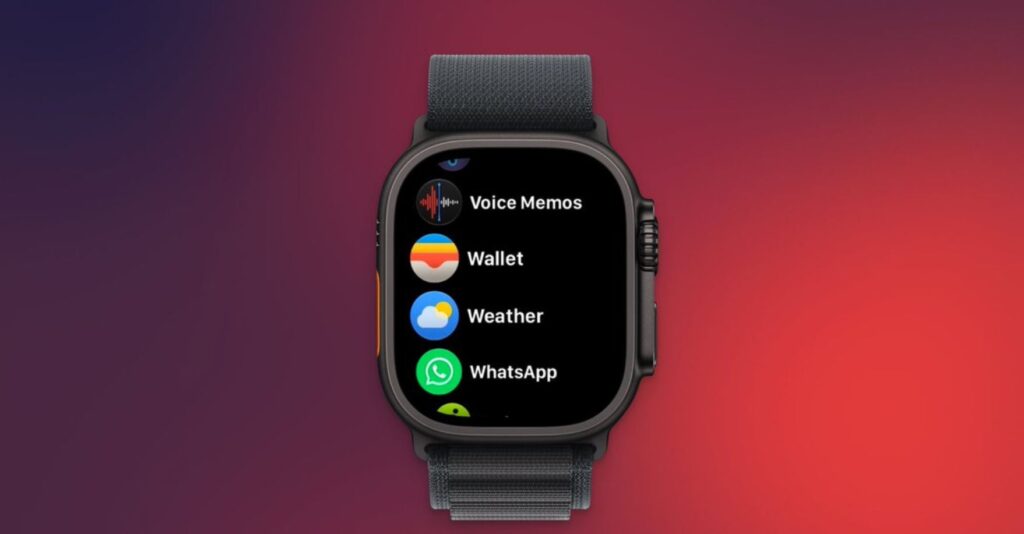
The watch lost an important feature. Who asked for its removal?
If you actively used both features, this is a reason not to rush and think twice. We’re certainly not screaming “don’t download watchOS 27,” but it definitely adds to the list of watchOS 27 downsides. The update came out polished, but in some ways it takes away more than it gives.
The new watchOS 27 isn’t about a breakthrough, nor is it about fixing deep-rooted issues. Apple could have refined Liquid Glass, but at least five longstanding problems haven’t gone anywhere. It’s worth installing for minor conveniences, not for solving these issues.


