Google Play remains the most convenient app store for Android, but it’s not the only one. There’s the domestic alternative RuStore, which features various “sanctioned” apps, but the options don’t end there either. Below are five alternative stores that rarely replace Google Play and RuStore entirely but complement them perfectly. Let’s note right away: none of these options covers all needs on its own. However, you can combine them — for example, keeping F-Droid for open-source programs and APK Mirror for older app versions.
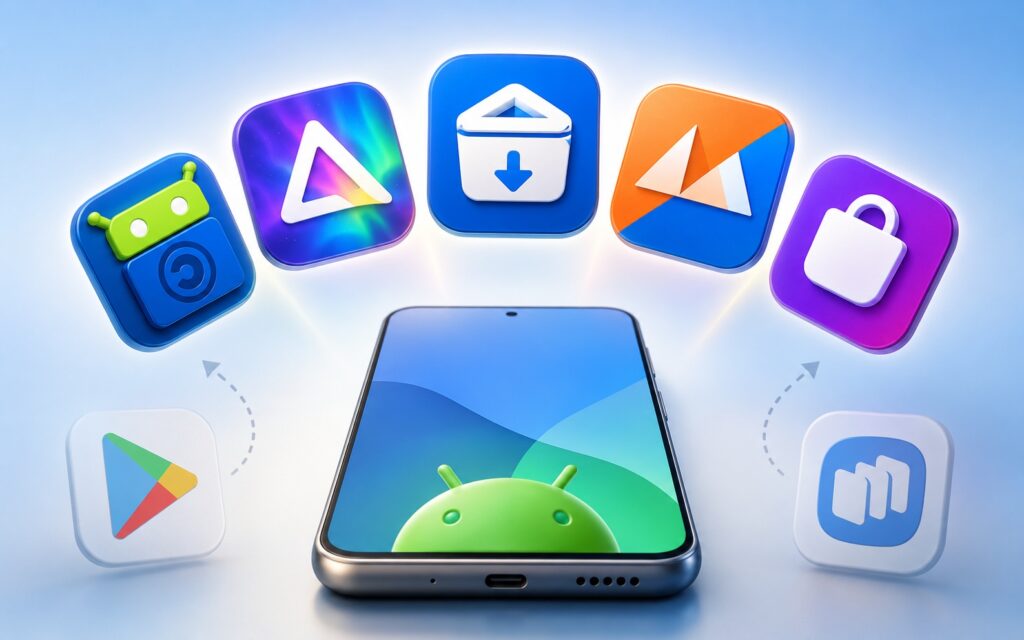
Exploring Google Play alternatives
F-Droid — An Open-Source App Store Without Tracking or an Account
F-Droid store is the first thing worth trying for those who want more privacy. Here, no registration is needed and there’s no account, and the store actively prevents apps from tracking users. There are no ads either, so everything runs noticeably faster.
But nothing is perfect. The F-Droid team reviews code, like Google does, but malicious programs still occasionally slip through, so staying vigilant doesn’t hurt. The catalog is small — around 2,600 apps, and updates often come out later than on GitHub or Google Play.
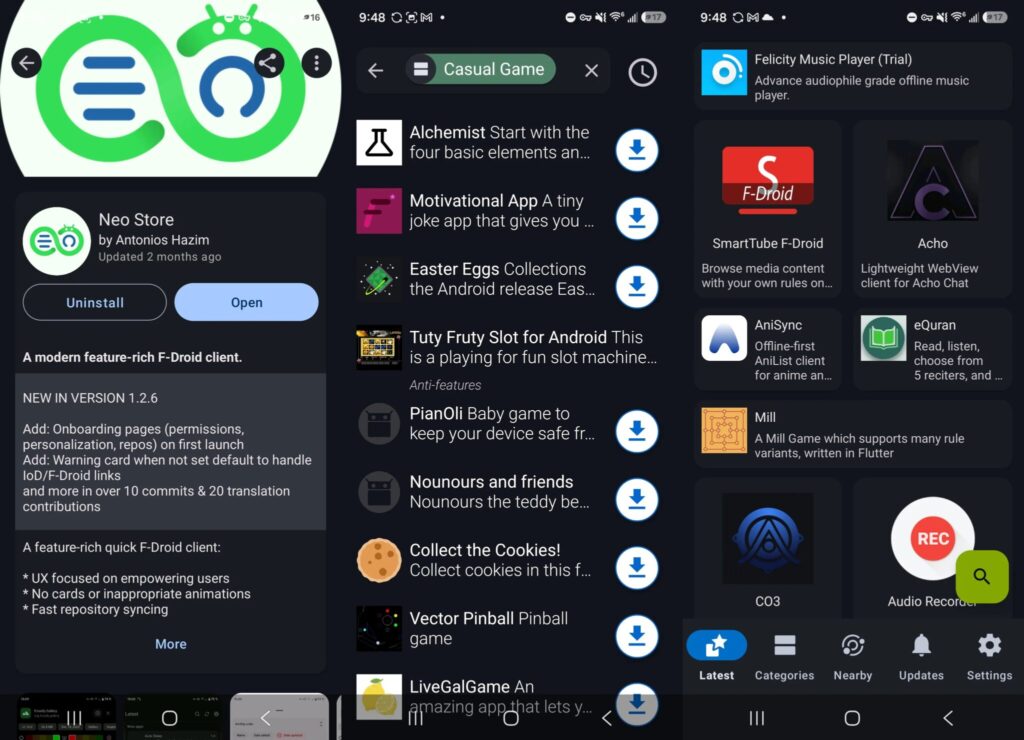
This store has no account and no tracking
A separate downside is the appearance. Functionally, F-Droid works fine, but the design looks outdated. Fortunately, there are third-party clients like Droid-ify and Neo Store: they use the same app sources but with a more modern and polished interface.
Aurora Store — Google Play Catalog Without a Google Account
Aurora Store is the complete opposite of F-Droid. Essentially, it’s an anonymous client for the Google Play catalog: you get the same selection of apps but can search, download, and update them without your own Google account.
This is a great option for those who don’t want to be tied to a Google account and are looking for a store without ads that’s faster than the official one. Browsing the catalog indeed feels snappier.
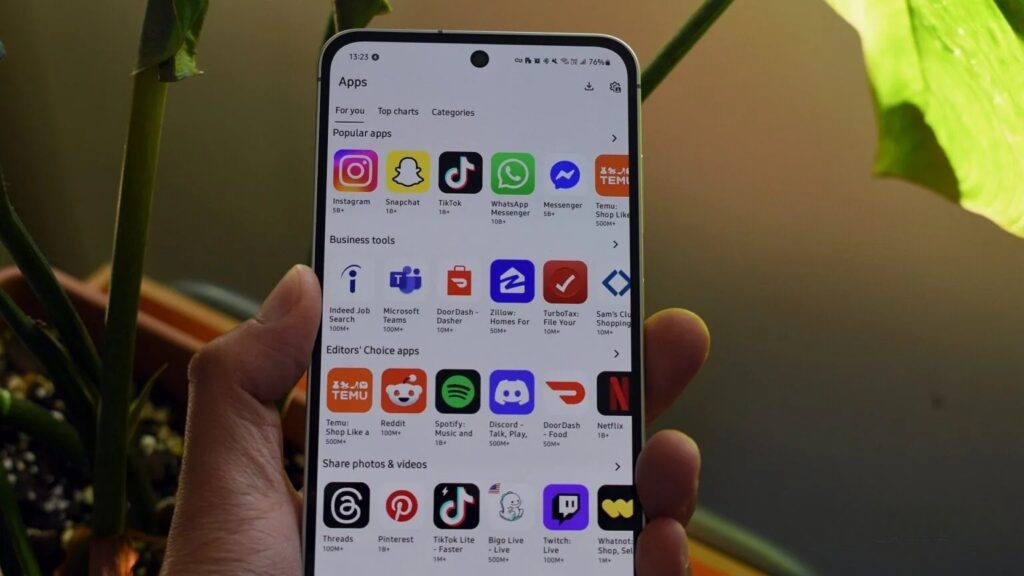
The same Google Play, but without an account. Image: androidauthority.com
There are caveats, though. Paid apps are not available here, and the system works through shared Google accounts that you don’t control. Because of this, downloads are sometimes slower than browsing, and shared accounts carry potential security risks — which may put some people off.
Obtainium — An App Store with Auto-Updates Directly from Developers
Obtainium isn’t exactly a store but rather a free manager for installing and updating apps. You specify sources, such as GitHub pages, and then the program automatically tracks new versions, sends notifications, and downloads updates.
Obtainium won’t become a full replacement for an app store, but it’s an excellent way to always keep your favorite apps up to date. As a bonus — no account login required, meaning there’s more privacy here too than in a regular store.
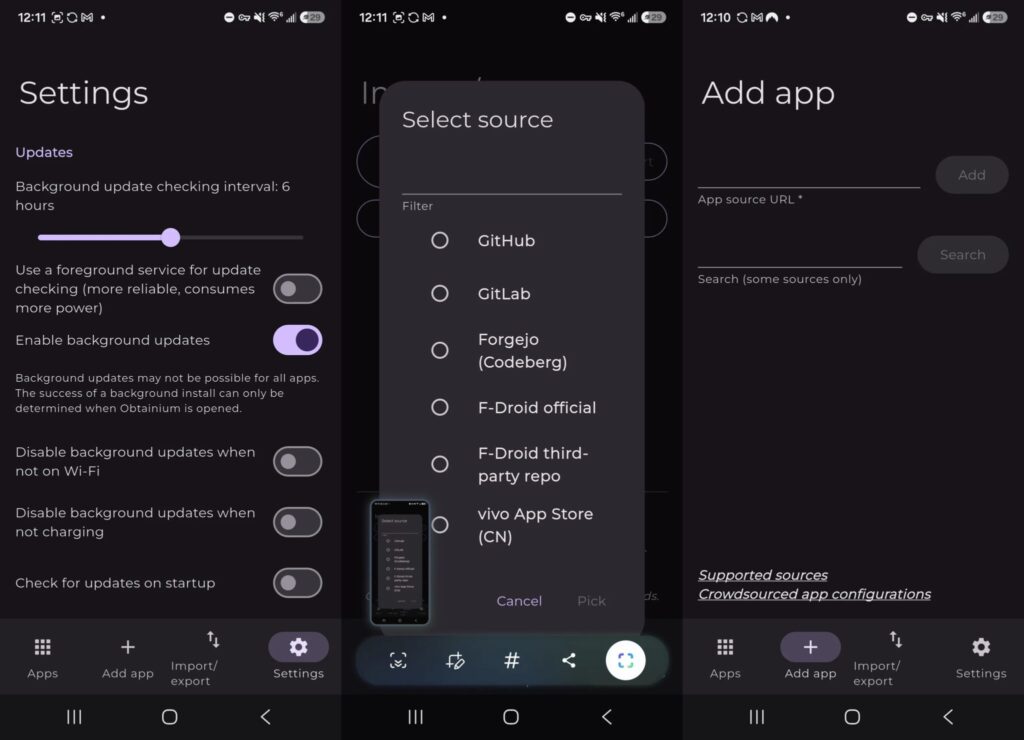
Software for updating apps directly from developers
APK Mirror — Old Versions of Android Apps
APK Mirror is a website, not an app: you open it in a browser, find the program you need, and download the file for manual installation. An official installer exists, but in most cases it’s not necessary.
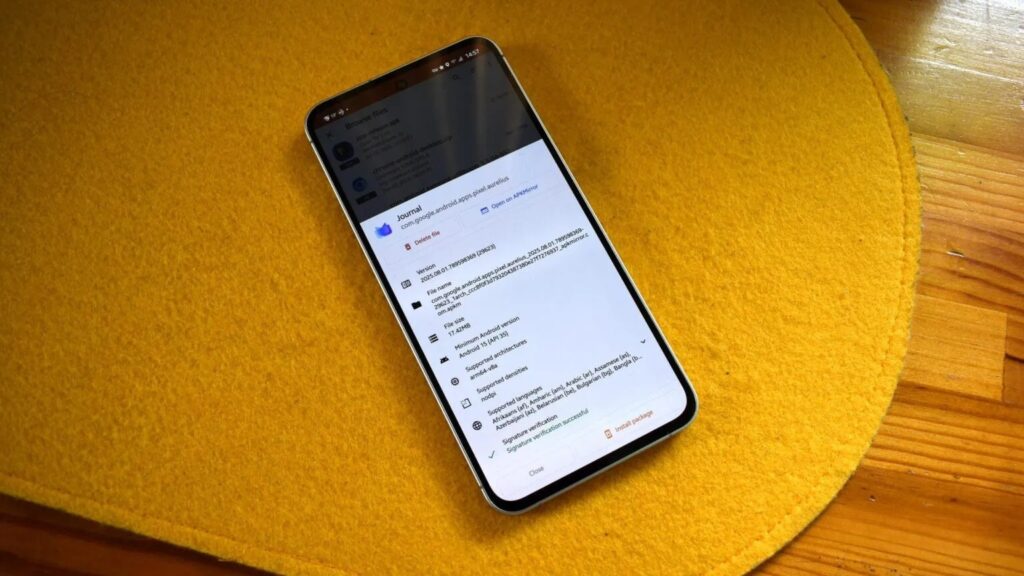
A website with APK files
The main benefit of APK Mirror is programs that aren’t available on Google Play and older app versions. If you have an outdated Android, you can find a compatible app build here that no longer supports your system. This is a lifesaver for owners of older smartphones and tablets.
Galaxy Store — An App Store for Samsung
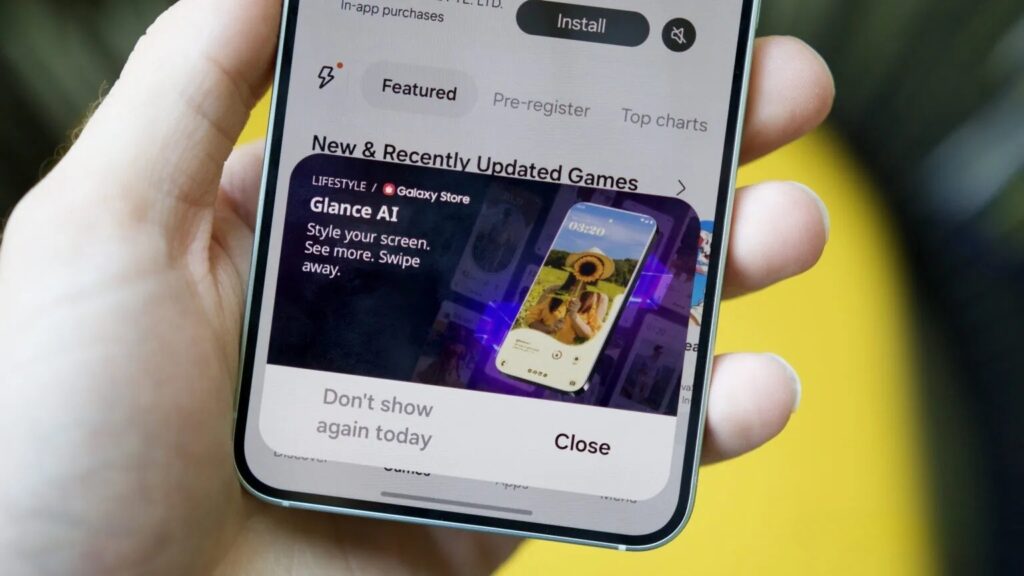
The last option is for Samsung devices, and many owners haven’t even seriously considered it. Galaxy Store doesn’t replace Google Play, but it’s the best source for Samsung’s proprietary apps tailored to the device’s capabilities.
Among the most useful offerings are utilities like Good Lock and Good Guardians for fine-tuning the interface. There are also well-known games and apps from TikTok to Pokémon, sometimes with additional content, and Samsung also hosts giveaways and prizes with partners.