Android and iPhone have grown much closer over the years and eagerly borrow ideas from each other, so the choice between them increasingly comes down to habits and use cases rather than hardware. But when switching to iPhone, things quickly surface that you simply don’t notice on Android until they’re taken away. Below are five features that hit everyday usage the hardest.
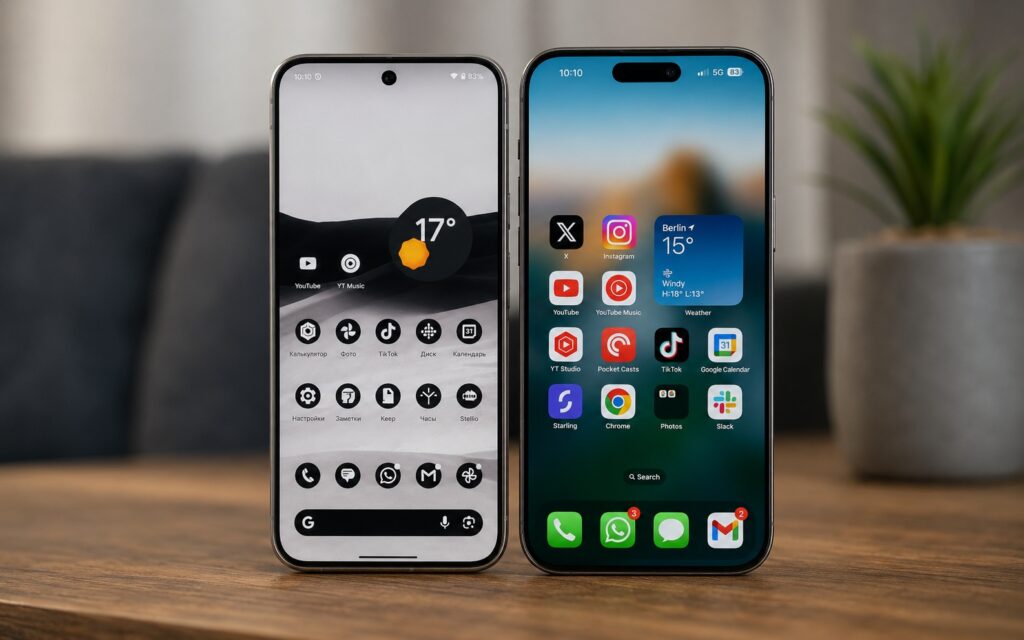
5 unique Android capabilities that iPhone owners can only envy
Android Multitasking and Split Screen
The most noticeable limitation of iPhone is the lack of full-fledged multitasking. Technically, you can switch between apps, but essentially you’re still working with one window on screen at a time.
On Android, the picture is different. Depending on the model, several modes are available: split screen, pop-up windows, and floating apps, which allow you to keep more than one program on screen simultaneously. You can take notes while searching for information in parallel, compare two documents, or transfer data from one app to a spreadsheet.
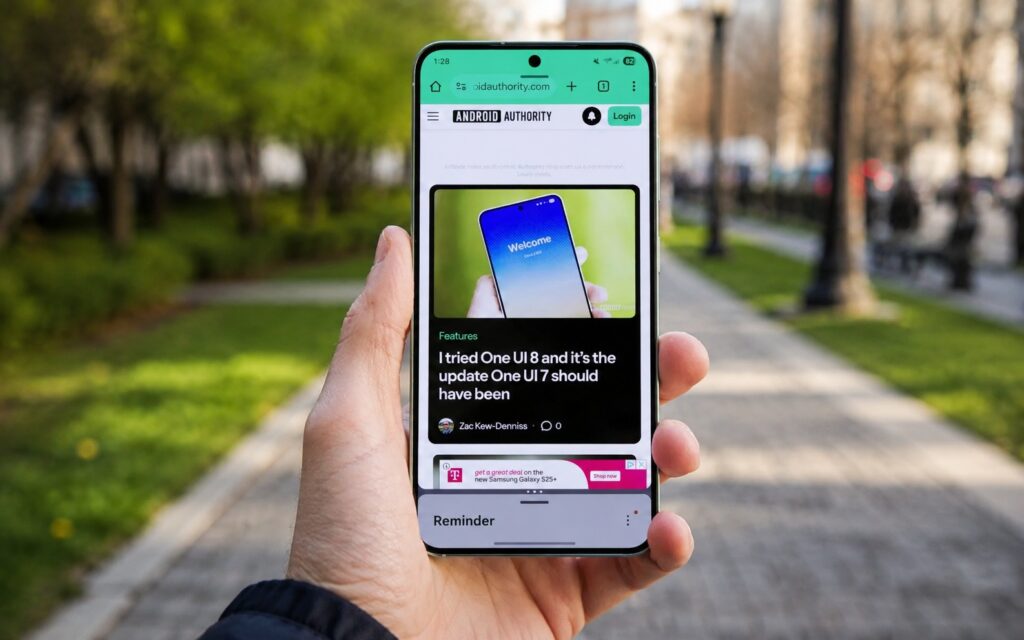
Android offers real multitasking with split screen
On Samsung smartphones, there’s a nice touch — app pairs can be saved to the home screen or the Edge Panel sidebar and opened with a single tap directly in split-screen mode. Plus One UI pop-up windows, which work similarly to floating apps from Android 17 — it’s convenient to pin, for example, a messenger on top of any app to quickly reply to a message.
Connecting an Android Smartphone to a PC
iPhone not only lacks multitasking but also doesn’t offer a desktop mode like Samsung DeX. It turns a Galaxy smartphone into something resembling a computer: it comes in handy when you need to do something on your phone but its screen is too small and there’s no laptop nearby.
DeX has saved me in spontaneous situations: for example, it helped me edit a spreadsheet and sort through email at a friend’s place, or connect a phone to a hotel TV to process photos and videos. To launch it, you need an external display, an HDMI cable, as well as a keyboard and mouse; there’s also wireless connectivity, although with unstable Wi-Fi it doesn’t work as smoothly.
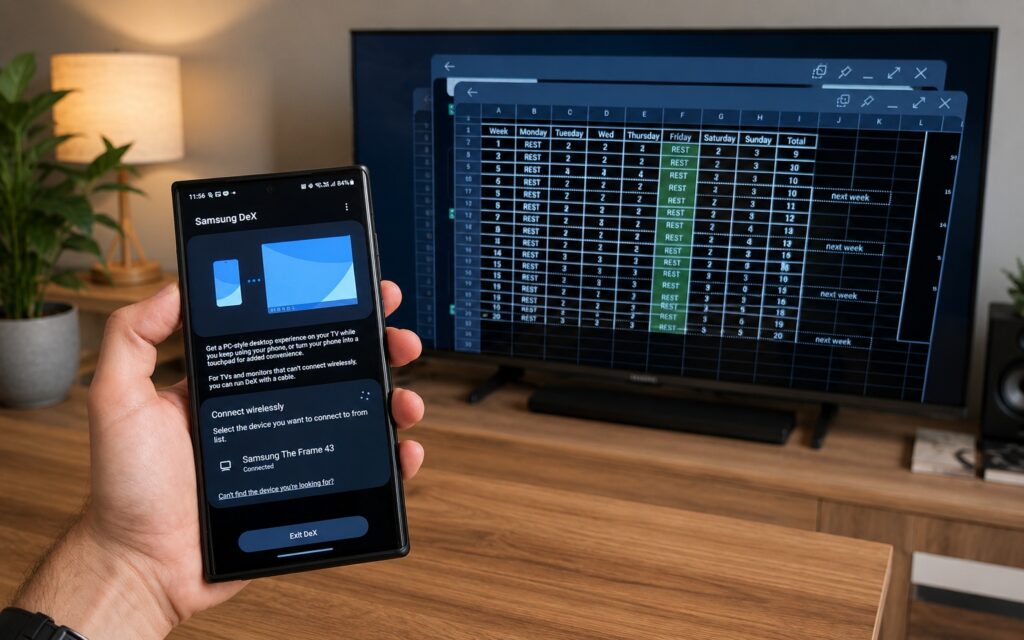
A unique feature of Samsung smartphones
DeX supports a taskbar, multiple windows, separate desktops, window resizing, and drag-and-drop for files. I consider it more functional than the Pixel desktop mode, and you can actually get things done on it rather than just demonstrate the capability.
Installing Apps Outside of Google Play
Apple doesn’t allow installing apps from third-party sources on iPhone outside the European Union, so you’re completely dependent on the App Store. Apple explains this as protection against malware, but the approach has noticeable downsides: high store commissions and strict rules that sometimes make it easier for niche developers to switch to web apps.
On Android, developers have more freedom in choosing distribution methods. Thanks to this, apps can be installed from various places — from alternative stores like F-Droid or directly from code repositories on GitHub. Such platforms are more often privacy-focused and frequently offer apps without hidden trackers and without basic features locked behind a subscription.
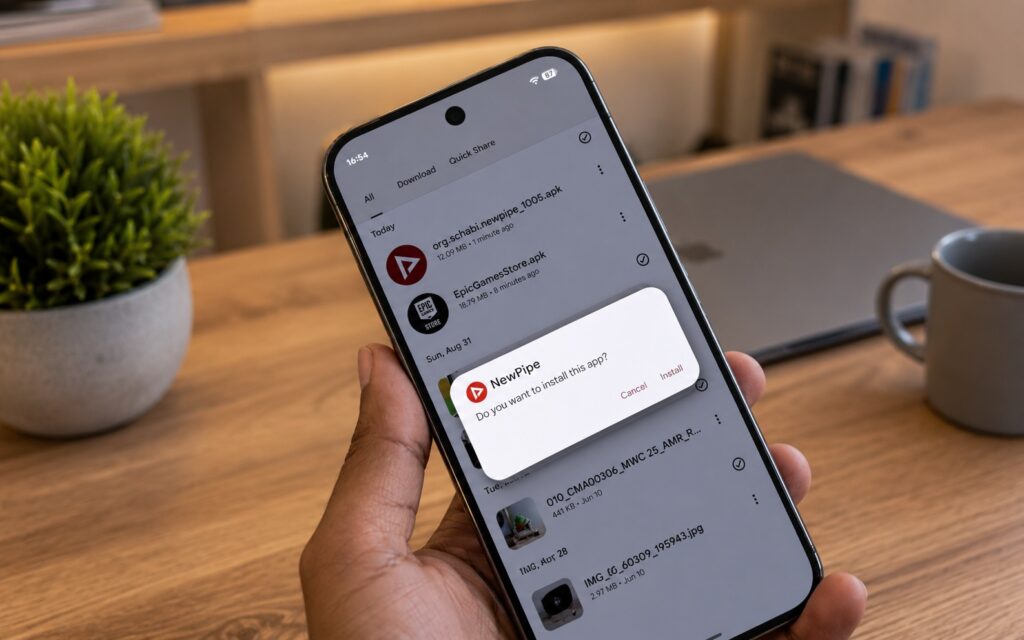
Android allows installing apps from various sources
Examples include FFShare (a wrapper for FFmpeg to compress large files and strip metadata), as well as Seal, NewPipe, AdAway, Breezy Weather, and Obtainium. Many of them are free and ad-free.
Open File System and Android Sync
Apple year after year makes the iOS file system more accessible: now you can connect to an FTP server and transfer files between iPhone and external storage. But iOS remains an isolated environment where each app lives in its own compartment and can’t see the contents of others, so file control still falls short of Android.
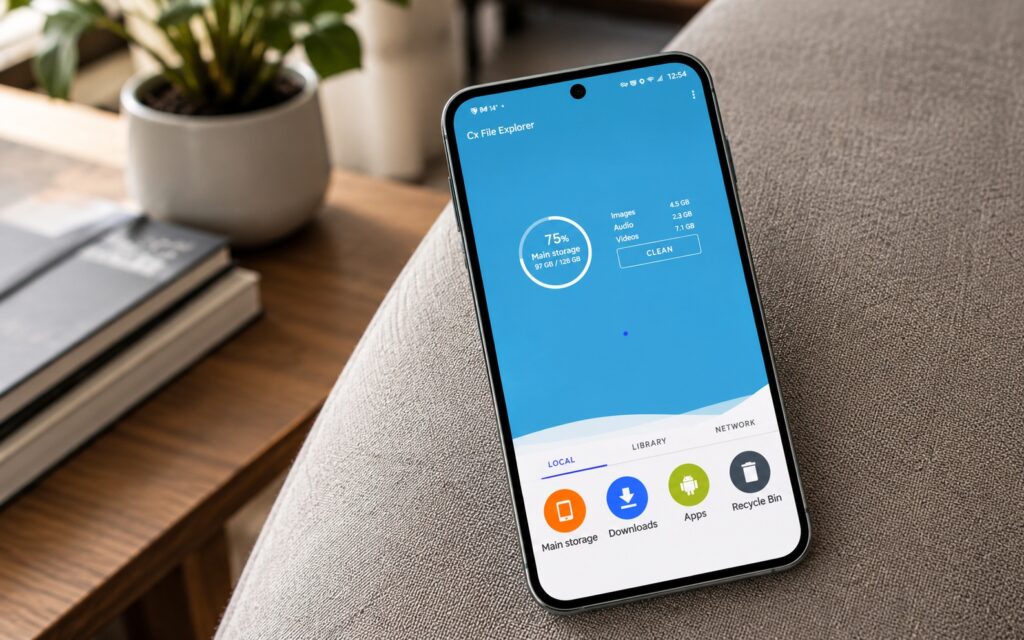
Working with files on Android is truly convenient
On Android, many file operations are simpler. The phone easily connects to a computer for file transfers, and you can install a storage analyzer to understand what’s taking up space. Syncing between phone and computer is also more convenient: Android doesn’t restrict background processes as aggressively, so apps like Syncthing can easily keep files up to date across all devices. Plus, third-party apps can be granted access to a specific folder for bulk operations.


