From all sides, people are being advised to switch from iPhone to Android, as if such a transition would solve all their problems at once. But here’s the funny thing: while some are parting ways with Apple, just as many people are going in the opposite direction and switching to iPhone. And that’s where many face an unpleasant surprise. Several familiar little things that work out of the box on Android suddenly turn out to be unavailable on iPhone. I personally hold both smartphones in my hands every day, so this feeling is very familiar to me. Let’s break down five features that are truly missed after moving to iPhone in 2026.
Android has several features that still haven’t made it to iPhone
Multitasking on Android: Split Screen and Windows
The first thing that breaks my workflow in the early days after switching is the lack of full-fledged multitasking. Technically, iPhone has it, but it’s sequential: only one app lives on screen at any given moment. On Android, things are different. Depending on the model, you get several modes at once: split screen, pop-up windows, and floating app icons.
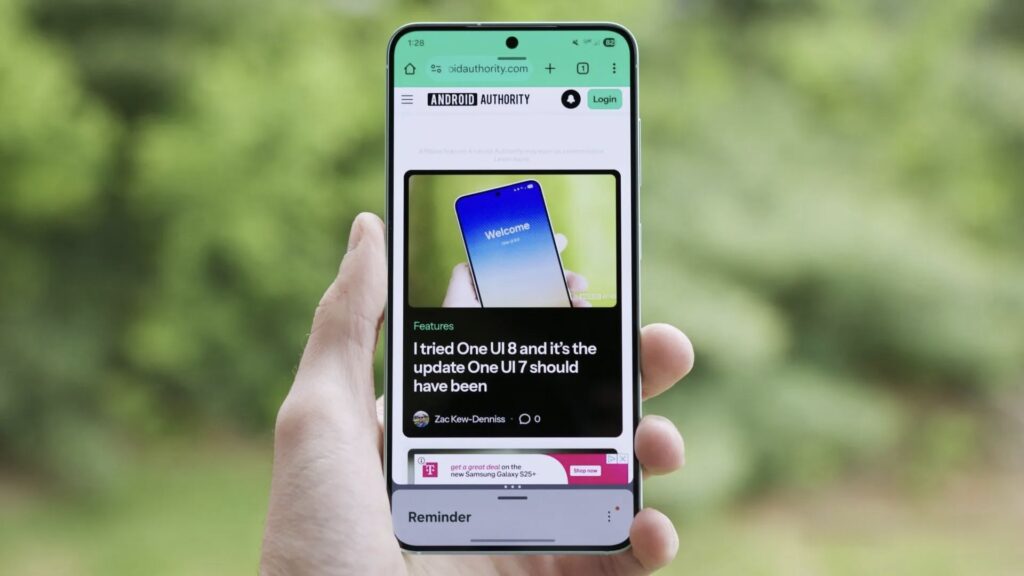
Android has long allowed opening two apps simultaneously on one screen
I personally use split-screen on my Galaxy all the time and can no longer imagine working without it. It lets you take notes while simultaneously researching material, compare two documents side by side, or transfer data into a spreadsheet. Best of all, app pairs can be saved to the home screen and opened with a single tap. I especially miss the pop-up mode: it creates a floating messenger icon so you can reply on top of any screen.
Samsung DeX — How a Smartphone Becomes a Computer
iPhone lacks not only multitasking but also a desktop mode like Samsung DeX. DeX turns a smartphone into a pocket PC, and it comes to the rescue when a task is easier to do on a big screen but there’s no laptop nearby. I’ve been in such situations more than once. Once, while staying overnight at a friend’s place, DeX helped me edit a spreadsheet and sort through emails. Another time, I connected my phone to a hotel TV and calmly edited vacation photos.
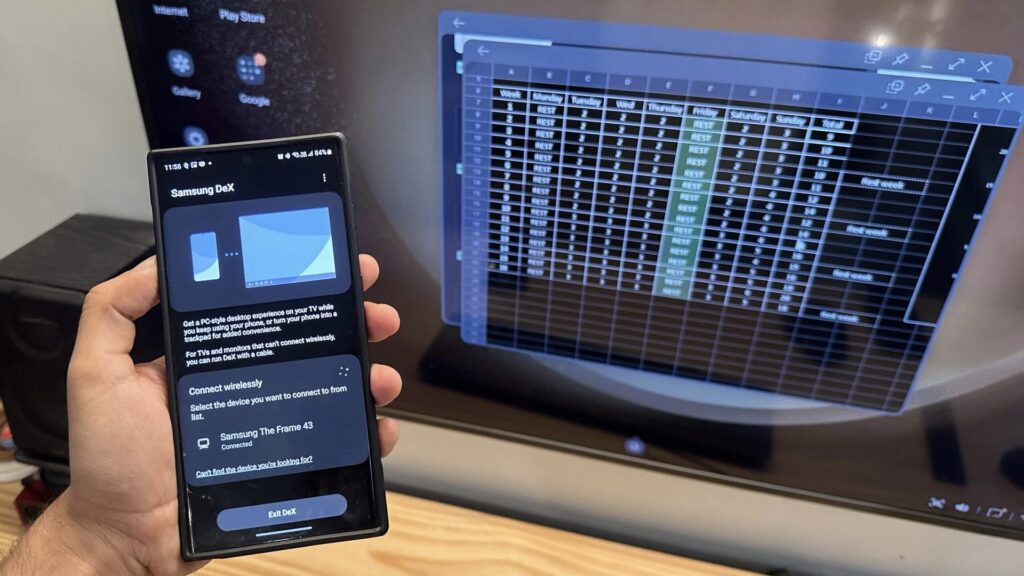
When connected to a TV, Samsung smartphones become virtually computers
The simplicity of connecting is a delight: you need an external display, an HDMI cable, a keyboard and mouse, and if you prefer, you can go wireless. Inside, you’ll find a taskbar, multiple windows, resizing, and drag-and-drop file management with a mouse. It’s all the more surprising that Apple users are deprived of such capabilities.
Installing Apps Outside the App Store
Outside the European Union, Apple doesn’t allow third-party installations bypassing the App Store. This means you’re entirely dependent on a single store. The company explains this as protection against malicious software, but the approach has a downside: high commissions and strict rules scare away smaller developers.
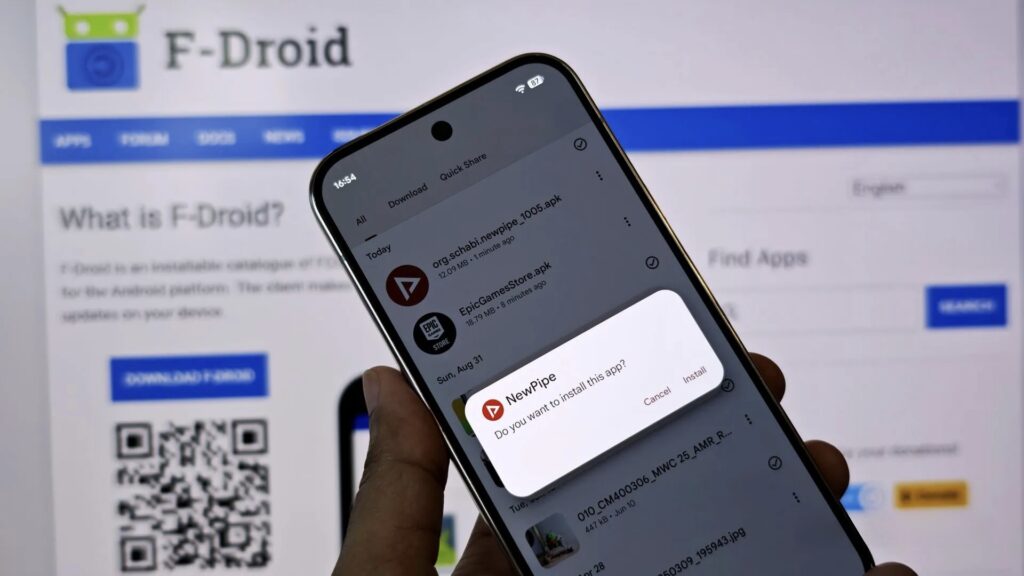
On Android, only you decide where to install apps from
On Android, things are much freer. I easily install programs from alternative catalogs like F-Droid or directly from repositories on GitHub. These platforms are more careful about privacy, and basic features are less often hidden behind a subscription. You’ll also find utilities there that simply don’t exist in the official store. For example, FFShare, a free wrapper around FFmpeg, compresses heavy files and strips metadata from them without a single ad banner. In the same category are Seal, NewPipe, AdAway, and Breezy Weather.
Why Android’s File System Is More Convenient
The iOS file system is becoming noticeably friendlier year after year. Today it can connect to an FTP server and transfer files to external storage. But the environment is still a sandbox: each app lives in its own isolated space and doesn’t peek into others. Because of this, some operations are either difficult or entirely unavailable.
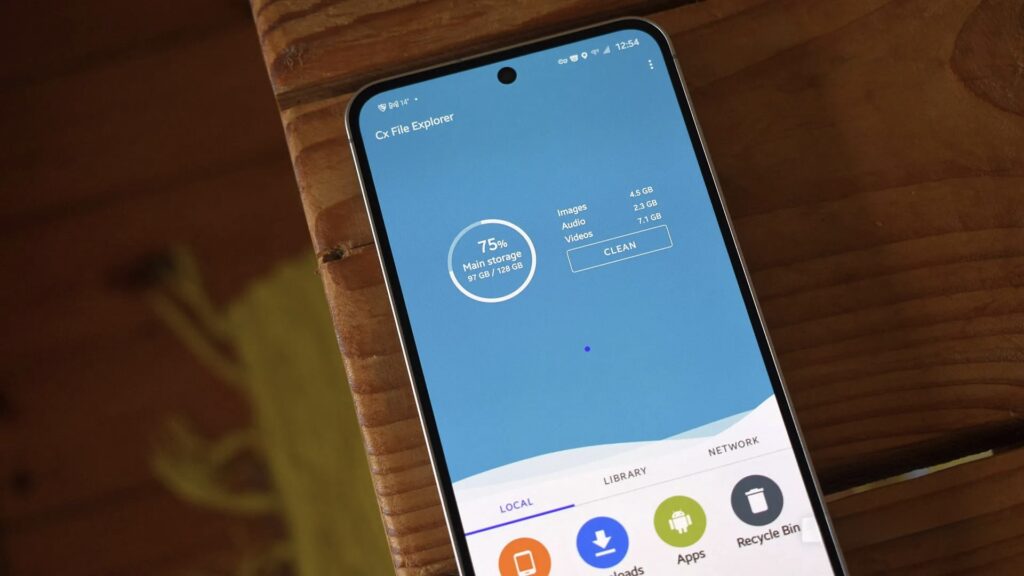
Managing files on Android is easier
On Android, I don’t encounter such walls. The phone easily connects to a computer for file exchange, and the storage analyzer honestly shows what’s eating up memory. I especially appreciate the synchronization: the system doesn’t throttle background processes as aggressively, so Syncthing keeps files identical across all devices. And third-party apps can be granted access to the needed folder for bulk operations.


