The next major update for Apple Watch will bring not only minor tweaks but also two new apps right to the watch face. These are the Siri app and a redesigned Find My, and both change the way you’re used to using your watch every day. If you’ve already installed watchOS 27, you’ve probably stumbled upon a couple of unfamiliar icons and didn’t immediately understand where they came from.
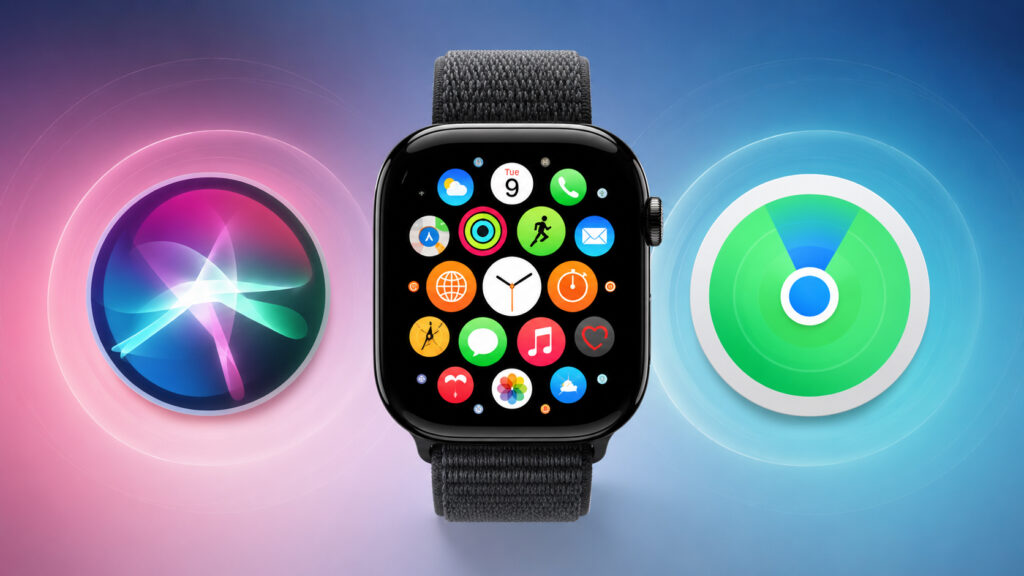
New apps have appeared on the watch
New Features in watchOS 27
watchOS 27 has become the next major update for Apple Watch, and among the many changes, two new apps will appear on the watch. Essentially, this isn’t cosmetic — it’s an attempt to consolidate scattered features into a more coherent form and bring the watch up to speed with the new version of the voice assistant. Apple has long been working toward making the watch interface stop being a set of separate buttons and become a cohesive system.
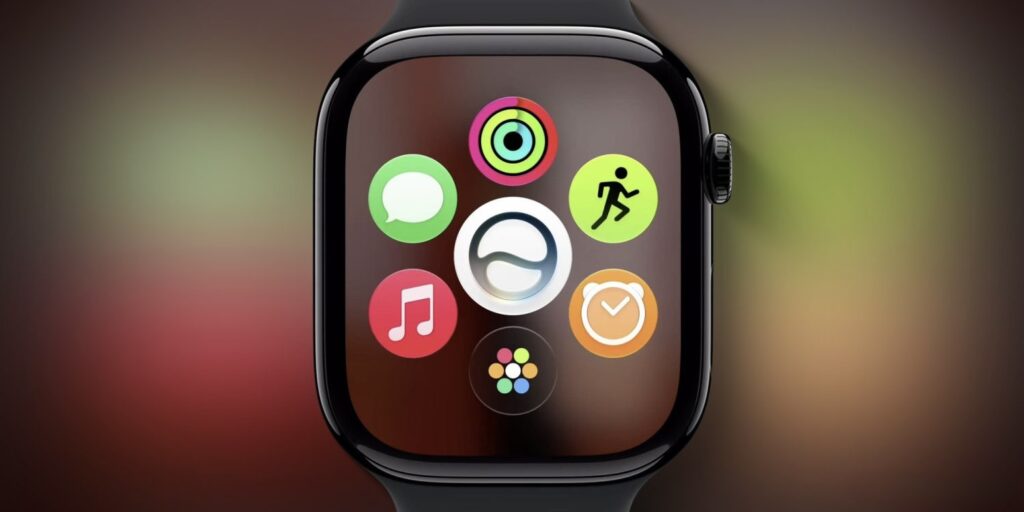
New apps will appear in the new firmware version
What the New Siri Can Do on Apple Watch
Siri in watchOS 27 receives a major AI-based update, and part of this overhaul is a standalone Siri app. It will appear simultaneously on iPhone, iPad, Mac, Apple Vision Pro, and Apple Watch, meaning it will be equally accessible across all devices.
You can still invoke Siri via the Digital Crown — the standalone app doesn’t replace it but only adds another entry point. The main benefit lies elsewhere: the app will let you review past conversations with the assistant, something that simply didn’t exist on the watch before.
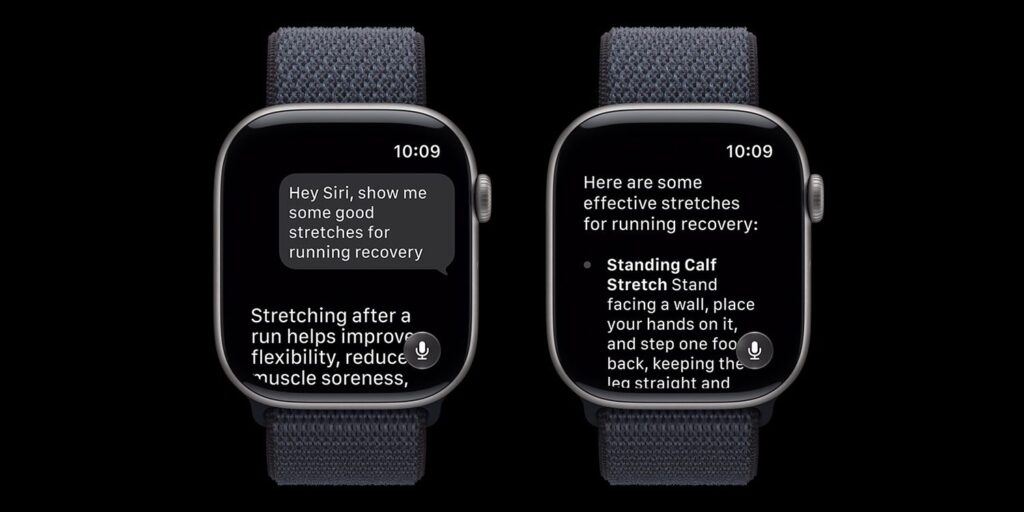
The Siri app looks like a full-fledged chatbot even on the watch
The updated Siri will become more conversational, will better maintain conversation context, and will store query history across all your devices. The Siri app on the watch will show conversations not only from the Apple Watch itself but also from iPhone, Mac, and other gadgets. This is convenient when you started asking something on your phone and then want to return to that conversation from your wrist without pulling the smartphone out of your pocket.
There is an important limitation. The new Siri only works on newer Apple Watch models, and Apple has published the full list of compatible models separately. If you have an older watch, you’ll likely see the app itself, but you shouldn’t expect truly intelligent behavior from it — it will remain just a regular query archive.
Where to Find AirTag and iPhone on Apple Watch After the Update
The second innovation concerns finding things and people. Currently in watchOS 26, search is split into three separate apps: “Find Devices,” “Find Items,” and “Find People.” On the small watch screen, jumping between three icons is frankly inconvenient, especially when you need to find something quickly.
In watchOS 27, Apple combines all search functions into one Find My app. This follows the same logic as the updated Find My on iPhone in iOS 27, so you definitely won’t get confused between devices.
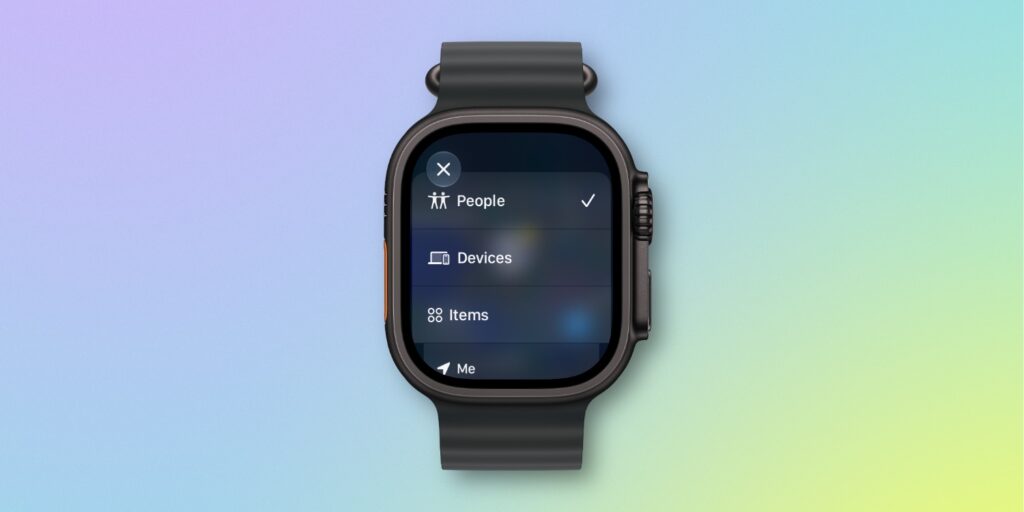
Now search on the watch is not split across different apps but unified into one
The new Find My retains all the capabilities of the three apps but in a more compact form: you see a map where you can easily find any item or person. You can switch between what you’re looking for via the menu in the upper left corner, and otherwise the interface remains unified and familiar.
For everyday use, this is a noticeable simplification: you no longer need to remember which of the three apps to use to find your headphones and which one hides a loved one’s location. Everything is gathered in one place, with the familiar map in the center of the screen.
Is It Worth Updating Apple Watch to watchOS 27
Both apps are more about convenience. The unified Find My is useful to almost everyone who uses AirTag, searches for a lost iPhone, or shares their location with family. However, the benefit of the Siri app heavily depends on the model: on older Apple Watch models, the new AI-powered Siri won’t work, and the app will remain more of a query history than a full-fledged assistant.
The bottom line is simple. Updating to watchOS 27 for Find My is worth it for almost everyone — it’s noticeably more convenient than the old scheme of three apps. But chasing the Siri app only makes sense for owners of newer watch models: on older ones, you won’t get a full AI assistant anyway.


