While we were figuring out which Yandex Station to choose in 2026, the Russian company quietly rolled out a major update to its streaming service. The Yandex Music app received something it had been missing for a long time: the algorithm stopped simply guessing your taste and started guessing your situation. Let me break down what changed and how well it actually works.
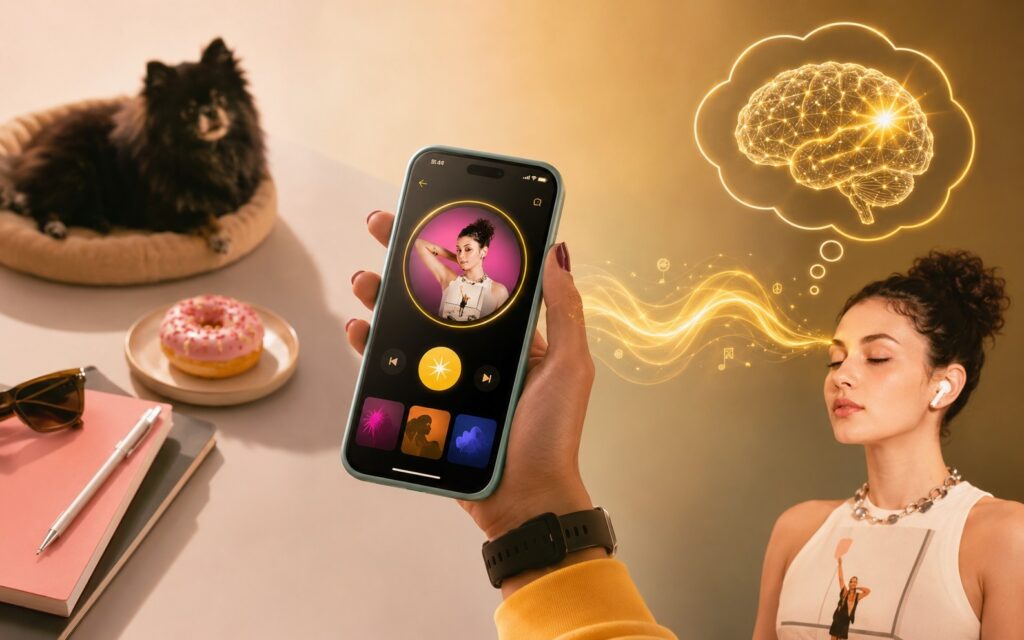
Yandex has prepared a major update for its streaming service
New Recommendations in Yandex Music on Android
Previously, recommendations in Yandex Music were built on one principle: the system knew what you liked and suggested similar content. Logical, but limited. Now the algorithm has gone further: it takes into account not only taste but also context. Here’s how Yandex themselves explain it: if a listener loves jazz and turns on music from a laptop on a weekday, the system will suggest “calm jazz for work.” Not just jazz, but jazz specifically suited to the situation. The algorithm analyzes the time of day, day of the week, and playback device.
It sounds like fancy marketing copy, but the numbers tell a different story. Listeners who have already received the Yandex Music update turn on hypercontextual recommendations 30% more often than regular suggestions. Tracks from these recommendations are added to collections 64% more often. The number of dislikes dropped by 4%. These are no longer just words.
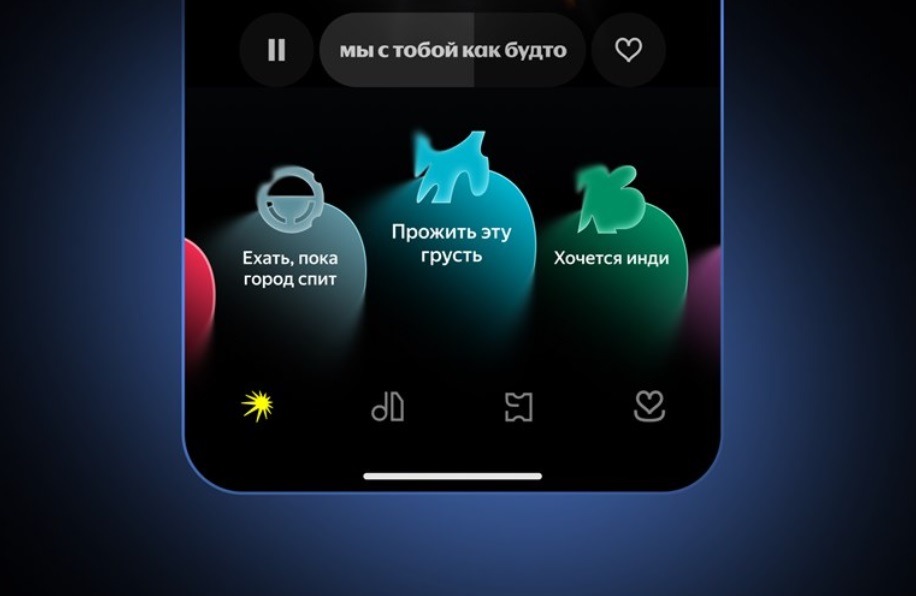
Recommendations now consider not only tastes but also context. Image: Yandex
An important note about access: all these features require a Yandex Plus subscription.
How My Wave Changed in Yandex Music in 2026
My Wave in Yandex Music is the main tool for discovering new music. It’s used by 94% of subscribers every month. With that kind of reach, any change is felt immediately. Visually, the My Wave update appears as colorful interactive waves on the main screen, where each one reflects a specific scenario: work, unwind, feel melancholy, get energized. You tap the one you need and get a selection matched to the moment, not just to your taste.
Additionally, a “Shake My Wave” button has appeared (a quick context switch without rebuilding the entire queue). Switched from work to a walk — tap it, and the algorithm readjusts. No extra steps needed. This is exactly the small touch that was missing. There’s also a flip side. If the subscription has become an unnecessary expense, you can cancel Yandex Plus and get a refund. But with an update like this, there are fewer reasons to unsubscribe.
Updated Artist Page in Yandex Music
Alongside hypercontextual recommendations, Yandex Music on mobile has added AI-generated snippets about artists. While a track is playing, facts about the artist appear nearby: from news, interviews, and press releases.
The idea is clear: you discover a new artist and immediately get context without leaving the app for a browser. Who they are, where they’re from, what they’ve released, what they said in their latest interview.
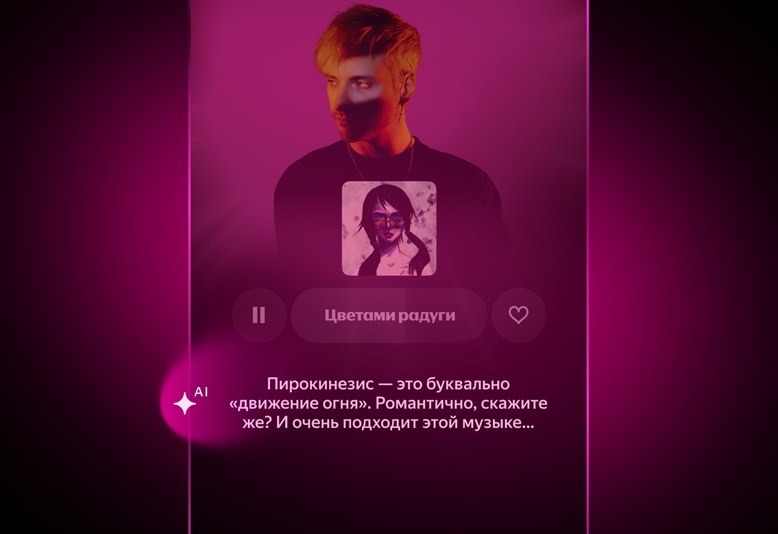
Useful information has appeared on the artist page. Image: Yandex
In practice, this works as an optional layer of information. If you want to — you read it. If you don’t — you just listen; the snippets don’t get in the way or distract. For those who like to dive deeper into music — it’s a useful feature. For those who listen in the background — you simply won’t notice it.
New “What to Listen To” Section in Yandex Music on Android
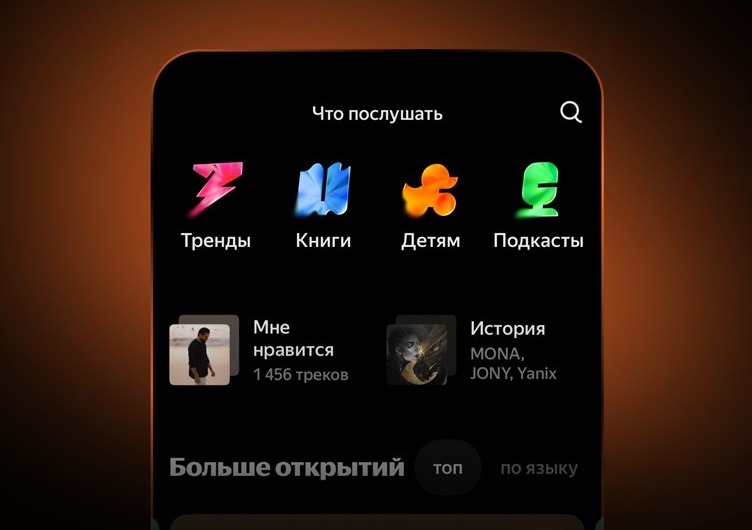
This is what the new section in Yandex Music looks like
Playlists in Yandex Music are now gathered in a separate “What to Listen To” section. The structure inside:
- personalized music showcase (playlists tailored to the specific user);
- Trends (editorial playlists from the service’s team);
- Chart (current hits);
- Superlaunch (new releases with an emphasis on fresh drops);
- audiobooks, podcasts, and children’s content (all in one place).
Essentially, this is an attempt to create a single entry point for different usage scenarios. Some people discover music through My Wave, others want to explicitly choose a genre or mood — the section addresses both needs.
When Will the Yandex Music Update Be Available
The My Wave update is already available to some Yandex Plus subscribers in Russia and Belarus in the mobile apps on iOS and Android, as well as in the desktop and web versions. Access will be available to all users within the coming days. To update Yandex Music on Android:
- Open Google Play.
- Find the app.
- Tap “Update.”
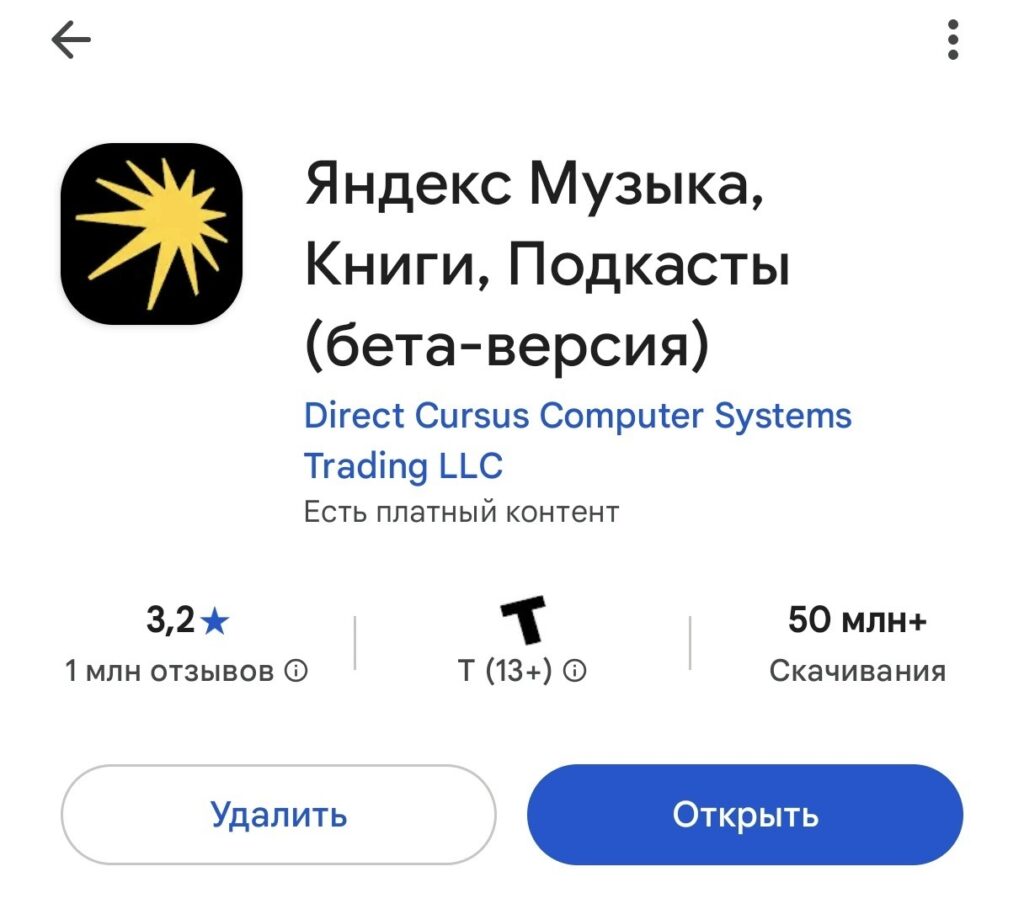
Don’t forget to update Yandex Music on Android in a timely manner
If the update has already arrived — the “Shake My Wave” button and colorful waves on the main screen will speak for themselves. Is it worth switching to Yandex Music on Android from other streaming services for this update? If you already use Yandex Plus, definitely try the new My Wave. If you’re paying separately just for music — calculate what’s more cost-effective given the new subscription pricing.
Listening to Yandex Music after this update is noticeably more pleasant: the algorithm has truly learned to understand context, not just guess your taste. This is exactly the direction streaming services should be developing in.


