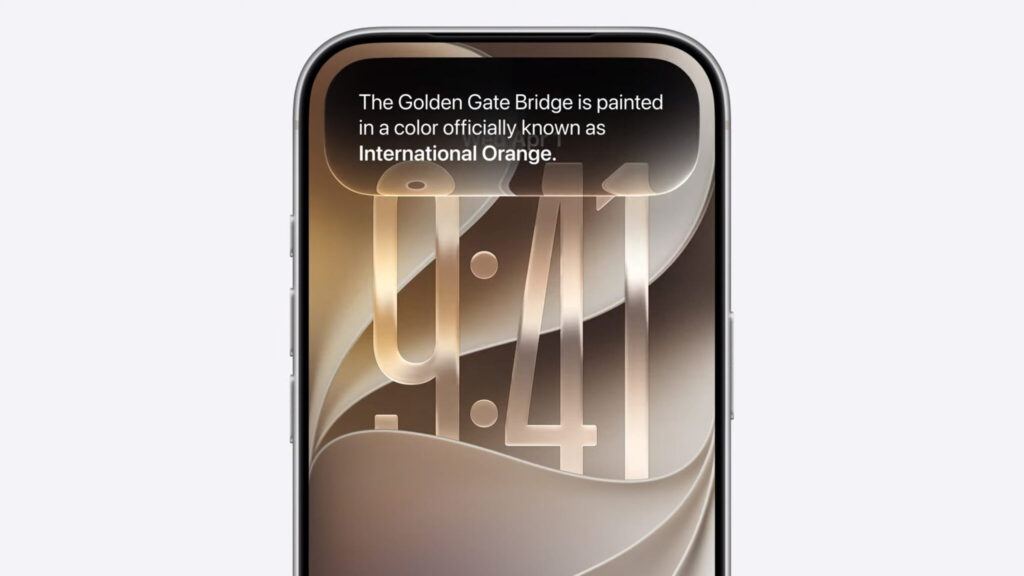
Apple has released the first beta version of iOS 27 for developers, and it already includes more than thirty changes: from a redesigned lock screen to a new smart Siri. The build is early, so some features don’t work yet or look rough, but the direction the system is heading is already clear.
We’ve compiled the main new features of iOS 27
We’ve gathered all the most interesting things and organized them by sections. In a nutshell: visually the system has become more “glassy,” Siri is turning into a full-fledged chatbot, and the Photos app now has AI-based editing tools.
What New Lock Screen Settings Have Appeared on iPhone
The lock screen received several small but noticeable adjustments. The clock can now be made very small: you long-press on an empty area, tap the new double icon, and select the clock. After that, it moves to a separate line along with the date and frees up the wallpaper.
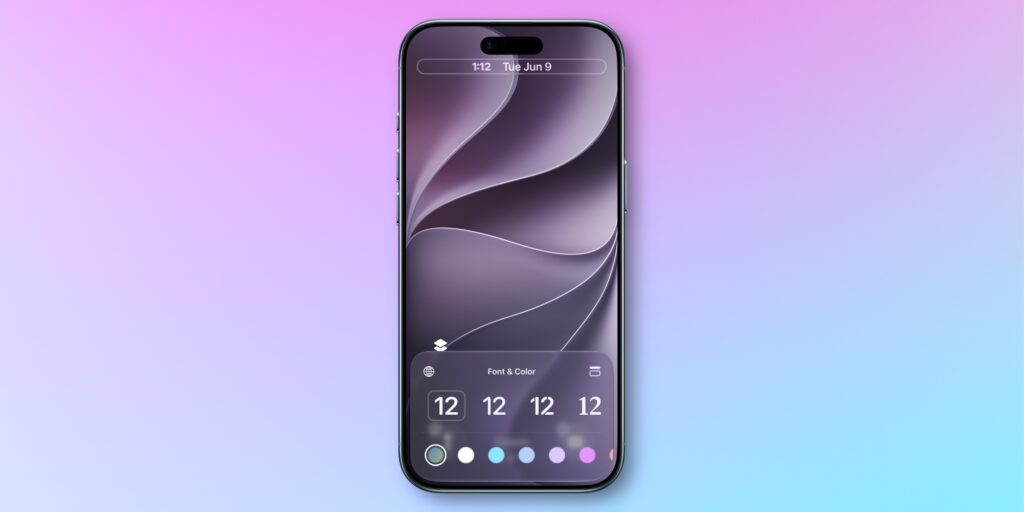
Shrinking the clock to microscopic size
Another convenience: the music player can be removed from the screen right during playback — just swipe left. New wallpapers with depth effect and color that changes over time have also been added.
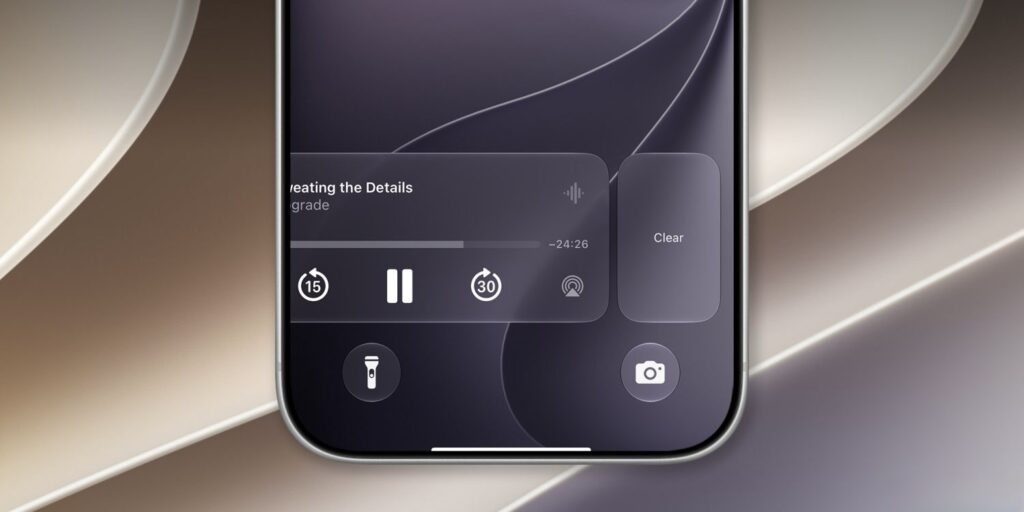
The player can be swiped off the screen
Notifications, as insider Mark Gurman promised, now slide in from the left edge of the screen. In practice, the difference from the old animation is barely noticeable and doesn’t affect daily use at all.
Full-Screen Widgets on iPhone: How They Work
The main visual change concerns the design: all stock app icons have become “glassy.” This is a continuation of the style that Apple has been testing in recent system versions.
A practical new feature has also appeared: widgets can be stretched to fill the entire screen of the iPhone. For now, this only works with built-in apps, but the potential is huge — a single such widget can replace an entire home screen.
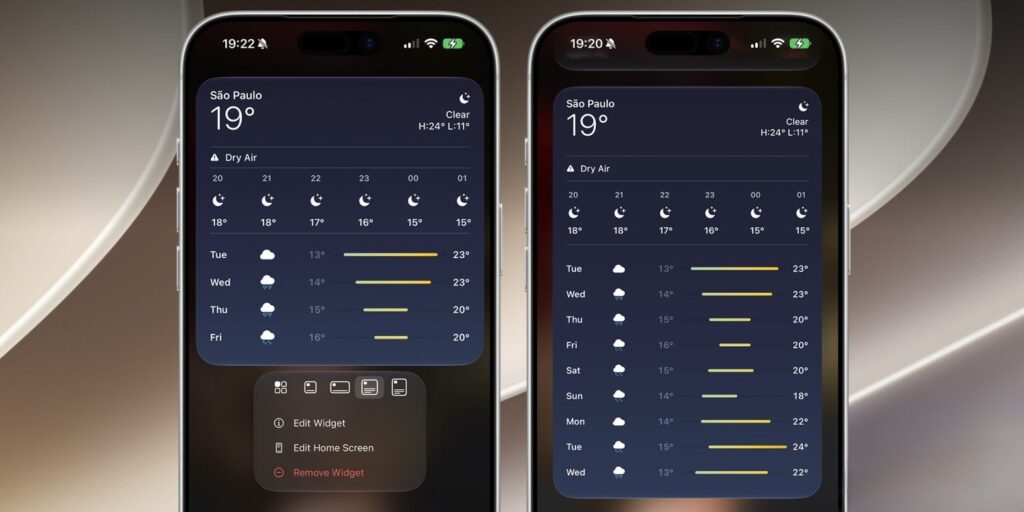
Widgets can take up the entire screen
The rest of the improvements are small but pleasant:
- Low Power Mode has been sped up — the system lags less, although the screen still forcibly drops to 60 Hz
- Annoying glare on icons when moving the iPhone has been removed
- When editing the home screen, icons become even larger if you disable labels beneath them
- The home screen settings button icon has been changed
What New Parameters Have Appeared in iPhone Settings
A small feature that’s been missing for years has appeared in settings: separate volume controls for system sounds, ringtone, and alarm. Now you can have quiet notifications but a loud alarm — previously everything was controlled by a single slider.
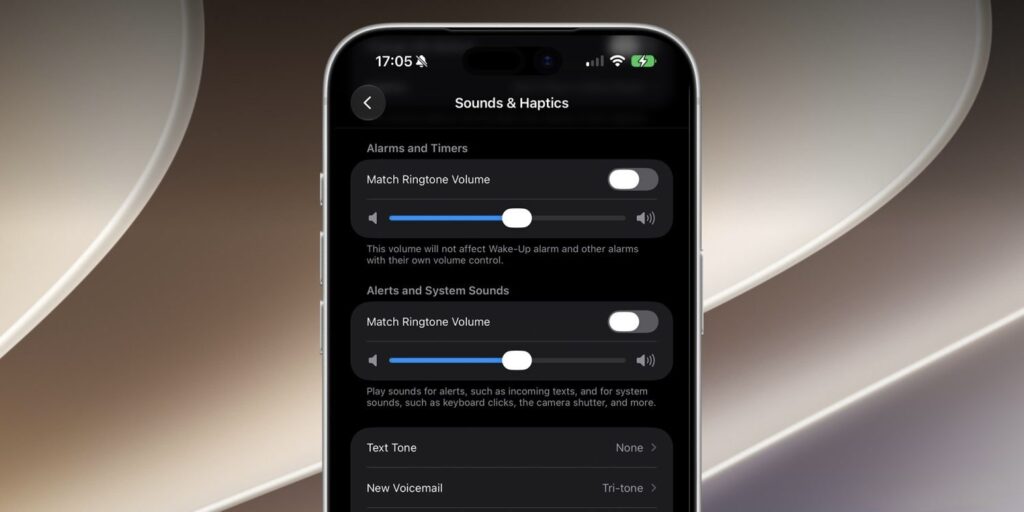
The best iOS 27 feature is separate volume for ringtone and alarm
The Siri and Apple Intelligence section has been renamed to simply Siri. Inside, you can join the waitlist for the new SiriAI, but the option only opens after switching the interface and Siri to English. The AirPods settings section has also been redesigned, and a banner about app indexing has been added to the main settings screen — it will disappear once optimization is complete.
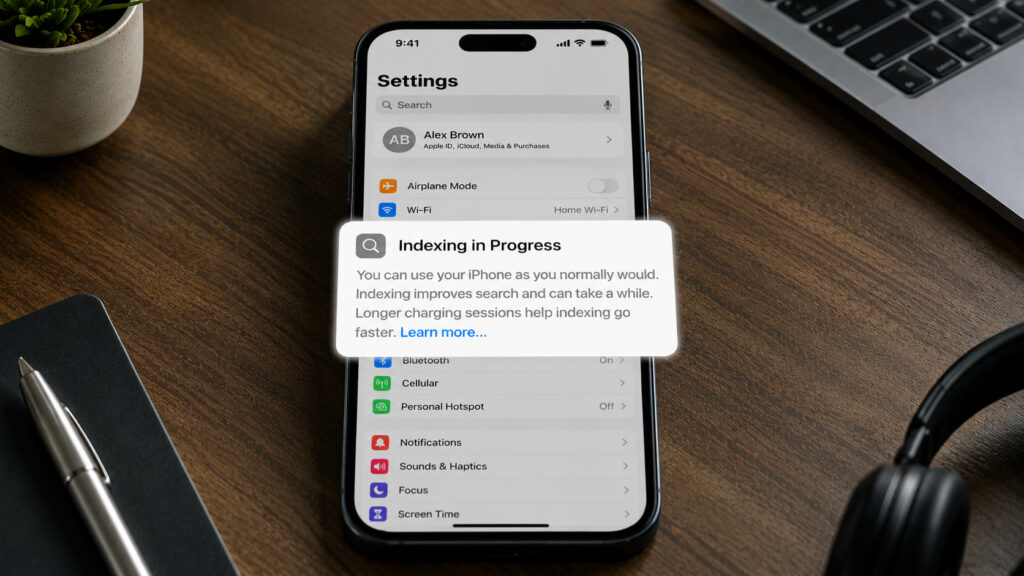
Did you encounter this banner after installing iOS 27?
New Features in the Photos App on iPhone
The most noticeable changes await in the Photos app. Two new AI-based editing tools have appeared here:
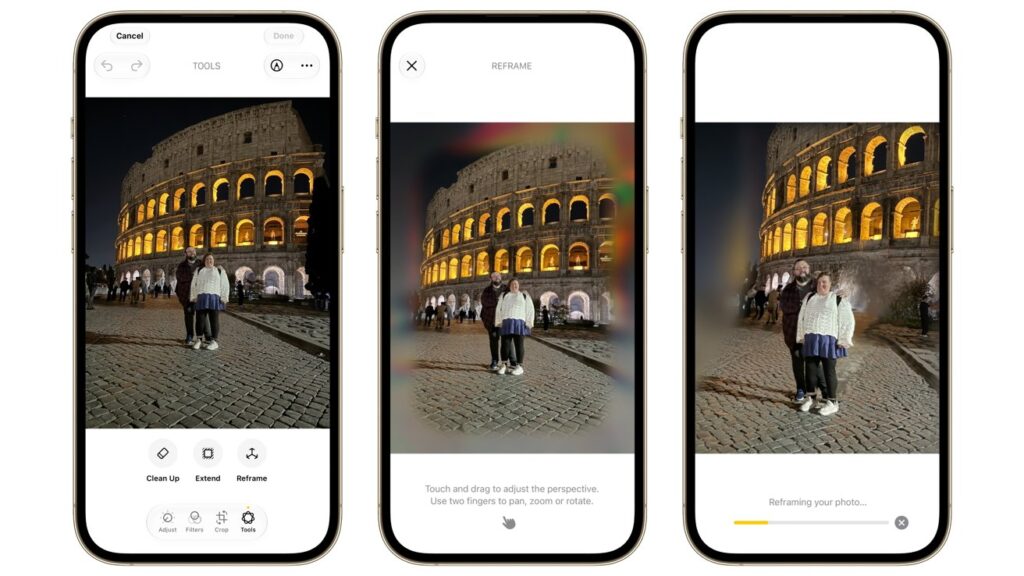
Photos can be extended at the edges or the angle can be changed entirely
- “Expand” draws additional content around the edges of the photo
- “Crop” changes the angle and reframes the image
An important point: these tools don’t require Apple Intelligence to be enabled. The “Eraser” for removing objects has also been improved — there are now almost no artifacts left.
A couple more genuinely useful things. Shared photo albums can now be made temporary: you set a date after which the album deletes itself. Convenient for vacations and one-time events. And from any video, you can save an individual frame as a photo — no more pausing the video and trying to catch a screenshot.
New Siri AI on iPhone: What It Can Do
The biggest change concerns Siri. The voice assistant has been moved to Dynamic Island (the “island” at the top of the screen), where it transforms into a glowing animation. But it’s not just about the appearance.