Google held its developer conference on May 19 and 20, 2026, and showcased a number of updates around Gemini. The main new feature is Gemini Omni, a multimodal model for generating and editing video from any input data. While Apple is integrating Gemini into Siri, Google is going further and releasing a tool capable of turning text, an image, or another clip into a finished video. At the same time, the company introduced the updated Veo 3.1 Lite video generator and the new Nano Banana 2 image model. Below is what all of this can do and what it offers to iPhone, iPad, and Mac users.
Google unveiled a new neural network that can create a 10-second video from anything
AI Models Google Presented at I/O 2026
Google’s developer conference took place on May 19 and 20, 2026, at the company’s headquarters in Mountain View, California. There, Google introduced several updates to the Gemini lineup and related models. The main announcement was Gemini Omni — a new family of multimodal models from Google DeepMind that combines the intelligence of Gemini with generative media tools.
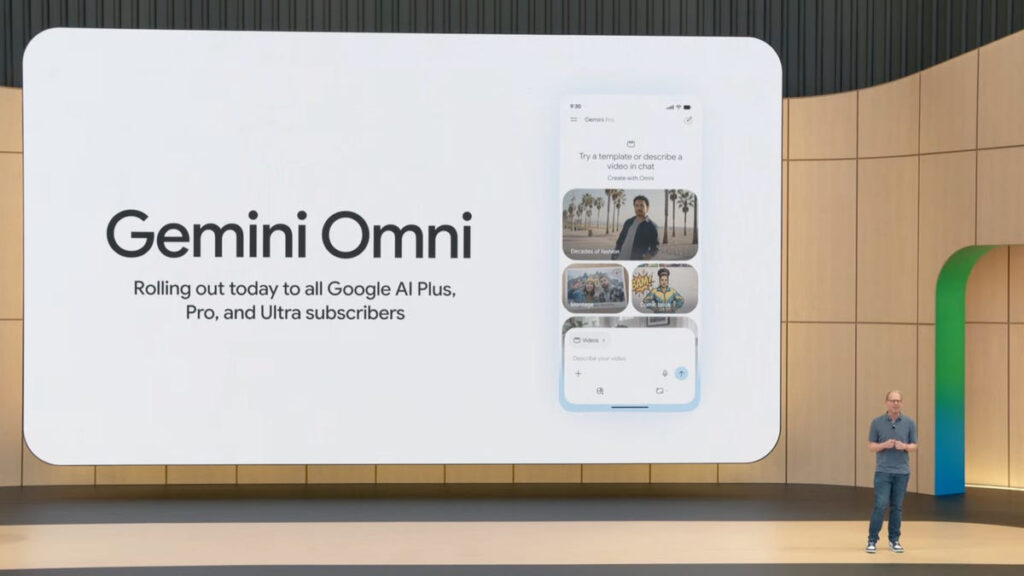
The Google developer conference was packed, and Omni was one of its main highlights
The first model in the family is Gemini Omni Flash. It can take text, images, audio, and video as input and produce a finished video clip up to 10 seconds long with synchronized sound. Essentially, it’s a constructor: you upload any reference, describe in words what you want to get, and the model assembles a video from it, accounting for physics, lighting, and context.
Alongside Gemini Omni, Google updated other models. The Veo 3.1 Lite video generator is available through Gemini API and Google AI Studio and costs less than half of Veo 3.1 Fast, supporting video generation from both text and images. Google also highlighted Nano Banana 2 — an image generation and editing model that combines Pro-version quality with Flash-version speed.
Video from Image and Text in Gemini Omni Flash
Gemini Omni Flash is not just a video generator but a model with real-world understanding. Google claims that Omni can simulate physical processes: gravity, kinetic energy, fluid dynamics. This allows it to create more realistic scenes where objects behave naturally rather than “floating” in the frame.
Here’s what Omni Flash can do right now:

Omni can create even such elements in video
- Video generation from text — describe a scene in words and get a 10-second clip with sound
- Video from an image — upload a photo or illustration, and the model “brings it to life”
- Editing through dialogue — change the background, add cinematic zooms, or replace elements in an existing video with simple text commands
- Multimodal input — you can combine text, images, audio, and video in a single request
All materials created through Omni automatically receive a SynthID digital watermark. This is an invisible watermark that can be verified through the Gemini app, Chrome, and Google Search. It’s worth noting separately that speech and audio editing in video is currently blocked — Google is intentionally holding back this feature for safety reasons.
Gemini Omni Pricing and How to Get Access
Gemini Omni Flash began rolling out on May 19, 2026 — the day of the announcement. Access is available in several places:
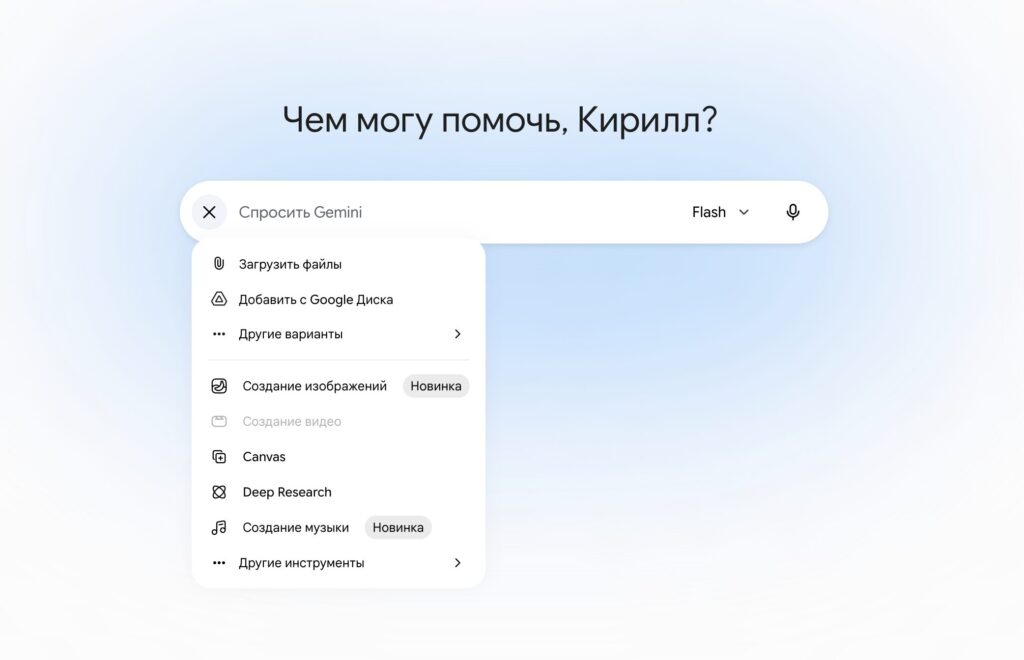
Unfortunately, video creation is only available to paid subscribers
- Gemini app and Google Flow — for Google AI Plus, Pro, and Ultra subscribers
- YouTube Shorts and YouTube Create — free for users over 18
- API for developers and enterprise clients — coming in the next few weeks
There are no specific prices yet for using Omni Flash through the Gemini app — the model is included in existing subscriptions. Google AI Plus starts at $19.99 per month, and the top-tier Ultra plan costs $249.99. For a free introduction, the easiest way is through YouTube Shorts — Omni is available there without a subscription.
As for the API, Google has not yet published specific pricing, model identifiers, or regional restrictions. Therefore, building workflows around Omni via the API is premature — it’s worth waiting for official documentation.
Gemini Omni on Mac and iPhone: Where to Try the New Features
For most iPhone and Mac users, the main practical question is where this can actually be tried. Google’s Gemini is traditionally available through the web version, dedicated apps, and APIs for developers. If you’re already using Gemini on Mac, new models usually arrive right there — through the same interface, without a separate installation.
What Veo 3.1 Lite and Nano Banana 2 Can Do
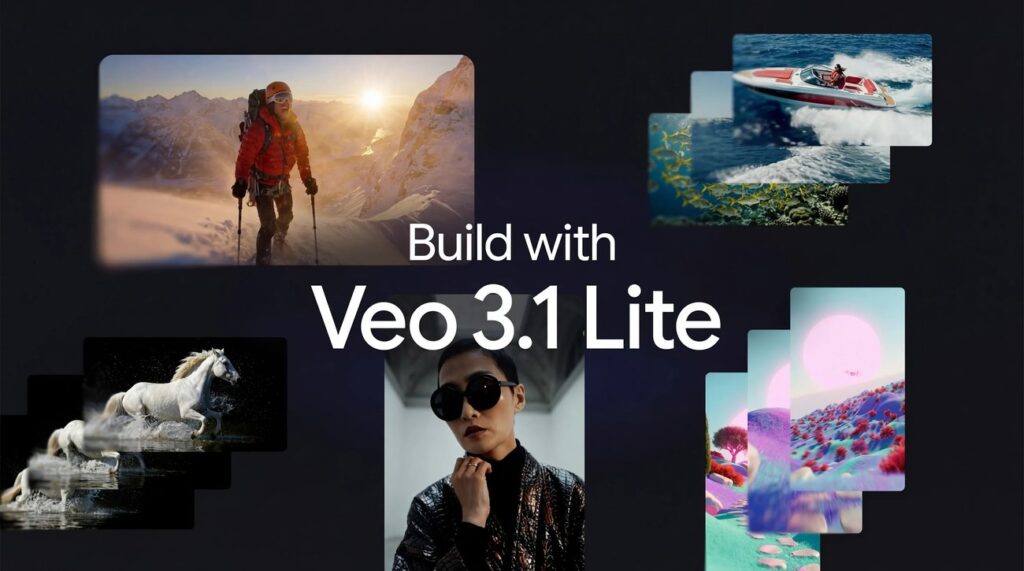
Besides Omni, other neural networks were also shown
In addition to Omni, other models were highlighted at Google I/O 2026. Veo 3.1 Lite supports both scenarios: Text-to-Video and Image-to-Video, meaning it can generate a clip from both a text description and a reference image. Pricing is straightforward: the Lite version costs less than half of the standard version.