While rumors about the One UI 9 release are still circulating, Samsung has finally rolled out the stable version of One UI 8.5 for the entire Galaxy S25 lineup — after five months of beta testing and ten interim builds. The update brings key Galaxy S26 features to last year’s flagships: call screening, agentic AI, an image generation studio, and professional camera tools. For now, the rollout is happening in South Korea, but a global launch is expected in the coming days.
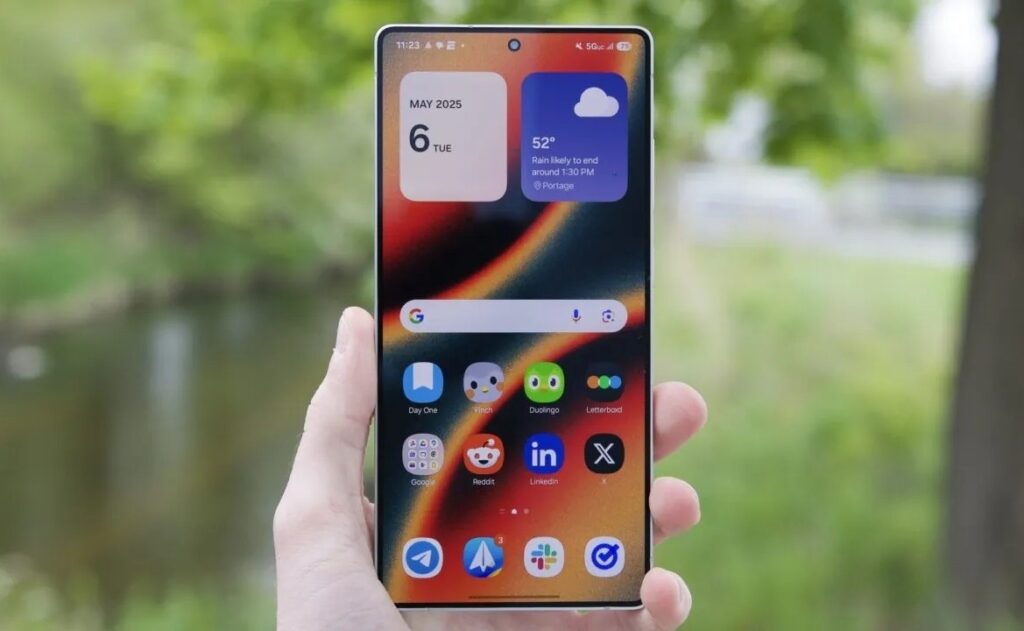
The update has been rolled out to the Galaxy S25 series. Image: androidauthority.com
Samsung Galaxy S25 Update to One UI 8.5
On May 6, 2026, Samsung began rolling out stable One UI 8.5 for Galaxy S25, S25+, and S25 Ultra. Beta program participants in South Korea are already receiving the update — for them, it’s an incremental update of 583 MB with the April security patch. A little later that same day, the update also became available to those who didn’t participate in beta testing, as well as Galaxy S25 Edge owners.
Samsung has not yet announced exact timelines for the global market. However, according to leaks from a Canadian carrier’s schedule, the rollout outside Korea may begin around May 8–9. According to insider @theonecid, the Galaxy Z Fold 7 and Z Flip 7 will receive the One UI update simultaneously with the Galaxy S25. The Galaxy S24 series will follow in the next wave.
The One UI 8.5 rollout has been underway for several months now.
If you have a Galaxy S25 and want to check for the update manually, the path is standard: Settings, then Software Update, then Download and Install. Before installing, it’s worth making a backup of your data — the update is large, and it’s better to be safe.
Which Galaxy S26 Features Now Work on Galaxy S25
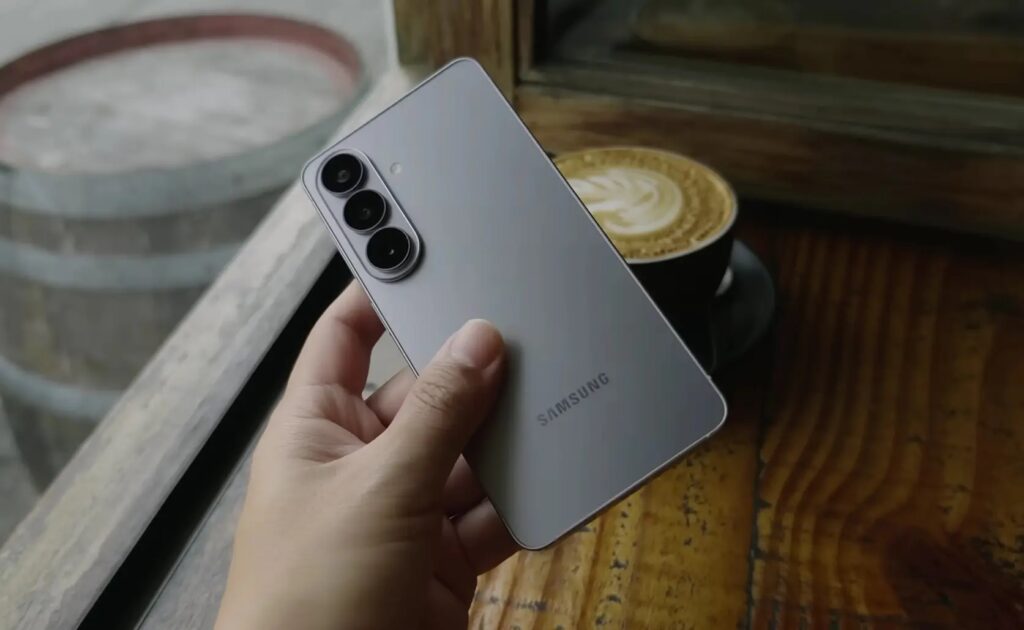
Galaxy S26 features are now available on the Galaxy S25. Image: Samuel Nam
The main reason to update is the Galaxy S26 features that until now remained exclusive to owners of the new flagships. Samsung kept them as a temporary exclusive and is now passing them down to the previous generation. Here’s what’s new:
- Call Screening. Bixby answers an incoming call on your behalf and asks the caller who they are and why they’re calling. The conversation is displayed on screen in real time, and you can join in at any moment. Great against unknown numbers and spam.
- Agentic AI. Bixby has gotten better at understanding vague requests — you no longer need to say the exact name of a feature or setting; it’s enough to describe the task in your own words.
- Creative Studio. A standalone app for generating wallpapers, stickers, and avatars using AI. Previously it was harder to find; now it’s right on the app screen.
- Photo editing with text descriptions. You can describe in words what needs to be changed in a photo — for example, change the color of clothing or add an object to a table.
- Improved Audio Eraser. The background noise removal tool has become more precise.
- Quick Share with AirDrop support. You can now send files directly to iPhone, iPad, and Mac without third-party apps. On the Apple device, AirDrop needs to be set to “Everyone” mode.
The Quick Share compatibility with AirDrop is especially interesting. Previously, transferring a file from Samsung to iPhone without cloud storage or a messenger was a real hassle. Now it works on the “point, tap, send” principle — as long as both devices are nearby and screens are active.
New One UI 8.5 Design: Transparency and Floating Elements
One UI 8.5 is built on Android 16, and visually it’s a different shell. Samsung calls its new style Ambient Design. The interface now features transparent blur — it adds depth to the notification panel, quick settings, and dialog boxes. Floating elements respond to actions and adapt to context.
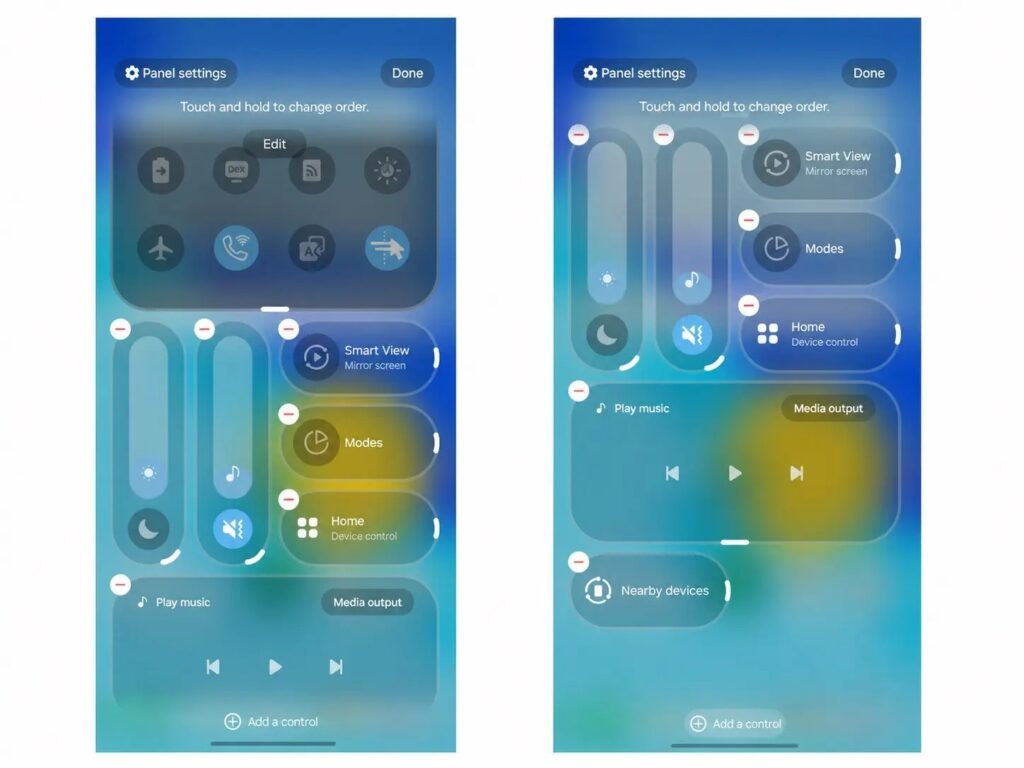
The new design is especially noticeable in the notification shade
In practice, this means the interface has become visually lighter and neater. The quick settings panel can now be flexibly rearranged: you can add, remove, and reorder elements. The lock screen has learned to automatically adjust the position of clocks and widgets if there are people or pets in the wallpaper — so nothing gets obscured. Weather-effect wallpapers have also appeared: you can overlay current weather animations on the background right from the preview screen.
Galaxy S25 Camera After the Update: Document Scanner and Log Video
For those who actively shoot, the One UI 8.5 firmware includes several notable camera improvements:
- Document Scanner. The camera now automatically recognizes a document in the frame and offers to scan it. You can immediately compile multiple pages into a single PDF. The new Remove tool eliminates fingers, bent corners, and moiré patterns that get into the frame.
- Real-time Log video preview. When shooting in Log format (used for professional color grading), you can now apply a LUT preview directly during recording — and see the final image before editing begins.
- Automatic motion photos. In Auto mode, the camera records a live photo only if there’s movement in the frame. If the scene is static, a regular photo is saved — this saves storage space.
- Simultaneous recording from two cameras. You can record video simultaneously from the front and rear cameras — convenient for bloggers and video calls.
- Three new portrait filters with a film photography effect.
On the practical side: the Samsung document scanner is something many people use every day. Previously, you needed to install a separate app for a proper scan; now everything is built into the stock camera.
Other Features in One UI 8.5 for Galaxy S25
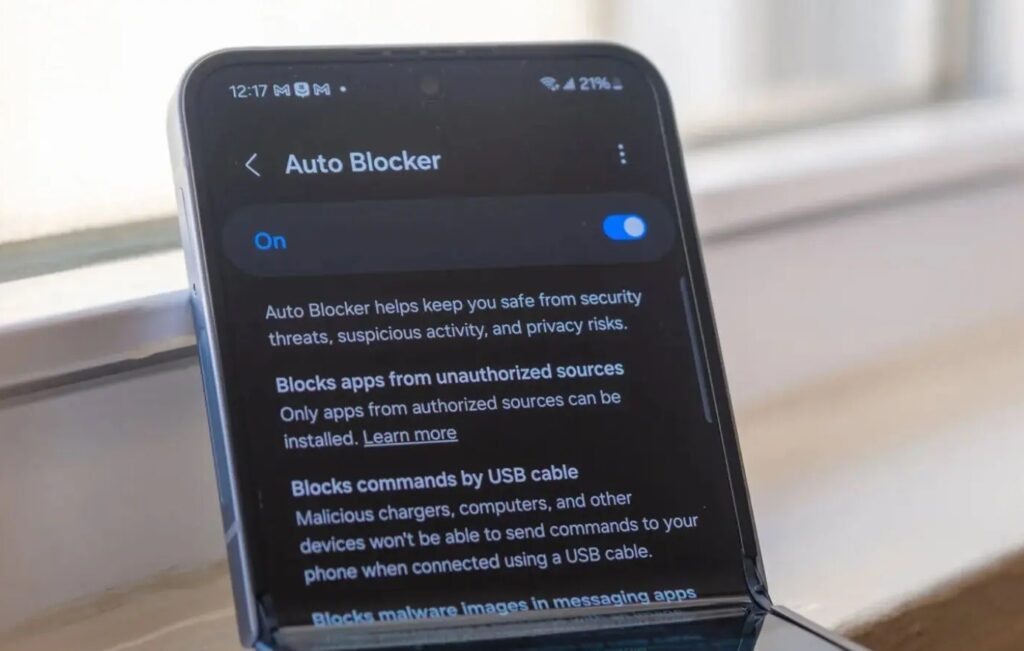
One UI 8.5 has many other interesting features. Image: androidpolice
In addition to Quick Share with AirDrop support, Samsung has added several useful features for connecting devices to each other:
- Storage Share. Files from other Samsung phones, tablets, and PCs are accessible through the My Files app on your smartphone. It works in reverse too — all the way to your TV.
- Auto Hotspot. You can share mobile internet with a Samsung account family group or create your own group for hotspot sharing.
- Family device sharing. Unites Quick Share, Camera Share, Storage Share, Auto Hotspot, and Multi Control between family members’ devices.
- Quick Smart View connection. You can now add a shortcut to the home screen for instant mirroring to a TV or projector.
- Voice broadcasting via Auracast. In addition to media audio, you can now broadcast voice through the built-in microphone to compatible nearby devices.
Storage Share is a feature that makes the Samsung ecosystem noticeably more convenient. If you have multiple Samsung devices at home, wireless and cloud-free file access is a real time saver.
One UI 8.5 Security Improvements and Health Features
The Samsung Health app has received expanded weekly


