In iOS 27, Apple plans to integrate Siri and Apple Intelligence directly into the Camera app. The main practical change: visual search will no longer be a hidden gesture and will move to the main camera interface, where it will actually be noticed. Many iPhone users still don’t realize they have a built-in smart camera because this feature has no connection to the main app.
We’re learning more and more about the features coming in iOS 27
What Is the Siri Mode in the iOS 27 Camera App
The Camera app in iOS 27 will get a dedicated Siri mode — alongside the familiar “Photo,” “Video,” “Portrait,” and “Panorama” modes. When you switch to this mode, the shutter button will change to the Apple Intelligence logo: this signals that the camera is now working not as a camera, but as an assistant.
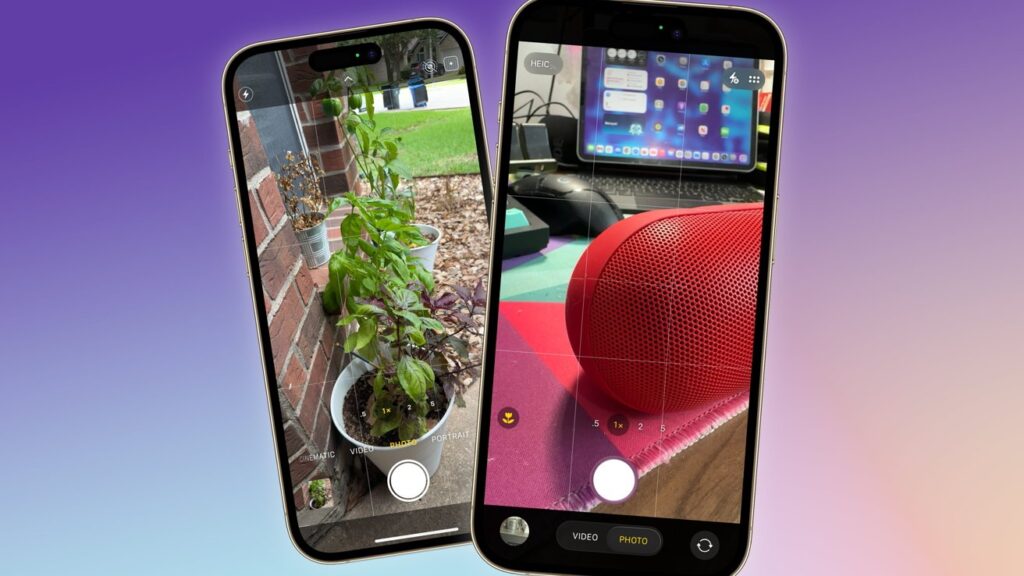
The camera will get a new mode alongside the familiar ones
Essentially, Apple is moving Visual Intelligence there — the visual search feature that can recognize objects around you and provide tips about them. Currently, it’s activated by a long press on the Camera Control button, and this is a gesture that many iPhone owners simply don’t know about. Moving it to the Camera app solves exactly this problem: everyone who takes photos will see the feature.
How iPhone Will Count Calories and Macros From Photos
The most noticeable innovation is scanning nutrition labels. Point your camera at a package — and calories, protein, fat, and carbohydrates are automatically sent to the Health app.
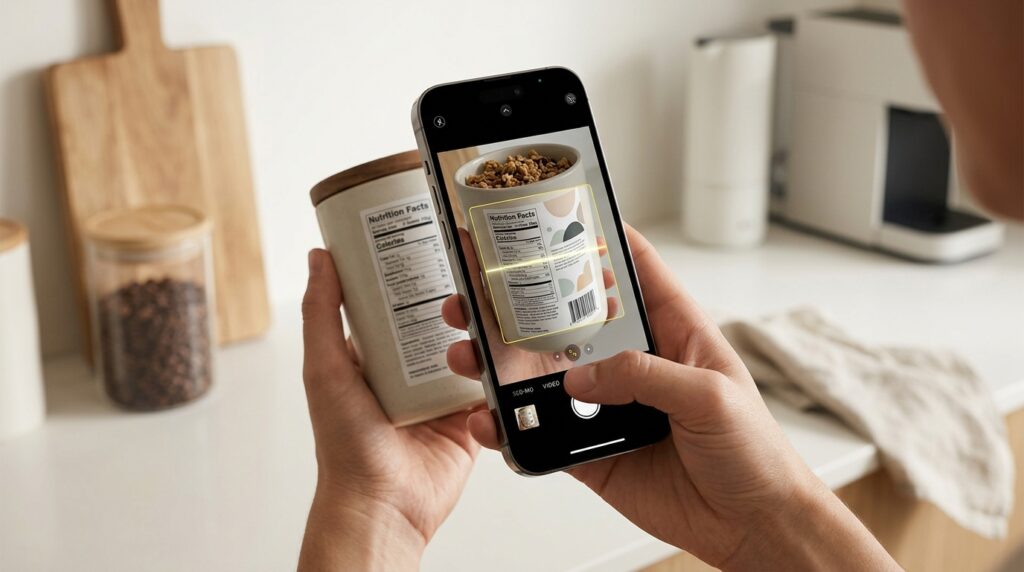
Simply scan a label, and the information will appear in the Health app
Who this is useful for:
- Those who track calories and don’t want to enter data manually
- Those who use third-party nutrition trackers and are tired of manual input
- Those recovering from workouts or illness and counting macronutrients
This isn’t a revolution — similar scanners have long existed in fitness apps. But a built-in tool is more convenient: you don’t need to install a separate app and grant it camera access.
Scanning Business Cards and Tickets Through iPhone Camera
Besides food, the updated Visual Intelligence will get two more practical features.
Transferring contacts from business cards: the camera recognizes phone numbers and addresses on a business card or printed material and immediately adds them to the Contacts app. Useful for those who frequently attend conferences and meetings — the stack of business cards on your desk will finally stop piling up.
Tickets and loyalty cards in Wallet: a physical event ticket or membership card can be scanned, and the system will create a digital version in the Wallet app. This solves an old pain point — when you have a bunch of paper passes and plastic cards in your pocket that are easy to forget at home.
Visual Intelligence Features That Will Be Preserved in iOS 27
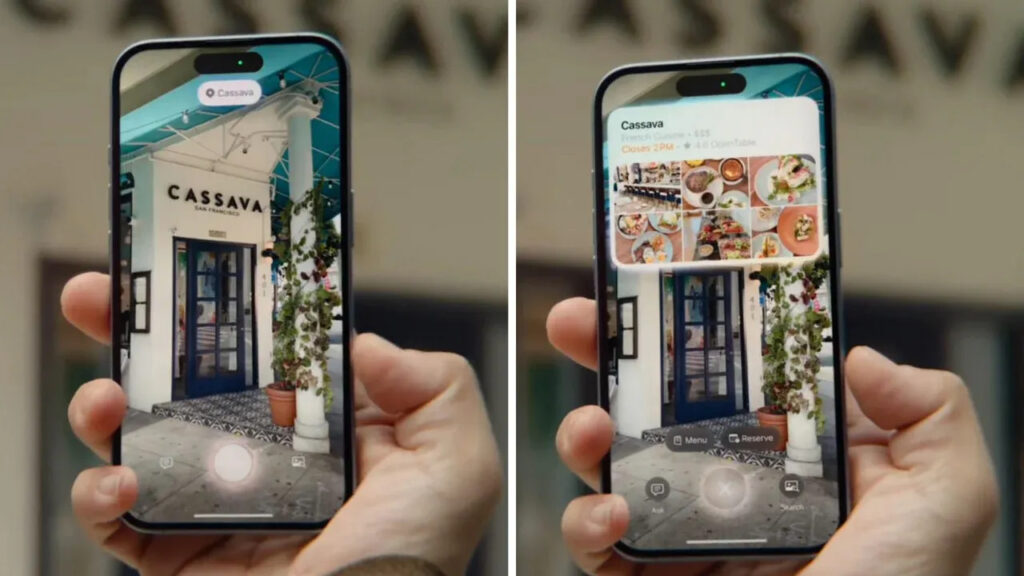
Apple isn’t planning to completely remove Visual Intelligence from iPhone, just make it more convenient
The old use cases aren’t going anywhere. Visual Intelligence will still be able to:
- Recognize plants and animals
- Add events to Calendar from photos of posters or invitations
- Send images to ChatGPT or Google image search
The Camera Control button will also continue to work, but now a long press will open not a separate Visual Intelligence screen, but that same Siri mode inside the Camera. This means the interface will become unified: one entry point — all features.
iOS 27 Release Date
Apple will unveil iOS 27 at the developer conference WWDC, which begins June 8, 2026. This means the developer beta will be released immediately after the announcement, the public beta usually a few weeks later, and the final version in the fall alongside the new iPhones.
An important note: it’s not yet known which specific iPhone models will receive the full set of Apple Intelligence features in iOS 27. Currently, Apple Intelligence only works on iPhone 15 Pro and iPhone 16 models and newer. It’s very likely that the Siri mode in the Camera will require the same chips — but there’s no official compatibility list yet, and this will remain an open question until WWDC.
If you actively count calories, frequently exchange business cards, or attend events with paper tickets — the Siri mode in the Camera will genuinely simplify your routine. This isn’t the kind of update you need to rush out and buy a new iPhone for, but it’s one of those small things you won’t want to lose once you have it. If you only use the Camera to shoot cats and sunsets and don’t log food in a tracker — feel free to skip this one. The old modes stay, nothing breaks, and the new features only activate when you need them.