There’s just over a month left until WWDC, and the first substantive rumors about macOS 27 are already appearing. Apple is preparing a release without a major redesign, but with a focus on optimization, an updated Siri, and clearing out old software and hardware. If you’re already wondering which Macs will be updated to the new OS, below is everything that really matters to a Mac owner and whether the update is worth waiting for.
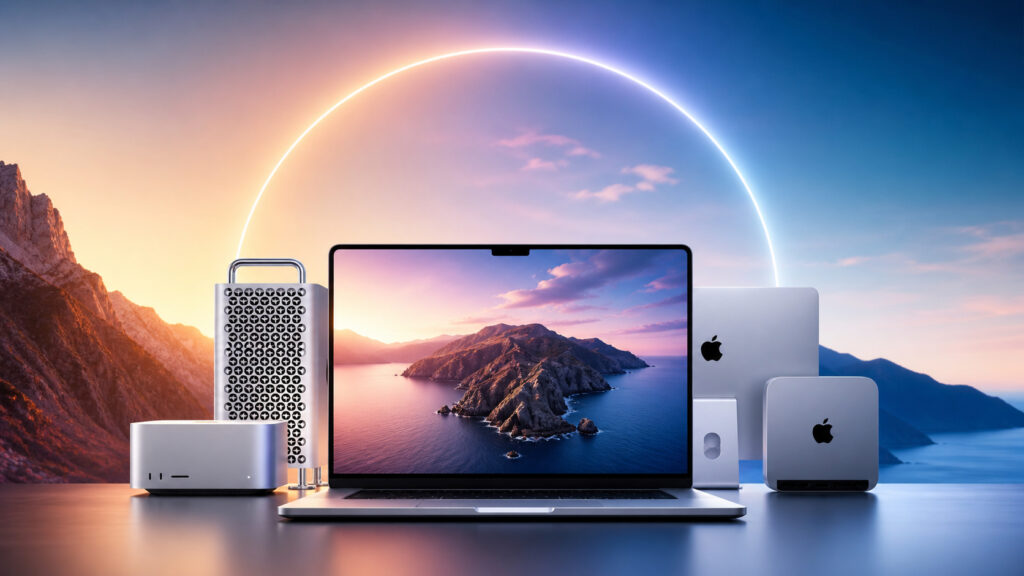
There’s just over a month left until the macOS 27 presentation
What’s New in macOS 27 Besides Design
After macOS Tahoe, which was a major visual update, the new version looks much more modest. Inside Apple, according to rumors, the principle of “under-the-hood first” is in effect: priority is given to optimization and battery life — in the spirit of Mac OS X Snow Leopard. Naturally, these are still rumors and “echoes” rather than confirmed information.
For the user, this means something simple: don’t expect a visual revolution. Only minor tweaks to the Liquid Glass design are possible, nothing more. If Apple truly focuses on speed and battery, this release could become a rare case of a worthwhile update.
How Siri Will Change in macOS 27
The most noticeable change, according to the source, awaits Siri specifically. Apple is preparing a standalone Siri app instead of the familiar floating window — with conversation history and response logic similar to ChatGPT and Google Gemini.
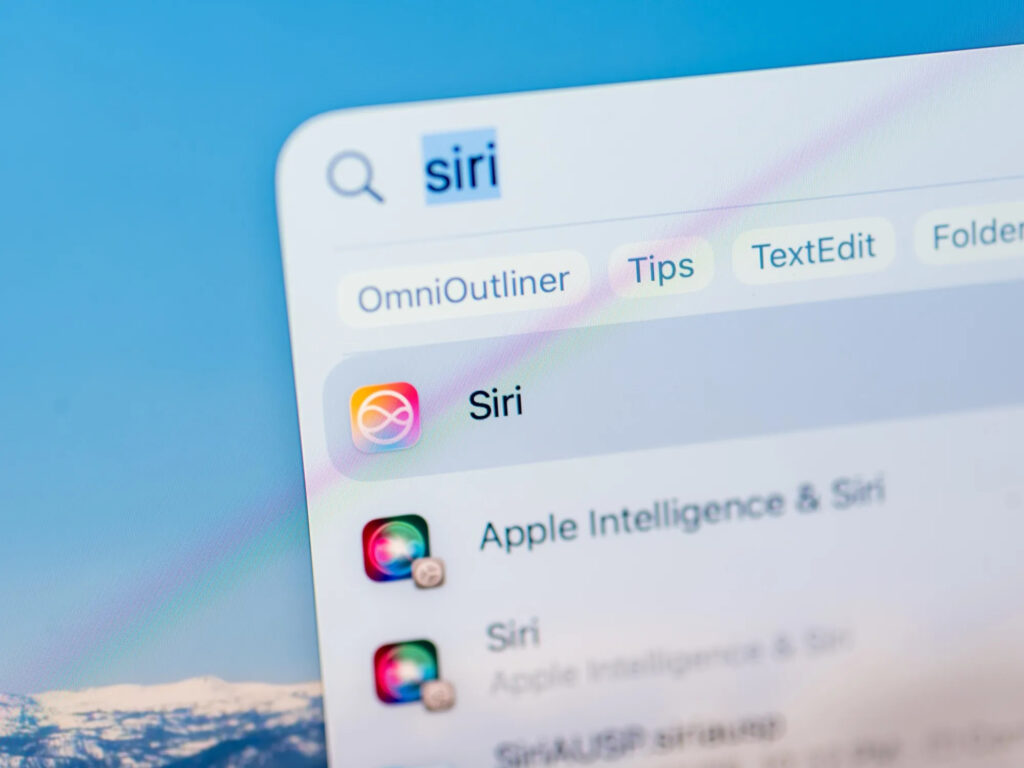
Siri will get a standalone app and will look like a chatbot. Image: habr.com
Along with this, they promise the finally arriving deep personalization from the WWDC 2024 announcements: Siri should be able to search data in Mail and Messages — for example, finding details about an upcoming flight or restaurant reservation. Tim Cook on a recent investor call said that Apple expects to release this more personal version of Siri later this year. It’s worth keeping in mind that some of these features have already been delayed — it makes sense to treat the timelines cautiously.
New Apple Intelligence Features in Photos on Mac
Apple Intelligence in macOS 27, according to rumors, will get a dedicated “Apple Intelligence Tools” section within Photos. This is an attempt to gather AI processing tools in one place rather than spreading them across menus.
Apple Intelligence will extend to the Photos app
According to preliminary leaks, the toolset will include:
- Expansion — extends the image beyond the frame, expanding the composition.
- Enhancement — automatically corrects lighting and color.
- Perspective change — changes the perspective of an already taken shot, including for spatial photos for Vision Pro.
- The current object removal tool remains and is also expected to be improved.
For the average user, this means that basic photo editing moves into Photos — without separate editors. How much more convenient this will be compared to something like Pixelmator or Lightroom can only be judged after the release.
What’s Known About the Touchscreen MacBook from macOS 27
Another interesting detail — traces of an interface optimized for finger input. According to the source, the system shows signs of preparation for a touchscreen MacBook sometime around early 2027. It’s described like this: when touched, menu bar elements enlarge, and contextual menus appear around the finger to make it easier to tap accurately.
An important nuance: these capabilities will most likely be hidden in macOS 27 and will only activate when the corresponding hardware is released. In other words, current Mac owners will get nothing practical from this feature — it’s groundwork for the future.
Why macOS 27 Won’t Be Available on Intel Macs
Progress comes at the cost of compatibility. macOS Tahoe was the last version for Intel Macs, and macOS 27 fully transitions to Apple Silicon: only M1 chips and newer will be supported. Security updates for older machines will continue for some time, but this is no longer a full update.
Intel Macs won’t receive the latest update
If you still have an Intel Mac, nothing urgent is happening — Tahoe will continue to work. But this is the last major macOS version that such a machine will see, and it’s worth planning an upgrade to Apple Silicon now.
The second casualty is an old network protocol. macOS 27, according to rumors, will finally kill AFP support, which will directly impact old AirPort Time Capsules. For network backups, you’ll need to switch to SMBv2 or v3. If you’re still doing Time Machine backups to a Time Capsule, it makes sense to start looking at an external SSD or NAS with SMB — it’s more reliable and faster.
Which Macs Will Update to macOS 27
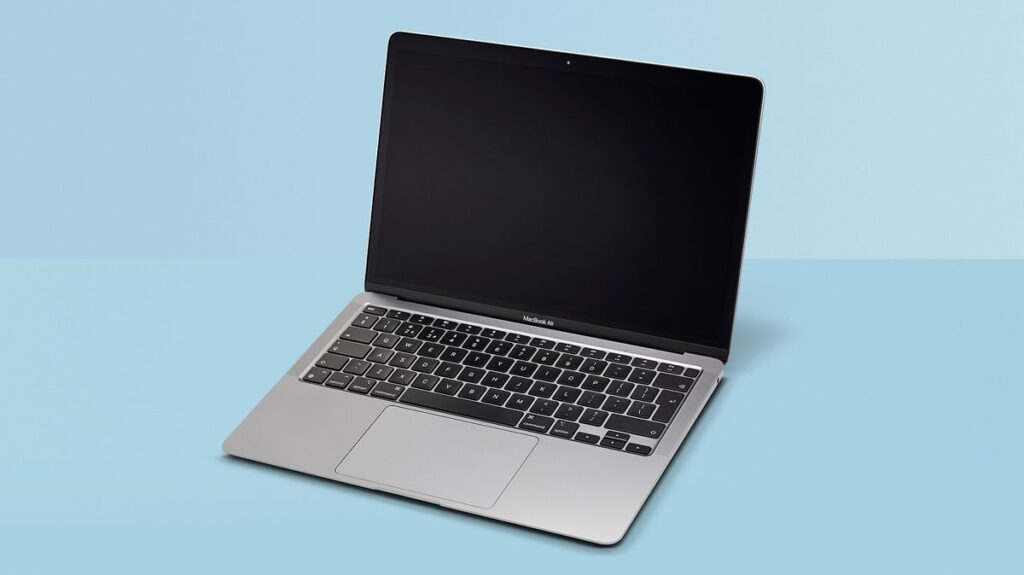
The old MacBook Air M1 will update, and that’s great
If the rumors are confirmed, the list of compatible machines looks like this:
- MacBook Air and MacBook Pro with M1 and newer.
- Mac mini with M1 and newer.
- iMac with M1 and newer.
- Mac Studio and Mac Pro with Apple Silicon.
Owners of base MacBook Air M1 models should prepare for the possibility that this is one of the last major updates for their machine — Apple hasn’t officially commented on exact end-of-support timelines.
When Will macOS 27 Be Released
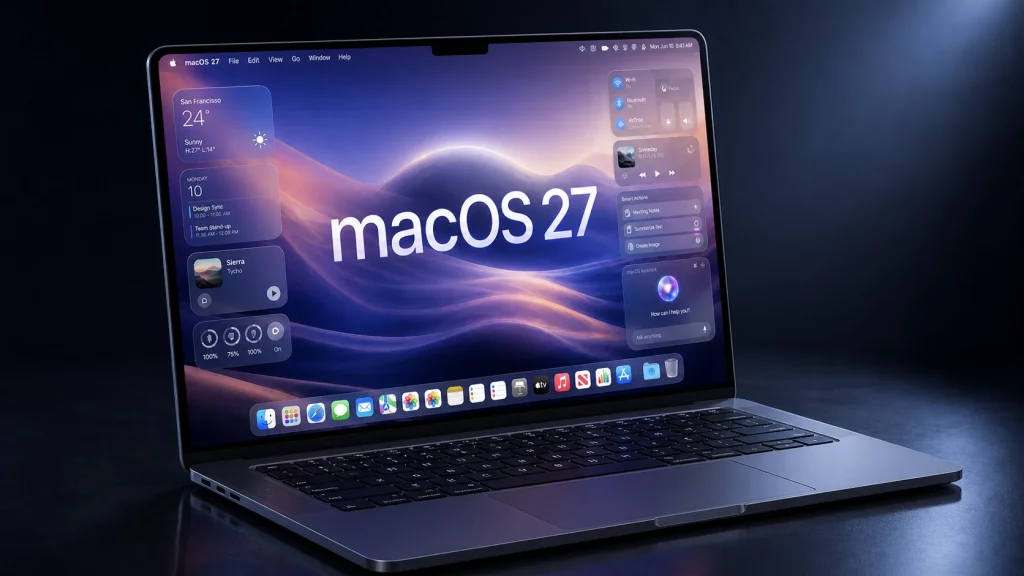
I see no reason not to install the new macOS
Apple will present macOS 27 on June 8 at WWDC 2026, the first public beta is expected to appear around July, and the final release is anticipated in the fall of 2026.


