Kuper, the grocery delivery service, has brought its app back to the App Store. Just recently, Apple removed the MAX messenger from the store, and now it has unexpectedly let Kuper back in — and under its original name, no less. The key difference from many similar stories is that the app is not disguised as another service. All the features available in the web version and the Android app are present inside.
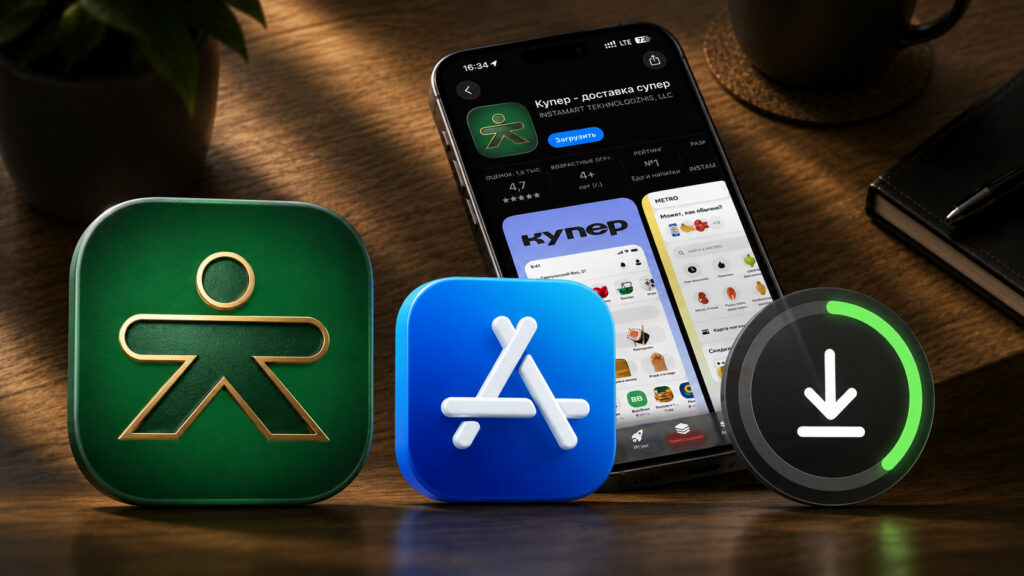
Kuper is available in the App Store again
Kuper Is Back in the App Store for iPhone
Kuper has announced the return of its app to the App Store. It’s the same grocery delivery service from stores as before — just once again available as a full-fledged app for iPhone, not just a website in a browser.
An important detail: the app returned under its own name. In recent months, many Russian services came back to the App Store disguised as third-party apps with different names and icons, and users had to guess whether they downloaded the right app. There’s no such confusion here — you search for Kuper and install exactly Kuper.
How to Install Kuper from the App Store on iPhone
Installation is no different from any other App Store application:
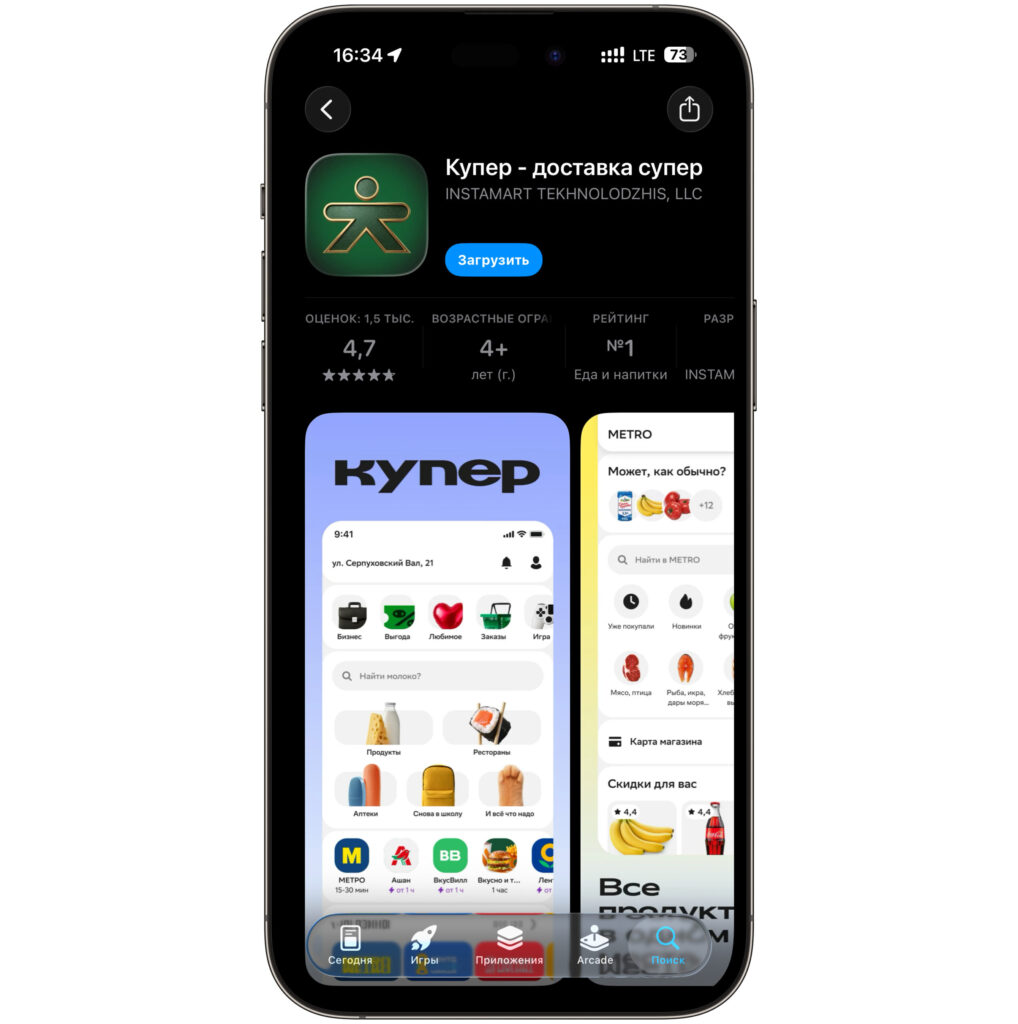
You won’t even need to fiddle with names
- Open the App Store on your iPhone
- Type “Kuper” in the search bar or follow this link
- Tap “Download” and wait for the installation to complete
- Log in to your account or register
All features work in the app just like in the web version: store selection, order placement, payment, and delivery tracking. No additional setup is needed.
Why Russian Apps Disappear from the App Store
Russian services regularly face the issue of their apps disappearing from the App Store. To get back in, developers sometimes publish the app under a different name and design — this way it stays in the store longer. The downside for users is obvious: it’s easy to download the wrong thing and stumble upon a fake.
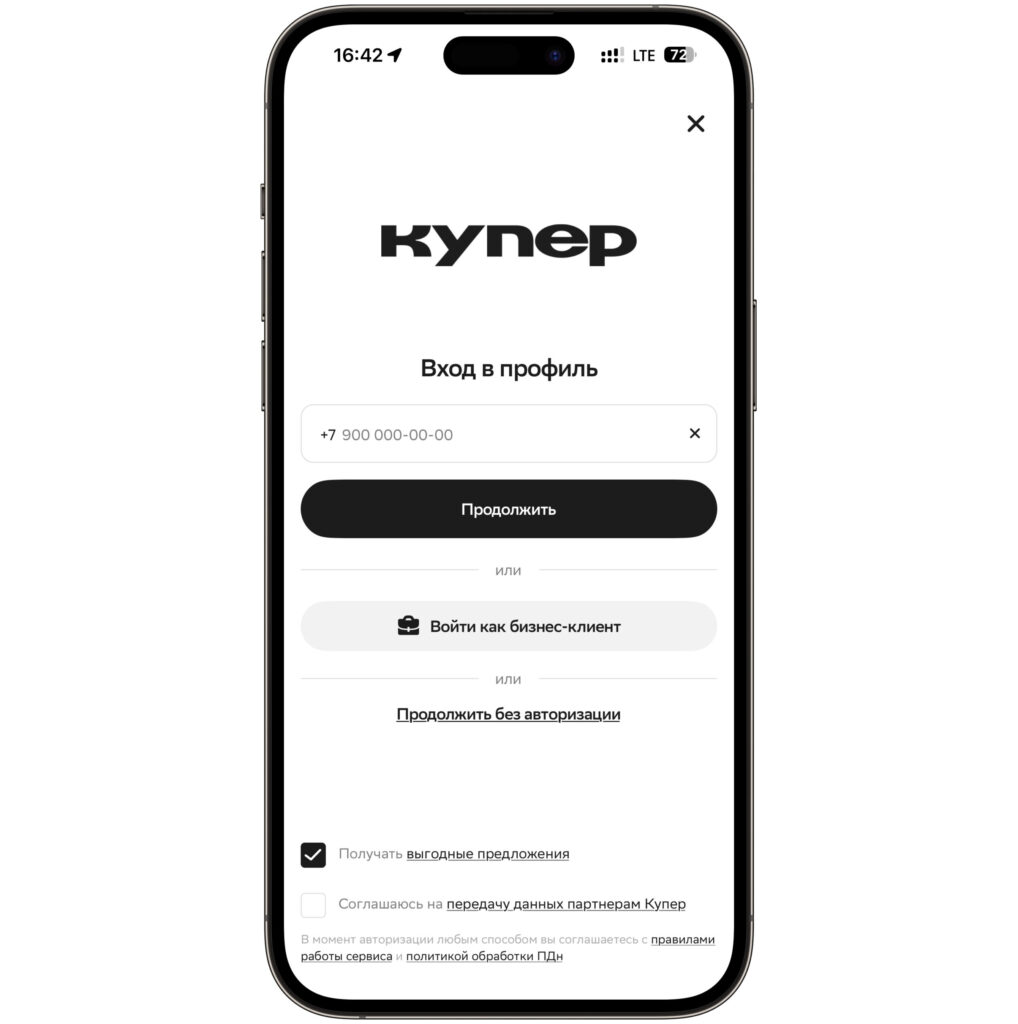
Authorization is done via phone number
With Kuper, the situation is simpler and more straightforward: the app was released under its real name. But experience shows that such returns aren’t always long-lasting — the app could disappear from the store again. If you need the service, it makes sense to install it while it’s still available.
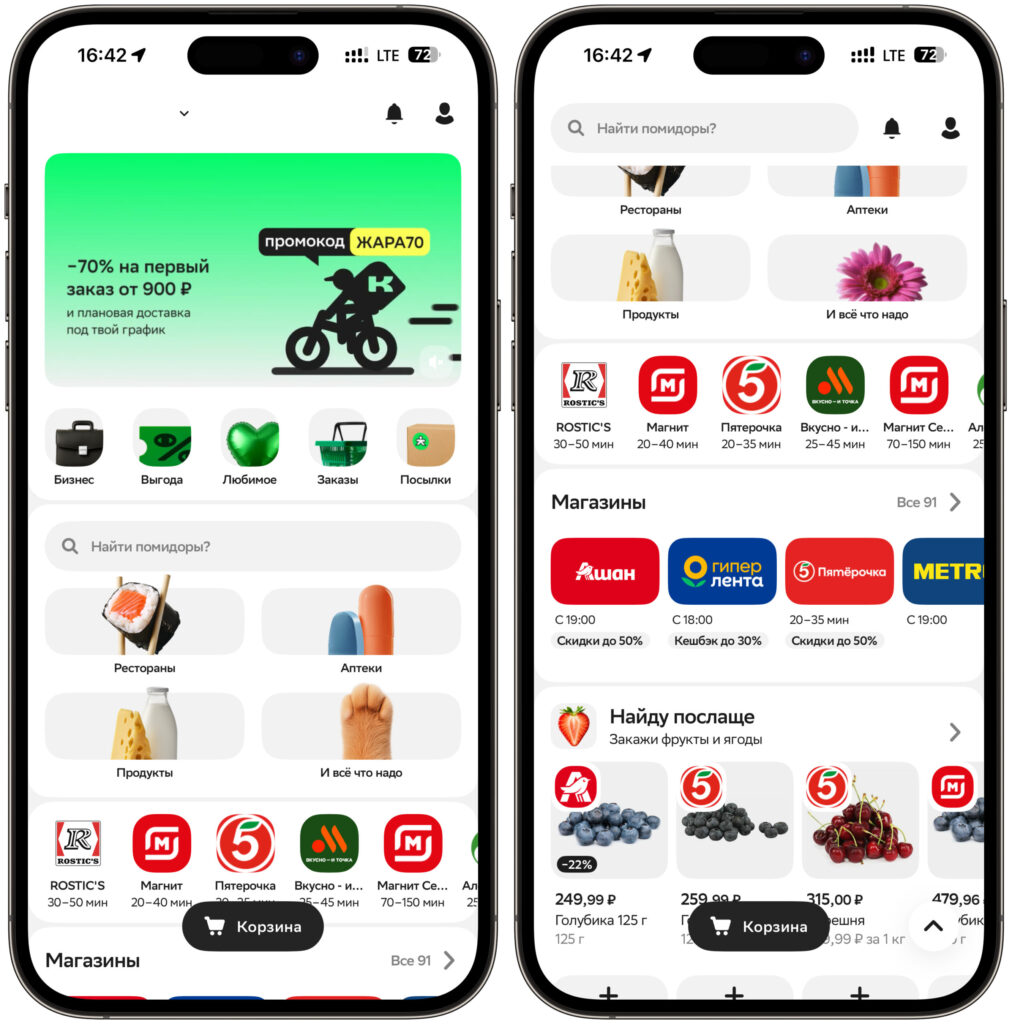
All stores and cafes are available for selection
Similar stories have already happened with other services. For example, Sber recently brought its app back to the App Store, while SberInvestments returned to the App Store under the alias Petfolio — and there wasn’t much time to install it.
Why the Kuper App Is More Convenient Than the Website on iPhone
The app is useful for those who regularly order groceries through Kuper and want convenient access from their phone: push notifications about order status, quick login, and a familiar interface work better than in a browser.
If you use the service occasionally or the web version is enough for you, there’s no rush — the features are the same. But if you need the app, it’s better to download it now while it’s available in the App Store under its own name.
By the way, the MAX messenger itself still hasn’t returned to the App Store — only the web version is available. If you need it, check out how to install MAX on iPhone without the app store.