Leaving an Apple Pencil 2 or Apple Pencil Pro clipped to the side of your iPad does not wear out the stylus battery, and under normal conditions it drains only a negligible amount of the tablet’s charge. The iPad manages the Pencil’s small lithium-ion cell carefully, topping it up only when it dips below full and then holding it there. The one exception worth knowing about is an occasional glitch in which a Pencil left attached to an idle iPad slowly discharges while the tablet keeps trying to refill it. The fix is simple: detach the Pencil for a couple of seconds and reattach it.
The source author, who keeps the stylus on the iPad almost permanently and removes it only for short note-taking sessions, says readers repeatedly asked whether this “perpetual charging” harms the stylus or quietly drains the tablet. Below is what the source reports.
What you need to know
- Only Apple Pencil 2 and Apple Pencil Pro charge wirelessly from the iPad’s magnetic edge; the first-generation Pencil and the USB-C Pencil require a cable or direct port connection.
- The iPad monitors the attached Pencil’s charge level, tops it up when it drops below 100 percent, and pauses charging once it is full, so continuous attachment does not damage the battery.
- Occasionally an idle iPad and attached Pencil fall into a loop in which the stylus discharges while the tablet loses charge trying to refill it; detaching and reattaching the Pencil resets charging.
- For storage lasting several weeks, the source recommends charging the Pencil to roughly half and storing it separately rather than letting it sit at zero.
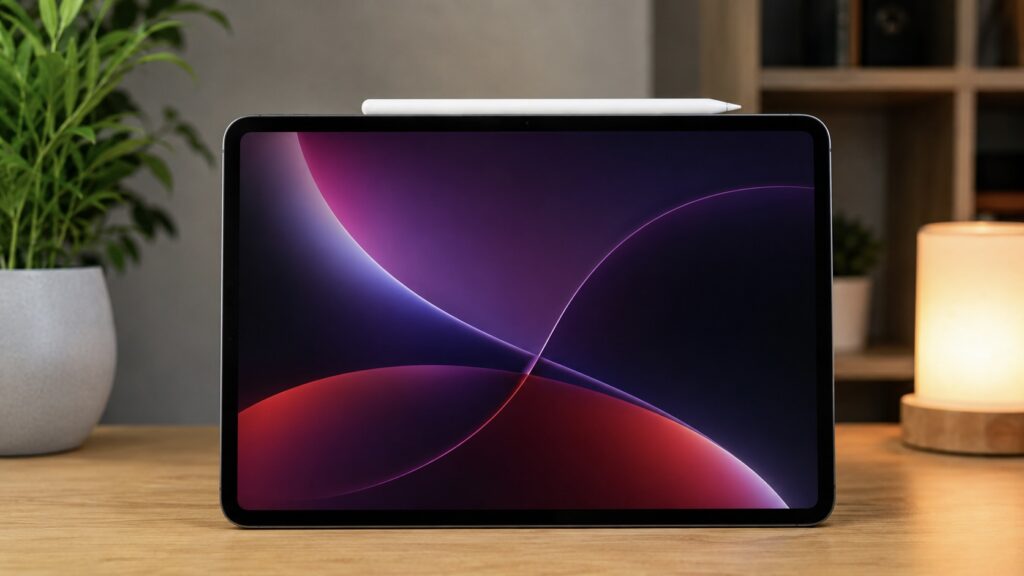
A magnetically attached Apple Pencil charges continuously
How Apple Pencil charges from the magnetic edge
Not every Apple Pencil charges from the magnet at all, and the distinction matters. The second-generation Apple Pencil and the newer Apple Pencil Pro snap onto the flat side of the iPad and charge wirelessly through an inductive pad beneath the housing. As soon as the stylus touches that edge, it pairs over Bluetooth on its own and immediately begins drawing power. No cables or ports are involved.
The Apple Pencil with a USB-C connector and the first-generation Apple Pencil work differently. The USB-C model holds onto the side of the tablet magnetically, but no charge flows through that edge; the first-generation model cannot be magnetically attached at all. To charge either of them, you need to plug in a cable or connect the stylus directly to the iPad’s port. So when people talk about “perpetual charging on the magnet,” they mean specifically the Pencil 2 and Pencil Pro.
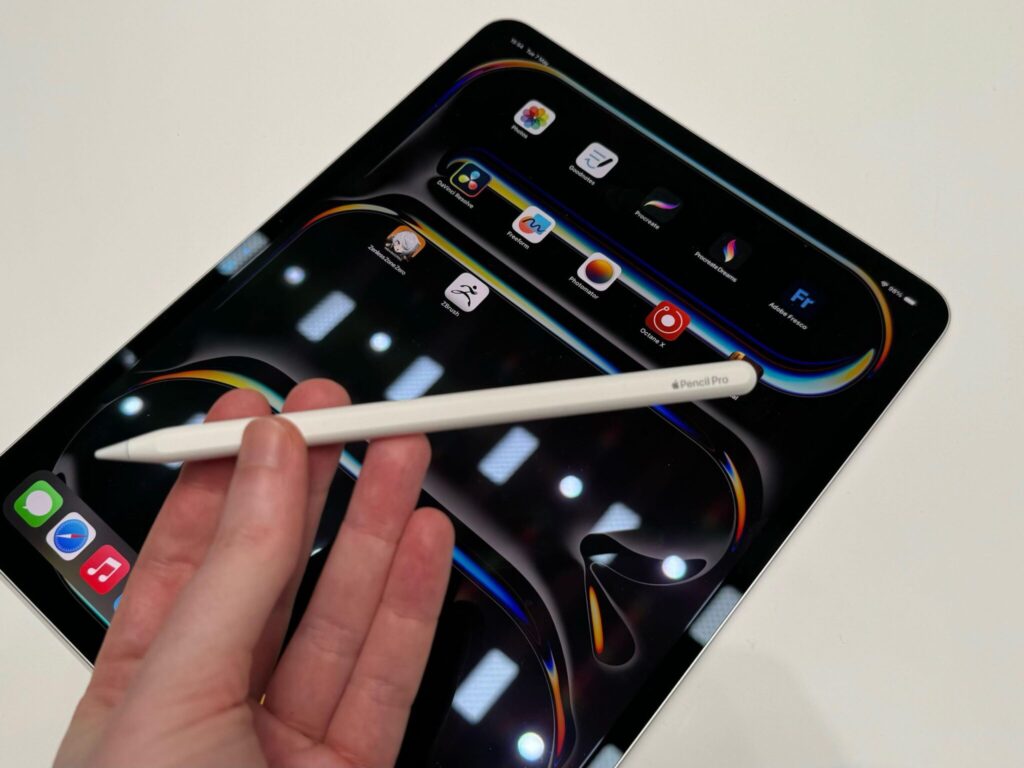
Only Apple Pencil Pro and Apple Pencil 2 can charge from the side edge
While the stylus sits on the magnetic edge, the iPad continuously monitors its charge level. If it slips below 100 percent, the tablet tops it up; once it reaches 100 percent, charging pauses. This behavior is what creates the impression that the Pencil is charging literally all the time.
What happens to the stylus battery
The short answer, according to the source: charging this way does not harm the battery. The Apple Pencil contains a tiny lithium-ion cell, and the iPad manages its charging carefully. The tablet does not push current into the stylus nonstop. It charges the battery toward full, finishes the last few percent at a slower rate, and then simply maintains the level. The source describes this smart charging electronics as one of the advantages of the Apple Pencil Pro over cheaper styluses.
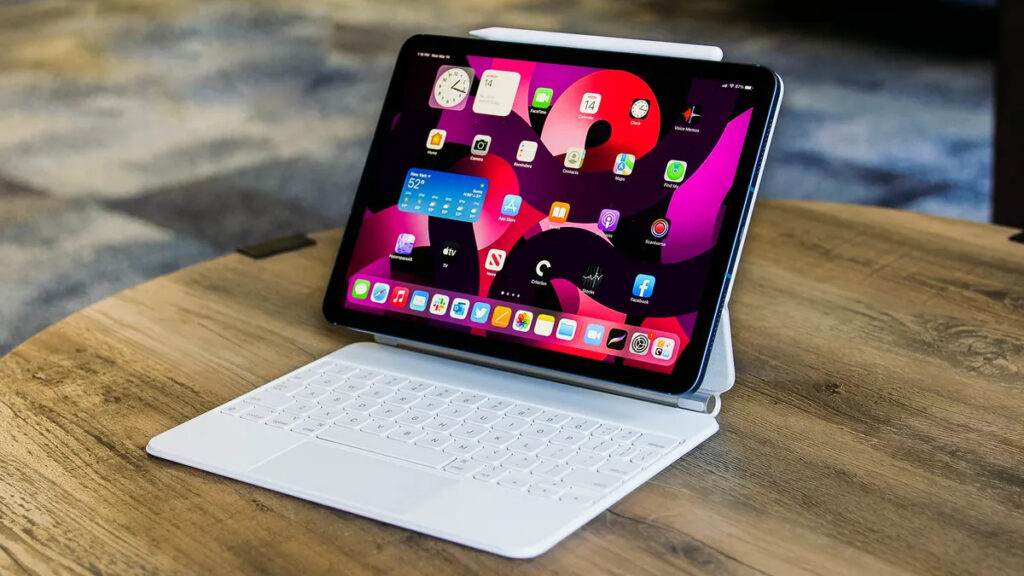
Apple Pencil charges even when a keyboard is attached
The belief that constant docking kills the Pencil’s battery has circulated for a long time, but the source says it causes no harm in practice. What is far more dangerous for lithium batteries is sitting fully discharged. If a stylus is left for a couple of months with the indicator at zero, its battery can slip into deep discharge and may never recover. Keeping the Pencil on the iPad is therefore not merely safe but arguably beneficial: it stays charged and ready to use.
The one situation where removing the stylus makes sense is long-term storage. If you do not plan to use the Pencil for several weeks, the source advises charging it to roughly half and putting it away in a drawer, and definitely not letting it run down to zero first.
Does the Pencil drain the iPad?
The bigger worry for many users is that the stylus secretly siphons charge from the tablet. In a normal scenario, the source says, this is a drop in the ocean. When the Pencil is near 100 percent, the iPad only occasionally sends it tiny top-ups, and the effect on the tablet’s battery life is almost nil. The source compares the power draw to how AirPods are charged inside their case.
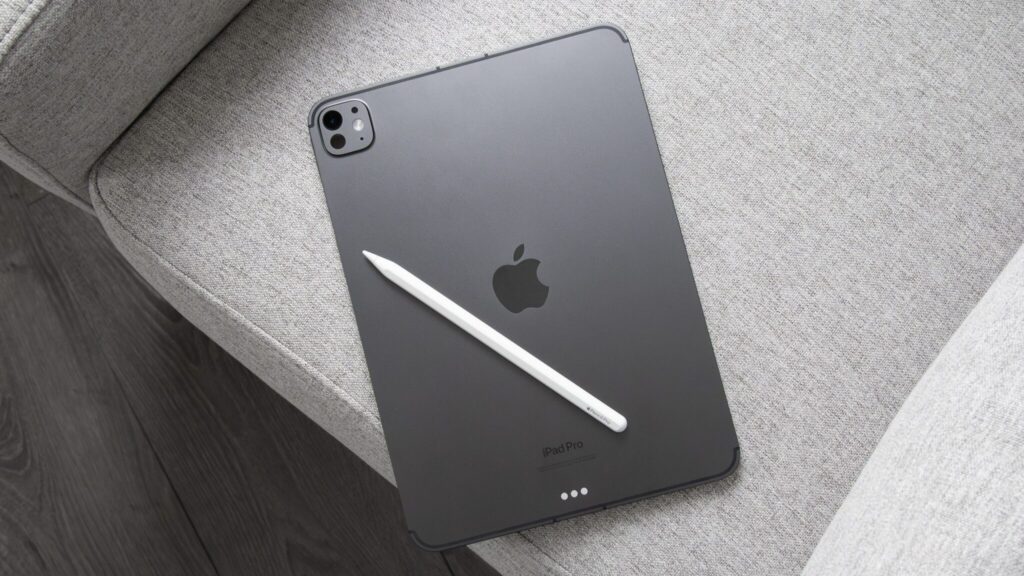
An Apple Pencil that is not attached to the iPad gradually discharges even when not in use
The charging loop to watch for
There is one unpleasant quirk worth knowing about. Sometimes, when an iPad sits idle for a long time with the stylus attached, the two fall into a strange loop: the Pencil begins to discharge slowly, the tablet stubbornly keeps trying to top it up, and the iPad loses charge in the process. In the morning you may find a completely dead stylus on a nearly full iPad. The source says the remedy is straightforward: remove the Pencil from the edge for a couple of seconds and reattach it. The lightning-bolt indicator should return and charging should resume normally.
A second way to break the loop during long periods of inactivity is to turn off Bluetooth or enable Airplane Mode on the iPad. Without an active connection, the stylus goes to sleep and stops drawing power. The source also cautions against exposing the Pencil to heat or freezing cold: a battery left in direct sun or in a cold car degrades regardless of whether the stylus is attached to the iPad.
Remove it after charging, or leave it on?
In short, there is no point removing the Apple Pencil after every charge. According to the source, Apple itself recommends keeping the second-generation stylus on the tablet whenever it is not in use. That keeps it charged, prevents deep discharge, and keeps it within reach the moment you go for the screen.
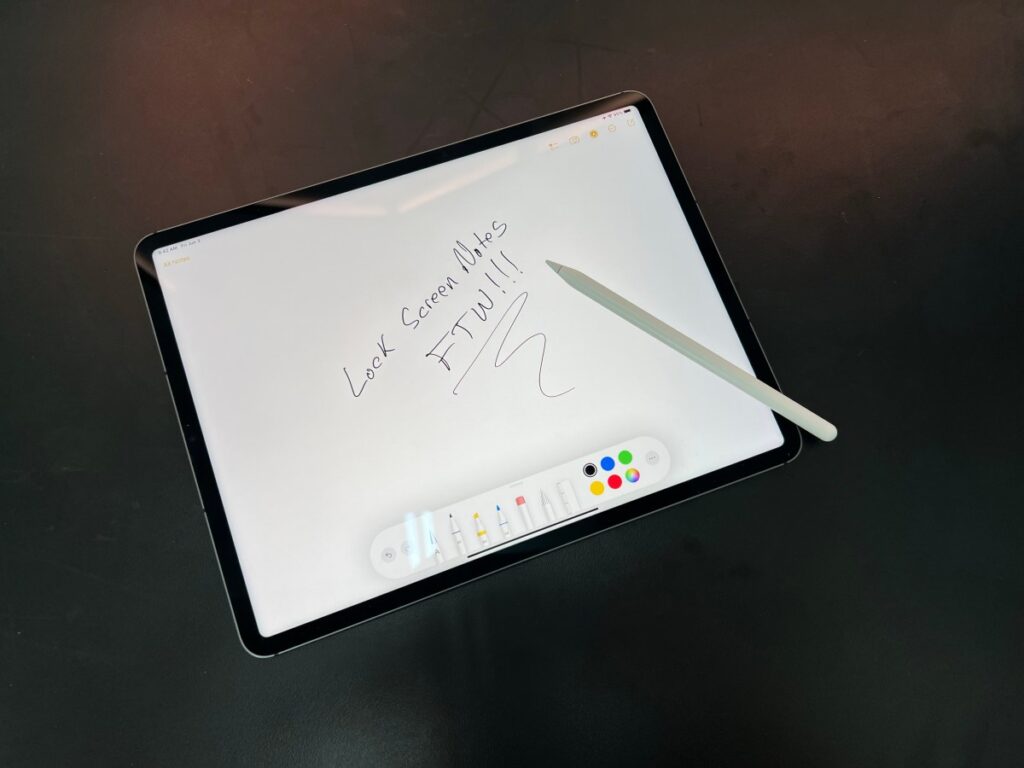
Apple Pencil 2 and Pro should not be carried separately from the iPad. Detach it only for use
Detaching it is worthwhile in only a couple of cases. The first is long-term storage, when tablet and stylus will sit unused for weeks. The second is when the iPad will remain in sleep mode for an extended period and every percent of its battery matters to you. The rest of the time, the most sensible approach is to leave the Pencil where it belongs, on the magnetic edge.
The source author’s verdict after extended use is simple: hang the stylus on the iPad and stop thinking about it. The Pencil’s battery does not suffer, the tablet loses only a few percent, and in return the stylus is always ready to work. It is, the author notes, one of those rare cases where the convenient option is also the correct one.


