Apple is preparing a long-awaited feature for Wallet: the ability to create custom cards for everything the app typically doesn’t support — from movie tickets to gym memberships. The news is confirmed by Bloomberg, and the option is expected to appear in iOS 27 along with other new features. Essentially, since Apple Pay was disabled in Russia, this is the first Wallet feature that could actually be in demand in the country.
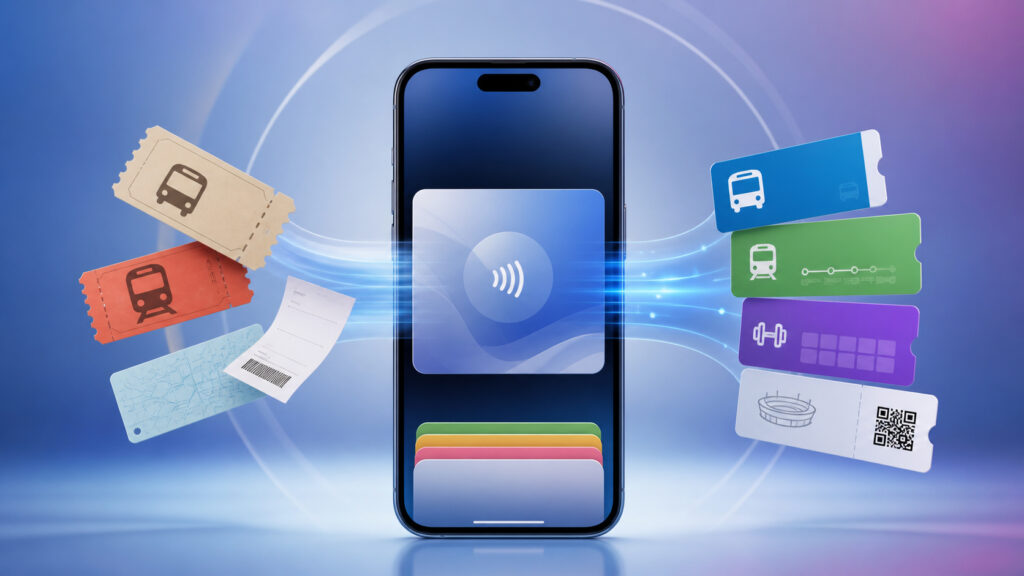
The Wallet app may finally become useful in Russia
How to Add a Ticket to Wallet on iPhone
According to MacRumors, the option will be called “Create a Pass” and will bridge the gap between Wallet and passes that are incompatible with the app. Currently, you can’t simply add a theater ticket, fitness club card, or gift certificate from a small shop to Wallet — this requires support from the venue itself. In iOS 27, this limitation should be relaxed.
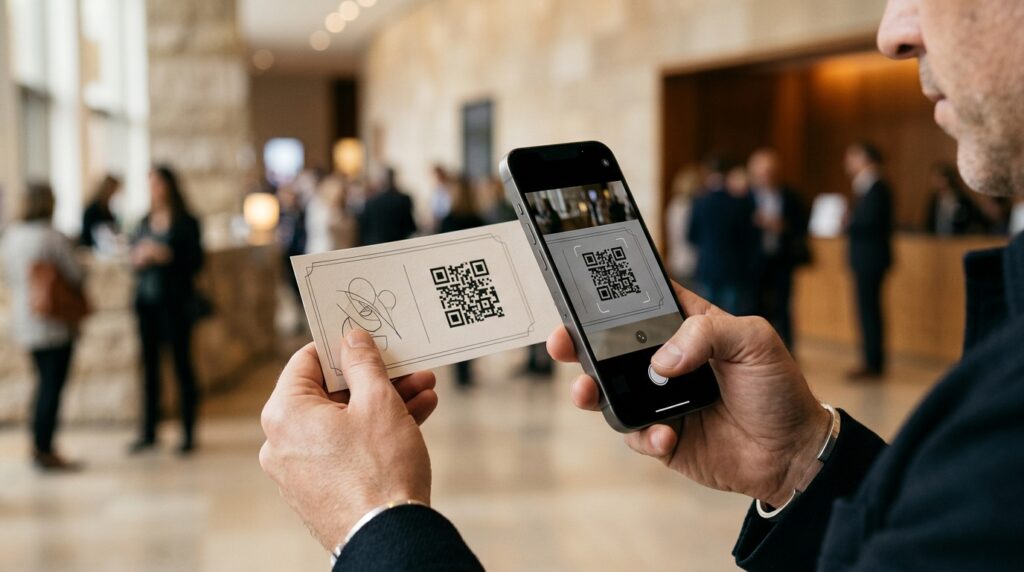
Any paper ticket can be converted to digital using the camera
The scenario is simple: the user taps “+” in Wallet and scans the QR code on the ticket or pass, if there is one. If there’s no QR code, an option to create a card manually will appear. In other words, Wallet stops being a closed showcase only for Apple partners and becomes a more universal storage.
What Tickets, Memberships, and Cards Can Be Saved on iPhone
Apple has designated three types of passes, each with its own color. Purple is for events, blue is for memberships, and orange is for other types of cards. This is convenient purely visually: in the Wallet list, you’ll be able to find what you need faster. The text in the app hints that the feature will work for tickets, memberships, gift cards, and more. That means you’ll be able to store in one place:
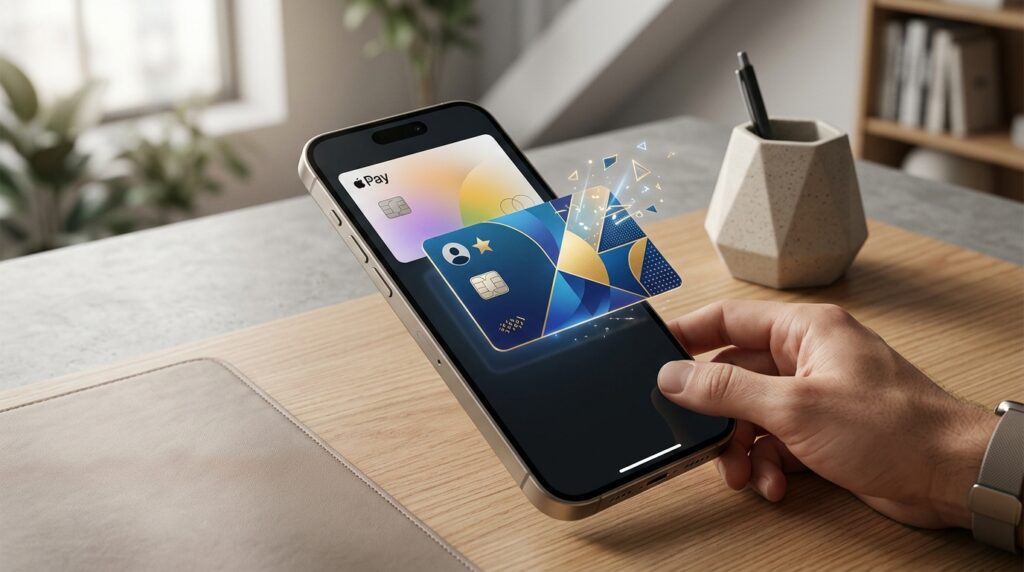
Anything with a barcode or QR code can be digitized
- tickets to concerts and sporting events
- fitness club, pool, and coworking space cards
- gift certificates from shops and cafes
- any local passes and memberships
Setting Up Digital Tickets in Wallet on iPhone
Apple isn’t making this a rigid template. Users will be able to customize images, colors, and styles, as well as text on digital cards. Essentially, you’ll be able to build a card to your liking — set the venue’s logo, choose the design, and label the fields however you prefer.
This is important for two reasons. First, many small venues will never create an official Wallet integration — they simply don’t have the resources for it. Second, paper tickets and plastic cards are still common, and keeping them all in Wallet is more convenient than digging through your photo gallery looking for a screenshot with a QR code.
Why Transfer Tickets and Memberships to Wallet on iPhone
It’s great that you’ll be able to digitize paper memberships, passes, and tickets
The main benefit is for event enthusiasts and local membership holders. If you regularly buy movie tickets, go to the gym with a card, or collect gift certificates, Wallet will finally be able to store it all in one place, not just Apple Pay and transit passes.
For those who use Wallet only for bank cards, this update won’t matter much — the feature is optional and doesn’t change the app’s core functionality.
When Will iOS 27 Be Released
The option will be part of iOS 27, which will be unveiled in June
The new Wallet option is one of many iOS 27 features that Apple will showcase at WWDC in June. This means the details and exact interface design will become known after the presentation, and the public OS release will traditionally come in the fall alongside new iPhones.
For now, this is a feature spotted in the code and confirmed by Bloomberg. This isn’t a rumor about a future device, but a quite specific feature that Apple is already preparing. However, the final version may still change — Apple often reworks details between the announcement and release.
There’s no reason to rush to iOS 27 just for “Create a Pass” alone — it’s a convenient but not revolutionary addition. But if you were already planning to update in the fall, keep it in mind: Wallet will become noticeably more useful for everyday tasks, especially for people with lots of tickets and memberships in their lives. We’ll give a final assessment after WWDC, when Apple shows how it works in practice.


