Imagine: you’re sitting calmly at home, and suddenly a notification pops up on your iPhone screen — “AirPods 4 Found Nearby.” You look at the map and see a route. Someone else’s route. Someone is walking past your house, driving around the city — and you’re watching it in real time. Not because you wanted to, but because your iPhone showed you someone else’s earbuds. If the Find My app on your iPhone is working correctly, it’s doing exactly what Apple intended. But the intention turned out to have an unexpected side effect.
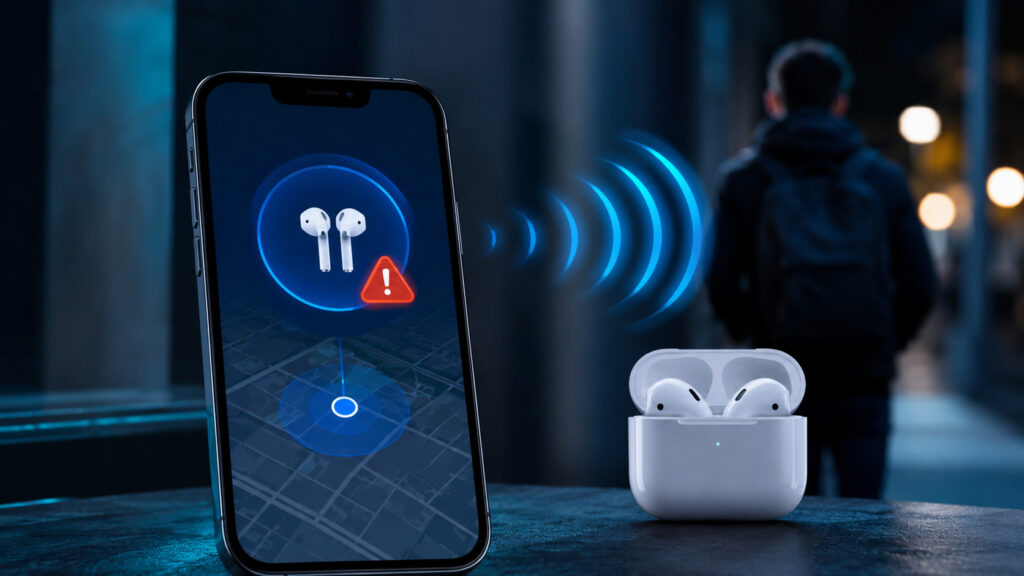
In large cities, stumbling upon notifications about random AirPods nearby is very easy
iPhone Shows Someone Else’s AirPods Nearby
Starting with iOS 14.5, Apple built a system to protect against unwanted tracking into the iPhone. The idea is simple: if someone else’s AirTag, AirPods, or another accessory from the Find My network has been moving near you for a long time, your smartphone will warn you about it. This is how Apple fights stalkers who plant trackers in bags and cars.
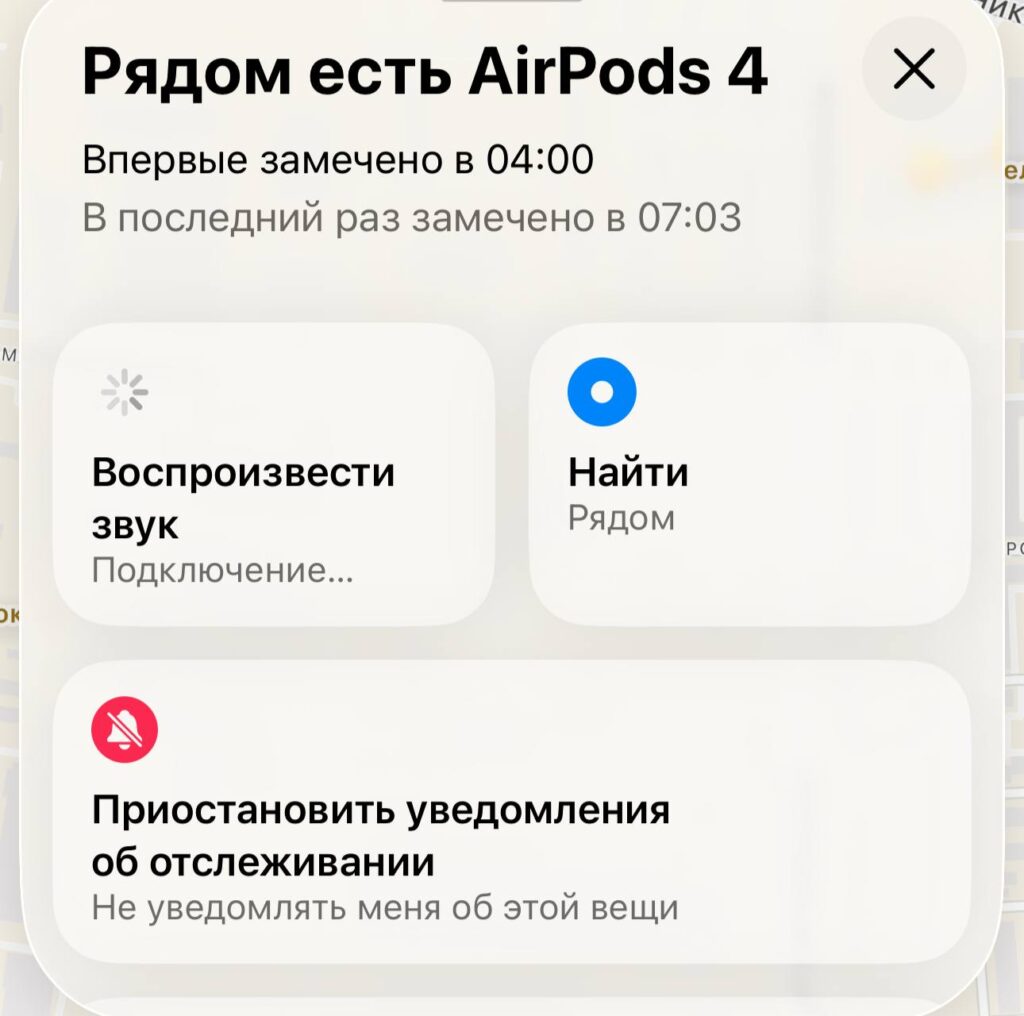
This kind of notification can appear unexpectedly
The system works through Bluetooth and the Find My network. The iPhone constantly scans the surrounding space and detects devices linked to other Apple IDs. If such a device moves with you for longer than a certain time — from 15 minutes to several hours — a notification appears on screen. And along with it — a map with red dots showing where the unknown accessory was near you.
Notifications don’t just come for AirTags. They can be triggered by AirPods 3, AirPods 4 with ANC, all AirPods Pro models, AirPods Max, as well as third-party trackers — Ugreen, Chipolo, Samsung SmartTag, and Tile. Essentially, any Bluetooth device from a compatible network can become the source of such a warning.
“AirPods Found Nearby” Notification: What It Means
At first glance, everything makes sense: Apple is protecting users. But in reality, the system creates an unpleasant side effect. You see not just the detection itself — you see the movement route of a stranger. Where they were, when they passed by, which streets they walked. This raises perfectly understandable questions about privacy — only not your own, but someone else’s.
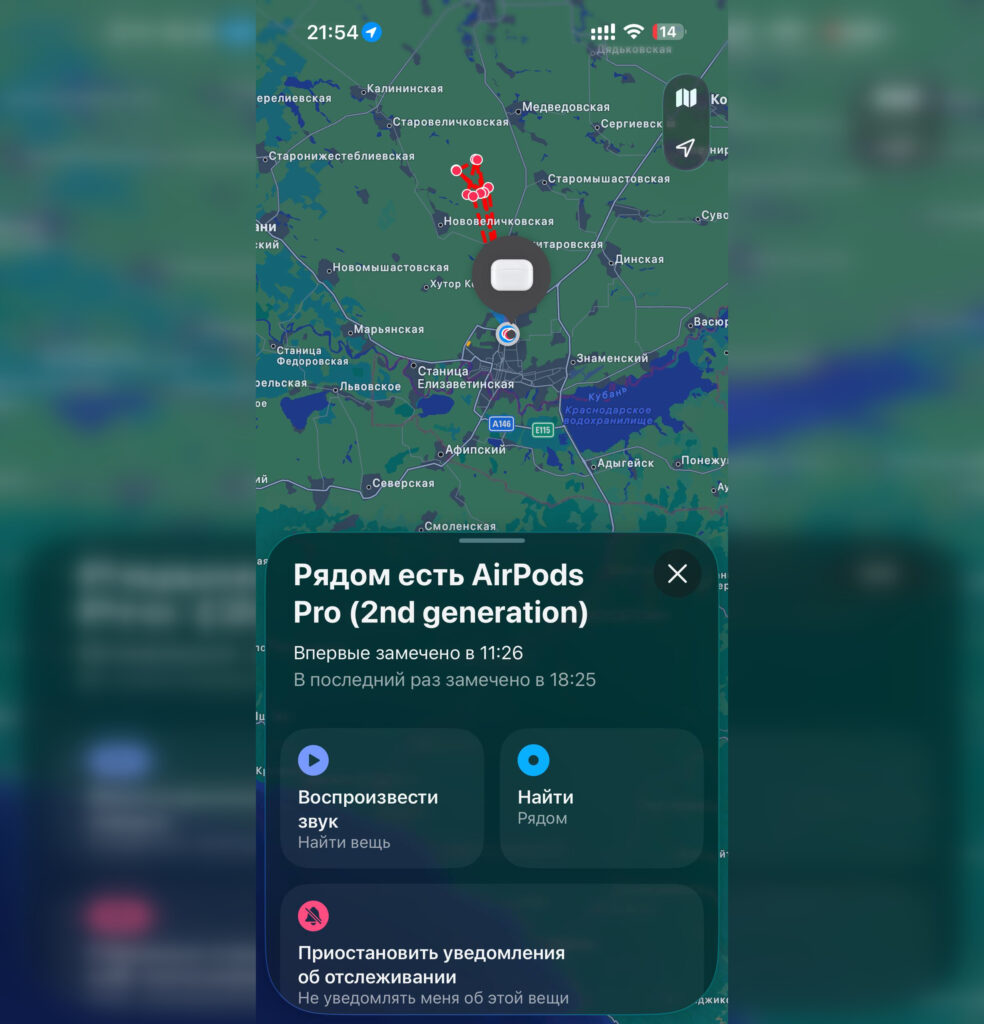
iPhone even shows where the detected AirPods are moving
The internet is full of stories on this topic. One typical example: a person receives notifications about someone’s AirPods for several months. Find My shows a map, a route, and the time of detection. One day they press the “Play Sound” button — and the earbuds start beeping at the upstairs neighbors’ apartment. The neighbors are shocked, everyone else is baffled. But in reality — nothing criminal happened. Someone else’s AirPods just happened to be within Bluetooth range.
Another common scenario — public transportation. You’re riding the subway, and next to you stands a person with AirPods in their pocket. You got off at the same station, walked in the same direction — and the iPhone decided you were being “followed.” Five minutes later, the person turned a corner, and the notification became meaningless. But the map with the route was already saved.
Why iPhone Finds a Neighbor’s or Fellow Passenger’s AirPods
Based on user experience, the vast majority of such notifications are false triggers from Find My. Here are the most common causes.
- Neighbor’s earbuds. If you live in an apartment building, a neighbor’s AirPods behind the wall may be within Bluetooth range. The iPhone will detect them day after day, and you’ll see your neighbor’s routes on the map.
- Fellow passenger on public transit. Riding next to each other, getting off at the same stop — that’s enough for the iPhone to sound the alarm.
- Your own earbuds with a bug. This happens too: the iPhone identifies your own AirPods as someone else’s. This is usually related to outdated earbuds firmware or a settings reset. Apple has acknowledged such bugs and promised to fix them, but they still occur.
- Workspace. In an office with a dozen colleagues using AirPods, notifications can come one after another. The iPhone sees all the other earbuds and diligently warns you about every pair.
Thus, you can receive a notification in a completely harmless situation when nothing suggested otherwise. Keep this in mind and by no means panic.
When a Notification About Someone Else’s AirPods Is Dangerous
Despite the harmlessness of most triggers, there are situations when a notification about someone else’s AirPods deserves attention. The main marker is regularity. If the same device is detected near you for several days in a row, and the route leads to your home — that’s a reason to be alert.
Here’s what you should do. Tap the notification and study the map. If the red dots repeat and match your movements — try playing a sound. This way you’ll understand exactly where the unknown earbuds or tracker are located. Check your bag, backpack, outerwear pockets, and car. An AirTag can be hidden in the most unexpected places.
If you’ve found someone else’s AirPods and want to stop the tracking, you can turn them off. Tap the notification, open the instructions, cover the speaker grilles on one earbud with your finger, and hold the button on the stem for three seconds.
Why Find My Reveals a Stranger’s Route
The most curious thing about this whole story is the flip side of the coin. Apple created a system to protect against tracking, but the same system allows you to see other people’s routes. It’s a paradox: while protecting one user, the system reveals another user’s data.
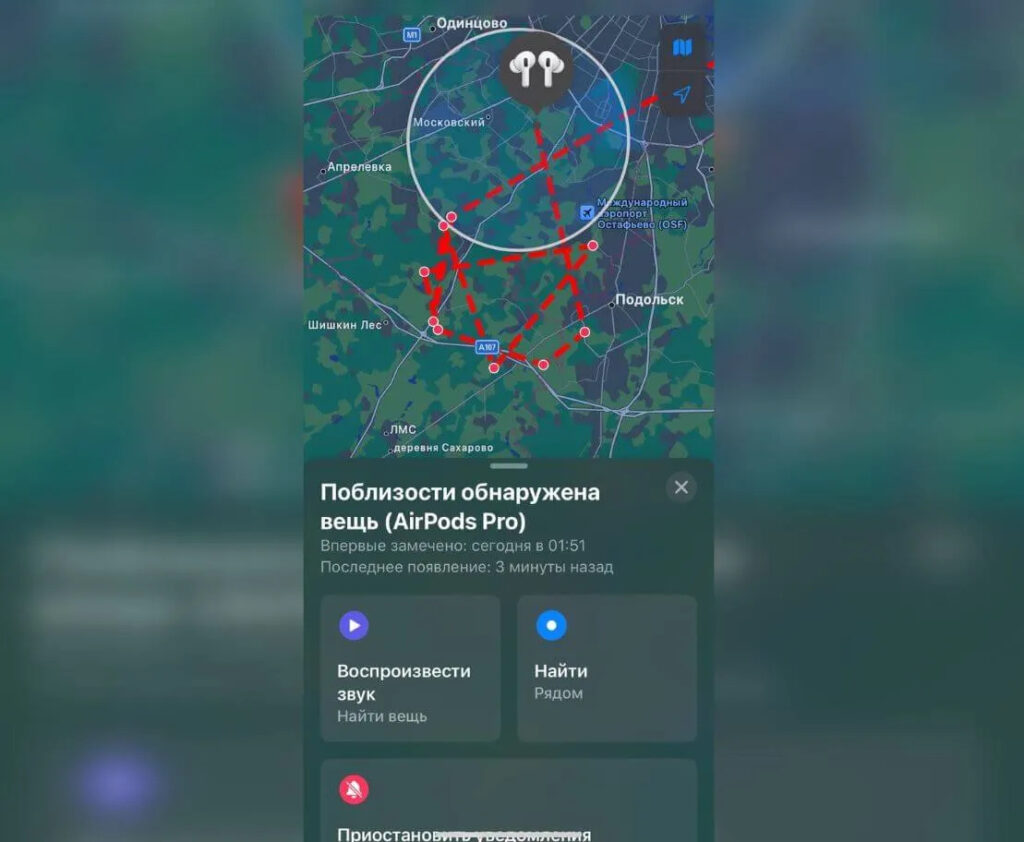
You can’t see whose AirPods they are specifically, but the mere fact of such a display scares people
Of course, you don’t see the owner’s name. You don’t see their Apple ID. But you do see where a stranger was, at what time, and which streets they walked. For an apartment building, this is effectively surveillance of a neighbor — only unintentional.
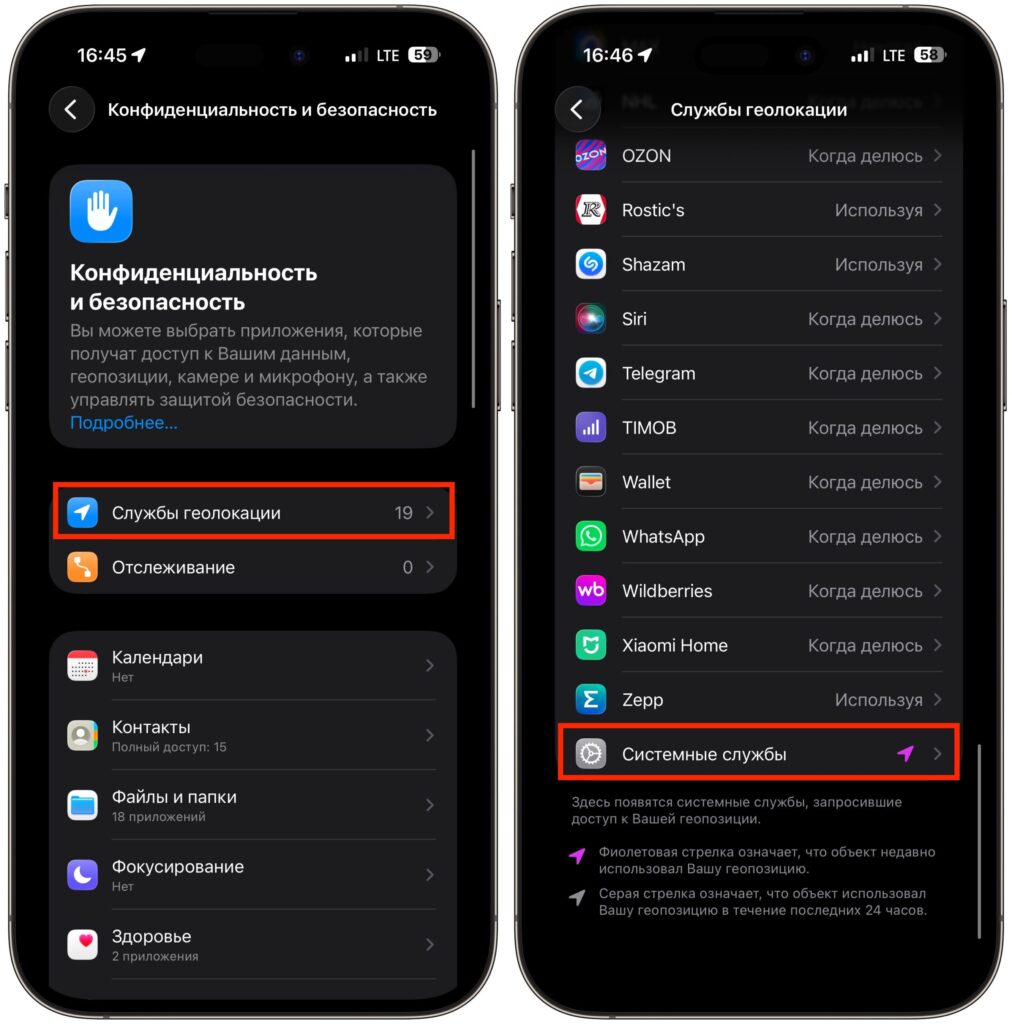
You can generally disable extra notifications, but don’t forget it’s about your safety
Apple hasn’t offered a perfect solution yet. You can disable tracking notifications (Settings — Privacy & Security — Location Services — System Services), but then you’ll also lose real protection. You can turn off Bluetooth, but that’s absurd for an iPhone owner. All that’s left is to simply accept that the anti-tracking system sometimes works too zealously.


