Apple still hasn’t released an iMac with a touchscreen, and some fans of the company decided to fix this shortcoming by building such an all-in-one themselves. The result is a combination of an old Mac mini, a 32-inch Alogic touchscreen monitor, and a stand that can hide the computer inside. The total price is about $2,600, which is more than twice as expensive as the base iMac. Many are waiting for a MacBook Pro with a touchscreen, but Apple remains silent — let’s figure out whether it’s worth repeating this experiment.
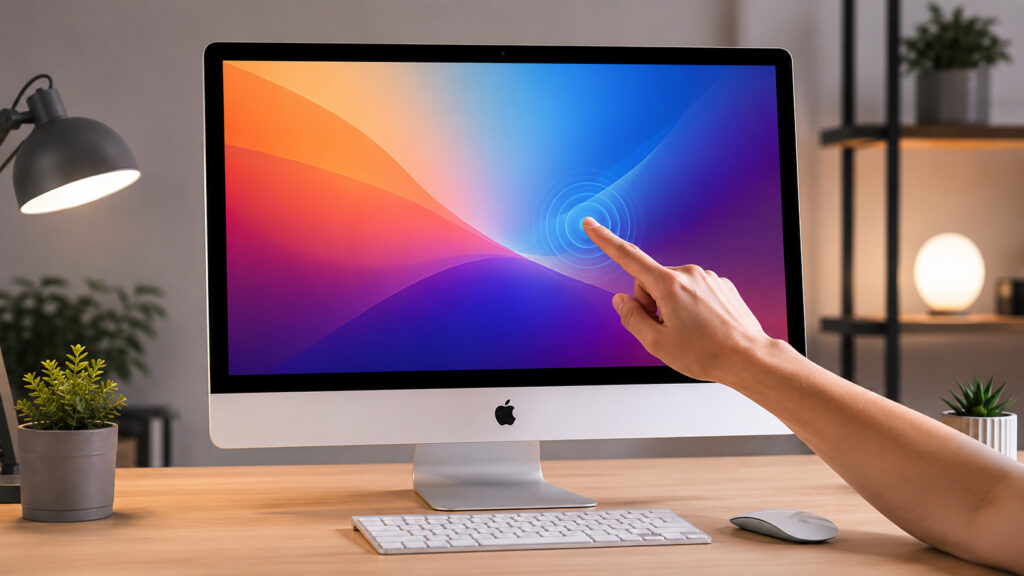
Apple doesn’t want to make a touchscreen iMac? No problem, we’ll make one ourselves
What Components You Need for a Mac mini with a Touchscreen
The foundation of the build is the Alogic Aspekt Touch 32″ 4K UHD monitor and the proprietary Omni Fold Stand, which has a slot for the latest Mac mini models. The author used his old M1 Mac mini, which didn’t fit the form factor, so he had to attach it to the stand’s hinge using Velcro. A webcam called Illuminate is mounted on top, and the kit includes a high-speed USB-C cable that simultaneously transmits the image to the screen and sends touch commands back to the computer.
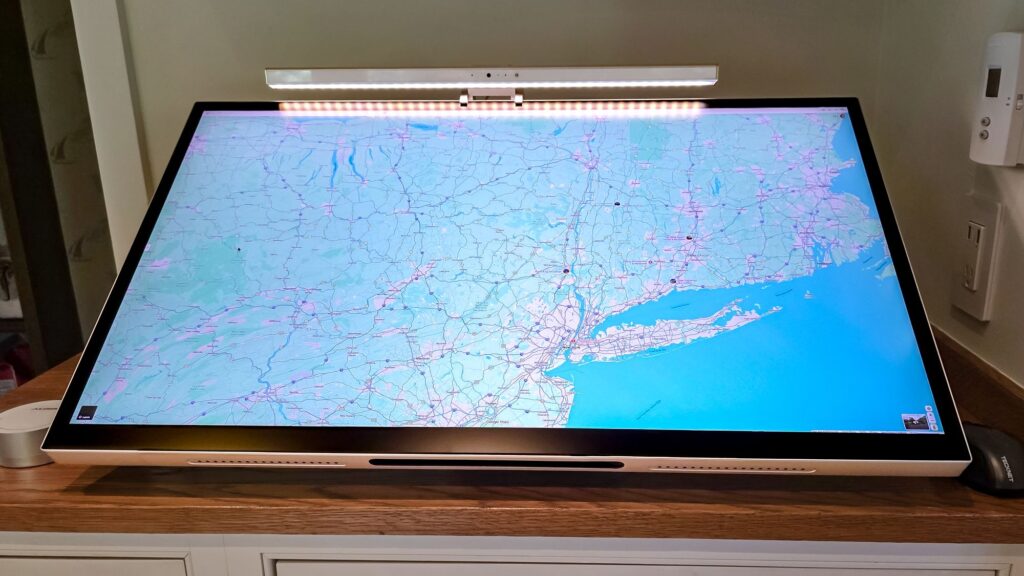
This monitor is the foundation of the entire build
To get the touch sensor working, you need to install UPDD drivers from Alogic and grant them access in macOS privacy settings. After that, the screen responds to fingers and stylus — no hacks or third-party firmware needed.
Alogic Aspekt Touch 32: A Touchscreen 4K Monitor with USB-C and Ethernet
The screen is the main star of this build. Its 3840 x 2160 resolution is lower than the iMac’s 4480 x 2520, but the Aspekt 32 monitor delivers 400 nits of brightness and covers 95% of the DCI-P3 color space with Delta E below 2. In simple terms: the colors on the screen are virtually indistinguishable from reality, and the image is bright enough for everyday work.
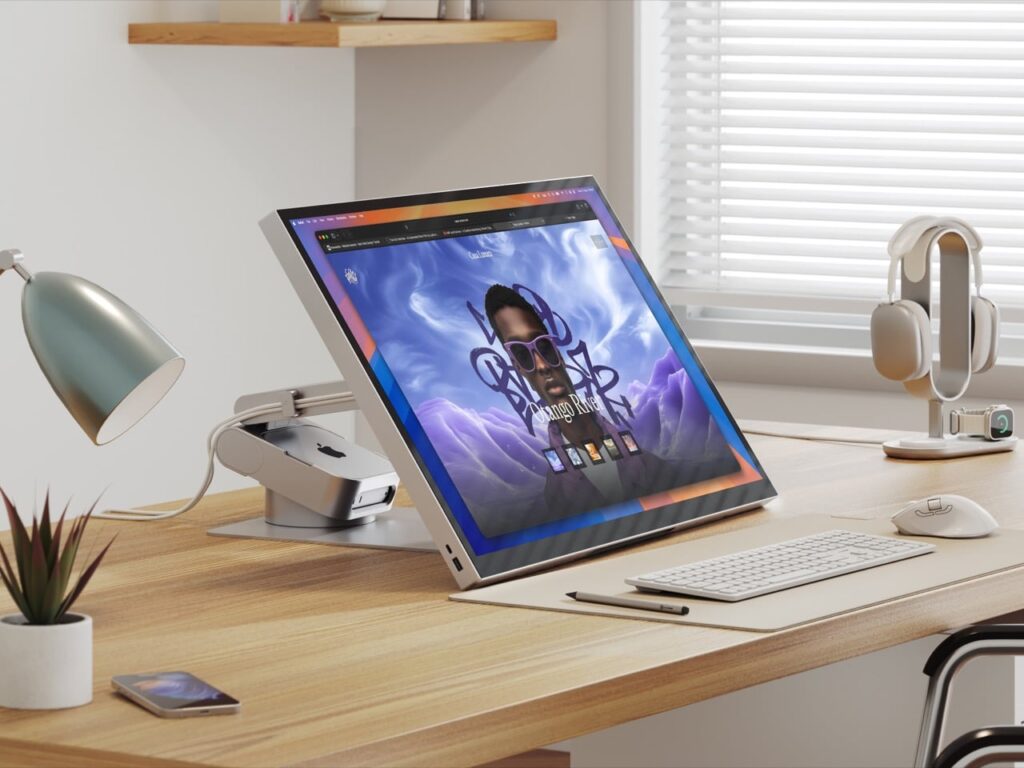
The monitor is expensive, and buying it might kill any desire to build such a config
The monitor works not only as a display but also as a docking station. It features HDMI and DisplayPort inputs, an audio jack, a USB hub with three USB-C and two USB Type-A ports, plus up to 145W power delivery for fast charging phones, tablets, and power banks. An Ethernet port is built in as well, so only one cable runs from the Mac mini to the monitor.
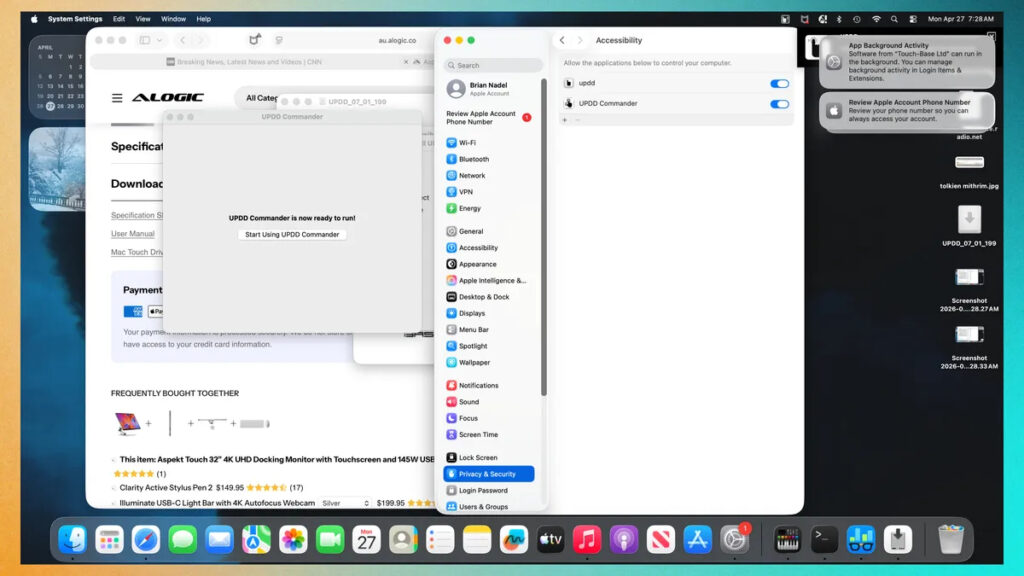
You’ll also have to fiddle with drivers. Without them, touch control simply won’t work
There are also nice extras: 10-point multitouch and stylus support, built-in 2 x 5W speakers on the back of the case. The author notes that the sound is sufficient for news, Spotify music, and casual games — but it’s no replacement for proper speakers.
How to Hide a Mac mini Behind a Monitor Without Extra Cables
It’s the stand that transforms the “monitor + Mac mini” combo into something resembling an all-in-one. The Alogic Omni Fold Stand has a slot for new Mac mini models, where the computer fits entirely. Older Mac mini models don’t fit in this slot — an important detail if you’re planning to replicate this idea with a pre-M4 chip model.
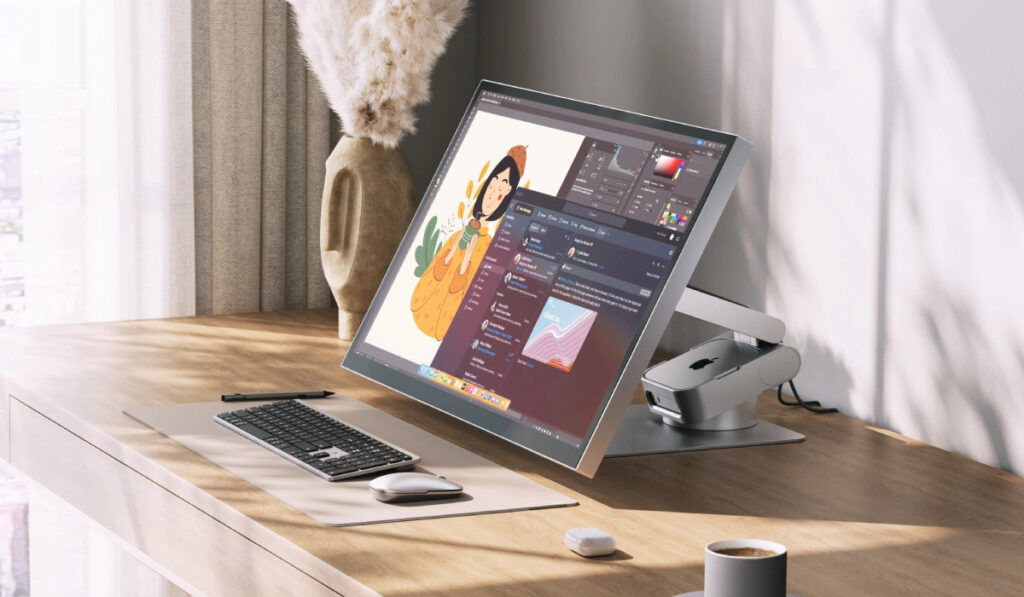
The Mac mini hides in the stand at the back. But keep in mind that only the M4 model will fit
The screen is easily adjustable in height and tilt: it can be laid nearly flat for drawing or set upright for work, video, and games. This is an advantage over the regular iMac, whose adjustability is very limited.
Price of a Touchscreen macOS All-in-One: What’s Included in the Build
The price is the most controversial part of the project. Here’s how it breaks down:
- Mac mini M1 — about $300 on the secondhand market (approximately from 30,000 ₽ in Russia); but it’s better to get the new Mac mini M4, which fits in the stand, for 60,000 rubles
- Alogic Aspekt Touch 32 monitor with the Omni Fold Stand — $1,980 (approximately from 198,000 ₽ in Russia)
- Illuminate webcam — $190 (approximately from 19,000 ₽ in Russia)
- Clarity stylus — $120 (approximately from 12,000 ₽ in Russia), optional
The total is about $2,600 — more than twice the price of a base iMac at $1,300. Converted at the local exchange rate, that’s approximately from 260,000 ₽ in Russia versus 130,000 ₽ for an iMac. For that money, you get a larger screen, touch input, and a more flexible stand, but you lose in resolution and in that “out-of-the-box” all-in-one integrity.
What’s Better: iMac, Mac mini with a Monitor, or iPad
The experiment is interesting, but it can’t be called universal. The build is justified in several cases:
- you genuinely need touch input on macOS — for drawing, PDF markup, or taking notes with a stylus
- you want a large 32-inch screen and a docking station in one package
- a Mac mini is already sitting on your desk and you don’t want to buy a separate all-in-one
If you just need a beautiful desktop Mac “out of the box,” a regular iMac will be cheaper and simpler. And if you need a touchscreen mainly for web browsing and video, it makes more sense to get an iPad — the software there is properly optimized for finger input, which can’t be said about macOS: the system is still designed for a cursor, not for touch.
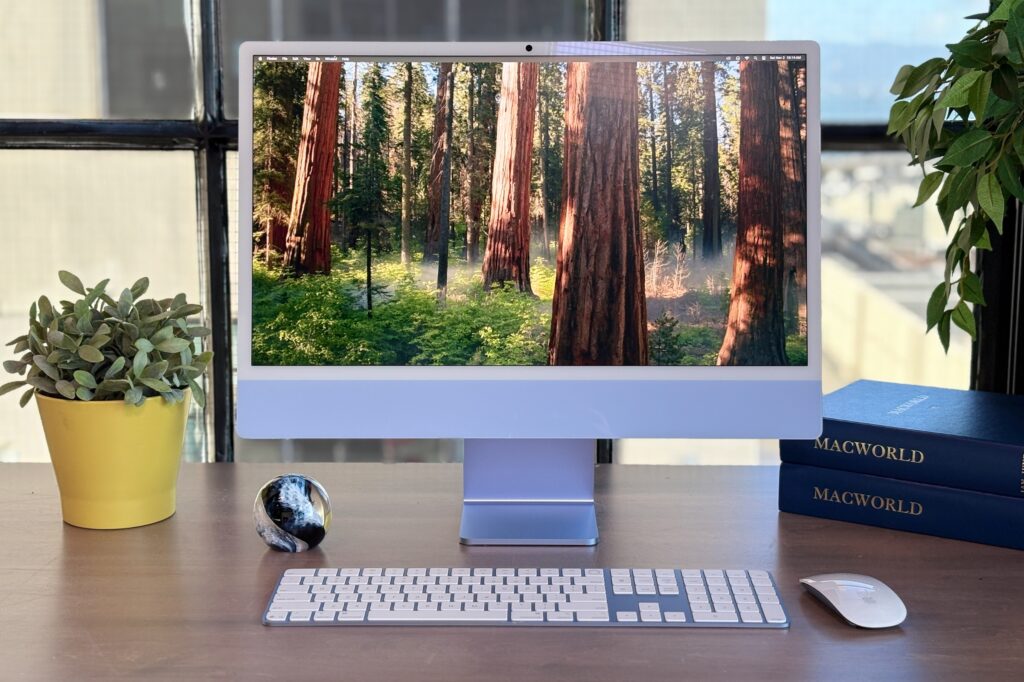
macOS isn’t ready for a touchscreen yet, so there’s no point going crazy with such strange constructions


