A familiar situation: your wireless earbuds died at the worst possible moment, your watch is showing low battery, and there’s no outlet nearby. But you have a smartphone with a decent battery charge — and that’s enough to save any small gadget. Reverse charging helps with this — a feature that turns your phone into an improvised power bank.
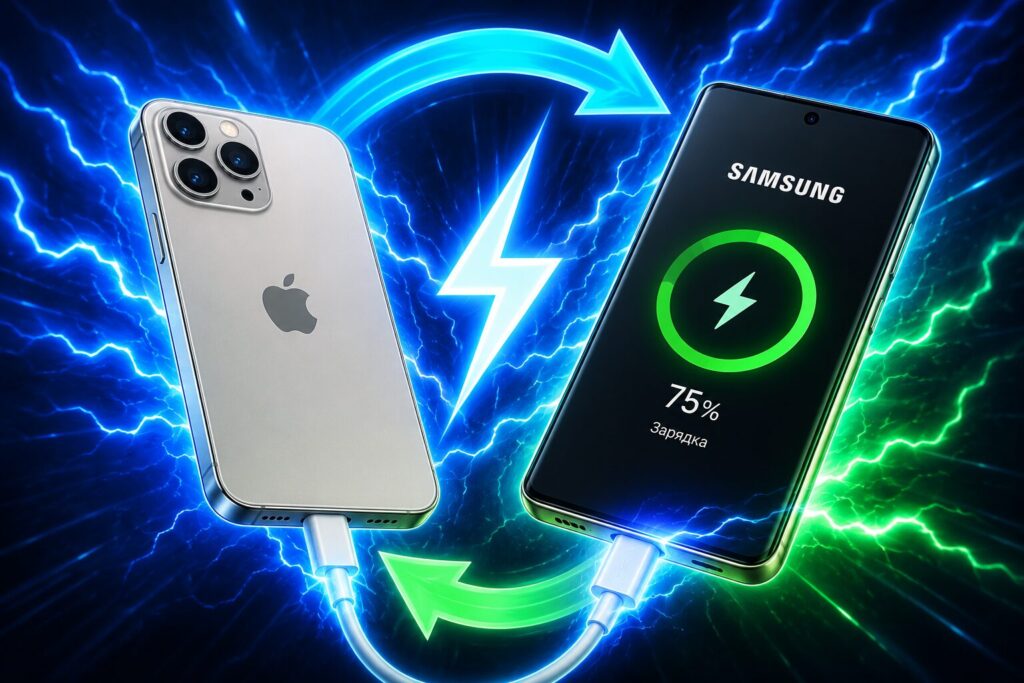
Here’s what you need to know about reverse charging
What Is Reverse Charging in a Smartphone
Reverse charging, or reverse power sharing, is a technology that allows you to transfer energy from your smartphone’s battery to another device. Essentially, the phone itself becomes a power source, like a small external battery.
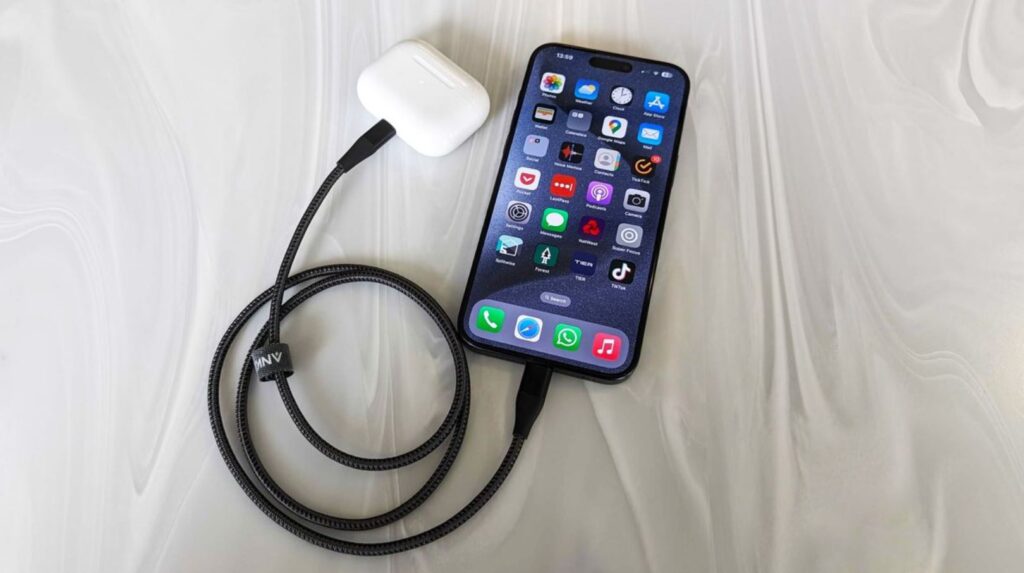
Here’s what you need to know about reverse charging on a phone
This comes in handy in all sorts of situations: charging wireless earbuds from your phone, smartwatches, or a fitness band. Don’t expect miracles — you won’t transfer a lot of energy this way, but topping up your earbuds or watch by a couple dozen percent is easy.
What Types of Reverse Charging Exist
There are two types of reverse charging — wired reverse charging and wireless. The principle is the same, but speed and convenience differ noticeably. Here’s a quick comparison to see the difference at a glance.
| Parameter | Wired | Wireless |
|---|---|---|
| Connection method | USB-C cable | Over the air, via coils |
| Power | Higher, up to 10–20 W and more | Usually 5 W, rarely up to 10 W |
| Speed | Faster, fewer losses | Slower, heats up more |
| What can be charged | Smartphone, earbuds, peripherals | Gadgets with Qi support |
Obviously, reverse charging via cable is more reliable, while wireless is more practical since no accessory is needed.
How Wired Reverse Charging Works
In the wired variant, the smartphone transfers energy through a USB-C cable connected to a second device. This method is more efficient than wireless: there are almost no losses during wired transfer, whereas with inductive charging, some energy is lost as heat. So via cable, the gadget will charge both faster and with less phone heating.
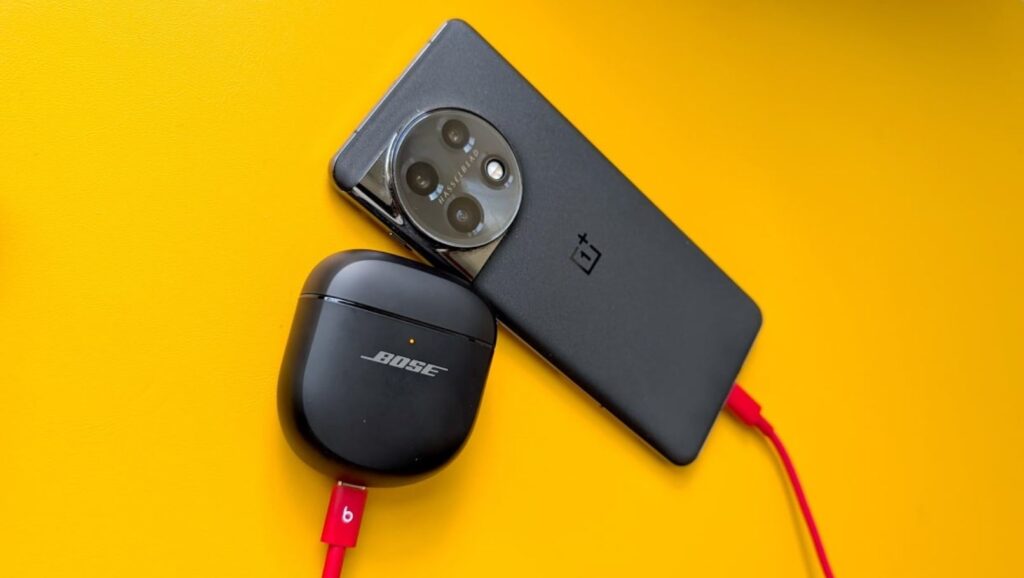
Reverse charging is designed for small accessories, although smartphones can also be charged
This setup doesn’t always charge automatically. You need the right cable. Many smartphones detect the connected device on their own and immediately start sharing charge.
But sometimes the charging direction needs to be switched manually: the phone displays a pop-up window asking who should charge whom, or the desired mode is enabled in settings. If the phone starts charging itself from the connected gadget instead of giving energy, that’s exactly when you need to change the direction.
How to Enable Wireless Reverse Charging
With the wireless option, things are a bit different — the feature almost always needs to be activated manually. To enable wireless reverse charging on Android, do the following.
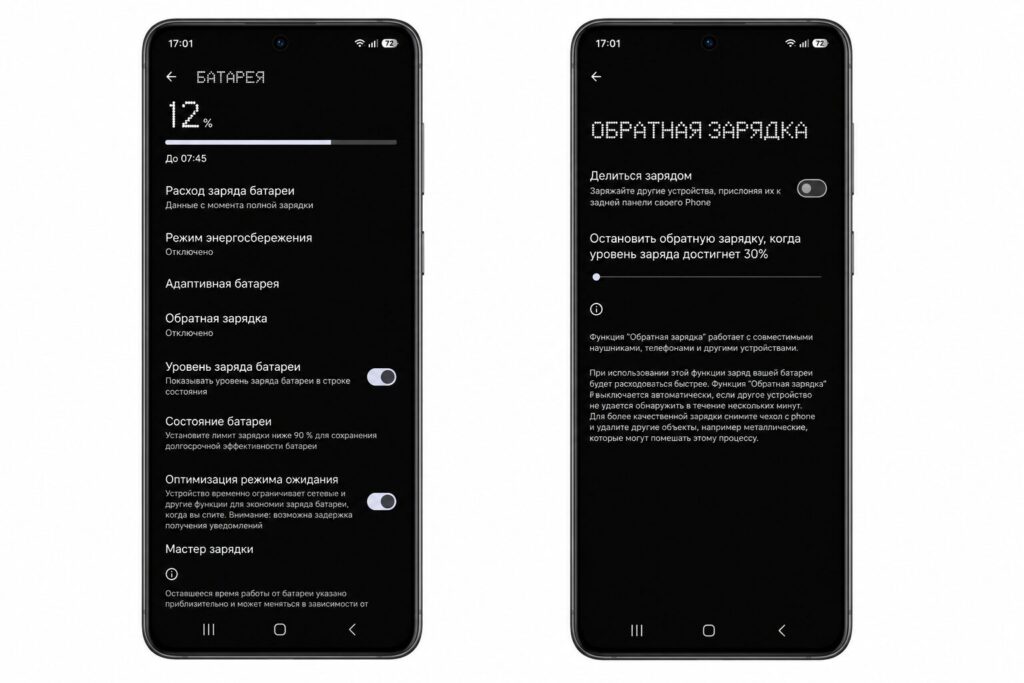
Reverse charging is enabled through battery settings
- Go to Settings.
- Select “Battery.”
- Then find “Reverse Charging.”
- Activate the toggle and also set the battery level at which it will stop.
Often this toggle is also available in the quick settings panel — making it even more convenient to enable the feature. Keep in mind that different brands use different names: Samsung calls it Wireless PowerShare, while other manufacturers use “reverse charging” or “reverse power sharing.”
How to Use Reverse Charging Properly
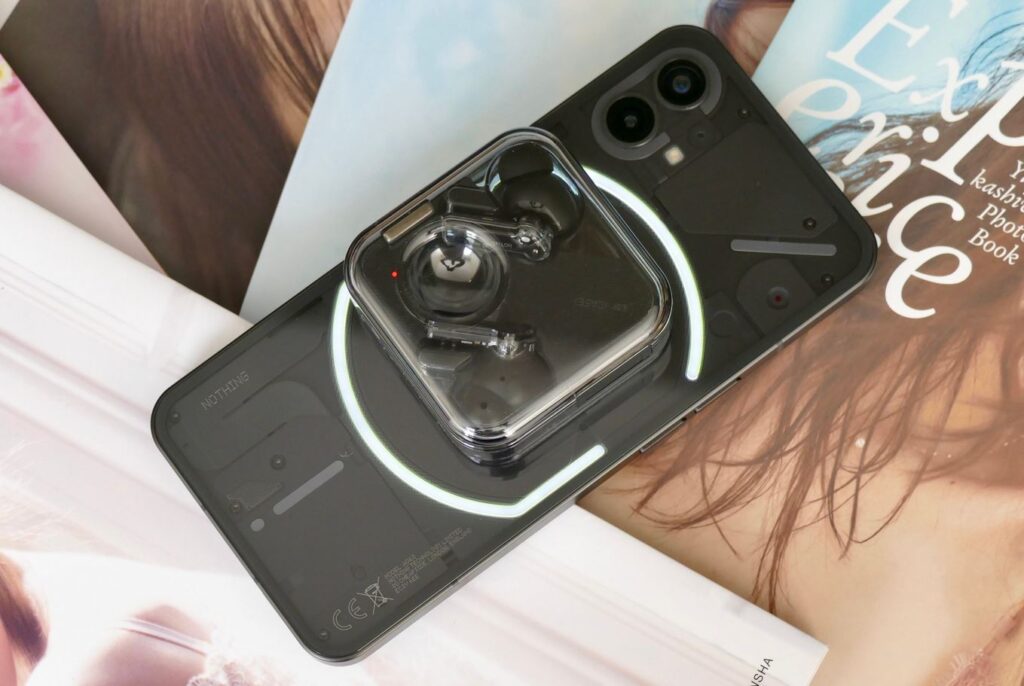
The accessory should lie still
To charge earbuds from your phone, do the following.
- After activation, place the smartphone screen-side down.
- Place the device to be charged in the center of the back panel — where the wireless charging coil is located.
- Both devices must be turned on.
- If the second device isn’t detected after a few seconds, slightly move it to find the correct position.
- When using a cable, the donor smartphone should be charged as much as possible.
A few important notes. Don’t place metal objects between the devices and don’t use the feature on a metal surface. Watch for overheating — during wireless reverse charging, the phone heats up noticeably. On Huawei smartphones, the feature won’t start if the phone itself is charged below 20%, and you can only charge one device at a time.
How to Tell If Your Smartphone Has Reverse Charging
How do you check whether your phone has reverse charging? The most reliable way is to look at the model’s specifications on the manufacturer’s website and search for “reverse charging,” “reverse wireless charging,” or “Wireless PowerShare.” An even simpler way is to place an accessory against the back of the phone and wait for charging to begin. Or connect it via cable to the port.
Another method is to open the quick settings panel and look for the corresponding icon, or use the search function directly in the smartphone’s settings by typing “reverse.” Segment-based estimation also works: previously the feature was found only in flagships, but today reverse charging on Android has reached many mid-range devices as well.
What to Do If Reverse Charging Isn’t Working
If reverse charging isn’t working, it doesn’t mean it’s absent. There’s a simple explanation. For example,


