Apple has released the second public beta of iOS 27, and now any owner of a compatible iPhone can install it. Interestingly, this time they didn’t stick to the two-week interval, waiting just two days. In terms of content, the build mirrors the fourth developer beta. Let’s break down what’s changed in iOS 27 Public Beta 2 and how to install the update without losing anything.
iOS 27 Public Beta 2 is out
What We Know About iOS 27 Public Beta 2
The public beta of iOS 27 was updated to its second version on July 22, and along with it came the second public beta of iPadOS 27. The first build for everyone appeared on July 13, meaning the gap was only nine days. Apple has clearly picked up the pace ahead of the fall release.
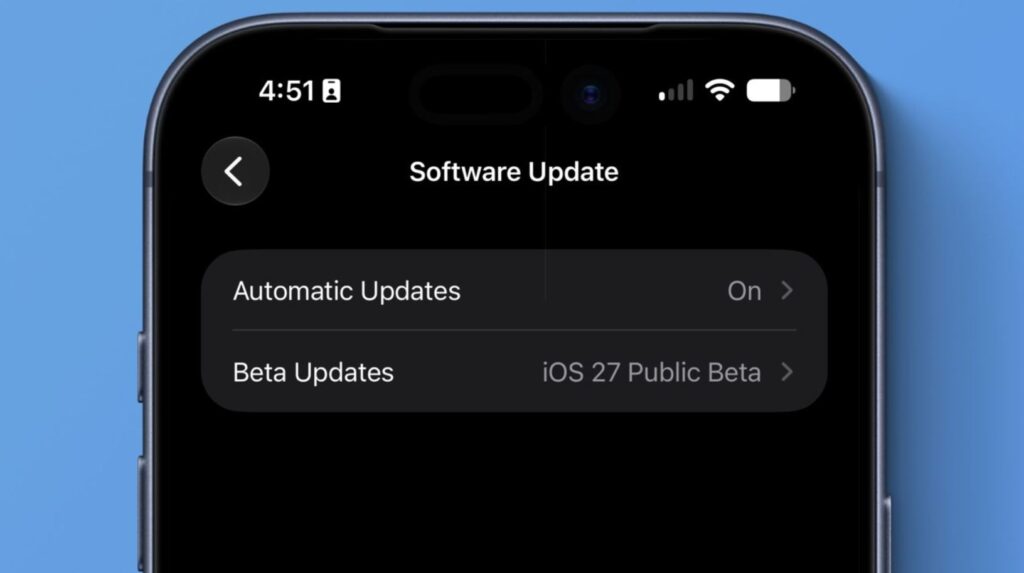
The second public beta is the same as Developer Beta 4
There’s nothing sensational in the changelog, and that’s normal. Public Beta 2 mirrors the fourth developer beta: the company is fixing bugs, improving stability, and polishing what was already shown at WWDC.
The beta can be installed on any iPhone that supports iOS 26. The list of compatible devices includes iPhone 11 and all newer models, as well as iPhone SE second generation and later. Apple Intelligence is a separate story: the neural network features only work starting with iPhone 15 Pro.
How the iOS 27 Public Beta Differs from the Developer Version
Confusion about this comes up constantly, though the difference is simple. The developer beta comes out first and is aimed at those preparing apps for the system’s release. The public beta arrives afterward and is essentially the same build, just open to everyone.
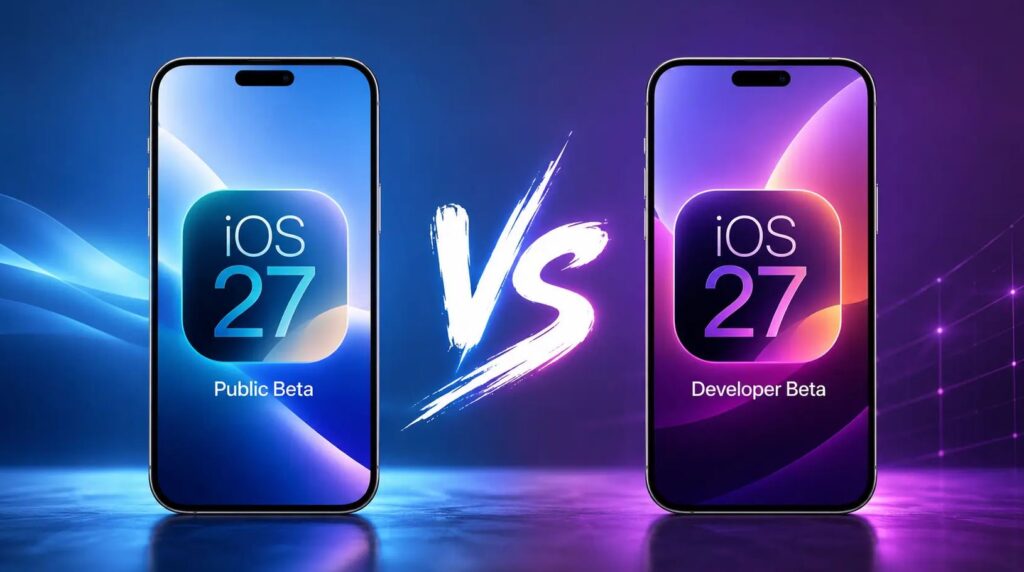
The public version has fewer bugs and is slightly more stable
In practice, the public version of iOS 27 is a bit calmer than early builds: some bugs are caught by developers first. But don’t expect miracles — errors and lag aren’t going anywhere.
Registration in the iOS 27 beta testing program is free; a developer account at $99 per year is no longer required.
AI-Powered Siri: The Main Feature of iOS 27
This is what most people install the beta for. The updated AI assistant can carry on a full conversation, search data in mail, messages, notes, and calendar, understand what’s happening on screen, and perform actions within apps. It feels closer to ChatGPT than the old Siri, which could only send you to search.
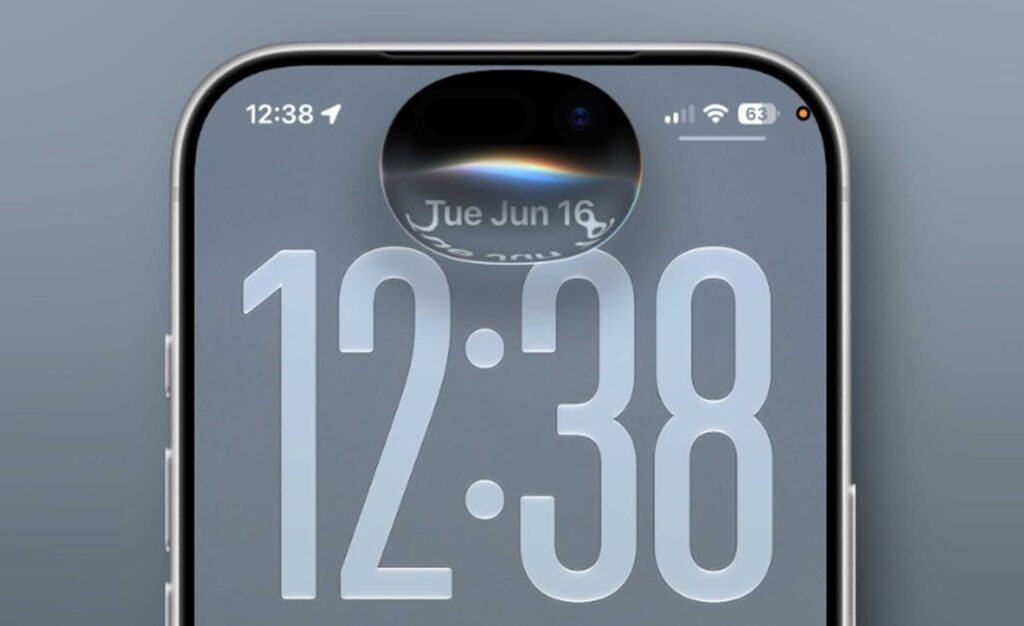
Siri AI is still a work in progress. There are plenty of issues, but it’s getting better
- Responses now pop up from the Dynamic Island, and if you pull the card down, the full conversation opens up. A standalone Siri app with query history that syncs via iCloud has also appeared.
- There are plenty of limitations. AI-powered Siri requires iPhone 15 Pro or newer, works only with English at launch, and doesn’t roll out immediately in the EU. Some of the heaviest on-device computations are only available to owners of iPhone 17 Pro, 17 Pro Max, and iPhone Air.
- A useful detail for those annoyed by the assistant’s speech patterns: Siri settings now include a “Voice” section where you can adjust tempo and expressiveness. These same parameters affect prompts in Maps and Safari.
iOS 27 Runs Faster Even on Older iPhones
Apple claims that apps launch up to 30% faster, nearby AirDrop file transfers have sped up by up to 80%, and fresh photos appear in the Photos app up to 70% faster.
The company optimized the CPU task scheduler all the way down to iPhone 11, so the improvement will be felt not only by owners of newer models. Unlocking, home screen scrolling, Control Center scrolling, and switching lock screens have all become smoother. The camera in low power mode also opens faster.
Switching between Wi-Fi and cellular has been separately improved: the iPhone no longer clings to a weak home router when you leave the apartment. Search in Spotlight, Photos, and Mail has been rewritten from scratch — Mail now shows up to five most relevant results.
What Else Is New in iOS 27 Public Beta
There are so many minor changes in iOS 27 Public Beta 2 that they add up to a substantial list:
- A Liquid Glass adjustment slider in the “Appearance” section.
- Visual Intelligence has moved to the Camera app and can estimate meal calories, split a restaurant bill, and turn a loyalty card barcode into a Wallet pass.
- Photos now includes Clean Up, Extend, and Spatial Reframing tools — the latter changes the angle of a shot after it’s been taken.
- Safari automatically organizes tabs by topic and can monitor a page to notify you when an item comes back in stock.
- Passwords automatically changes weak and compromised passwords.
- Shortcuts can be built by describing them in plain language.
- AirPods now have a customizable equalizer with bass, mid, and treble controls.
- Alarm volume has been separated from the overall system volume.
- XL-format widgets take up an entire home screen page.
- Any video frame can be saved as a photo with a single tap.
- Screen Time and parental controls have been completely redesigned: category-based limits, weekday and weekend schedules, and website access requests have been added.
How to Install the iOS 27 Public Beta on iPhone
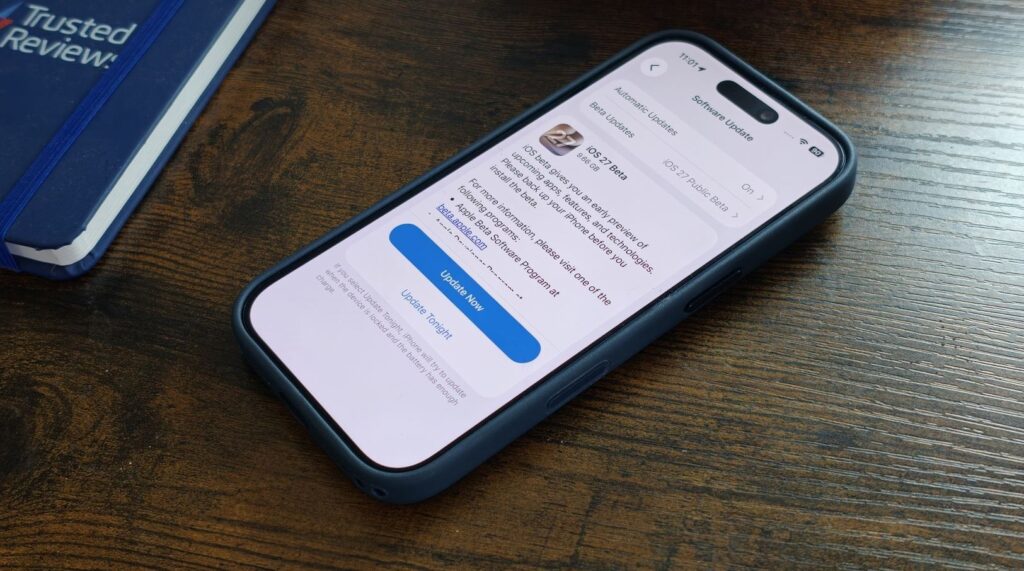
A beta version of iOS is always a compromise: fresh features in exchange for instability at the worst possible moment. Installing the second public beta of iOS 27 makes sense if you like testing new things, own an iPhone 15 Pro or newer, and want to try AI-powered Siri before everyone else.
Don’t rush the installation and think it through
Those who have only one iPhone that doubles as their work phone should wait. On the beta, banking apps may glitch and corporate messengers may act up, the battery drains noticeably faster, and some services simply refuse to launch until the official release. Here’s how to download iOS 27:
- Make a backup of your iPhone to iCloud or a computer: rolling back from the beta without a full reinstall isn’t possible.
- Go to Apple’s beta testing program website and register with the same Apple Account you use on your phone.
- Open Settings, go to “General,” then “Software Update,” and select “Beta Updates.”
- Choose the iOS 27 Public Beta option, return to the update screen, and tap “Download and Install” when the build appears in the list.
Apple itself recommends keeping the beta on a secondary device, not your primary one. If you don’t have a spare iPhone, there’s even more reason not to rush: the final version will come out this fall and will bring exactly the same features without surprises.
By the way, if you encounter a bug in the beta, submit a report through the built-in Feedback Assistant app — this significantly increases the chances that the issue will be fixed before release.


