Apple has released iOS 27.3 Public Beta 1, so anyone who joins its beta program can now try the next iPhone update, not just developers. Since the developer beta arrived, testers have found more changes than expected. These include vertical tabs in Safari, wider StandBy availability and the return of the Insights and Longevity tabs in Health. Some changes are useful even on older iPhones. Still, a public beta is test software and is not guaranteed to be stable. The source author recommends installing it only on a spare iPhone. Below is how the public beta differs from the developer build, what’s new, how to install it and when the final release is expected.
What you need to know
- iOS 27.3 Public Beta 1 is available through the Apple Beta Software Program, after an earlier release for developers.
- Safari gains vertical tabs, automatic darkening for sites without a dark theme, and a Global Privacy Control setting.
- A known issue lets Siri AI sometimes show app information without asking to unlock the iPhone, even when the developer has set that restriction.
- The final iOS 27.3 release is expected in December 2026, and features in the beta may still change or be removed.
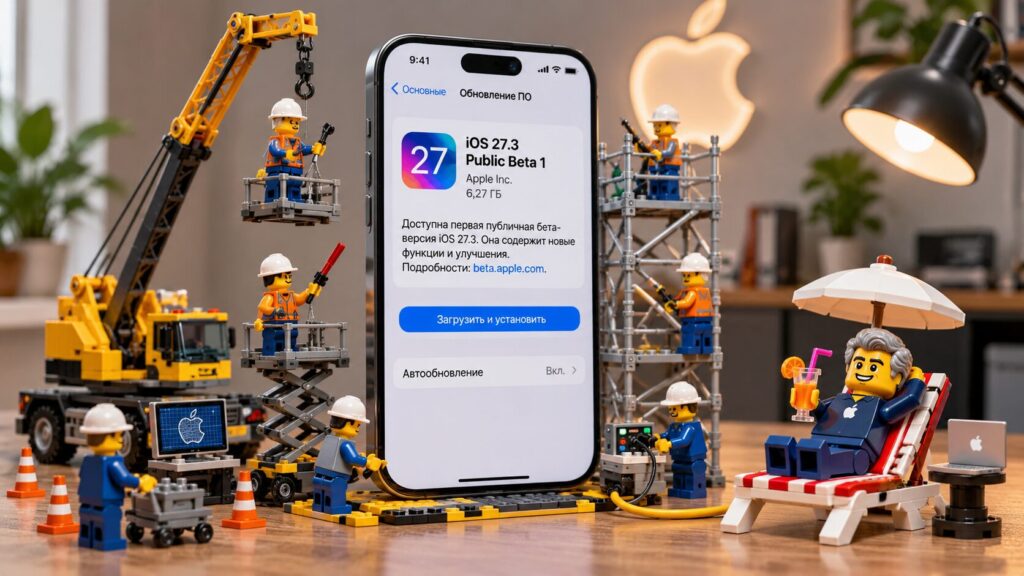
The first public beta of iOS 27.3 has been released
The update is now open to everyone
Until now, only developers and Apple Developer Program members could install iOS 27.3. Apple has now started public testing for regular users. The main difference is the approach to testing. The Developer Beta comes first, so developers can check app compatibility in advance. The public version is released later, after Apple has received initial bug reports and assessed the state of the system.
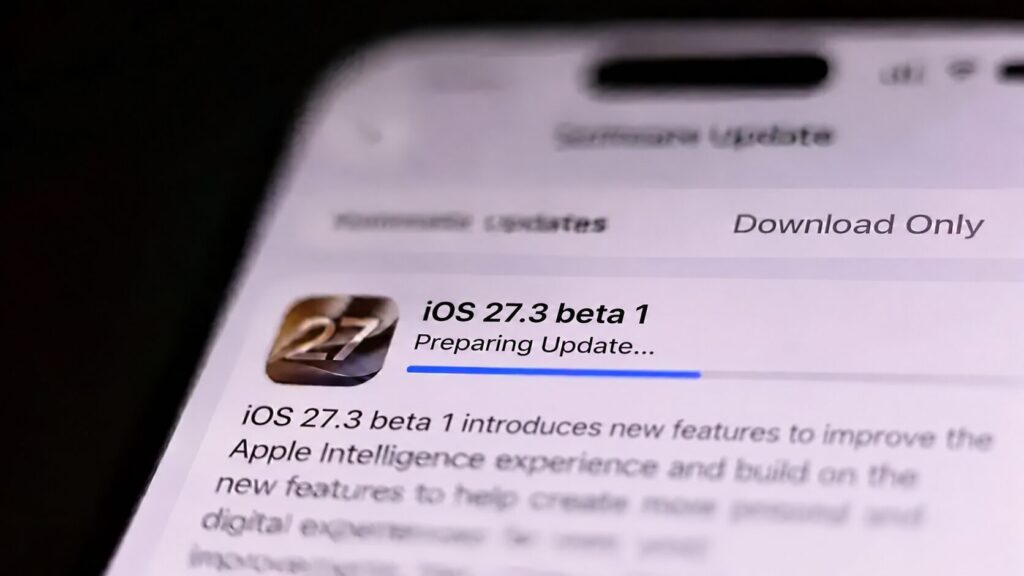
Downloading the iOS 27.3 beta on an iPhone
That does not mean every problem has been fixed. Developers and public testers sometimes receive almost identical builds with the same build number. The Public Beta is safer mainly because it has gone through extra checking. It is not guaranteed to be free of bugs.
How to install iOS 27.3 Public Beta 1
First, sign up on the Apple Beta Software Program website with your Apple ID. Then follow these steps:
- Open Settings on your iPhone.
- Go to General, then Software Update.
- Tap Beta Updates.
- Select iOS 27 Public Beta.
- Go back and install iOS 27.3 Public Beta 1 when it appears.
If the public beta option does not appear, check that your iPhone is signed in with the same Apple ID you registered in the beta program.
More has changed than expected
After the developer version was released, enthusiasts found several dozen changes. According to the source, only some of them will matter to most iPhone owners.
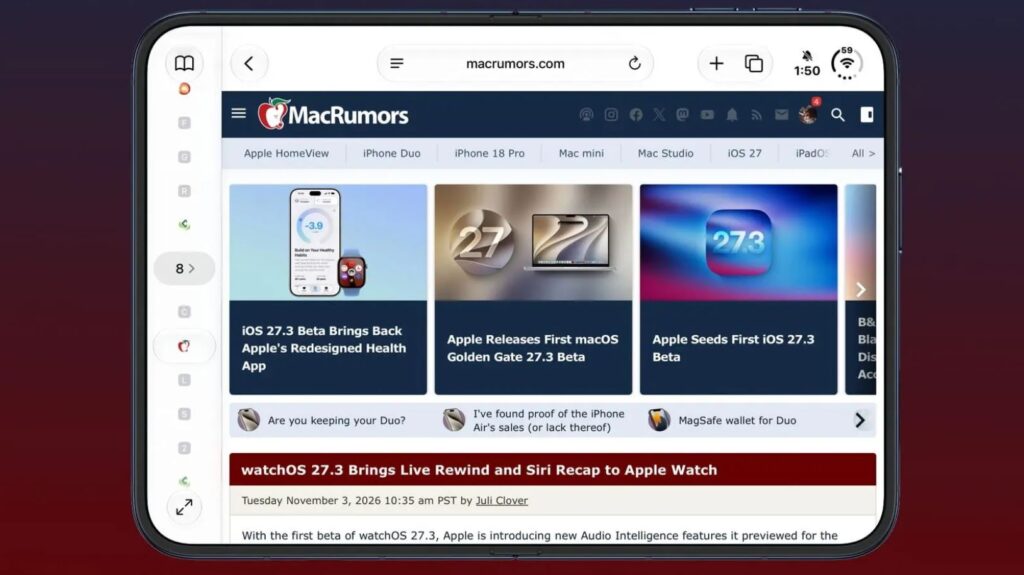
The updated Safari interface in iOS 27.3
First, Safari now has vertical tabs. It can also automatically darken websites that lack a dark theme, and it adds a Global Privacy Control setting to limit data sharing. Other notable changes include:
- StandBy is now available on all iPhones running iOS 27. It adds more clock styles, a calendar, a weather forecast and a refreshed photo design.
- Health brings back the Insights and Longevity tabs. These help users analyze body metrics, and a Health Age feature estimates biological age.
- iPhone Duo gets a new Reachability gesture on its outer display. Apple has also moved some keyboard buttons.
- The VPN toggle in Control Center can now choose between several connections instead of turning on only the last one used.
- Apple Music adds Selfie Sing for recording karaoke videos, and the Weather app gets updated interface elements.
Siri AI has also changed. The assistant gains extra actions in 14 built-in apps, including Mail, Safari, Photos and Calendar. According to the source, Siri AI still does not support Russian.
Under-the-hood changes for apps
Some changes cannot be found in Settings. Apple’s official documentation lists improvements to system features that third-party apps rely on. One example is support for group subscriptions in the App Store. Developers will be able to sell access to several users at once and invite them to a single subscription.
Other changes affect how unknown phone numbers are identified and how web addresses are filtered. Apple has also reworked how it handles secure requests, so third-party services can use the updated system features.
A known Siri AI issue
Some problems remain. In particular, Siri AI can sometimes show information from an app without asking the user to unlock the iPhone, even when the app’s developer has required it. Apple is aware of the issue but has not yet said it has been fixed.
Features that may still arrive, or disappear
Despite the long list of changes, some features are still unfinished. One is automatic replacement of unsafe passwords. The idea is that the iPhone would update compromised passwords by itself on compatible websites. The source does not say when, or whether, this will ship.
Another area is the expansion of Apple Intelligence in China. Text, photo and notification features are gradually becoming available there, but the full Siri AI is not part of the initial launch for now.
The contents of the update may still change. Apple unexpectedly removed the redesigned Health app from the fourth beta of iOS 27.2. Seeing a feature in a beta therefore does not guarantee it will be in the final release.
Should you install iOS 27.3 now?
For most iPhone owners, the public version is usually a better choice than the Developer Beta. Apple releases it after the first stage of testing, so serious problems may be less likely. However, the first public beta is still test software and may behave unpredictably.
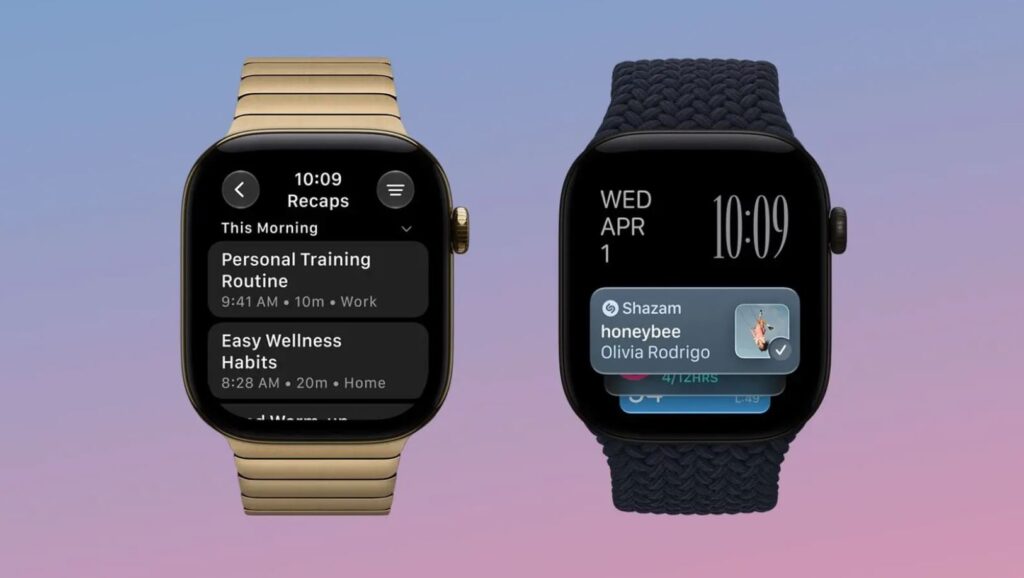
To get new Apple Watch features, you will also need to update your iPhone
Battery life deserves particular caution. The source publication previously compared iPhone battery life across iOS versions and reports that updates can noticeably affect battery drain. According to the source, these problems are even more common in beta software.
The source author recommends installing iOS 27.3 Public Beta 1 only on a spare iPhone. If you do not have a second device, the author advises staying on stable software. The source also reports that Apple is preparing iOS 27.2.1 with bug fixes. The final iOS 27.3 release is expected in December 2026.