On April 27, Apple released iOS 26.5 beta 4 — the fourth developer build that is increasingly looking like the final release with each passing week. No breakthrough innovations were expected — and indeed there are none. However, Apple continues to squash bugs, improve performance, and prepare the system for public launch. Here’s what’s new in iOS 26.5, when to expect the stable version, and why right now it’s wiser to stay on iOS 26.4.2.
New beta version of iOS 26.5 released
New Features in iOS 26.5
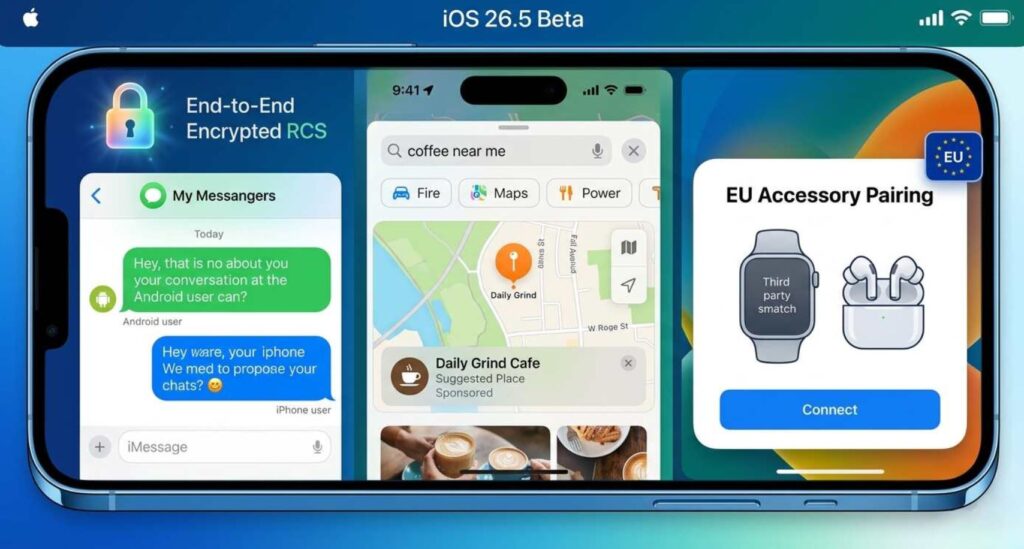
The set of new additions is rather slim
The feature set of iOS 26.5 was established in the first betas and hasn’t changed since. In the previous build, Apple focused on refinement rather than adding features — and that continues now. Here’s the full list of what will be included in the final release:
- End-to-end encryption for RCS — messages between iPhones and Android smartphones via the RCS protocol now receive the same protection as iMessage. The toggle is in Settings — Messages — RCS. In Russia, the feature is currently useless: carriers don’t support RCS.
- Suggested Places in Apple Maps — Maps now recommends interesting places nearby based on popular queries and your search history. For Russian users, this isn’t very useful — Yandex Maps and 2GIS do this incomparably better.
- Ads in Apple Maps — Apple has built the technical foundation for paid ads in Maps search results. Launch is set for summer 2026 in the US and Canada, with ad cards labeled “Ad.”
- Monthly subscription with annual commitment — App Store developers can now offer subscriptions with monthly billing but a 12-month commitment. A compromise for those put off by a one-time annual payment.
- Live Activities for third-party devices — in EU countries, smartwatches and accessories not made by Apple will receive dynamic notifications from iPhone. Timers, delivery statuses, sports broadcasts — everything just like on Apple Watch. Not yet available in Russia.
- Flexible data transfer to Android — when migrating from iPhone, you can specify the time period for exporting message attachments: 30 days, one year, or everything.
Bonus: “Year in Review” in Apple Books — the app is preparing a feature with reading statistics for 2026, achievements, and awards. A small but pleasant addition if you use the app regularly.
When Will iOS 26.5 Be Released
The iOS 26.5 release date hasn’t been officially announced, but Apple follows the same rhythm year after year. iPhone updates of the fifth iteration consistently land in mid-May. We doubt this tradition will be broken in 2026.
- iOS 18.5 — May 12, 2025
- iOS 17.5 — May 13, 2024
- iOS 16.5 — May 18, 2023
- iOS 15.5 — May 16, 2022
- iOS 14.5 — April 26, 2021
With the exception of iOS 14.5, which slipped through at the end of April, all releases fall within the May 12–18 window. Given today’s fourth beta, there’s still an RC build ahead — meaning the final iOS 26.5 for everyone will be released May 12–19, 2026. Plenty of time to prepare for the update!
Should You Download iOS 26.5 Beta 4
In short — no. The fourth beta is noticeably more stable than the first builds, but it’s still test software with all that entails: unpredictable battery drain, random app crashes, and occasional interface glitches. Banking apps, which already work in a “pray and hope” mode in Russia, may behave even more erratically on the beta.
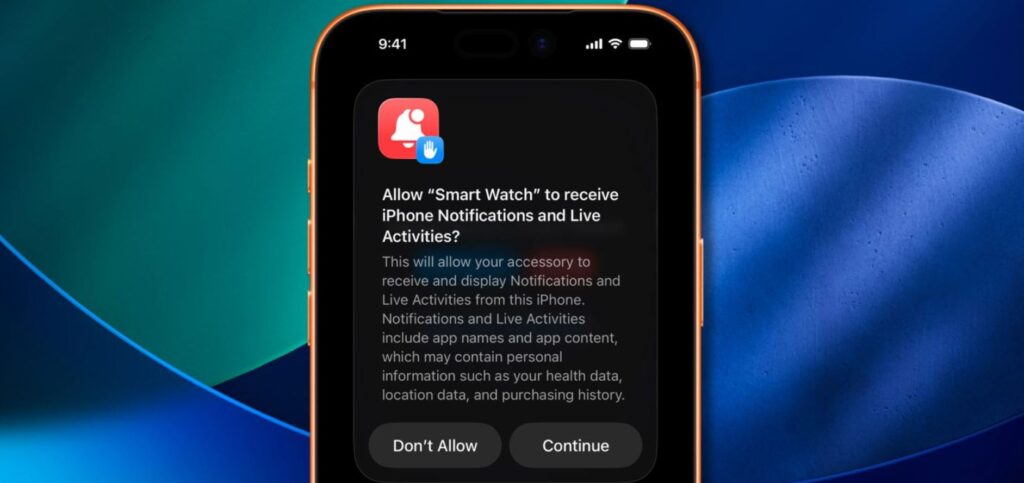
The beta version has no important new features worth updating for
Instead of the beta, install iOS 26.4.2 — it was released just days ago and patches a serious vulnerability that allowed deleted notifications to be extracted from iPhone memory. Additionally, according to battery life tests, iOS 26.4.2 restored nearly an hour of battery life to iPhone 13 that was lost in previous builds. There are only two to three weeks until the iOS 26.5 release — it’s easier to wait for the stable version.
How to Install iOS 26.5 Beta 4
If you’ve decided to take the risk anyway, install it on a spare iPhone at least. This way the chance of damage and data loss will be lower. You can download iOS 26.5 beta 4 through the beta testing program:
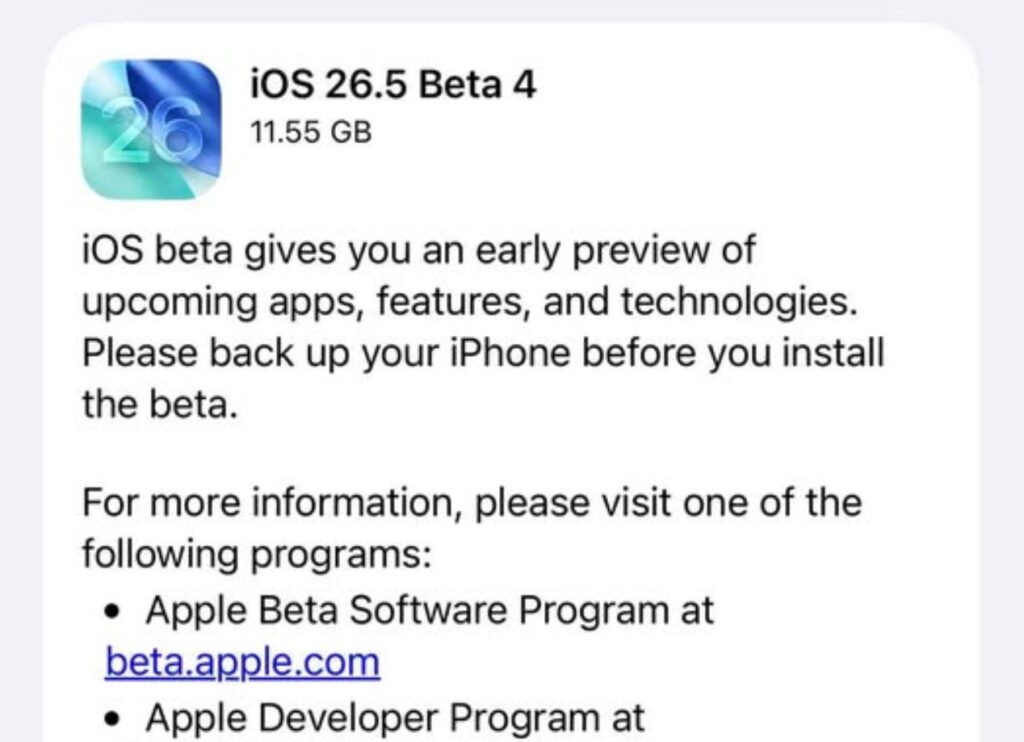
The new beta version is already available in iPhone settings
- Register for the Apple Developer Program if you haven’t already.
- On your iPhone, go to Settings — General — Software Update.
- Tap “Beta Updates” and enable iOS 26 Developer Beta or iOS 26 Public Beta.
- Wait for the build to download and tap “Download and Install.”
Before installing, make sure to create a backup via iCloud or Finder — rolling back from a beta to a stable version without a full reset is not possible. And remember: the final iOS 26.5 is just around the corner. Patience is your iPhone’s best friend.


