Sometimes you don’t need a powerful computer or free disk space to be happy. It’s enough to open a browser and go back to 1995, when orcs and humans were fighting over Azeroth, and strategy games gathered the whole family around the monitor. A Russian developer has released a browser version of Warcraft II that runs literally everywhere: on Mac, iPhone, iPad, and even on an old laptop. Let’s figure out what this version is and how to launch it in a couple of minutes.
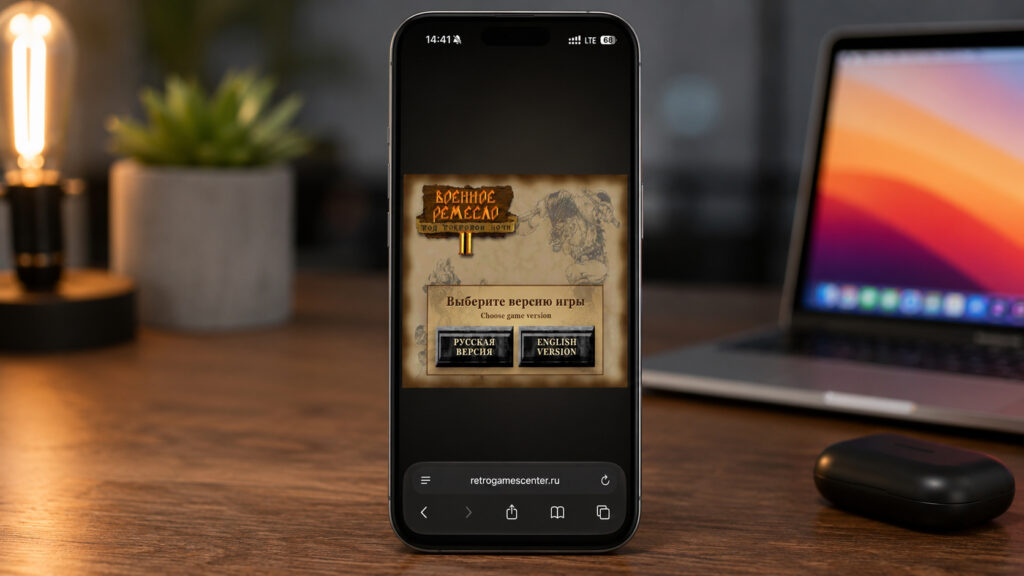
Warcraft 2 is available in the browser on any device
Features of the Browser Version of Warcraft II
The project launch was announced by a developer under the nickname “Fifty-Fourth.” He has been working on porting old games for a long time and simply polished his previous project. It’s based on the open-source fan-made Stratagus engine, which enthusiasts have been using for years to maintain an improved version of Warcraft 2. The author openly states that this is the best version of the game you can currently play in a browser, and it’s hard to argue with him.
Inside you’ll find the original campaigns and the expansion Beyond the Dark Portal. This isn’t a stub with a single mission — it’s the full game in its entirety. Plus, several improvements have been added on top that were nowhere near the original.
- More flexible difficulty settings, in case the old balance feels too brutal.
- Improved controls, especially noticeable on large maps.
- Reworked unit interaction — they behave less awkwardly when selected.
- Support for any screen resolution, from smartphone to widescreen monitor.
- Custom maps in Skirmish mode.
The language version selection was a particularly nice touch. You can launch the full Russian build with that classic pirated voice acting from childhood, or the original English version if you prefer authenticity.
System Requirements for Warcraft II in the Browser
The requirements are laughable by modern standards. You need any modern browser: Safari, Google Chrome, Microsoft Edge, Yandex Browser — there’s almost no difference. The game runs on an engine that compiles directly in the browser, so it doesn’t care what operating system you have.
Hardware-wise, there are no “sell a kidney” requirements either. Any reasonably modern computer, smartphone, or tablet will do. A MacBook Air on M2 runs the game without any issues, and on iPhone everything runs smoothly without drops. The only thing you’ll actually need is about 100 MB of free space for the game cache in the browser.
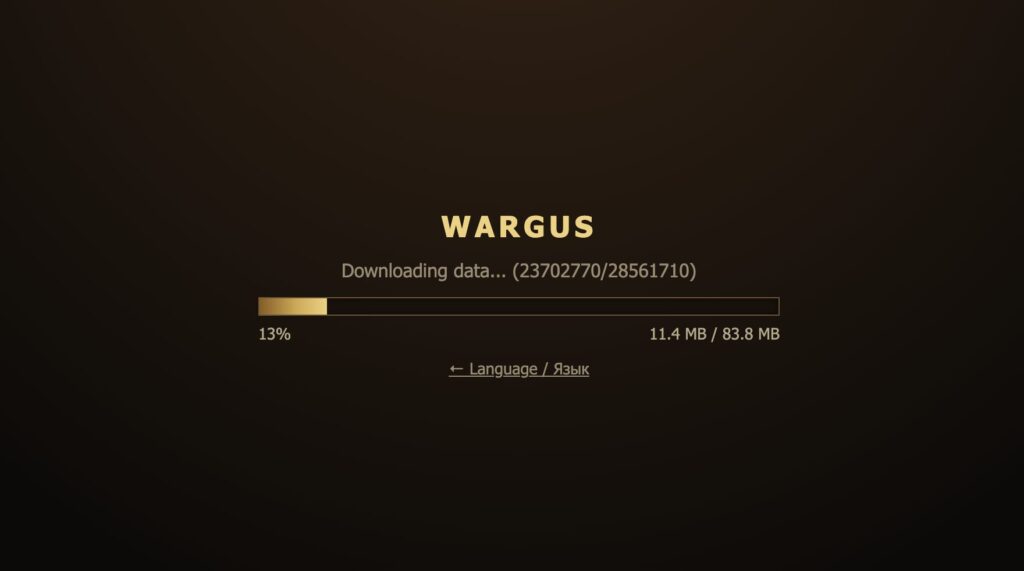
Be prepared for the game to download about 100 MB
No installation is needed at all. No emulators, no disk images, no fiddling with settings. You open the link, wait for it to load, and play.
How to Launch Warcraft II on iPhone
The mobile version was the most surprising. A 1995 strategy game on a touchscreen sounds like a dubious idea, but the developer adapted the interface for touch, and it’s genuinely comfortable to play. Tested on iPhone 16 Plus — everything works as it should.
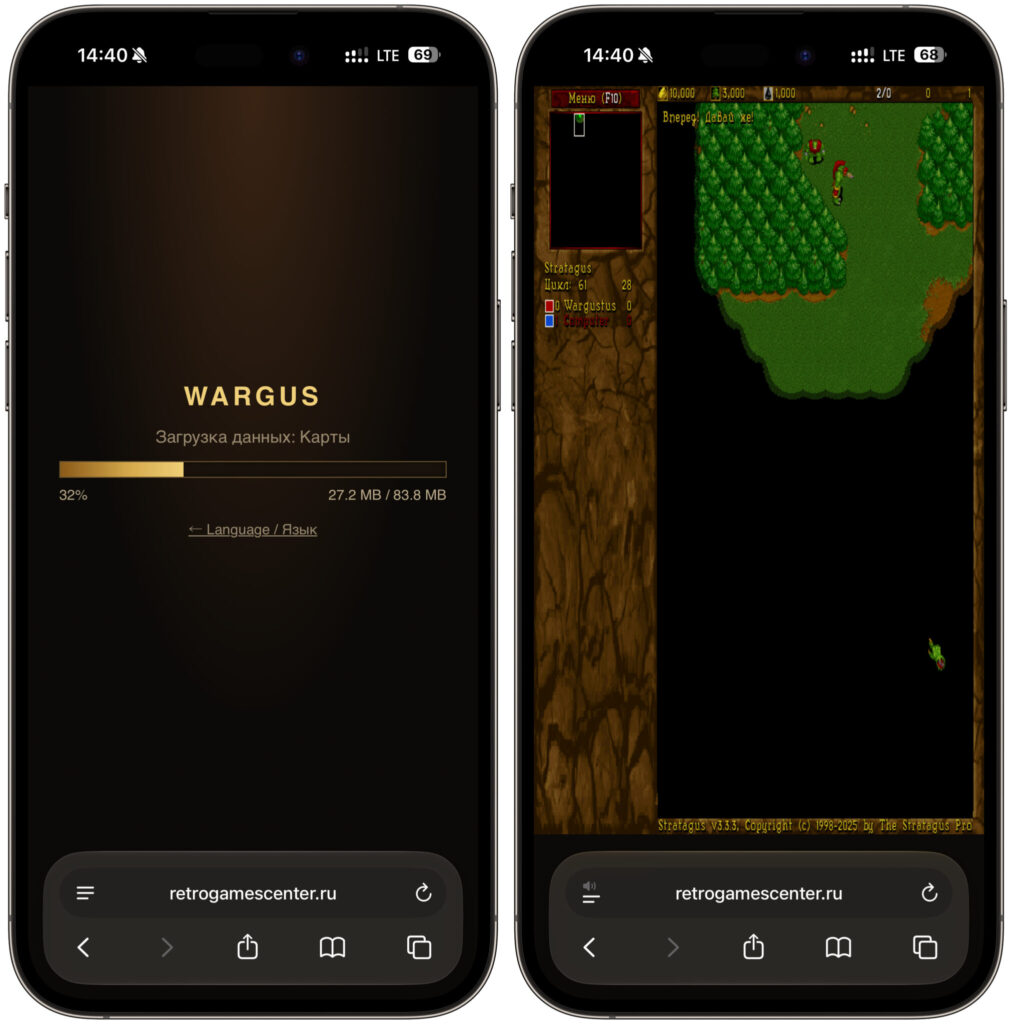
The game will download files and launch
- Open Safari or another browser on your iPhone or iPad.
- Go to the game website and wait for it to load.
- Make sure your device has at least 100 MB of free storage.
- Enable auto-rotate so you can play in landscape orientation.
- Choose the language version: Russian with voice acting or the original English.
- Launch a campaign or Skirmish mode and start building your base.
Auto-rotate matters here: in landscape mode the map is fully visible, and the control panel doesn’t eat up half the screen. You can play in portrait too, but the view will be smaller. For comfort, I recommend adding the page to your home screen via the “Share” menu — the game will open like a regular app, without the address bar at the top.
Launching Warcraft II on Mac
On a computer everything is even simpler, because mouse and keyboard are perfect for a strategy game. No struggling with finger-aiming, just the classic nineties experience.
- Open Safari, Chrome, or Edge on your Mac.
- Go to the game page and wait for the resources to load.
- Go to the “Options” section in the game’s main menu.
- Open the “Video” tab and check the “Fullscreen” box.
- Adjust the difficulty to your preference in the corresponding settings section.
- Choose the campaign for humans or orcs and go ahead.
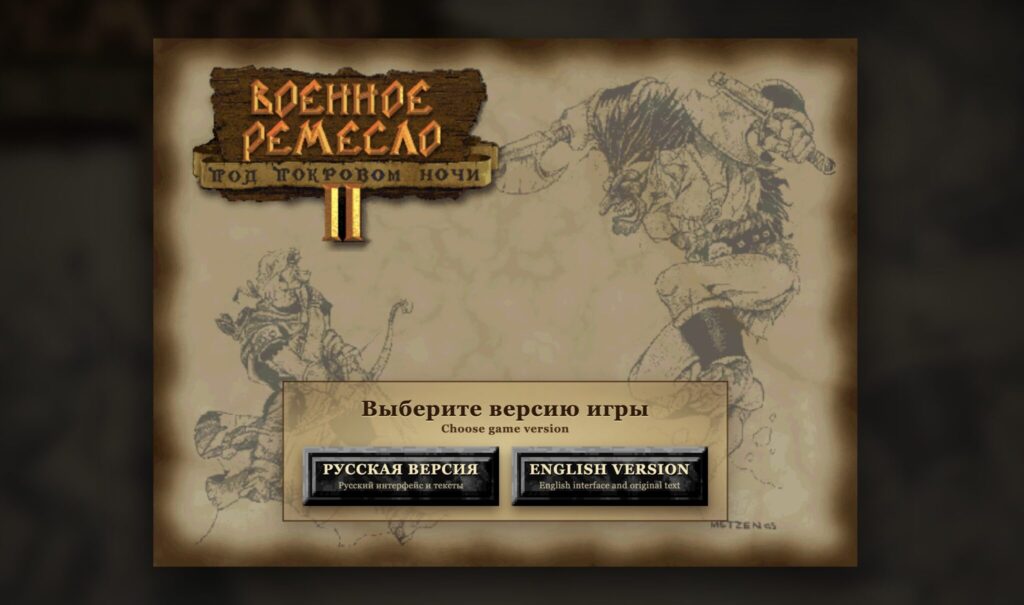
Choose the desired language
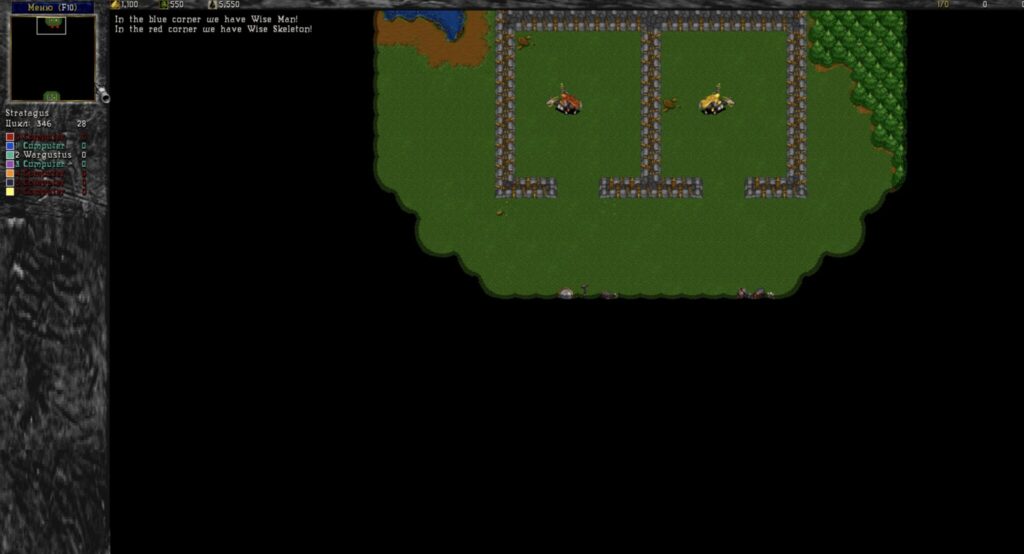
Enjoy playing
Fullscreen mode changes the experience dramatically: the browser tabs disappear, and only the game remains. On a 13-inch MacBook Air, the image scales without blur because the engine supports any resolution.
Saves are stored in the browser’s memory, so don’t clear your cache unnecessarily, or your campaign progress will be lost. And yes, Skirmish mode with custom maps works exactly the same as in the desktop version — you can send the link to a friend and have a contest over who builds barracks faster.